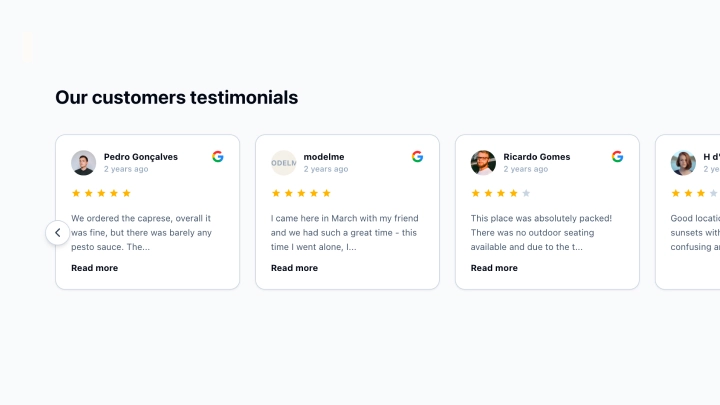
Modern Google Reviews Badge

Use this template

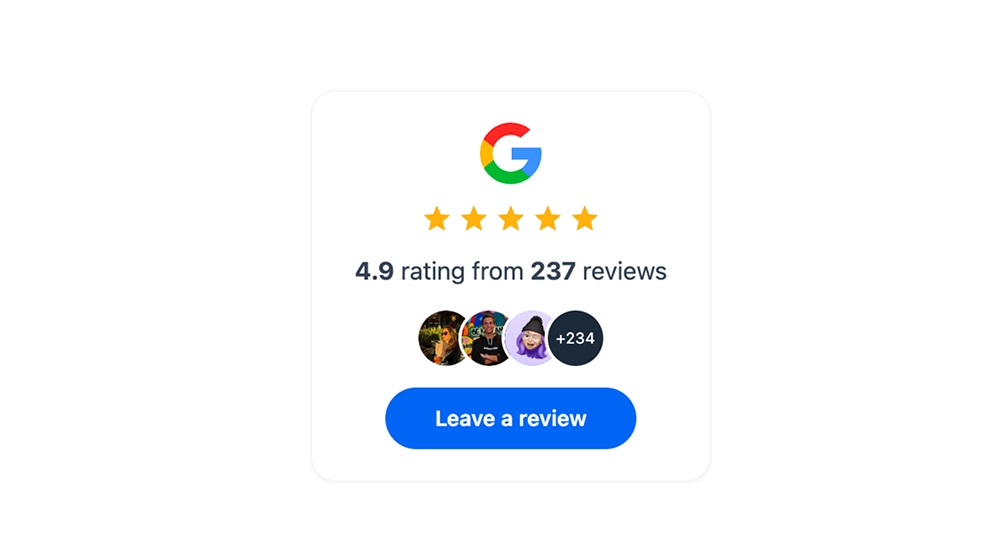
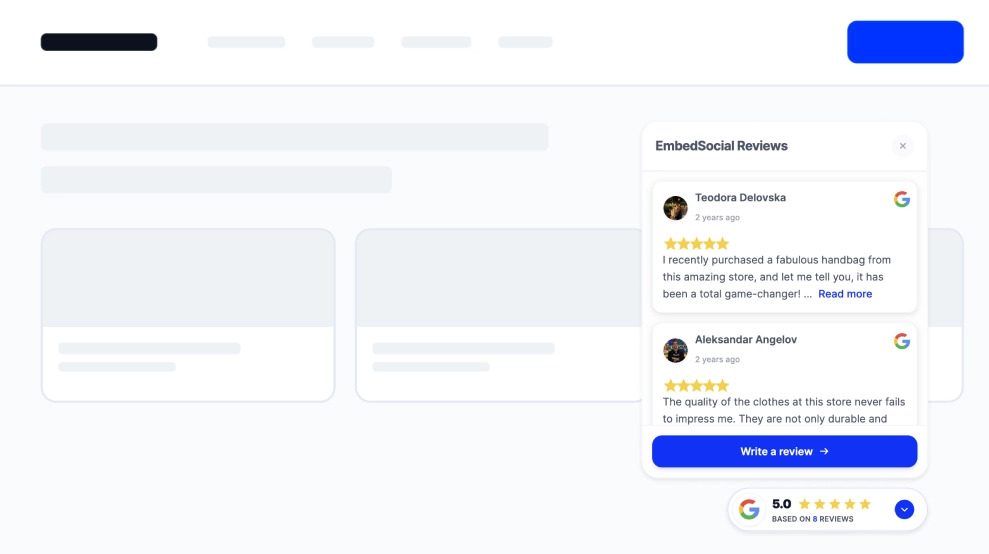
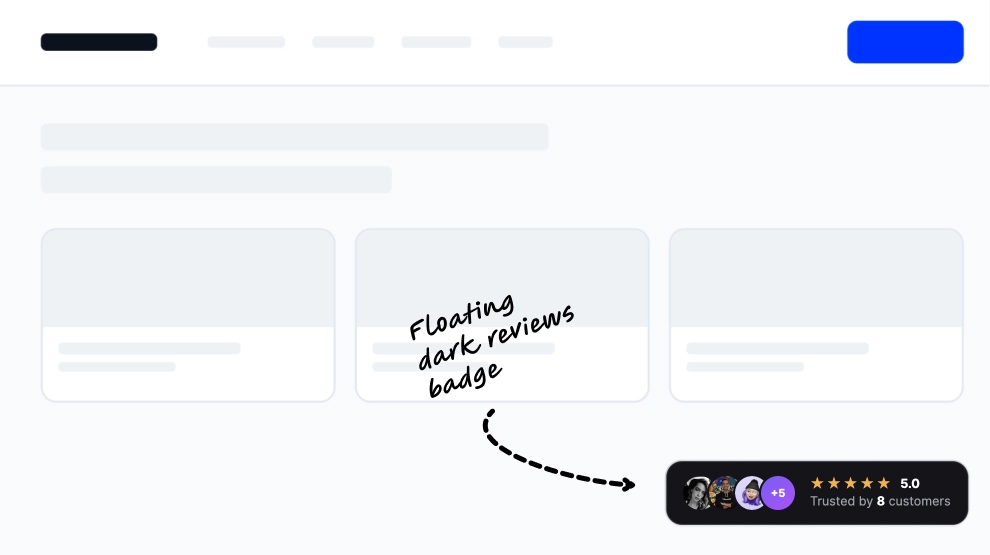
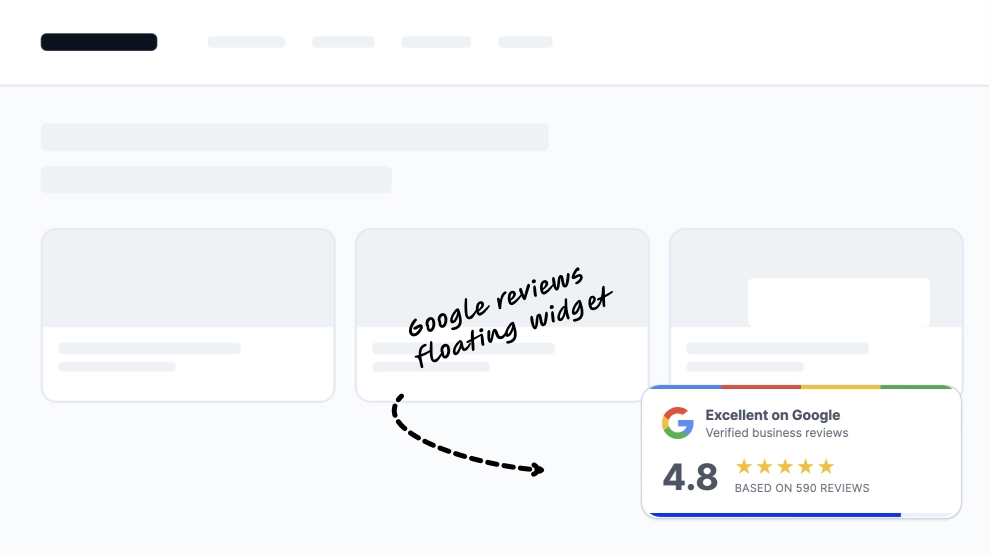
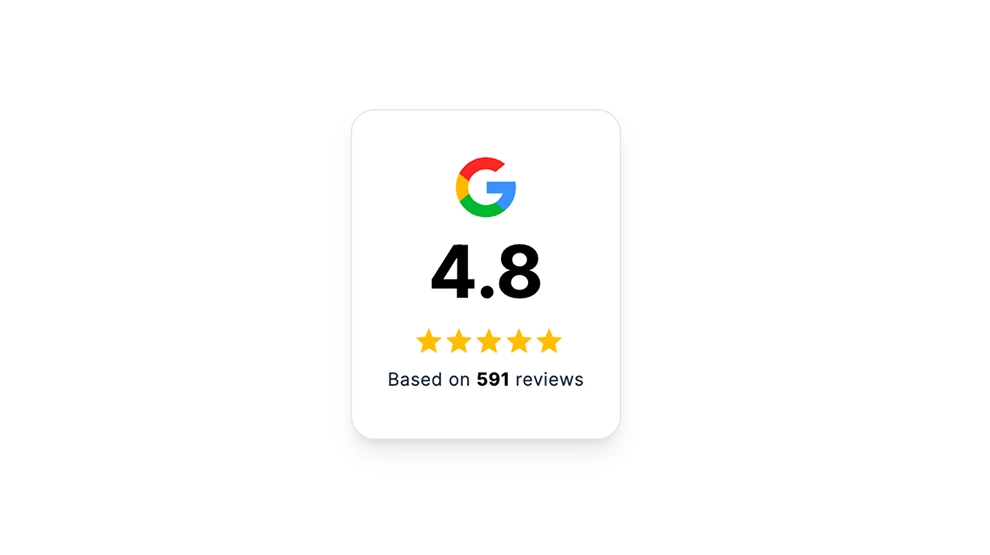
Show off your Google rating in a clean, compact badge that instantly builds trust. This template displays your Google logo, star rating, and total number of reviews inside a sleek card with a Google-colored border accent, making it perfect for high-visibility placement without taking up much space.FeaturesMinimal “trust badge” layout: Google icon + star rating + review count in a single line/cardGoogle brand-inspired border: Subtle multi-color border detail that stands out without being distractingEditable text elements: Customize label copy (e.g., “rating from reviews”) to match your site toneResponsive & lightweight: Looks great on desktop and mobile, ideal for headers, footers, and sidebarsMatches modern UI: Clean typography and spacing designed to blend with most website stylesLink to locationThe badge can include a clickable link to your Google Business Profile / Google reviews URL, so visitors can:verify authenticityread reviews on Googleleave a new review (if you link to the review form)(In EmbedSocial, you typically set this as the CTA/link action for the widget or badge.)Auto updatesPulls your latest rating and review count automatically from your connected Google sourceUpdates happen without manually editing your site—your badge stays current as new reviews come inUse cases / where to embedHomepage (near hero section, above the fold)Contact page (next to map/address info)Booking / Checkout pages (reduce last-minute hesitation)Footer (persistent social proof site-wide)Sidebar (on service pages or blog posts)Landing pages (ads, campaigns, or location-specific pages)Best for: local businesses, clinics, salons, restaurants, agencies, home services—anyone relying on reputation.How to embedConnect your Google reviews source in EmbedSocial (Google Business Profile).Choose the Google Reviews Badge template (the border-style badge).Customize:text labelsize, spacing, and alignmentlink behavior (open in new tab, direct to location/reviews)Click Embed and copy the generated code:JavaScript embed (recommended for easiest auto-updates), oriFrame embed (simple drop-in option)Paste the code into your website builder/CMS:Shopify, WordPress, Webflow, Squarespace, Wix, custom HTML, etc.Publish - updates will display automatically going forward.Add instant credibility in seconds: Embed your Google rating badge today and turn visitor trust into more calls, bookings, and sales.
About this template

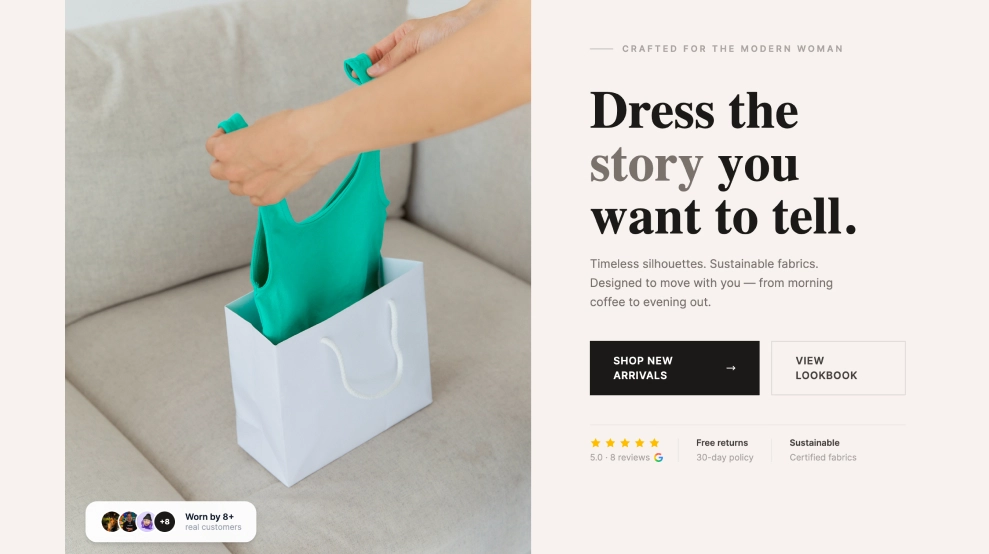
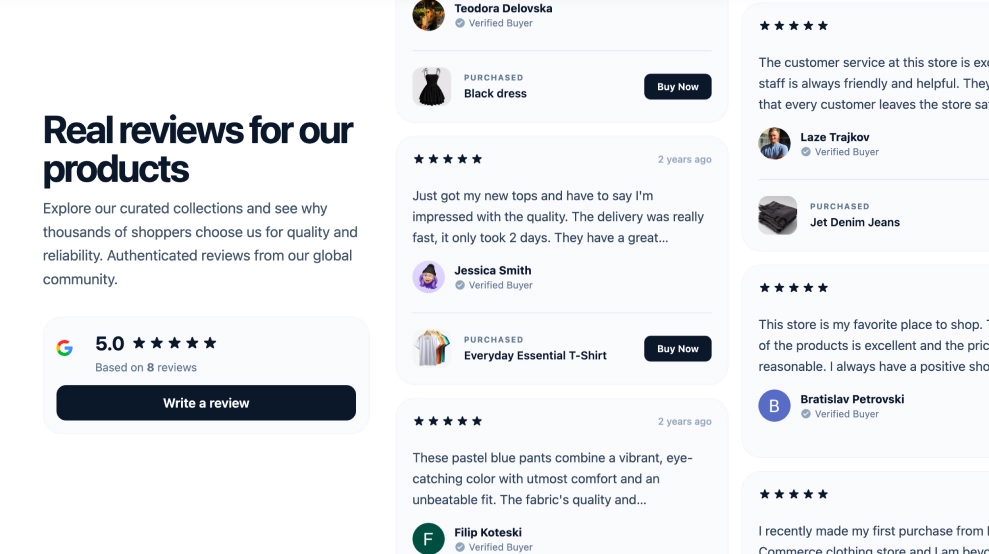
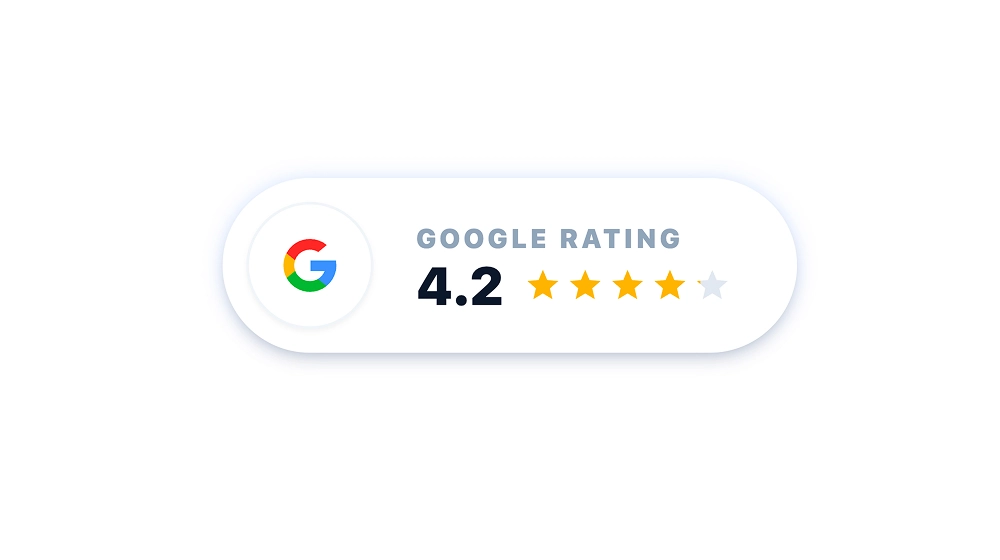
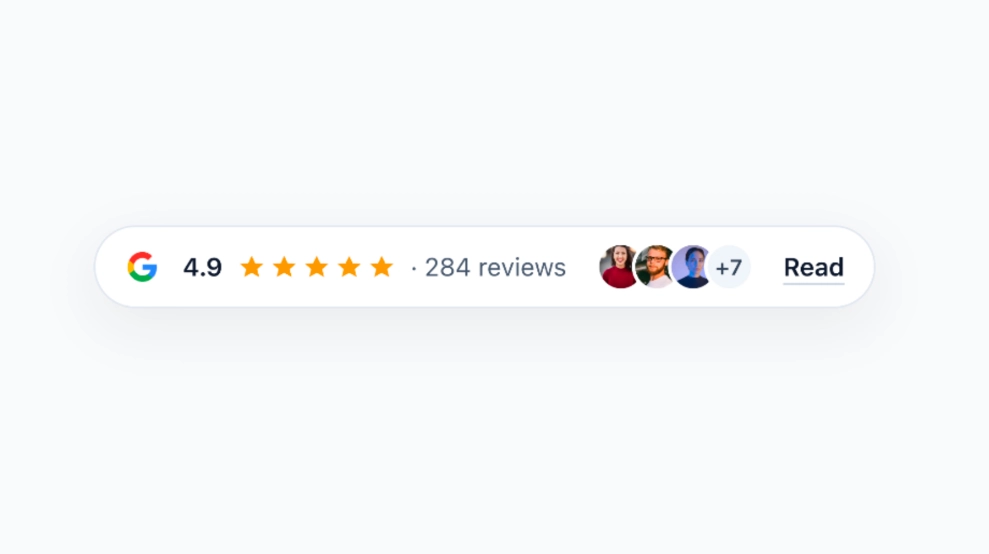
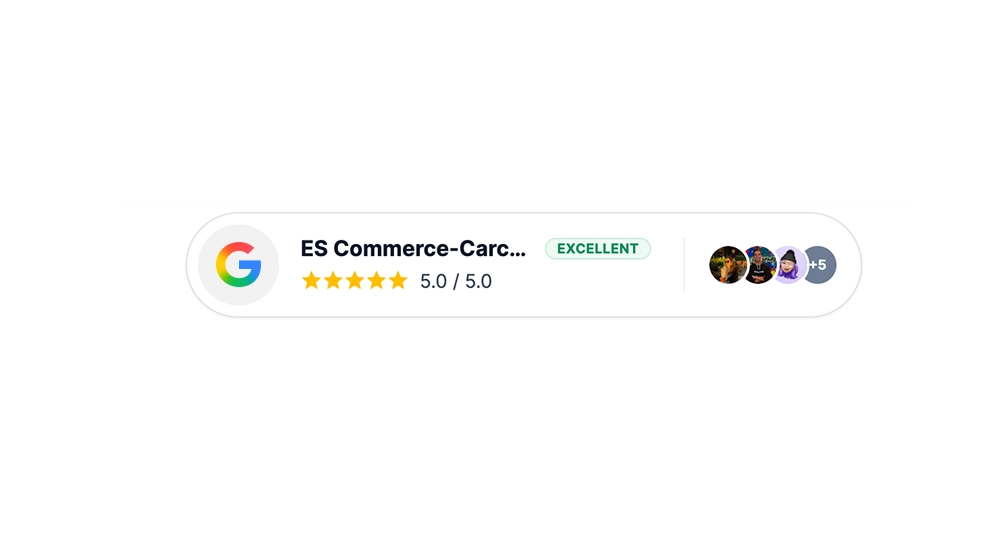
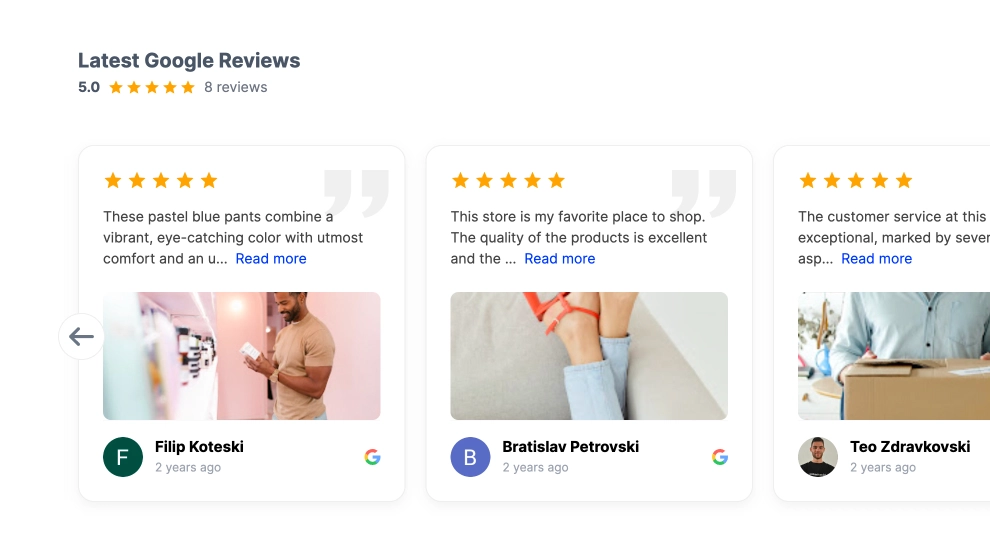
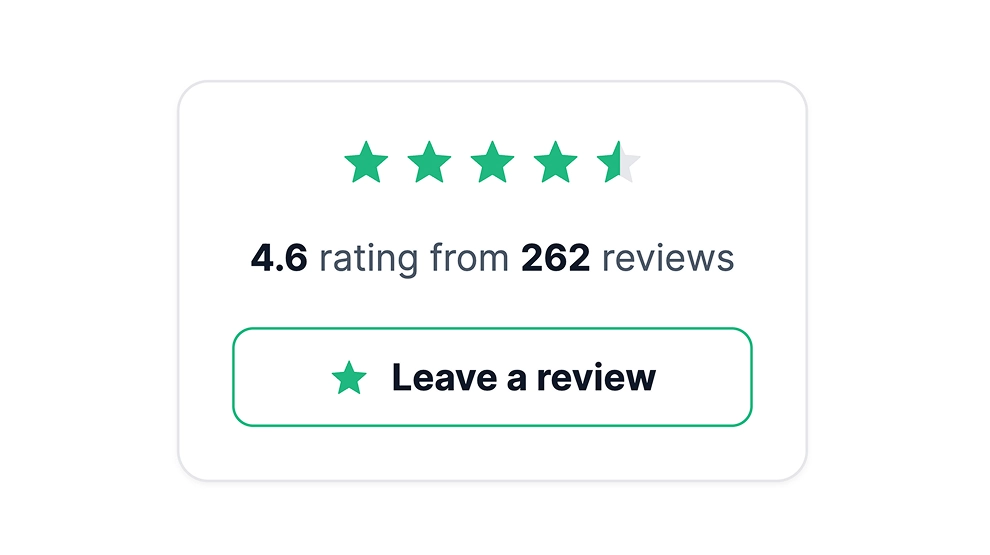
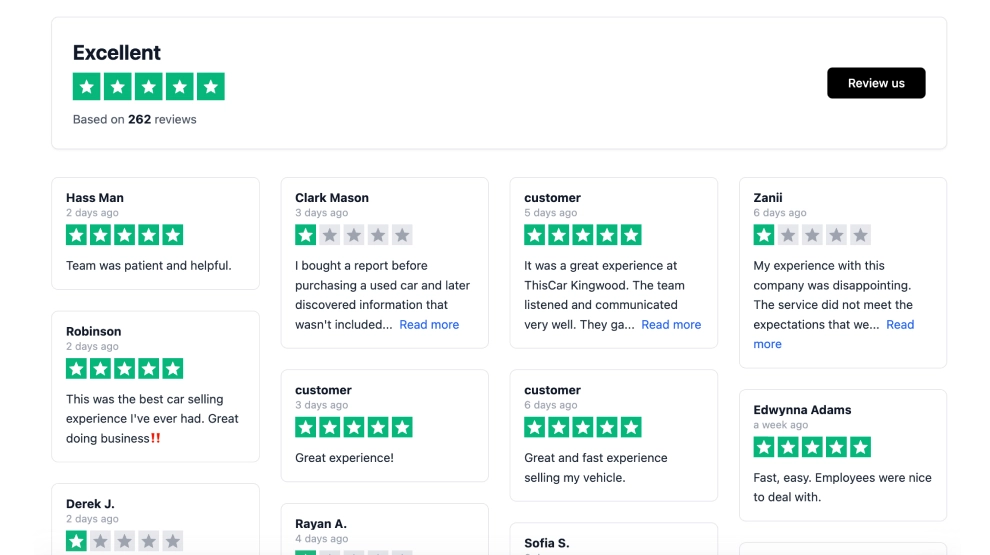
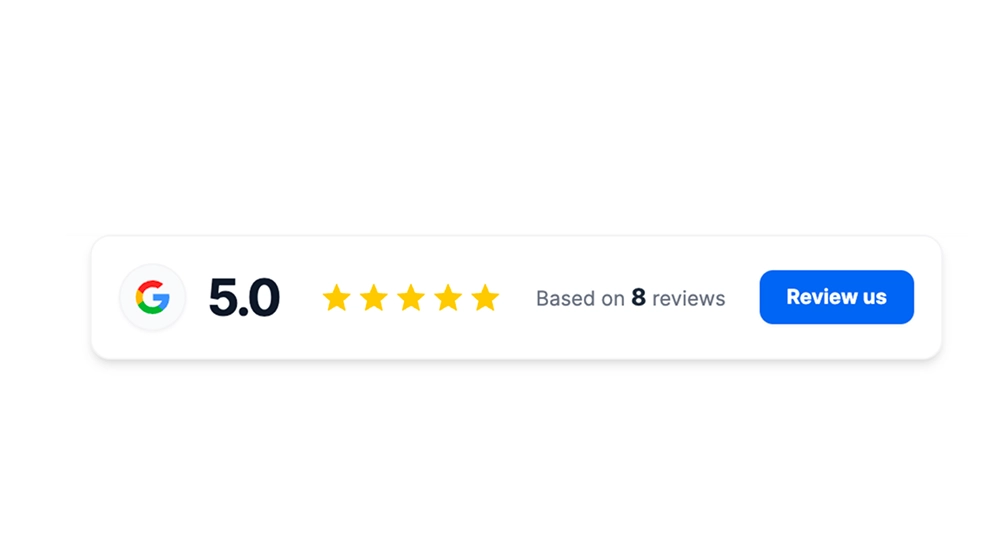
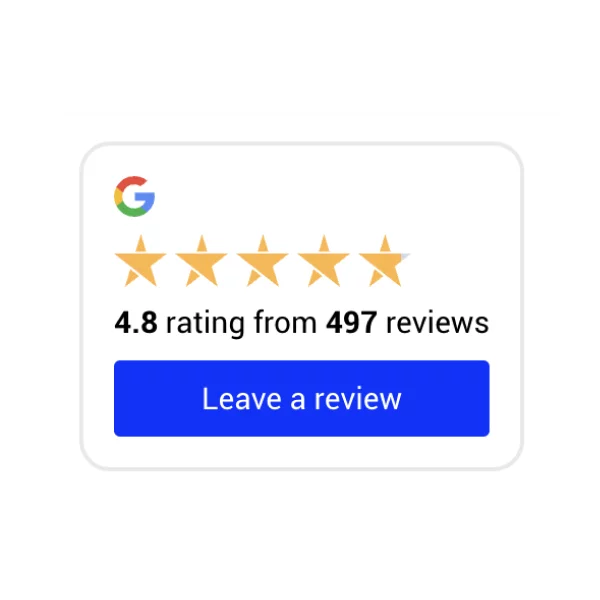
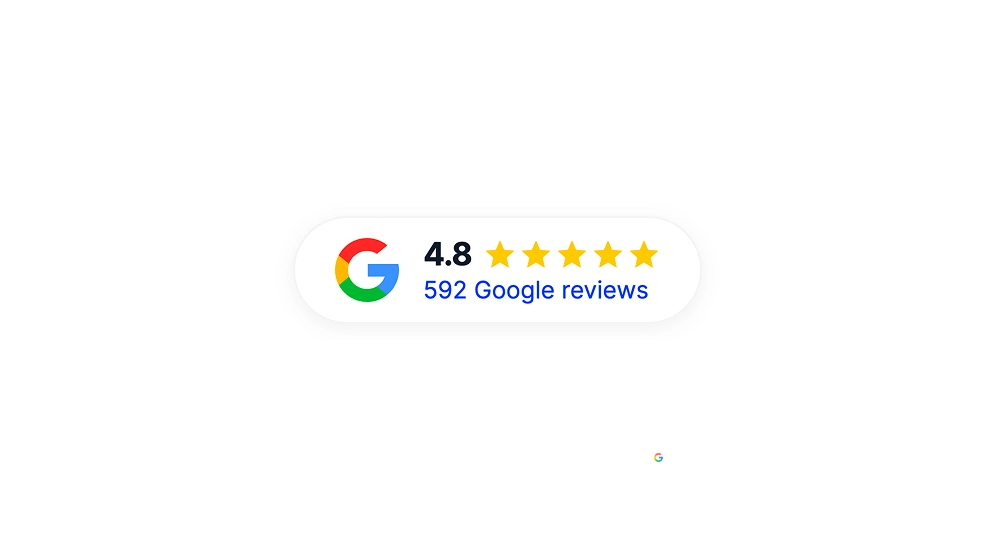
Show off your Google rating in a clean, compact badge that instantly builds trust. This template displays your Google logo, star rating, and total number of reviews inside a sleek card with a Google-colored border accent, making it perfect for high-visibility placement without taking up much space.

Features

  • Minimal “trust badge” layout: Google icon + star rating + review count in a single line/card

  • Google brand-inspired border: Subtle multi-color border detail that stands out without being distracting

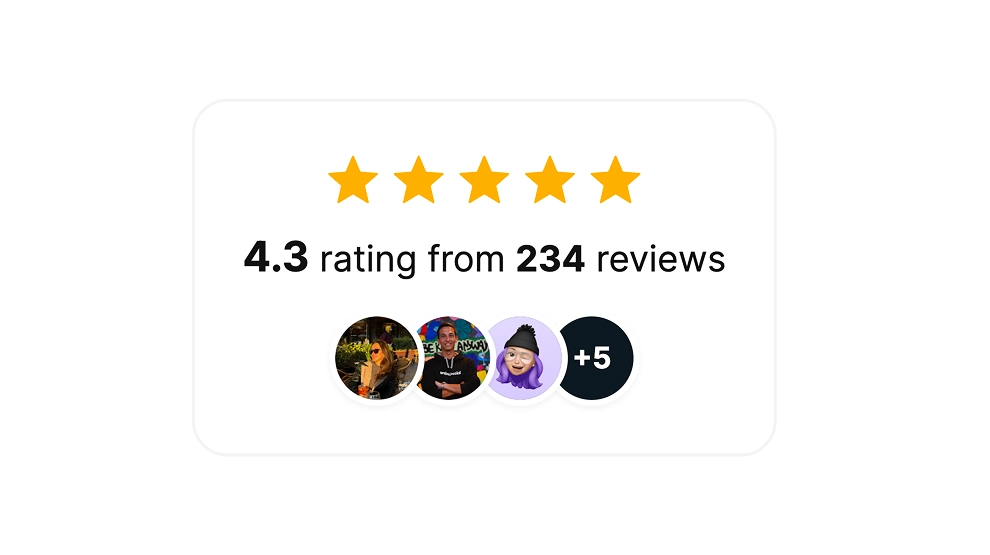
  • Editable text elements: Customize label copy (e.g., “rating from reviews”) to match your site tone

  • Responsive & lightweight: Looks great on desktop and mobile, ideal for headers, footers, and sidebars

  • Matches modern UI: Clean typography and spacing designed to blend with most website styles

Link to location

  • The badge can include a clickable link to your Google Business Profile / Google reviews URL, so visitors can:

    • verify authenticity

    • read reviews on Google

    • leave a new review (if you link to the review form)

(In EmbedSocial, you typically set this as the CTA/link action for the widget or badge.)

Auto updates

  • Pulls your latest rating and review count automatically from your connected Google source

  • Updates happen without manually editing your site—your badge stays current as new reviews come in

Use cases / where to embed

  • Homepage (near hero section, above the fold)

  • Contact page (next to map/address info)

  • Booking / Checkout pages (reduce last-minute hesitation)

  • Footer (persistent social proof site-wide)

  • Sidebar (on service pages or blog posts)

  • Landing pages (ads, campaigns, or location-specific pages)

Best for: local businesses, clinics, salons, restaurants, agencies, home services—anyone relying on reputation.

How to embed

  1. Connect your Google reviews source in EmbedSocial (Google Business Profile).

  2. Choose the Google Reviews Badge template (the border-style badge).

  3. Customize:

    • text label

    • size, spacing, and alignment

    • link behavior (open in new tab, direct to location/reviews)

  4. Click Embed and copy the generated code:

    • JavaScript embed (recommended for easiest auto-updates), or

    • iFrame embed (simple drop-in option)

  5. Paste the code into your website builder/CMS:

    • Shopify, WordPress, Webflow, Squarespace, Wix, custom HTML, etc.

  6. Publish - updates will display automatically going forward.

Add instant credibility in seconds: Embed your Google rating badge today and turn visitor trust into more calls, bookings, and sales.
Features

  • Moderation options
  • Customizable settings
  • Fast loading speed
  • Mobile-friendly and responsive
  • Multiple widgets for multiple websites
  • Auto-sync with social platforms
  • Custom styling options
  • Analytics and insights

Related resources

Categories