Keep your store fresh with less manual work
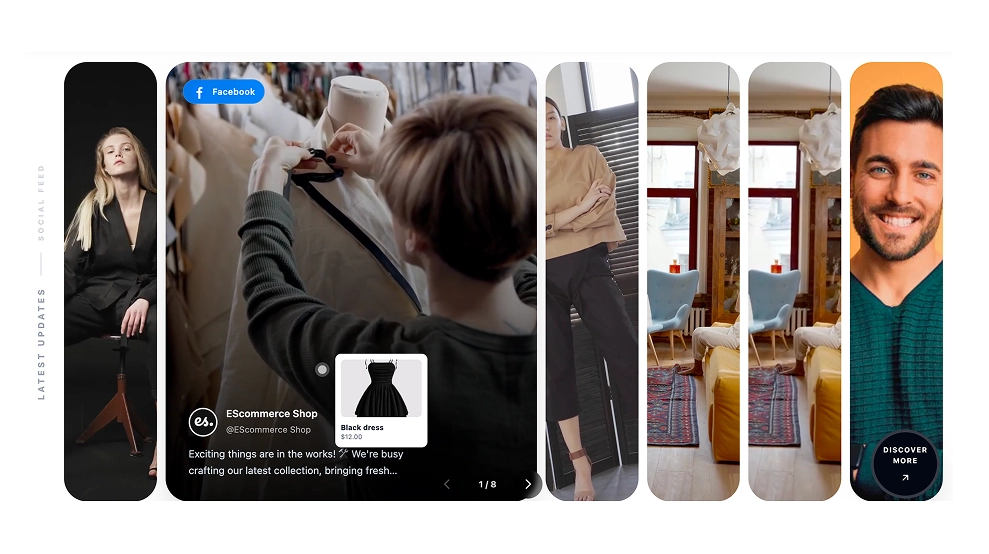
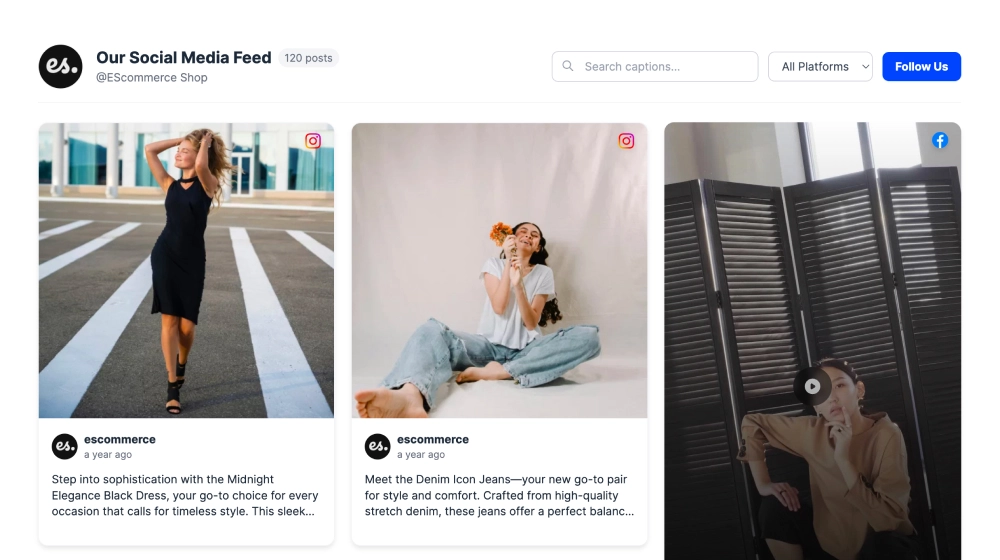
A social media feed on Shopify gives your storefront a steady stream of new content so your pages do not feel outdated after a week.
13 widgets and 258 template designs, every one of them working on Shopify. Pick a widget, connect your account, and paste one embed code.
Choose a template




Loved by 400,000+ big and small brands. World-famous and local



The best social media apps for Shopify to embed user-generated content.

Embed Facebook reviews widget in Shopify.
View integration
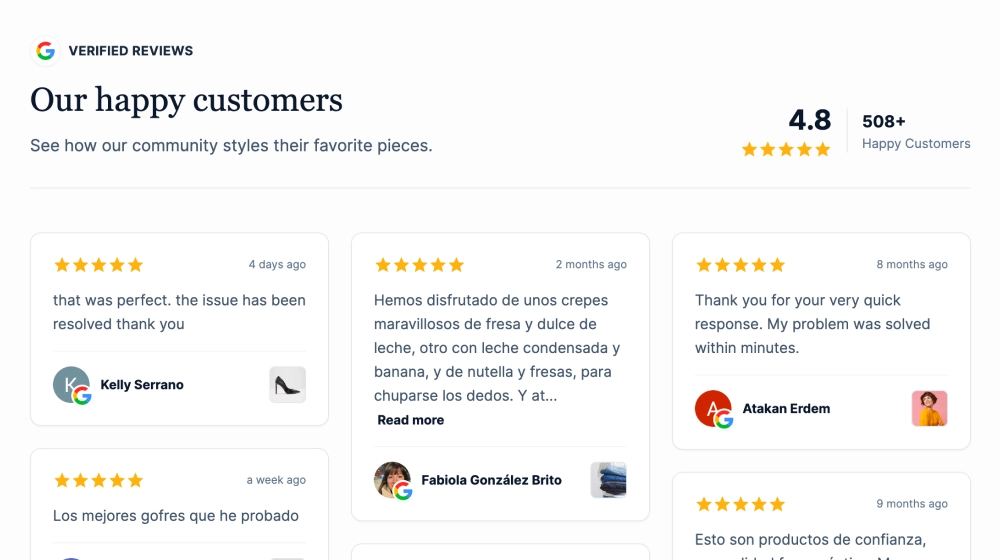
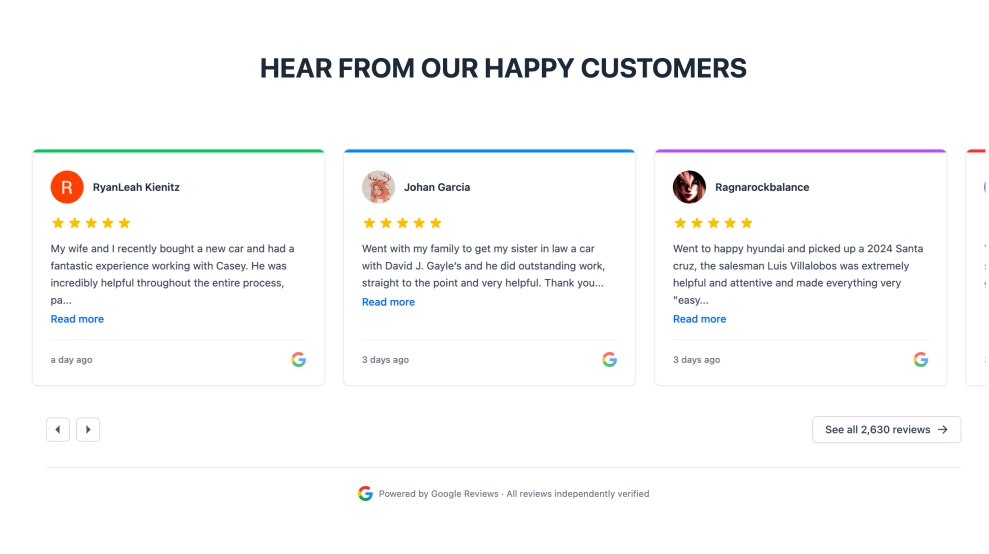
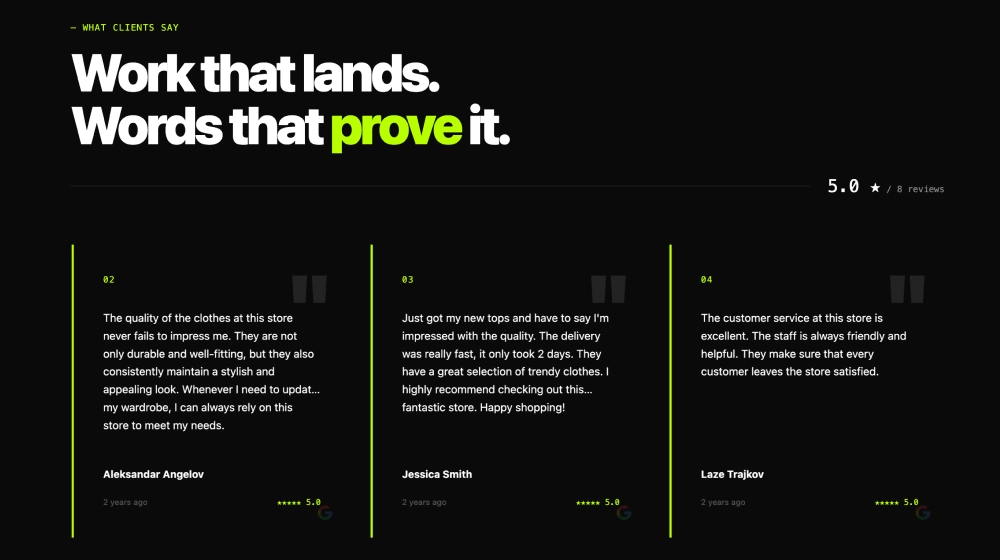
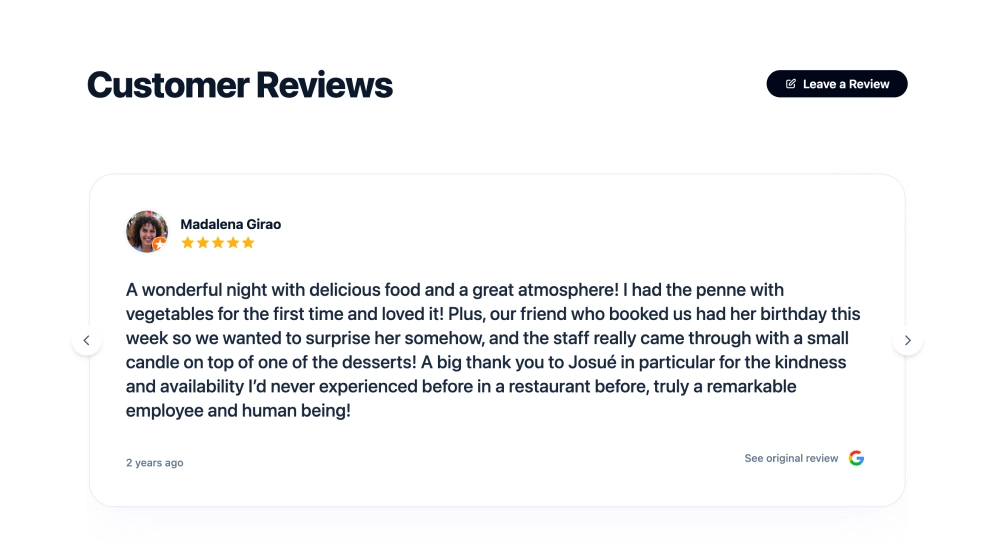
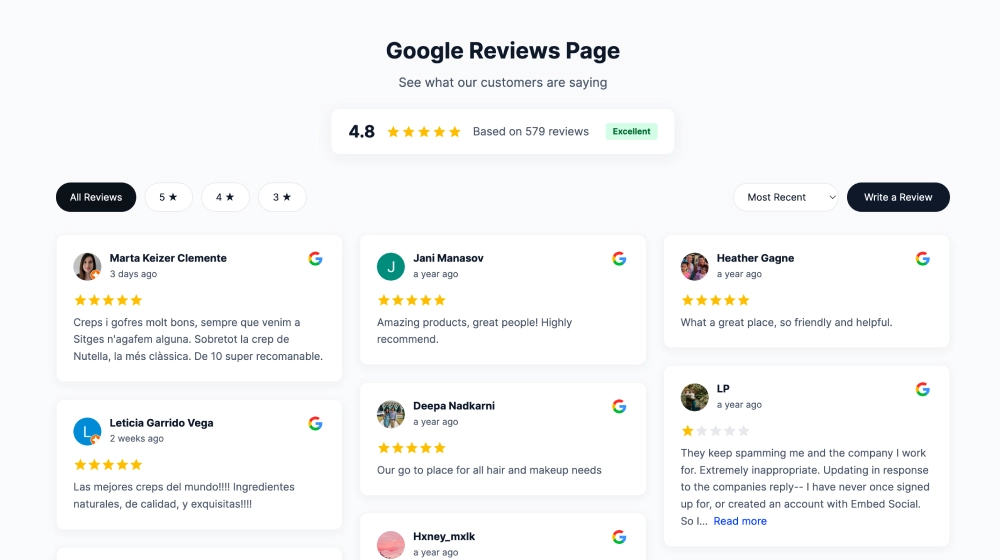
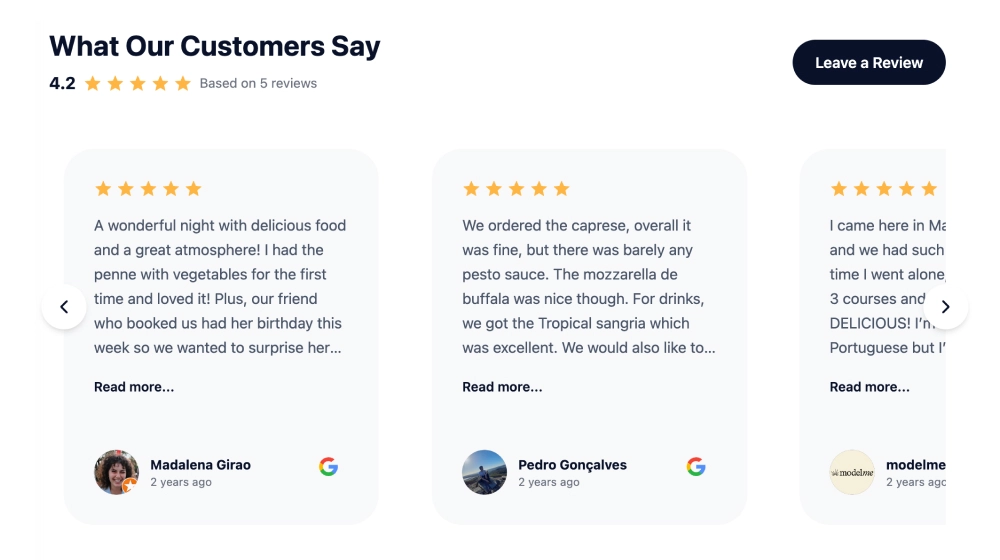
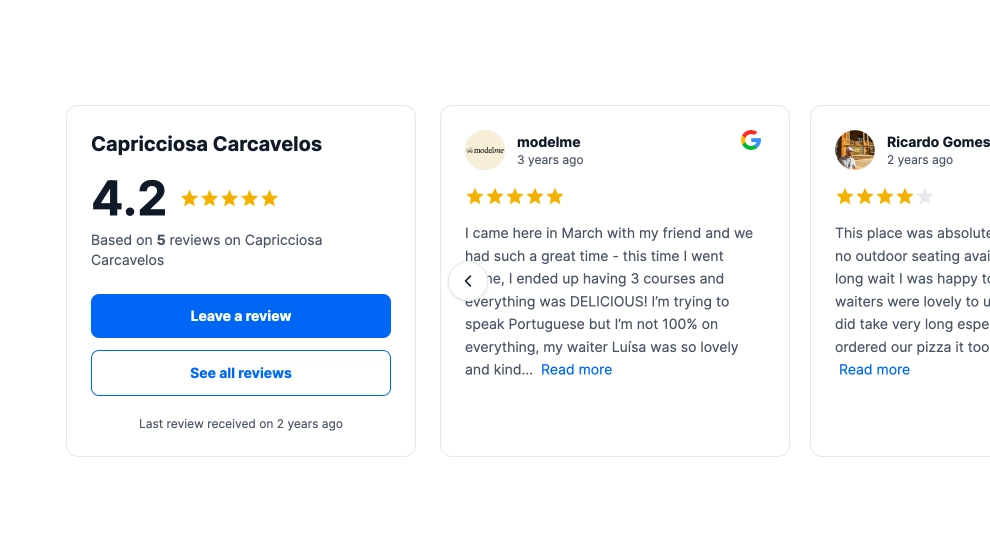
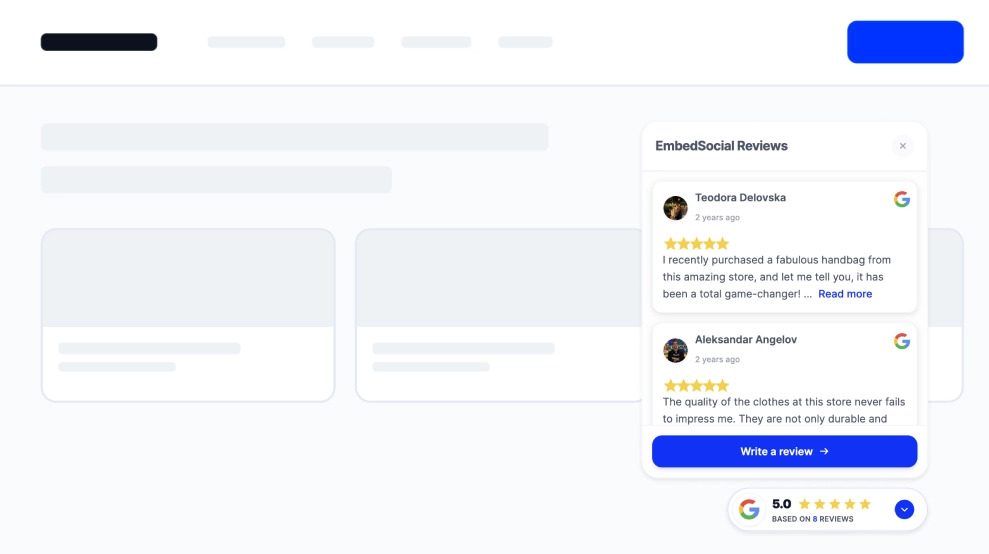
Display Google reviews widget in Shopify.
View integration
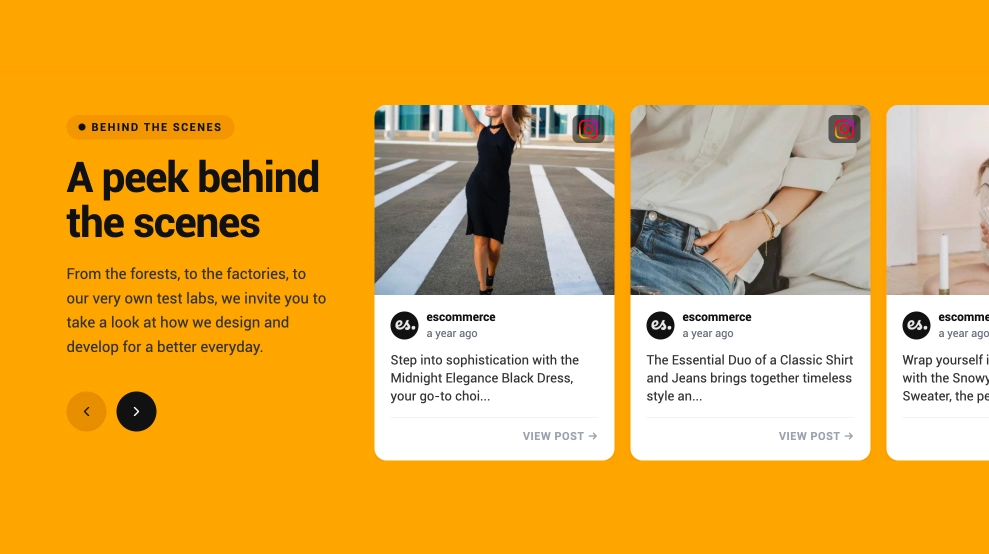
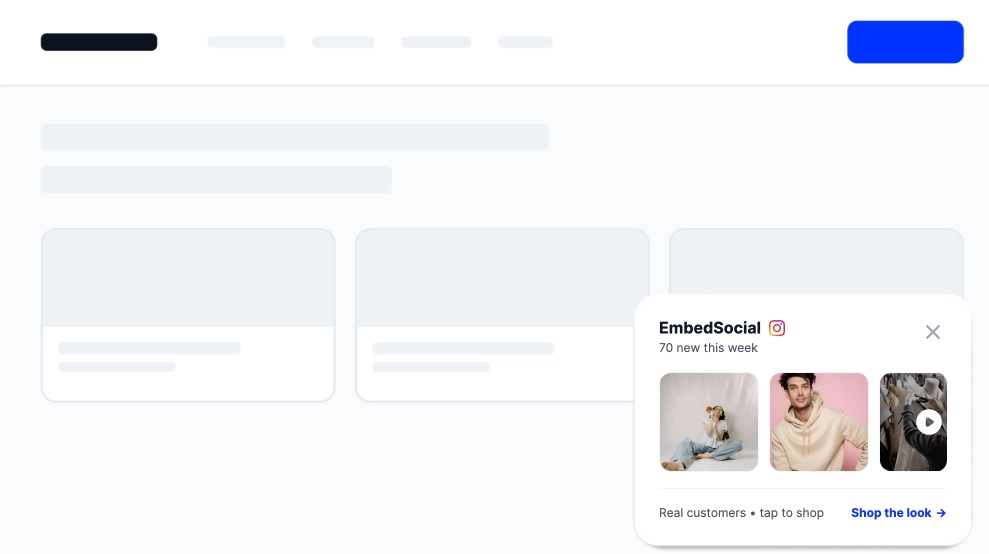
Display Instagram stories on your Shopify website.
View integrationDisplay Instagram feed on your Shopify website.
View integration
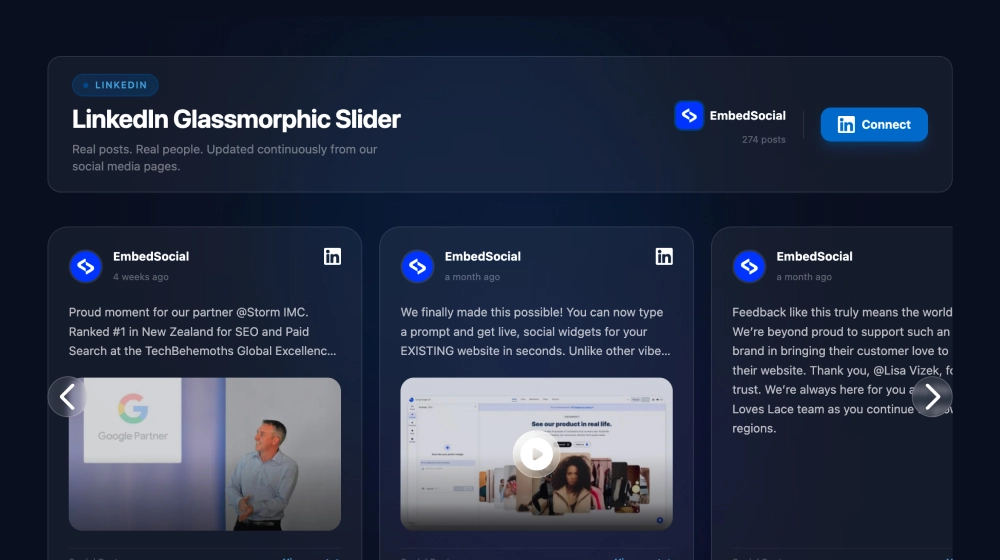
Aggregate LinkedIn posts and embed on your Shopify store.
View integration
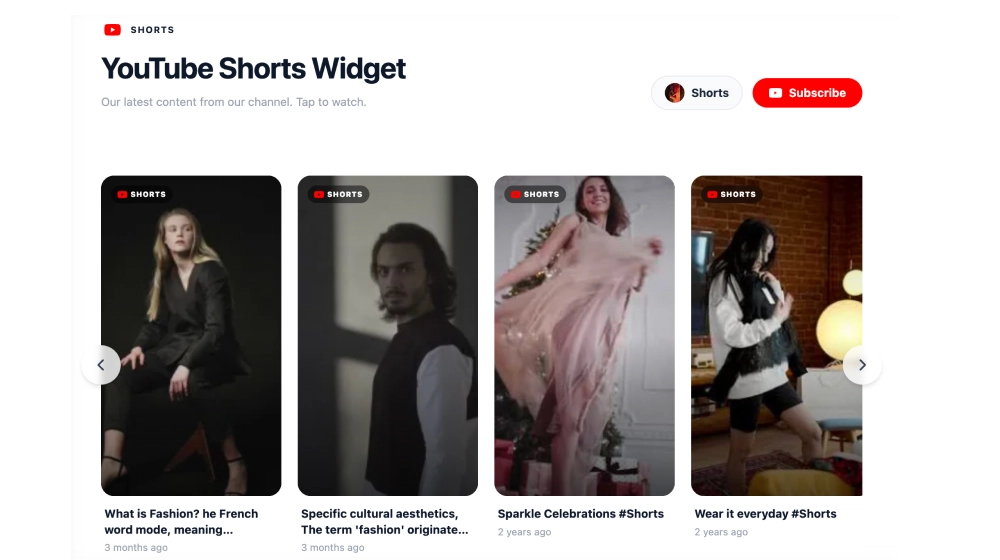
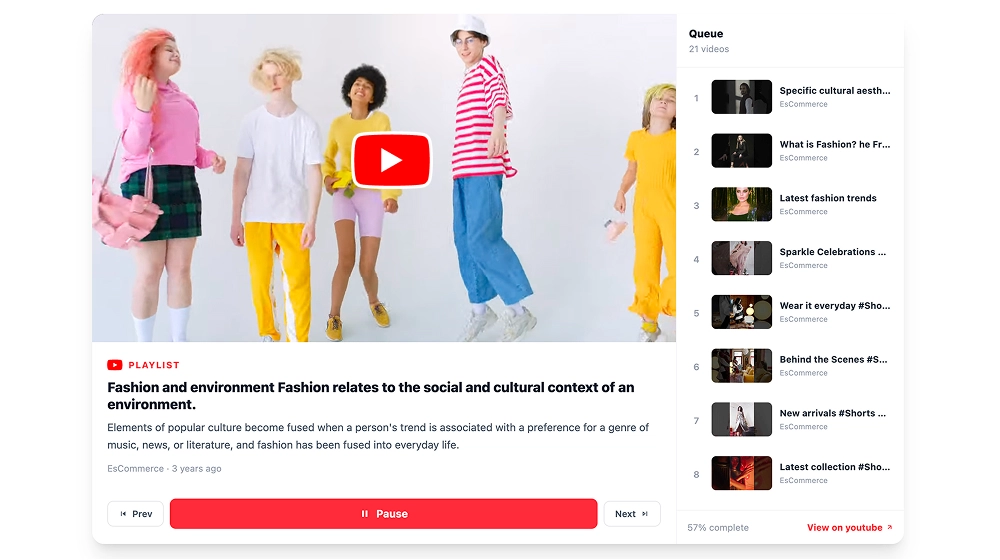
Collect YouTube videos and embed on your Shopify store.
View integration
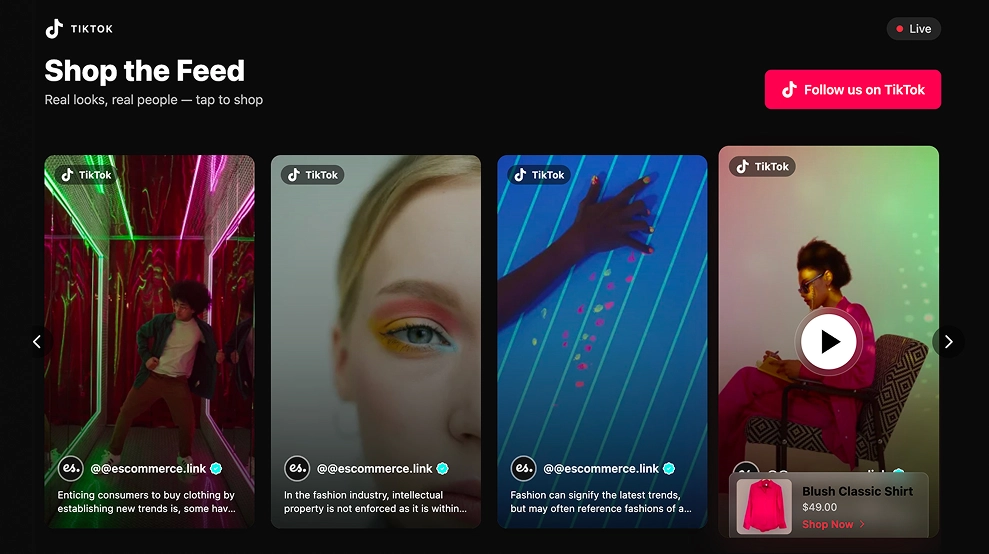
Aggregate TikTok videos and embed on your Shopify store.
View integration
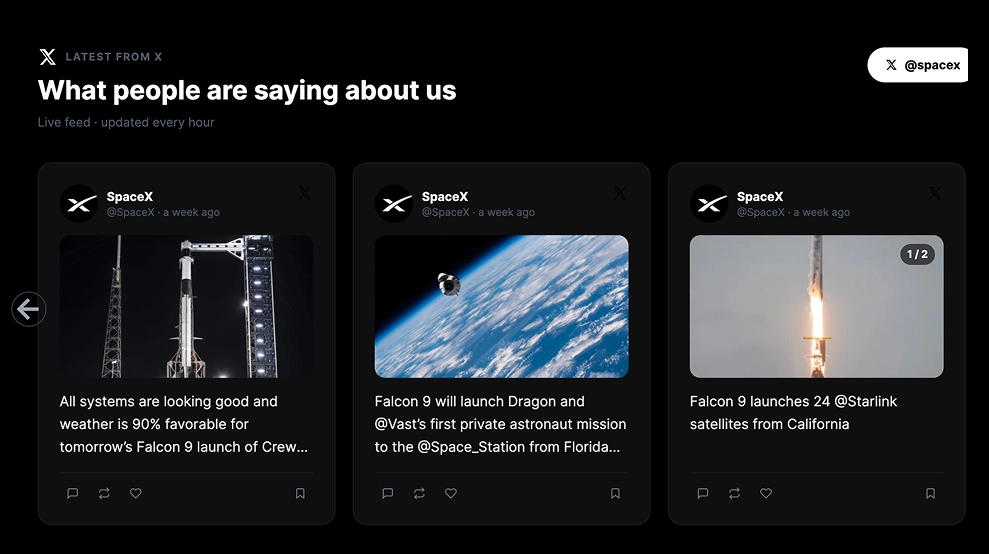
Collect X (Twitter) posts and embed on your Shopify shop.
View integrationGenerate and embed Facebook feeds on Shopify.
View integration
Collect and embed Threads feed on any Shopify store.
View integration
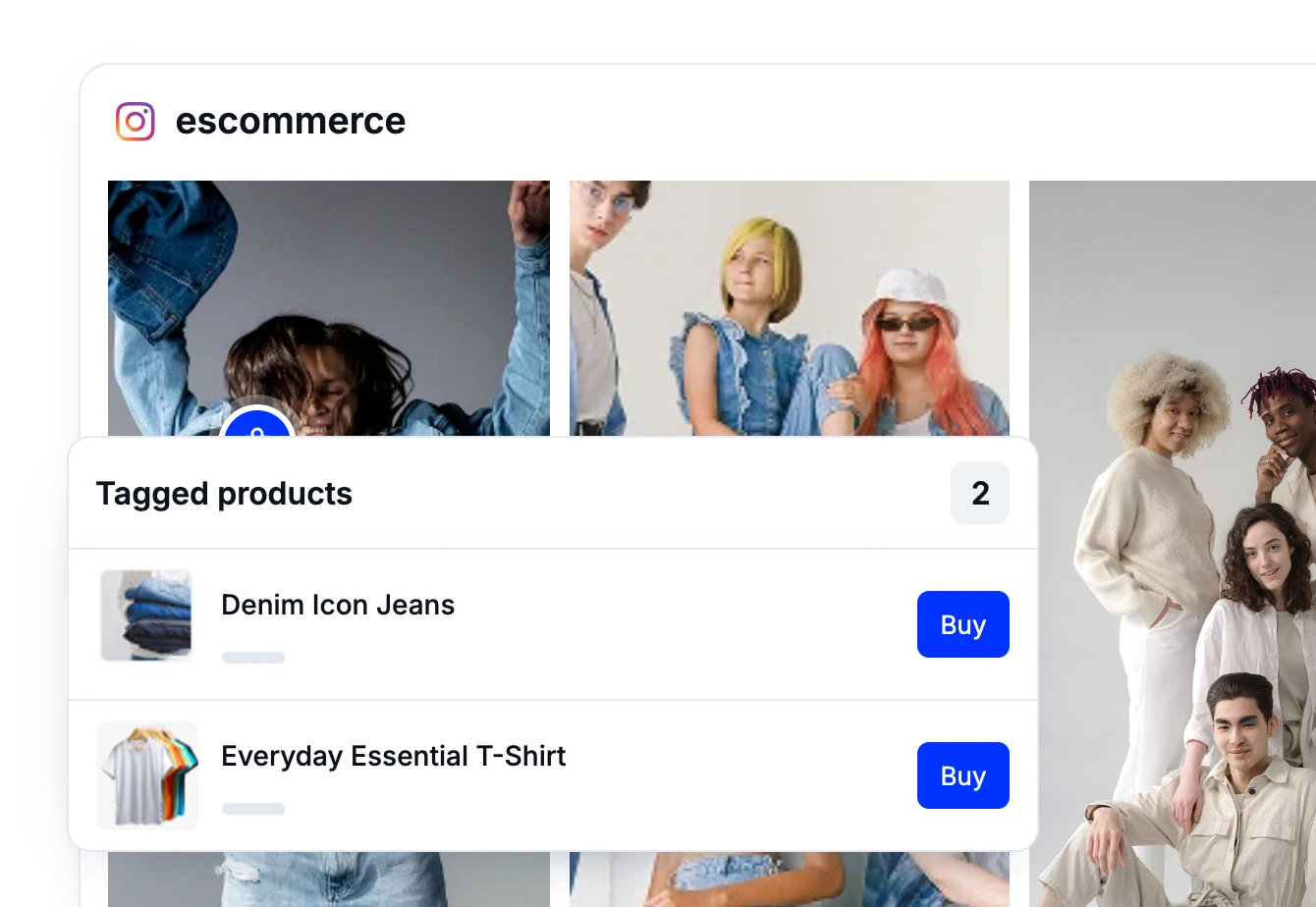
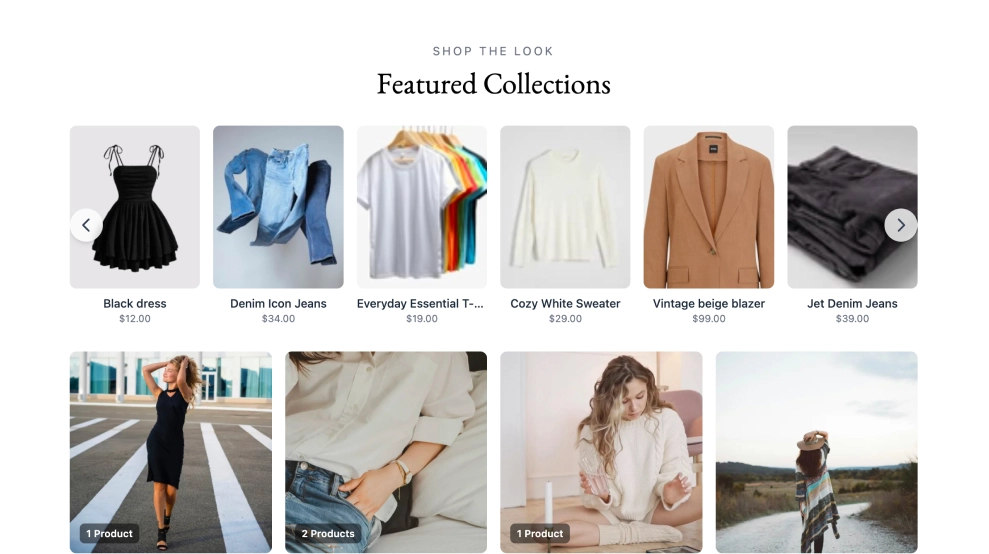
Tag products on UGC posts and embed a shoppable feed on Shopify.
View integration
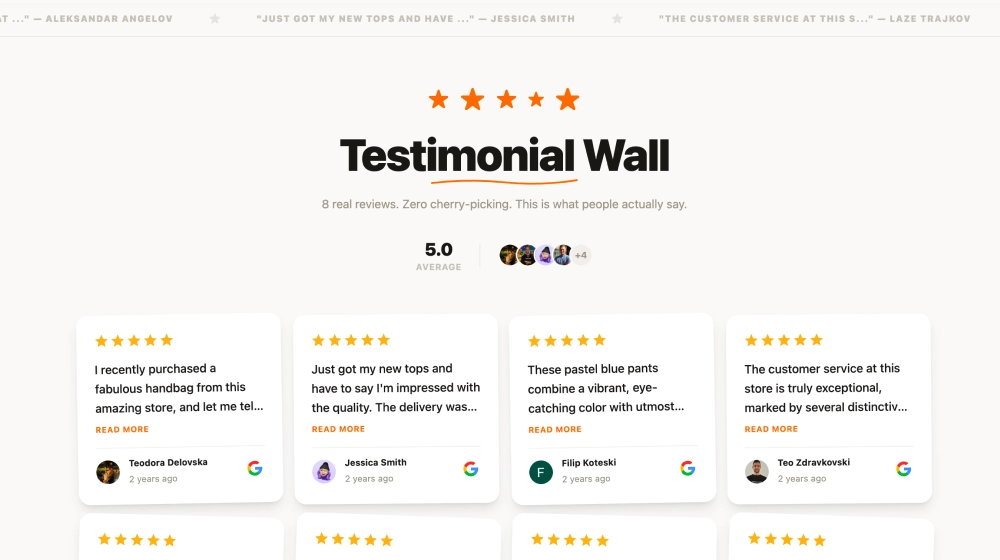
Display customer testimonials on your Shopify store.
View integration
Embed Trustpilot reviews widget on Shopify.
View integrationA live Shopify social media feed helps your store look active, credible, and current. Instead of relying only on product photos and static sections, you can show real content from your social channels right where shoppers are making decisions.
A social media feed on Shopify gives your storefront a steady stream of new content so your pages do not feel outdated after a week.
When visitors see real posts, photos, and videos from your brand, your store feels more authentic and more convincing.
A curated social media feed Shopify widget can help shoppers explore your products through lifestyle content, customer posts, and brand updates.
If you need a flexible Shopify social media feed plugin, you want more than a basic embed that just sits there and looks decorative.
Get pre-built ideas to edit widgets faster.
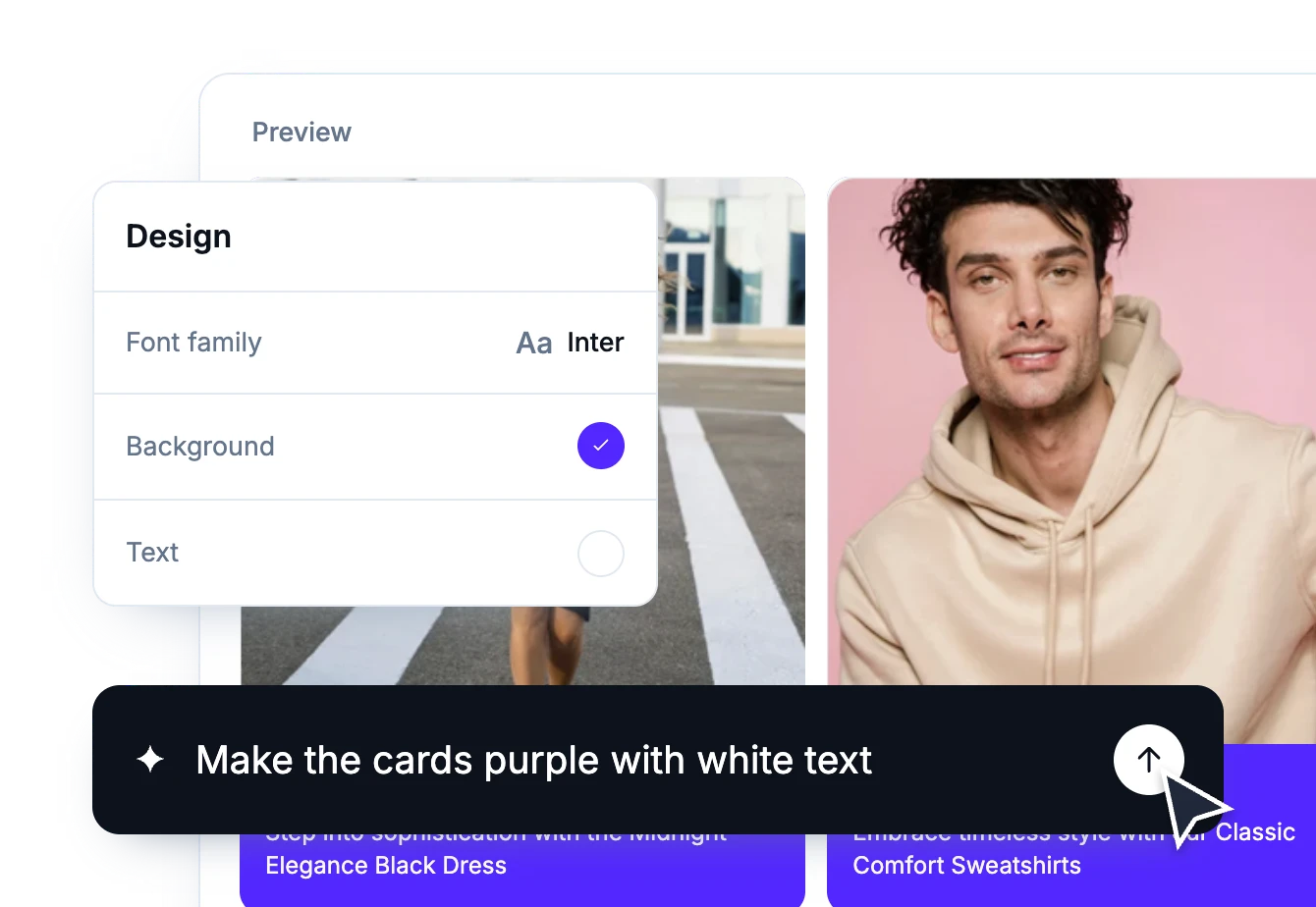
If you are wondering how to add social media feed to Shopify, the setup is simple: create your widget, customize the feed, and place it on the page where you want it to appear.
Every template works on Shopify. Pick a design, connect your account, and paste the embed code where you want it to appear.
No templates match this filter.
Pick a category: review feeds, social walls, shoppable galleries, and section blocks. No coding required.
Show Instagram feed.
Display YouTube.
Embed X widgets.
Embed LinkedIn.
Embed Google reviews.
Embed playlist
Embed Threads.
Embed Trustpilot reviews.
Shop my feed
Social proof display
Questions and answers.
Embed hero
Link in bio page
UGC portfolio page
Embed popup
Add a countdown timer.
Embed Reels.
Embed stories
Embed hashtag feed
Embed Facebook.
Show TikTok videos.
Embed YouTube hashtag
Embed Pinterest
Embed Vimeo
Embed FB reviews.
Embed Yelp reviews.
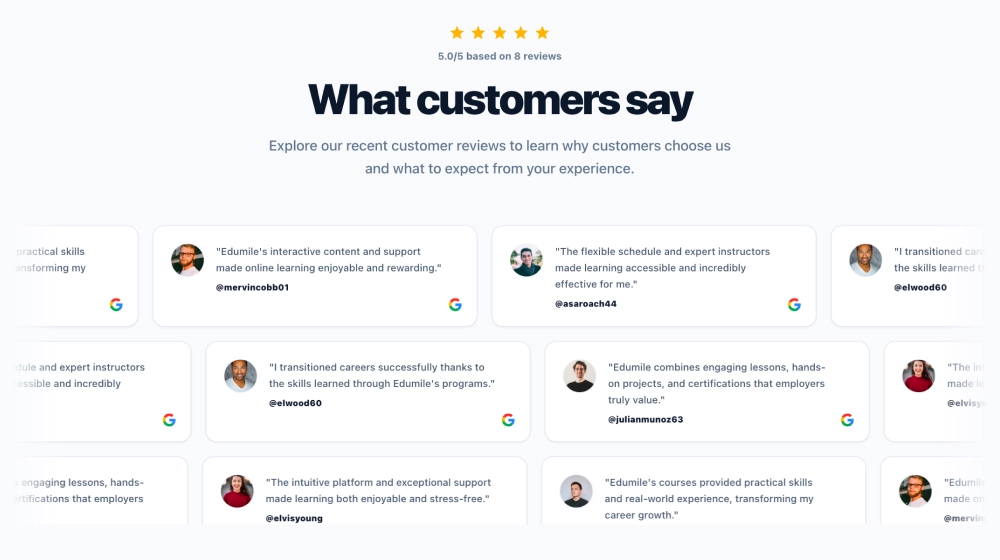
Display customer reviews.
Show review badges on your site.
Showcase customer love.
Embed testimonials
Embed Social wall
Embed Shorts
Embed carousel
Shopify is a hosted commerce platform for building and running an online store. Themes control the storefront design, and functionality is extended through apps installed from the Shopify App Store.
Because the storefront is hosted, most additions arrive as an app or as an embed snippet placed in a theme section. EmbedSocial works either way: add the widget code to a theme section, a page, or a product template, and it keeps updating as new posts and reviews come in.
Your customers are already creating content that showcases your brand. Now, it’s time to turn that content into a growth engine.
Don’t let valuable user content go unnoticed. Start leveraging it today to grow your sales, improve credibility, and save hours of manual work.
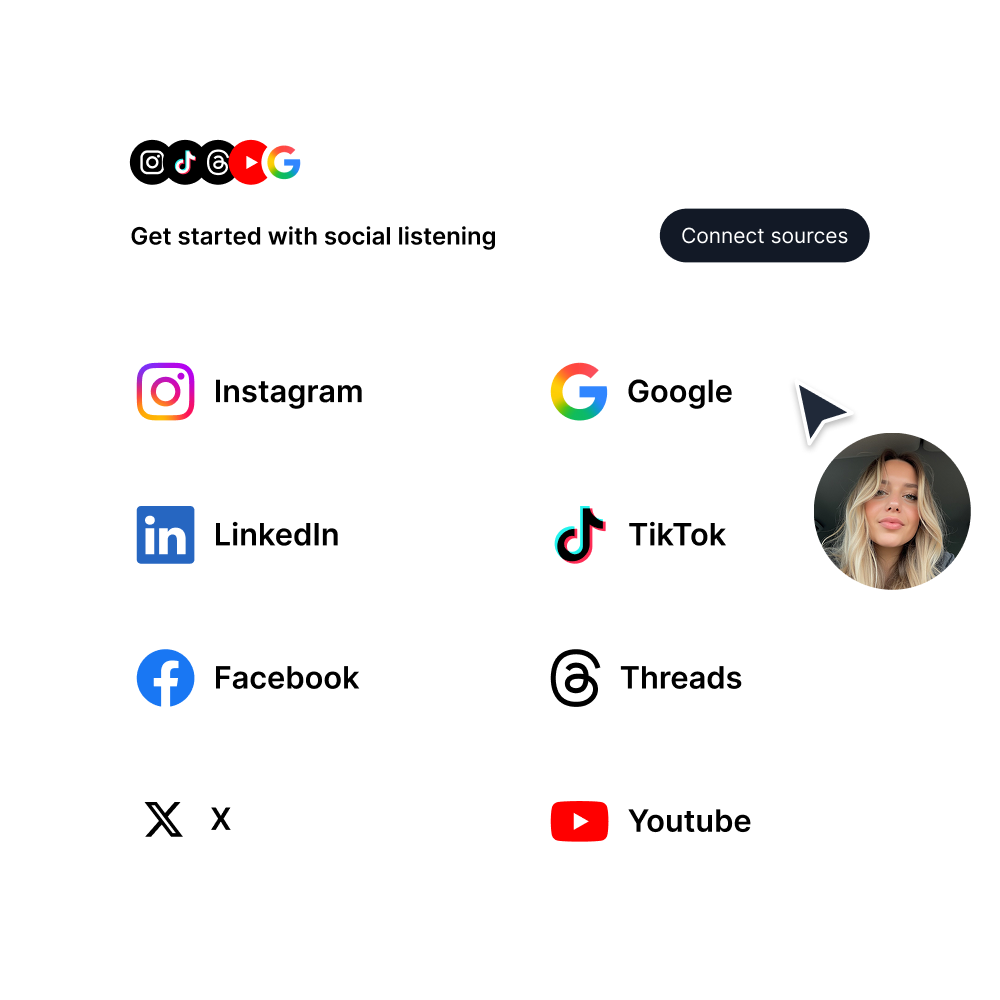
EmbedSocial has official API integrations with all major social media networks.
We design interactive social media widgets that load fast on your website.
If it’s not for you, cancel or request to delete your account.
Just click the bottom left chat icon, and our team will assist you in real-time.
 4.9/5(202)
TrovaTrip increased booking conversion rates by 12% with customer testimonials in just 4 weeks
The team at Embed Social is so easy to work with. They are very quick to respond to any special requests and fast to implement account changes. Aside from the great customer service, their products are also very easy to use and offer a lot of freedom that you can’t get with other similar products. Definitely recommend.
EmbedSocial allows us to showcase social media content on our web pages in a way that’s both functional and vibrant. Their library of social feed designs integrates seamlessly with our existing components and is easy to use for page editors of all skill levels.
The experience with EmbedSocial has been amazing. We’re always looking for ways to leverage our time, so finding a product to keep our reviews fresh automatically was a no-brainer.

What I like best about EmbedSocial is how effortlessly it pulls in and displays social media content in one place. It saves me hours of manual work and keeps my website looking dynamic and fresh.

Alex and other EmbedSocial staff who have worked with me over this time are always so incredibly responsive and genuinely care about my business.

I love how intuitive EmbedSocial has been to use and the support Embed offers to help you utilize the software. I had a proactive Customer Success Manager who offered meetings, a trial extension then fantastic customer service in troubleshooting an additional account I started in error.

EmbedSocial has streamlined the review process for us. It’s user-friendly, looks great on our site, and adds instant trust.

It works exceptionally well and offers great customization options and filters. So far, it has proven to be an excellent widget with many useful features. Highly recommended.

EmbedSocial looks great on our website. Plus it's easy to setup and use. You can customize the widget directly through their platform so no custom coding really necessary.

The perfect tool to showcase your customer stories. Helps you in getting the word out in the best and most economical way. The dashboard is easy to use and the support team is always available to offer any kind of help that's required.

One of the standout features of EmbedSocial is its user-friendly interface, which makes it easy for users of all technical levels to navigate and utilize its capabilities. The platform offers a seamless way to aggregate social media content and display it on websites, which is particularly helpful for enhancing engagement and showcasing user-generated content.

Being part of a 100% volunteer run 501(c)(3) you can only imagine the technology help we need... EmbedSocial has made it easy to keep our adoptable pets up to date not only on social media but our website too!

The most helpful thing about EmbedSocial is the convenience of accessing my social media feeds for my website. I had issues with connecting to my social media sites and EmbedSocial Customer Service was quick to help me figure out the issue and resolve it.

Antonia was my support person on an issue I was having and she was AMAZING. I use a lot of online tools and she stuck with me the entire time and followed up to make sure everything was good.
Check these FAQs or click the bottom right chat icon and talk with us.
A Shopify social media feed is a live or embedded section on your store that displays content from your social media channels directly on your website.
Create the widget, copy the embed code, and paste it into the relevant Shopify page or code area.
Most tools simplify the process so you only need to generate the feed and paste the code in the right place.
A good Shopify social media feed plugin should offer flexible layouts, easy styling, and simple embedding.
Yes, Instagram is one of the most common sources used in a social media feed Shopify layout.
Yes, many stores place a social media feed on Shopify product or landing pages to add social proof.
Yes, you can usually change the layout, spacing, styling, and which content appears.
It can support trust and engagement by showing real brand activity and customer-facing content.
Yes, many businesses use one feed to display content from multiple social platforms in a single section.