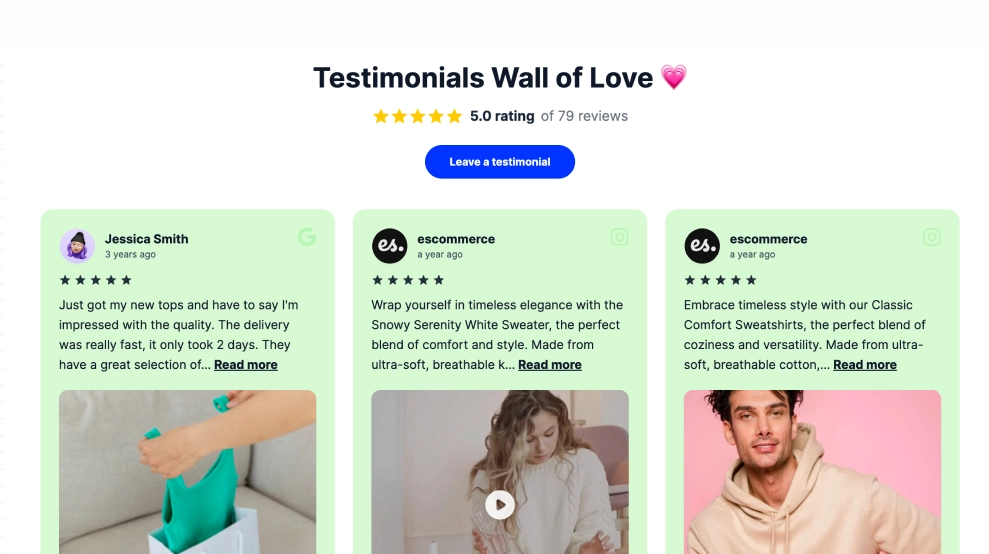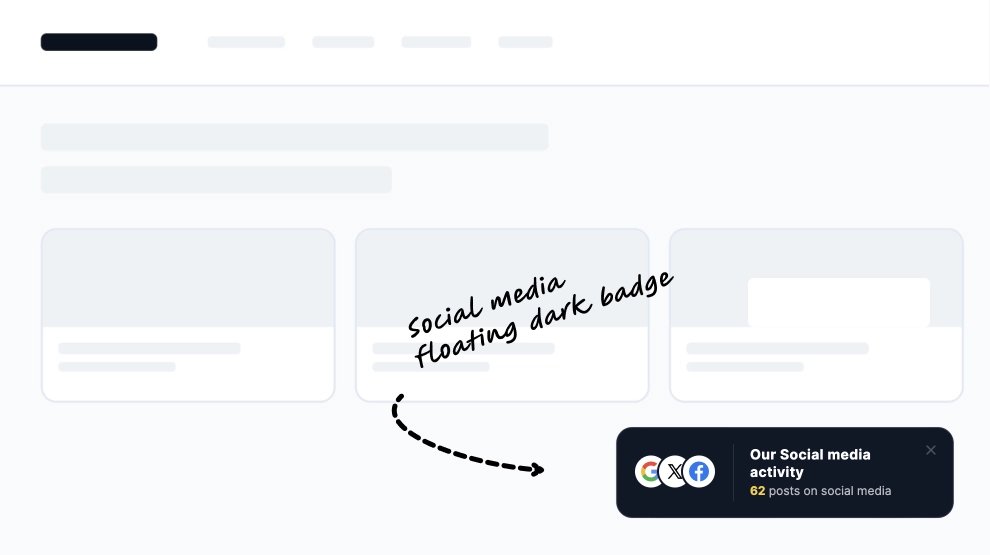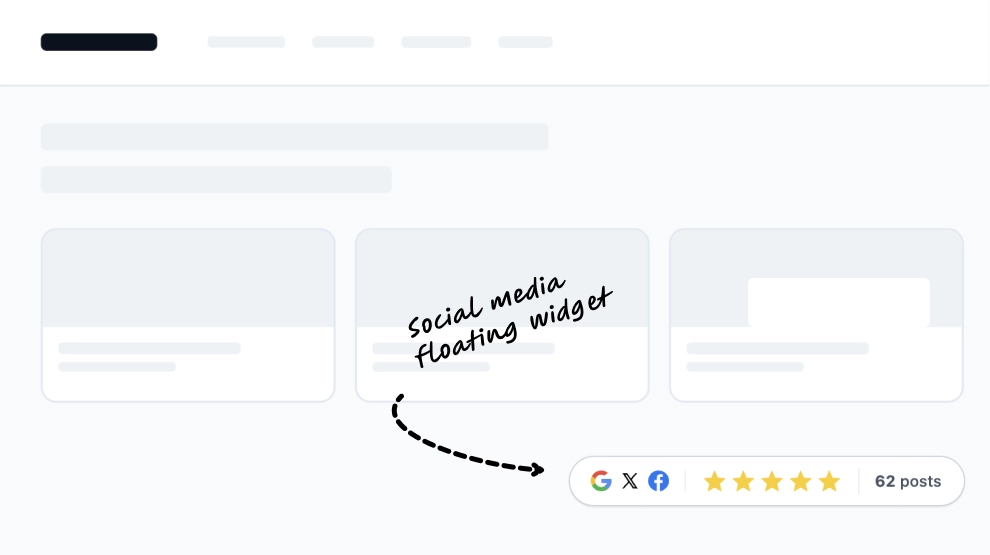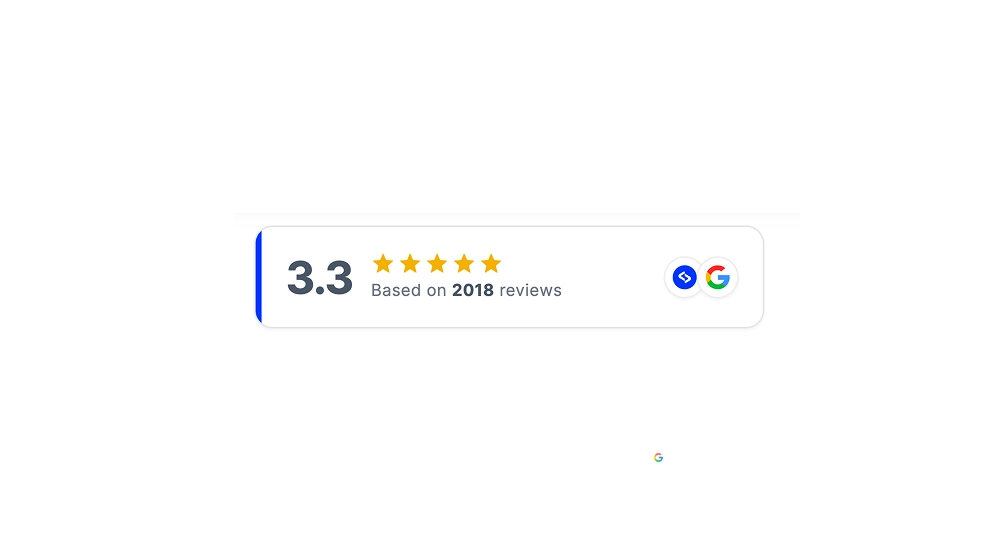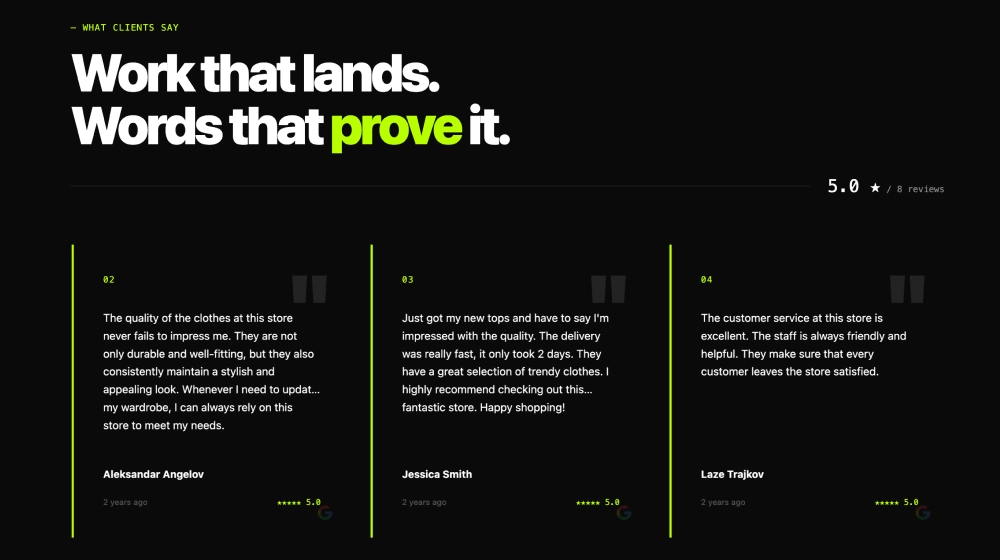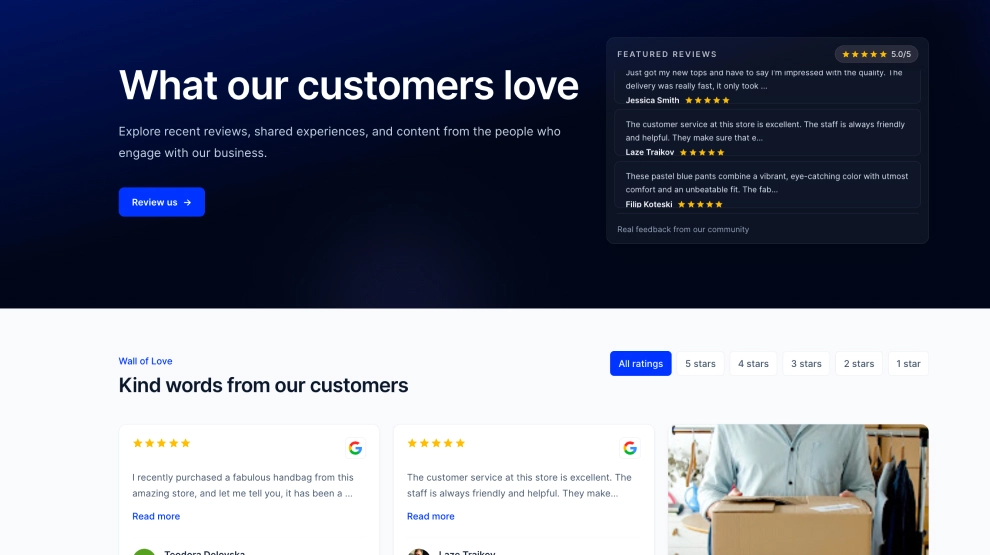
This reviews widget turns customer feedback into a full social-proof destination instead of a small testimonial strip. It opens with a bold hero section, featured review panel, and review CTA, then continues into a filterable review wall where visitors can browse feedback by star rating and explore more customer experiences in one place.
Features
-
Hero-style trust section: The large opening headline gives customer feedback immediate visual importance instead of treating it like a secondary page element.
-
Featured reviews panel: A dedicated review stack on the right surfaces standout testimonials and keeps the proof visible above the fold.
-
Review-first CTA: The
Review usbutton gives happy customers a clear next step while the page is already focused on trust. -
Filterable review wall: Rating tabs like
All ratings,5 stars,4 stars, and lower scores help visitors sort feedback by intent. -
Mixed review browsing: The layout supports both featured review summaries and a larger card grid below, making the experience feel layered rather than repetitive.
-
Strong social-proof framing: Labels like
Wall of LoveandKind words from our customersmake the section feel warm, human, and community-led. -
Clean Google review cues: Star rows, Google icons, reviewer names, and review snippets keep the source recognizable and credible.
Use cases
-
Homepage trust sections: Turn customer feedback into a full conversion-supporting block instead of a small testimonial slider.
-
Ecommerce product ecosystems: Help shoppers browse broader sentiment before committing to a purchase.
-
Service and SaaS landing pages: Give visitors both a quick trust hit and a deeper review archive in one section.
-
Brand story pages: Present customer love as part of the brand experience, not just as utility proof.
-
Review collection pages: Create a destination where new customers can read reviews and existing customers can be encouraged to leave one.
How to embed
-
Connect your Google reviews or supported review source in EmbedSocial.
-
Choose the Wall of Love Widget template.
-
Customize the hero title, featured reviews block, CTA button, and supporting section copy.
-
Set the rating filters and decide how many review cards should appear in the lower wall.
-
Copy the embed code.
-
Paste it into your website, landing page, or CMS and publish.
Turn customer feedback into a richer trust experience with a review wall that feels warm, browseable, and built to convert.