





About Instagram stories for PageCloud

The easiest way to display Instagram Stories on your PageCloud website.
EmbedSocial is a powerful tool that can automatically generate the Instagram Stories published on your Instagram account and show them in a modern and visually appealing Story widget.
Additionally, EmbedSocial provides options to upload custom photos or videos and create a combination of Instagram, TikTok, or any other story format in embeddable widgets.
Benefits for PageCloud websites
- Re-use already published stories, and save time, automatically
- Increase engagement, on your website
- Showcase products, in a more visually rich format
- Sell more, with shoppable Story widgets
- Increase Instagram followers,
Instagram stories features for PageCloud

- Options to import custom photos and videos,
- Customizable and interactive, layouts and widget designs
- Custom CSS editor,
- Shoppable Instagram Stories,
- Instagram highlights-like widget,
- Gallery format, from multiple Stories
- Bookends,
- Instagram Story Ads,
How to embed Instagram stories in PageCloud
There is no installation required to embed and display your Instagram stories on your PageCloud website. Just follow these steps.
Step 1: Set a free trial for EmbedSocial
Set a free trial for EmbedSocial and connect your Instagram account.
Step 2: Create a Story widget
Create a Story widget that fits your needs best.
Step 3: Copy the HTML code
Copy the provided HTML code.
Step 4: Log in to PageCloud
Login to your PageCloud website.
Step 5: Open the page editor
Open the page editor and navigate to where you want the widget to appear.
Step 6: Insert an Embed element
Insert an HTML / Embed code element.
Step 7: Paste the code
Paste the provided code into the embed field.
Step 8: Save and publish
Save and publish your PageCloud page.
Best practices for displaying Instagram Stories
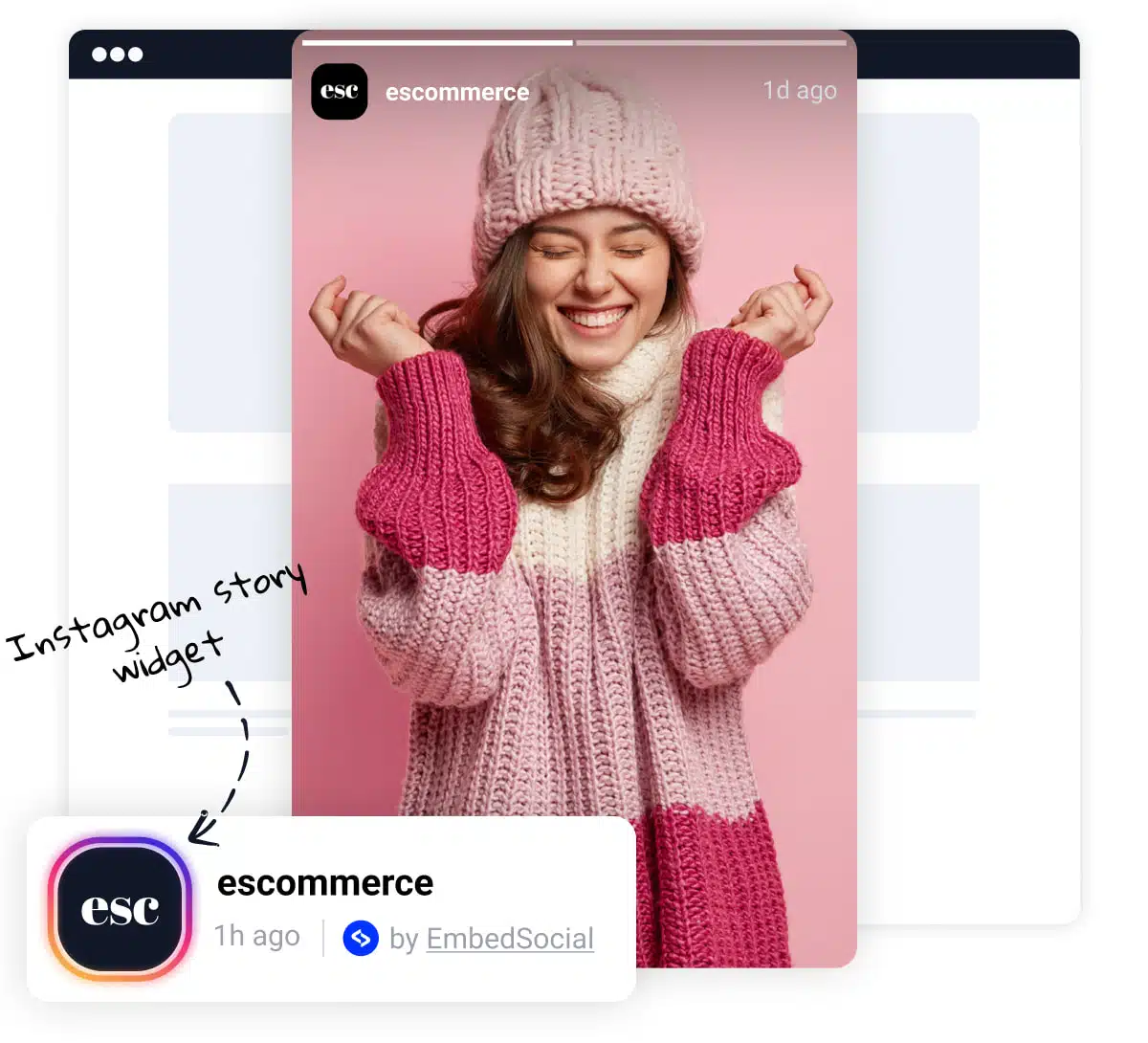
- Prominent Placement, Display Stories prominently on your PageCloud site, such as on the homepage or above the fold. This ensures they are easily visible to visitors.
- Clear Headline, Use a clear and concise headline to draw attention to the Story widget. This can entice visitors to view the Stories and engage with your brand.
- Visual Appeal, Incorporate images or icons to break up the text and make the widget more visually appealing. This can enhance user engagement and readability.
- Slider or Carousel Format, Consider using our slider options that allow you to display Stories in a slider or carousel format. This dynamic presentation can capture visitors’ attention and make the widget more engaging.