Classic YouTube Channel Feed Widget
Use this templateThis YouTube channel widget gives your videos a clean, familiar gallery layout that feels easy to browse on any website. With a visible channel header, profile details, subscribe button, and a grid of video cards underneath, it works like a straightforward on-site extension of your YouTube channel.What makes it workClear channel identity: The profile image, channel name, and handle help visitors recognize the source immediately.Familiar video grid: The layout mirrors the way people already browse video platforms, so it feels intuitive.Large video thumbnails: Each video preview is prominent enough to catch attention quickly.Play-first design: Centered play icons make it obvious which content is ready to watch.Title and metadata visibility: Each card includes video title, channel name, and publish timing for better context.Subscribe CTA: The red Subscribe button gives visitors a direct path to follow the channel.Mixed content support: The widget works well for longer videos, Shorts, tutorials, trends, and brand storytelling content.Best fit forCreator and personal brand websitesEcommerce sites using YouTube for product storytellingFashion and media websitesHomepage video sectionsBusinesses that want a clean, recognizable YouTube showcaseHow to embed itConnect your YouTube channel in EmbedSocial.Choose the Classic YouTube Channel Widget template.Customize the channel header, visible video details, and subscribe button.Set how many videos should appear in the grid and how the layout should behave across devices.Copy the embed code.Paste it into your website, landing page, or CMS and publish.Show your YouTube channel in a layout that feels familiar, easy to browse, and natural on your website.
About this template
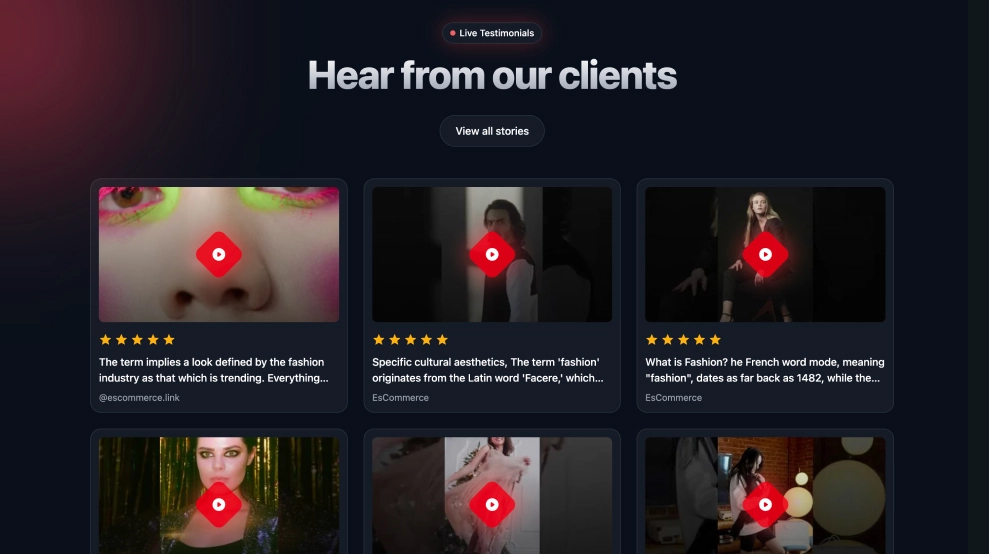
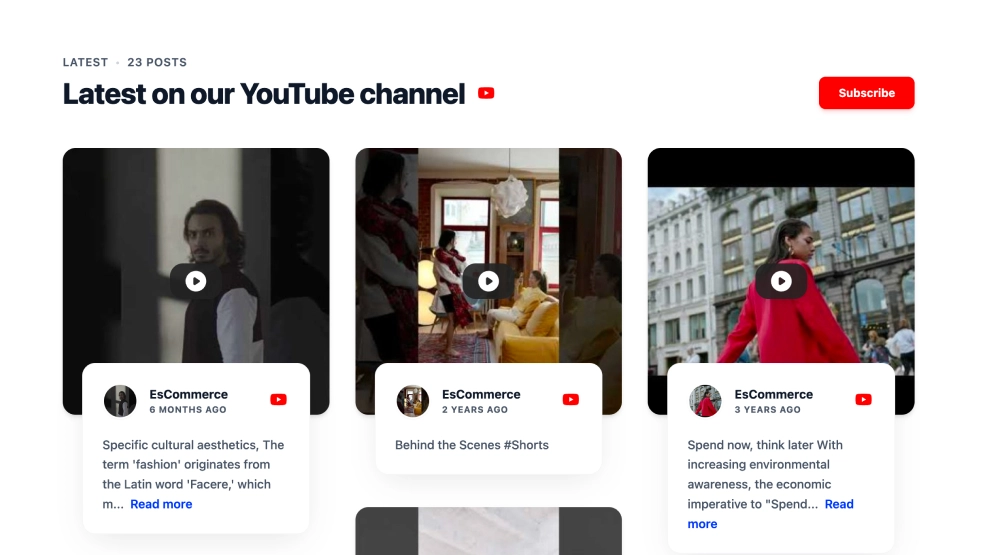
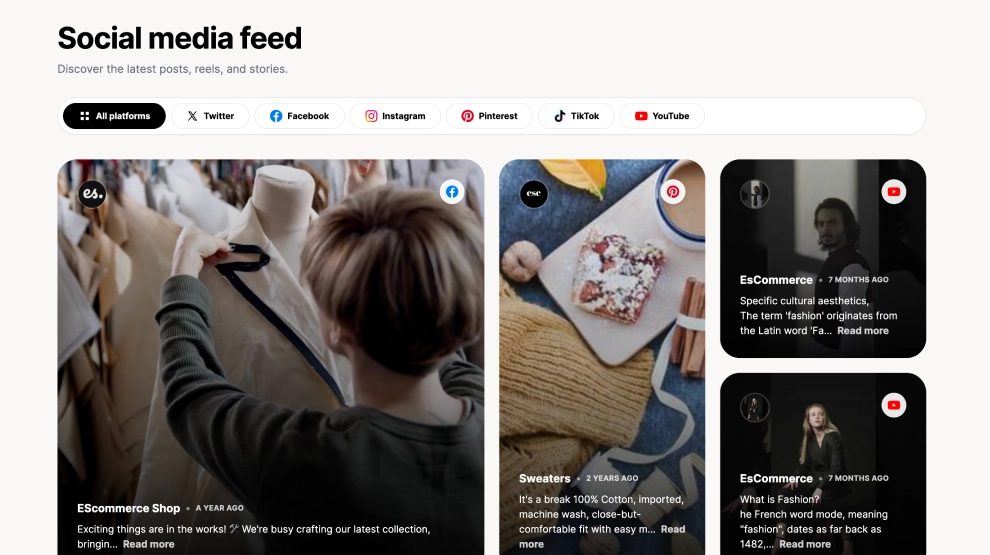
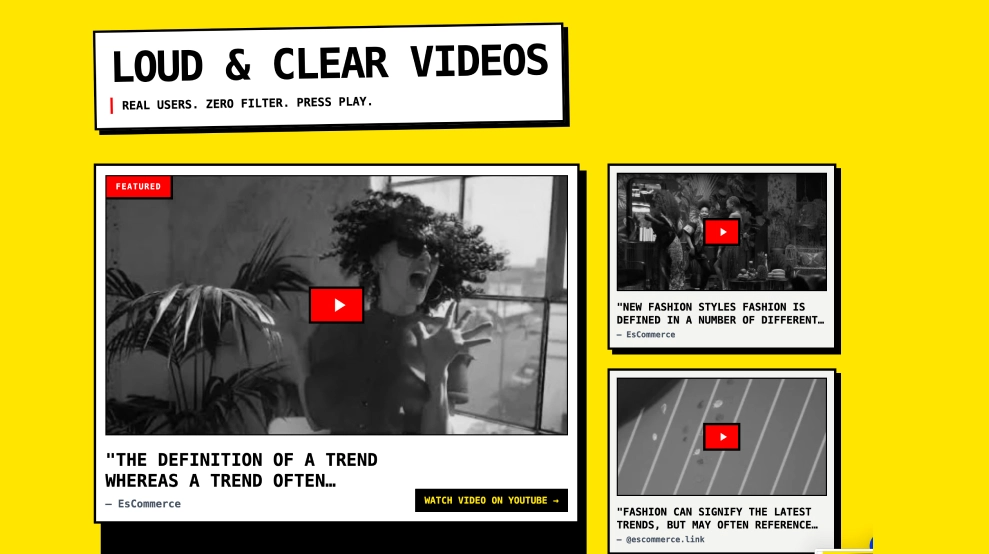
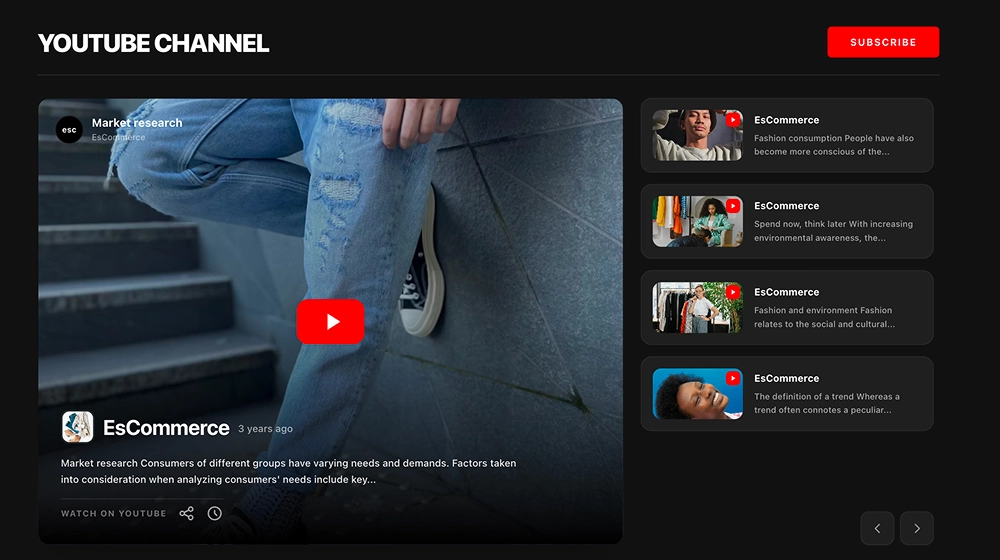
This YouTube channel widget gives your videos a clean, familiar gallery layout that feels easy to browse on any website. With a visible channel header, profile details, subscribe button, and a grid of video cards underneath, it works like a straightforward on-site extension of your YouTube channel.
What makes it work
Clear channel identity: The profile image, channel name, and handle help visitors recognize the source immediately.
Familiar video grid: The layout mirrors the way people already browse video platforms, so it feels intuitive.
Large video thumbnails: Each video preview is prominent enough to catch attention quickly.
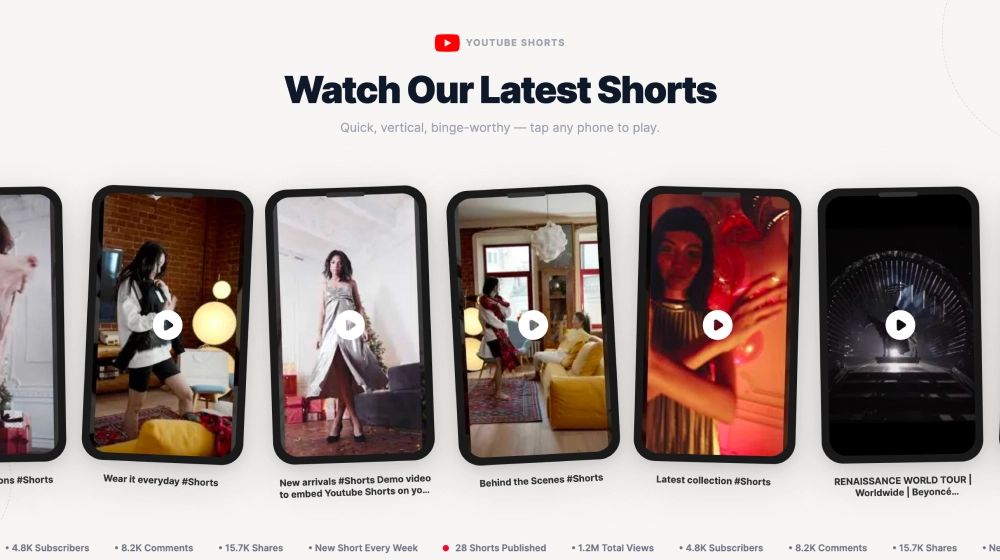
Play-first design: Centered play icons make it obvious which content is ready to watch.
Title and metadata visibility: Each card includes video title, channel name, and publish timing for better context.
Subscribe CTA: The red
Subscribebutton gives visitors a direct path to follow the channel.Mixed content support: The widget works well for longer videos, Shorts, tutorials, trends, and brand storytelling content.
Best fit for
Creator and personal brand websites
Ecommerce sites using YouTube for product storytelling
Fashion and media websites
Homepage video sections
Businesses that want a clean, recognizable YouTube showcase
How to embed it
Connect your YouTube channel in EmbedSocial.
Choose the Classic YouTube Channel Widget template.
Customize the channel header, visible video details, and subscribe button.
Set how many videos should appear in the grid and how the layout should behave across devices.
Copy the embed code.
Paste it into your website, landing page, or CMS and publish.
Show your YouTube channel in a layout that feels familiar, easy to browse, and natural on your website.
Features
- Moderation options
- Customizable settings
- Fast loading speed
- Mobile-friendly and responsive
- Multiple widgets for multiple websites
- Auto-sync with social platforms
- Custom styling options
- Analytics and insights