YouTube Shorts Widget

Use this template

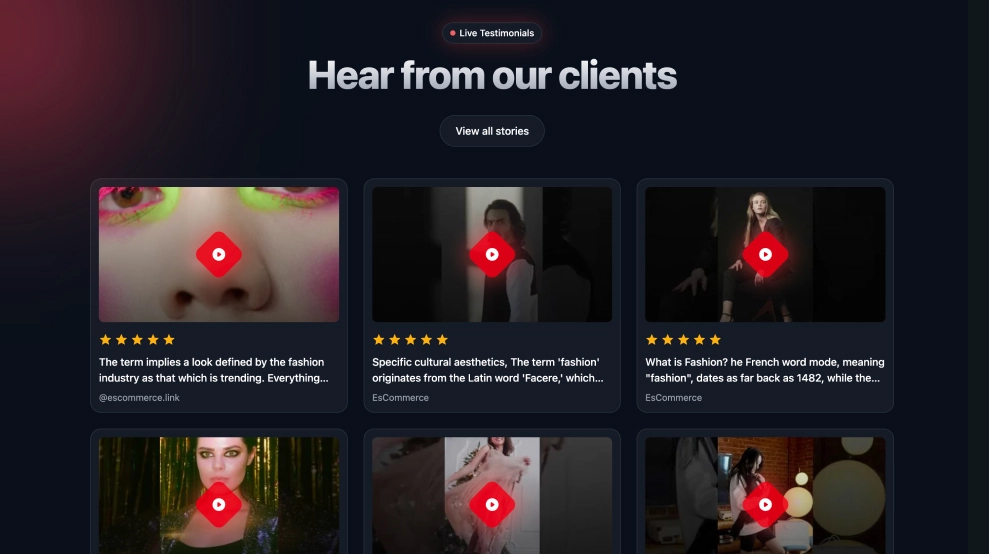
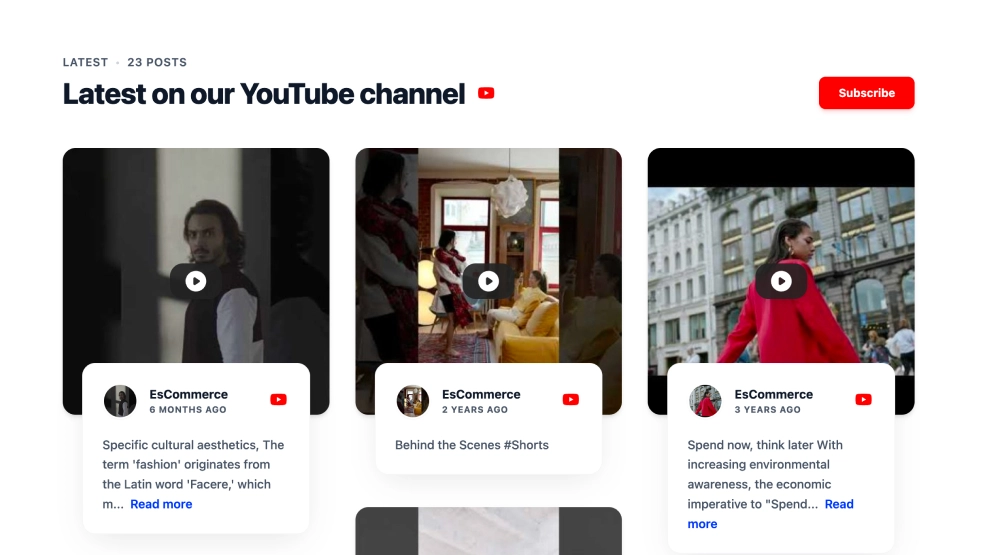
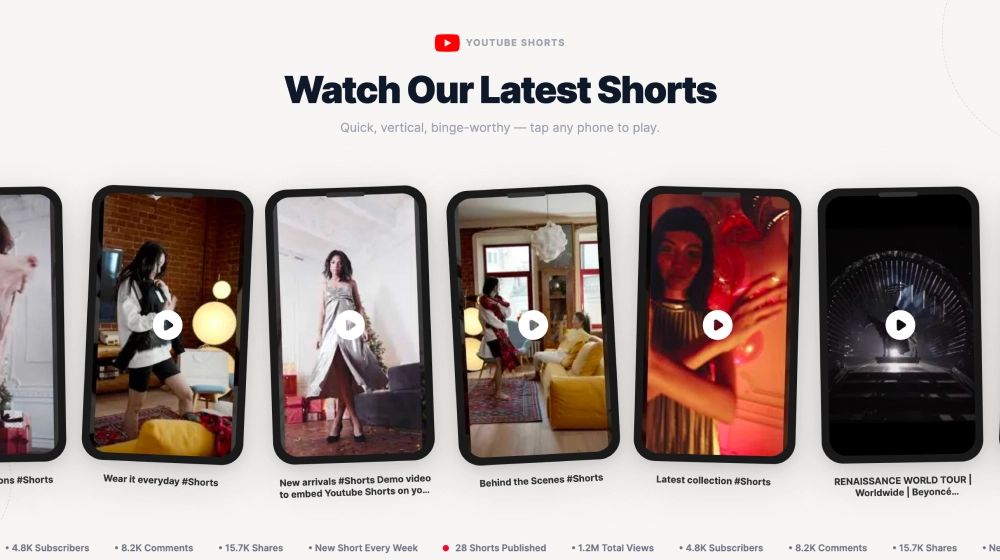
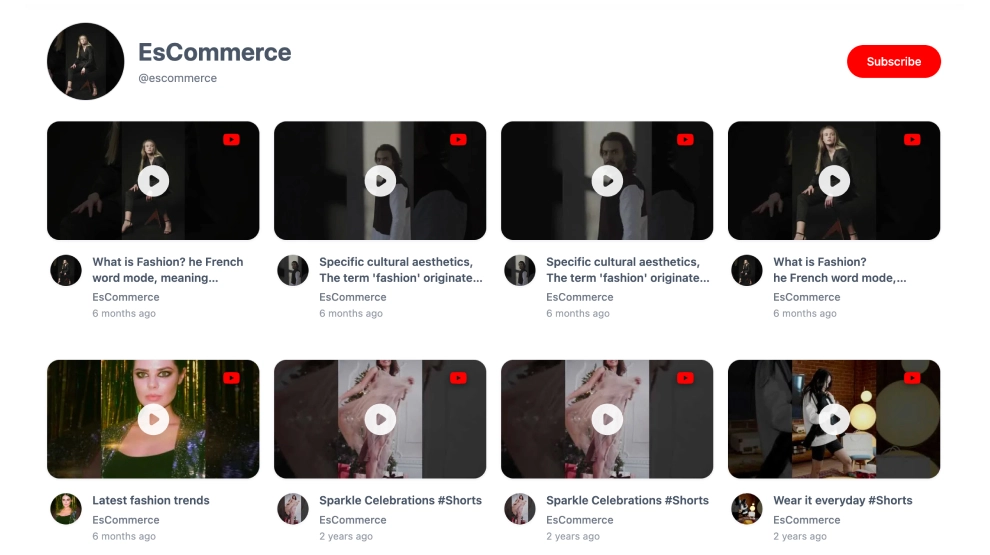
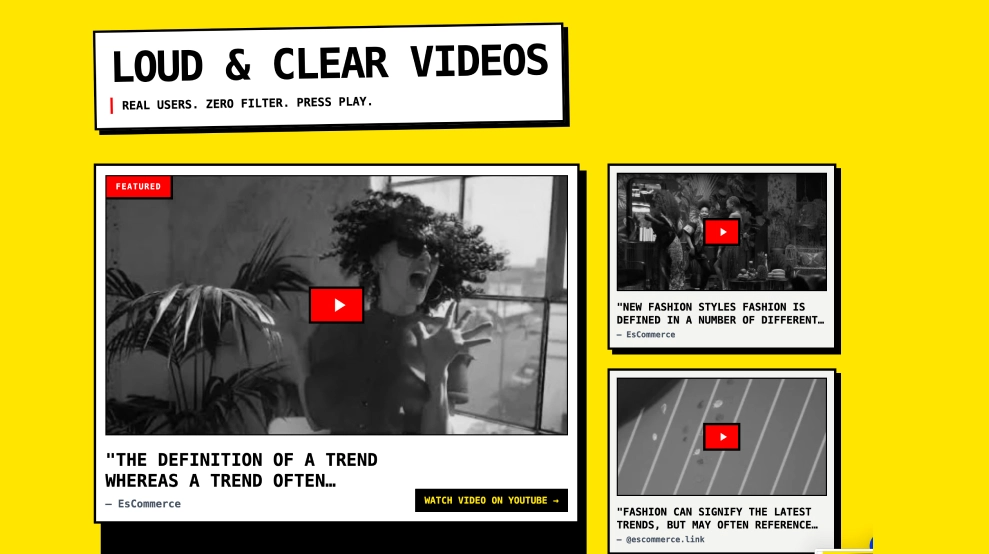
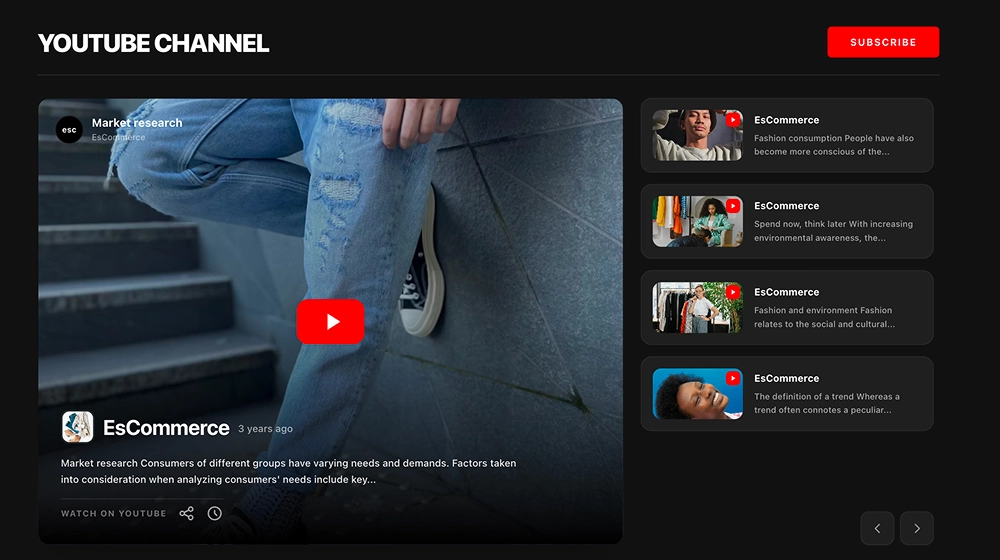
The YouTube Shorts Widget lets you showcase your latest Shorts in a clean, swipeable carousel that looks great on any website. It’s built to promote vertical video content without distractions—perfect for highlighting trending clips and turning site visitors into subscribers.FeaturesShorts-first layout: Displays vertical video thumbnails in a Shorts-style formatCarousel/slider navigation: Browse clips with arrows (and swipe on mobile)Channel header section: Title + short description area for context and brandingSubscribe button: Prominent Subscribe CTA to grow your YouTube audienceShorts badge + YouTube branding: Clear platform recognition on each video cardVideo titles + timestamps: Shows clip title and posted time for freshness and relevanceResponsive design: Adapts smoothly to desktop, tablet, and mobile screensClickable playback: Visitors can open and watch the Shorts directly from the widgetUse casesHomepage content section: Keep your site dynamic with fresh ShortsCreator/brand websites: Promote your channel and increase subscribersEcommerce product pages: Show quick demos, styling videos, or unboxingsLanding pages: Add social proof and engagement without a full YouTube embedBlog posts and tutorials: Pair written content with short video highlightsHow to embedConnect your YouTube channel (Shorts feed) in EmbedSocial.Choose the template from the templates library.Customize the title/description and enable the Subscribe button.Select how many Shorts to show and adjust spacing/card size.Copy the embed code (JavaScript or iFrame).Paste it into your site (WordPress, Webflow, Shopify, Wix, Squarespace, or custom HTML) and publish.Turn your website into a Shorts showcase, embed the YouTube Shorts Widget and help visitors discover your best clips and subscribe in one click.
About this template

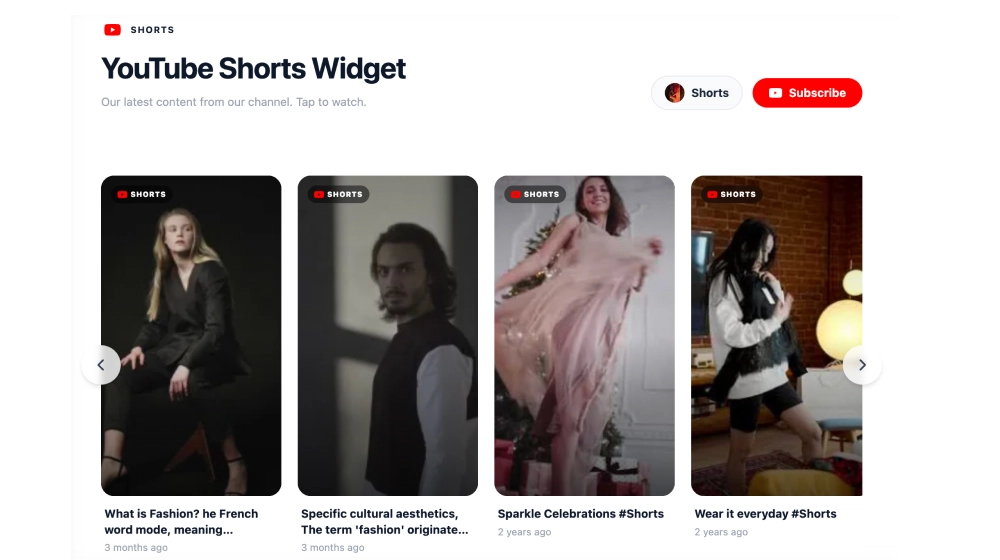
The YouTube Shorts Widget lets you showcase your latest Shorts in a clean, swipeable carousel that looks great on any website. It’s built to promote vertical video content without distractions—perfect for highlighting trending clips and turning site visitors into subscribers.

Features

  • Shorts-first layout: Displays vertical video thumbnails in a Shorts-style format

  • Carousel/slider navigation: Browse clips with arrows (and swipe on mobile)

  • Channel header section: Title + short description area for context and branding

  • Subscribe button: Prominent Subscribe CTA to grow your YouTube audience

  • Shorts badge + YouTube branding: Clear platform recognition on each video card

  • Video titles + timestamps: Shows clip title and posted time for freshness and relevance

  • Responsive design: Adapts smoothly to desktop, tablet, and mobile screens

  • Clickable playback: Visitors can open and watch the Shorts directly from the widget

Use cases

  • Homepage content section: Keep your site dynamic with fresh Shorts

  • Creator/brand websites: Promote your channel and increase subscribers

  • Ecommerce product pages: Show quick demos, styling videos, or unboxings

  • Landing pages: Add social proof and engagement without a full YouTube embed

  • Blog posts and tutorials: Pair written content with short video highlights

How to embed

  1. Connect your YouTube channel (Shorts feed) in EmbedSocial.

  2. Choose the template from the templates library.

  3. Customize the title/description and enable the Subscribe button.

  4. Select how many Shorts to show and adjust spacing/card size.

  5. Copy the embed code (JavaScript or iFrame).

  6. Paste it into your site (WordPress, Webflow, Shopify, Wix, Squarespace, or custom HTML) and publish.

Turn your website into a Shorts showcase, embed the YouTube Shorts Widget and help visitors discover your best clips and subscribe in one click.
Features

  • Moderation options
  • Customizable settings
  • Fast loading speed
  • Mobile-friendly and responsive
  • Multiple widgets for multiple websites
  • Auto-sync with social platforms
  • Custom styling options
  • Analytics and insights

Categories