



Why add a review widget to your website?
Most websites still show outdated testimonials, screenshots, or manually copied reviews. A live review widget solves that by keeping proof fresh, visible, and easier to manage.
Improve conversion paths
Place review widgets near CTAs, pricing, and product pages to reduce hesitation and increase confidence.
Save time with automatic updates
Connect review sources once and keep your website review widget synced without manual copy/paste.
Build trust with real customer proof
Never let your site look abandoned again. Dynamic social proof keeps your content alive, relevant, and engaging.




Everything you need to scale
social proof management
Collect reviews automatically from API connected sources
Connect supported sources and keep your review widget updated automatically. Use one platform to manage review content for one site or many client websites.
✔️ API integrations for automatic review and UGC collection
✔️ Auto-sync to keep review widgets fresh
✔️ Multiple sources in one publishing workflow
Business impact: More fresh reviews and UGC -> higher trust -> stronger conversion rates.

Design a better review widget with AI editor + 200+ templates
Create more than a basic slider. Use prompt-based customization and a large template library to build review sections that match your brand and page goal.
✔️ AI editor / vibe-style customization
✔️ 200+ widget & section templates
✔️ Custom CSS & styling controls
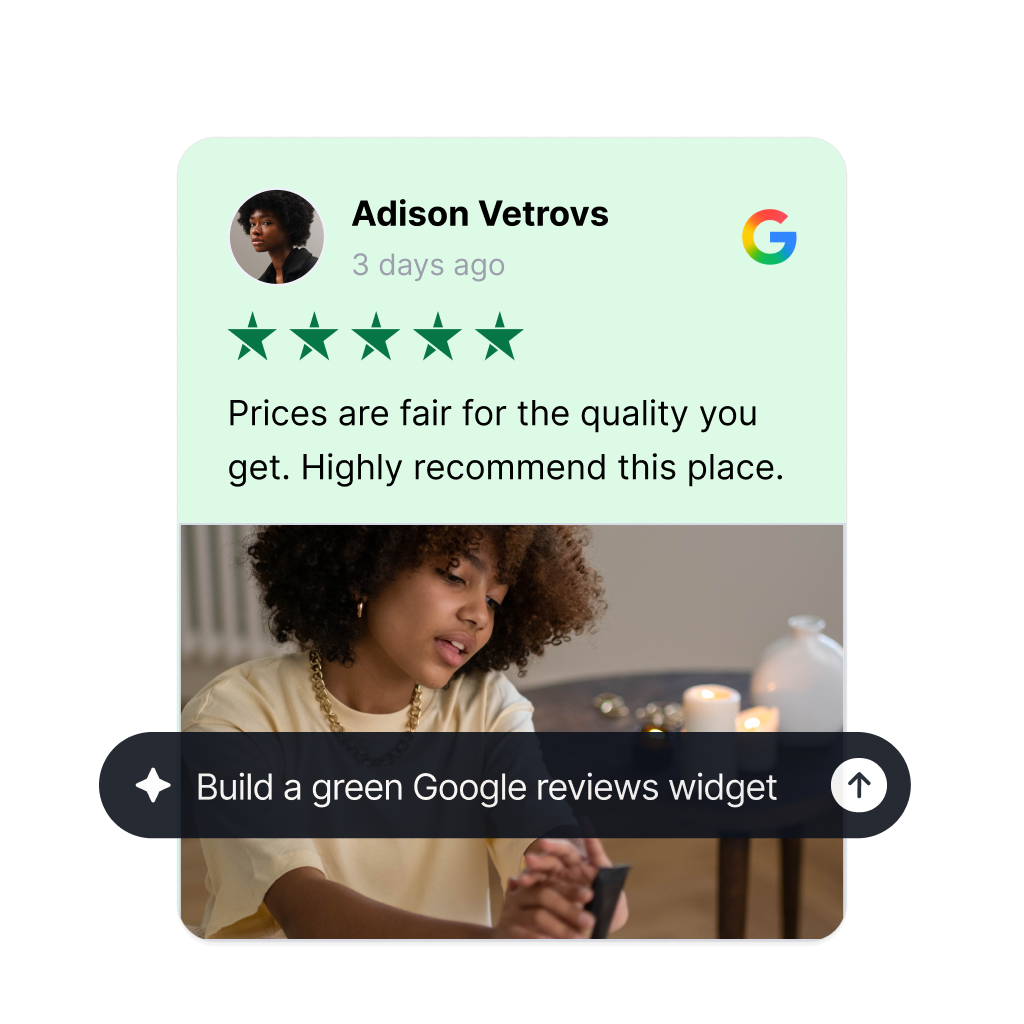
Curate faster with AI scoring, moderation, and tagging
Don’t publish every review blindly. Use AI-powered tools to sort, filter, and organize review content before it goes live.
✔️ AI scoring to prioritize high-quality content
✔️ AI moderation for faster review workflows
✔️ AI tagging for better organization

Get more clicks from Google search with a simple code
EmbedSocial’s review widgets get a schema code that when embedded on product pages will show an aggregated star rating snippet in Google search results. Leading to higher click through rate and higher traffic.
✔️ Unique code for each widget
✔️ Works on any web builder
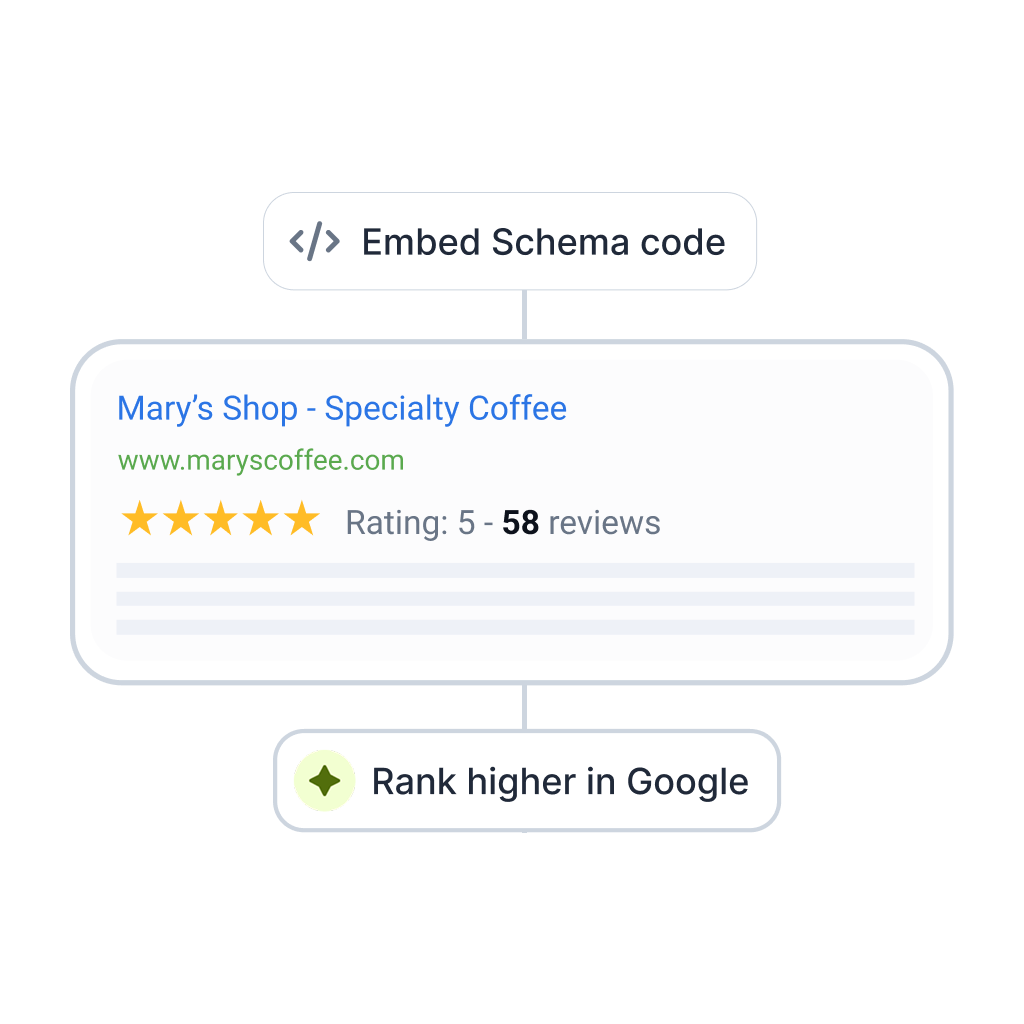


Embeddable code
Code that works on any web platform that supports JavaScript.

Mobile responsive
Mobile-friendly widgets that fit any device size.

One widget, multiple sources
Combo widgets that include posts from various sources.

AI editorPopular
Create your own style and design for unique widgets.
Browse Google reviews widgets
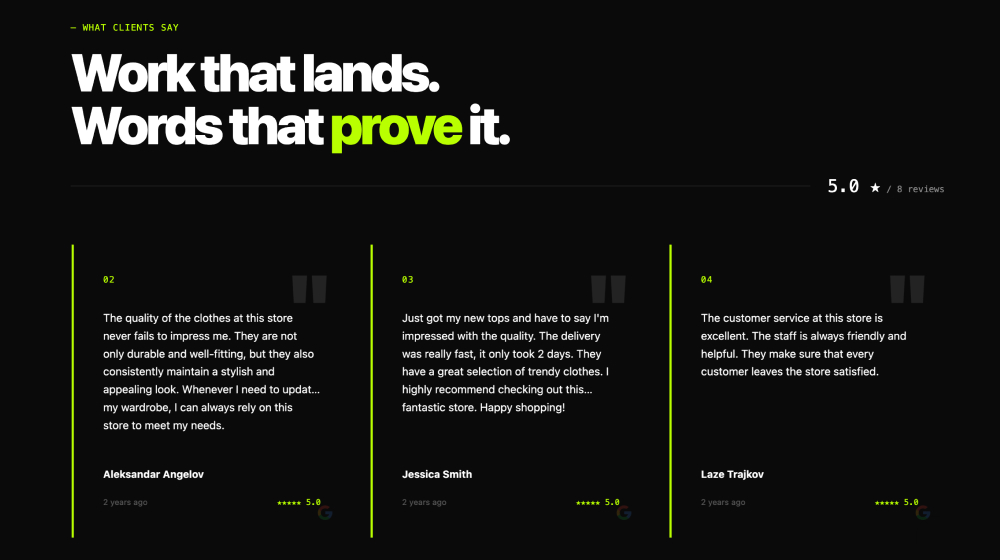








Measure what your review widget actually drives
Track widget performance and learn which layouts and review selections drive more engagement.
✔️ Views, posts clicks, and CTA clicks tracking
✔️ Compare performance across dates
✔️ A/B testing – coming soon

Turn review widgets into shoppable conversion paths
For eligible use cases in the EmbedSocial platform, enrich review content with product links and tagging to move from trust proof to purchase intent.
✔️ Product tagging on images and videos
✔️ Clickable product links and buy-now flows
✔️ Shoppable galleries and carousels

More than a review widget tool





Review Widget Comparison: EmbedSocial vs. Top Alternatives
Choosing the right review widget depends on your review sources, customization needs, and whether you need multi-site management. Here’s how the top options compare:
| Feature | EmbedSocial | Elfsight | Tagembed | Trustindex |
|---|---|---|---|---|
| Google Reviews | ✅ | ✅ | ✅ | ✅ |
| Facebook Reviews | ✅ | ✅ | ✅ | ⚠️ Limited |
| Trustpilot Reviews | ✅ | ⚠️ Limited | ⚠️ Limited | ⚠️ Limited |
| Yelp Reviews | ✅ | ❌ | ✅ | ❌ |
| Instagram UGC | ✅ | ✅ | ✅ | ❌ |
| Auto-sync | ✅ Real-time | ✅ | ⚠️ Delayed | ✅ |
| AI moderation | ✅ | ❌ | ❌ | ❌ |
| AI review summary | ✅ | ❌ | ❌ | ❌ |
| Multi-site management | ✅ | ⚠️ Add-on | ❌ | ⚠️ Limited |
| Schema markup (rich snippets) | ✅ | ✅ | ⚠️ | ✅ |
| Free plan | ✅ | ⚠️ Trial only | ✅ | ✅ |
Is it hard to embed?
No. You can embed your new section widget on any website, CMS, or web builder. Works with WordPress, Lovable, Bolt, Wix, Webflow, Duda, Shopify, custom React applications, and other custom code. Plus, it updates automatically.



Auto updates
One code paste
Mobile native
How to add a review widget to your website?
Launch your first review widget in minutes with no-code setup.

Step 1: Connect your review sources
Step 2: Customize your review widget

Step 3: Copy and paste the embed code
FAQs about our review widget platform
Have a specific question about using EmbedSocial review widgets? These answers cover setup, customization, moderation, syncing, and multi-site use so you can launch faster.
A review widget is an embeddable code snippet that displays customer reviews from platforms like Google, Facebook, or Trustpilot directly on your website. It updates automatically when new reviews come in, requires no coding to install, and can be styled to match your brand.
To get a Google review widget: connect your Google Business Profile to a tool like EmbedSocial, choose a display layout (carousel, grid, or list), then copy the embed code and paste it into your website. Setup takes under 5 minutes.
EmbedSocial’s review widget works on every major website platform. Copy the embed code once and paste it anywhere that supports JavaScript.
Review widget for WordPress – Paste the EmbedSocial embed code into any WordPress page, post, or widget area using a Custom HTML block. No plugin required.
Review widget for Squarespace
In Squarespace, add a Code Block to your page and paste your EmbedSocial embed code. Works in all Squarespace templates.
Review widget for Wix
Use Wix’s HTML iframe element to embed your review widget. Drag the HTML widget to any section and paste your EmbedSocial code.
Review widget for Shopify
Add the embed code to your Shopify theme’s product or collection page via the Customize editor or your theme’s HTML/Liquid files.
Yes, many teams start by testing with a free account before choosing a long-term setup. When comparing options, check branding limits, widget customization, available sources, sync behavior, and whether the plan supports the review layouts you want to publish with EmbedSocial. Create a free review widget.
An all-in-one review widget aggregates reviews from multiple platforms, Google, Facebook, Trustpilot, Yelp, and more, into a single embeddable display. Instead of managing widgets per platform, you connect all sources once and publish a unified review widget to your website.
Yes. EmbedSocial includes templates, styling controls, and advanced customization options so your review widget matches your brand. You can adjust layouts, colors, content display rules, and use the editor to create a cleaner fit for product pages, homepages, and landing pages.
EmbedSocial widgets are designed to reduce manual updates by syncing content from connected sources. Sync timing can depend on the source and your setup, but the goal is the same: keep your review widget current so your website always shows fresher customer proof.
Yes. Agencies and multi-location teams commonly use EmbedSocial to manage review widgets across multiple websites or pages. Reusable templates, centralized moderation, and a single platform workflow make it easier to maintain consistency while still customizing widgets for each client or location.
A Google review button is a link that sends visitors directly to your Google review form. To add one, copy your Google Business Profile review link and add it to your website as a button or text link. Pair it with a review widget to display the reviews you collect.
Widget performance depends on the widget layout, the amount of content shown, and how it is placed on the page. EmbedSocial helps you keep widgets practical and embeddable, and you can improve performance further by using focused layouts and showing only the reviews you need for each page section.