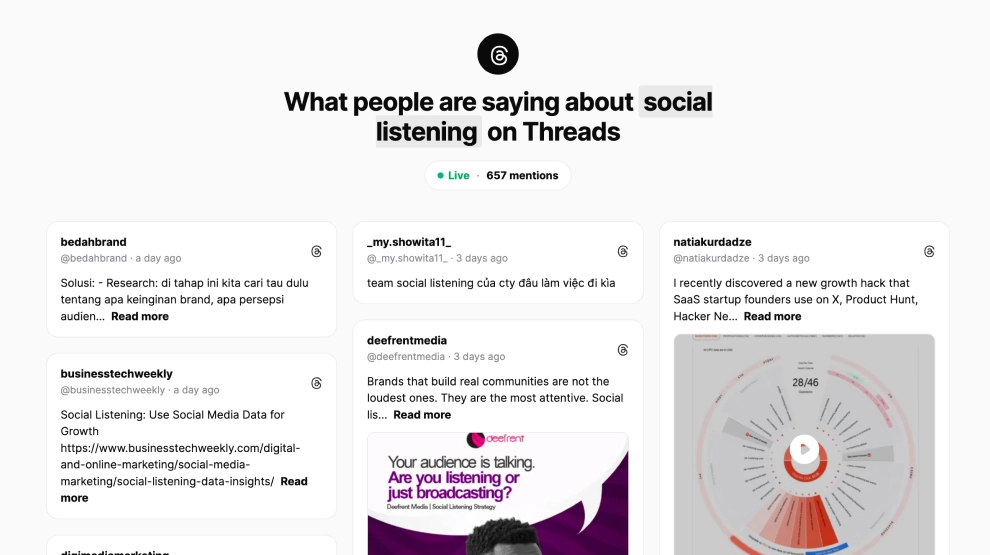
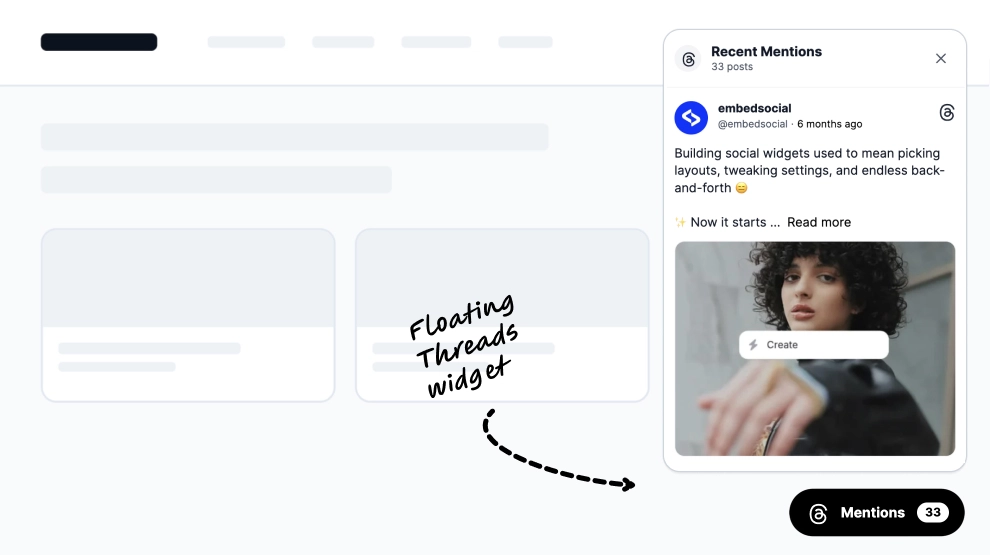
This Threads widget brings your latest posts onto your website in a clean, focused slider that feels light, modern, and easy to read. Instead of showing a dense social feed, it highlights one Threads post at a time inside a familiar card layout, with profile details, post preview text, interaction icons, and a clear Follow CTA.
What makes it work
-
Single-post focus: One Threads post stays centered, which makes the content easier to read and gives each update more attention.
-
Familiar social-card layout: The card mirrors the look of a native Threads post, so the format feels instantly recognizable.
-
Clean profile header: Account name, platform cue, verification mark, and timestamp help the content feel current and credible.
-
Lightweight slider navigation: Previous and next arrows keep the browsing experience simple without adding clutter.
-
Readable text-first format: This layout works especially well for announcement posts, product thoughts, short updates, and community messages.
-
Native interaction cues: Familiar reply, repost, and share-style icons help the widget feel connected to the platform.
-
Follow CTA: The
Followbutton gives visitors a direct path back to the Threads profile.
Best fit for
-
SaaS and startup websites
-
Founder and personal brand pages
-
Product update sections
-
Community or announcement blocks
-
Brands that want Threads content displayed in a cleaner, more focused way
How to embed it
-
Connect your Threads source in EmbedSocial.
-
Choose the Threads Posts Slider template.
-
Customize the visible profile details, post preview length, and follow button.
-
Set how the slider should rotate and how navigation should behave.
-
Copy the embed code.
-
Paste it into your website, landing page, or CMS and publish.
Show Threads posts in a slider that feels clean, readable, and naturally aligned with short-form brand updates.