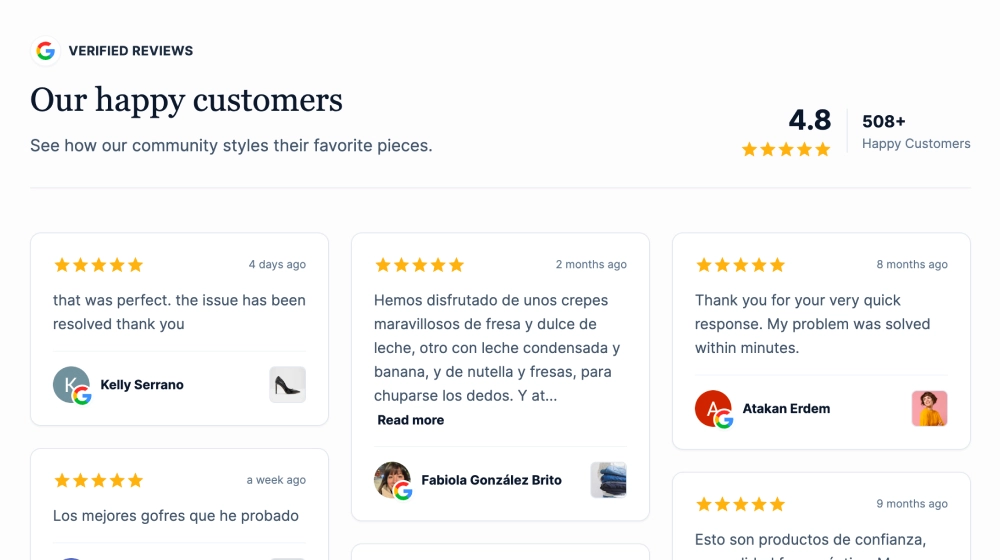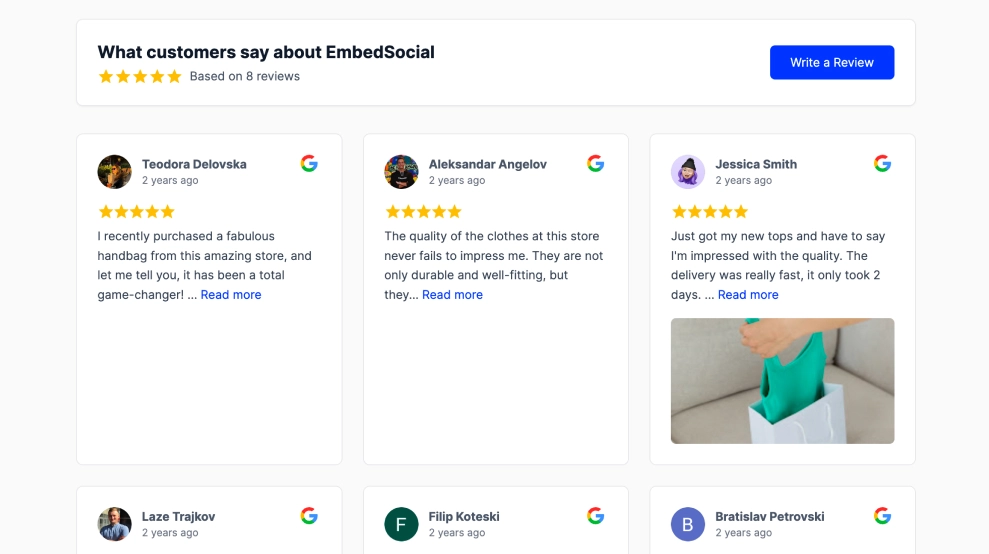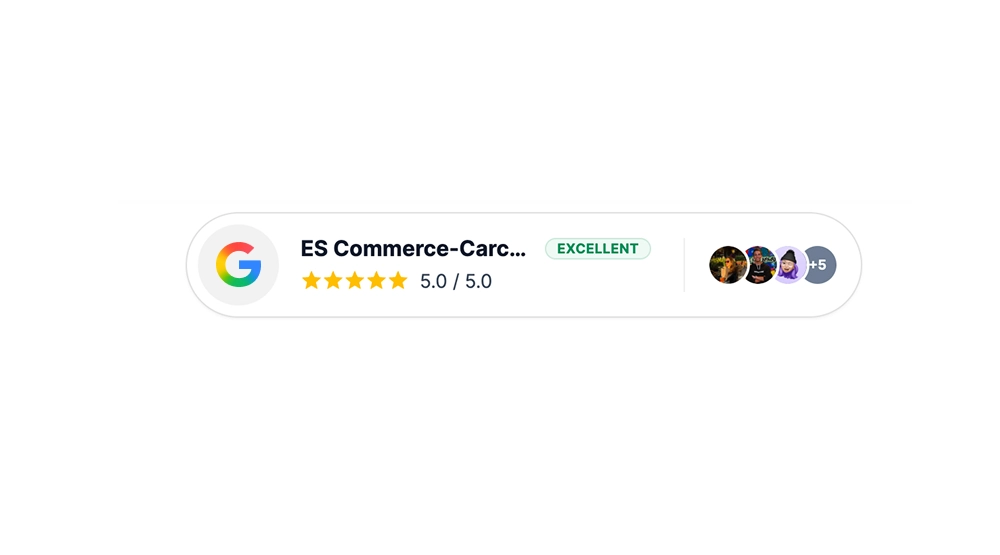
A Google trust badge shows your Google star rating, score and customer avatars in one compact badge. This template adds that proof to a page without a full reviews section, so visitors take it in at a glance.
What the Google trust badge shows and where to place it
A Google trust badge is a small website element that displays your live Google review rating as proof that real customers vouch for you. This one combines the Google logo, a five-star row, a score summary, a quality label such as Excellent and a row of customer avatars.
The avatars make the rating feel backed by real people, not just a number. A +5 bubble hints at the review volume behind the faces you can see.
Use a Google reviews trust badge where visitors hesitate: next to a CTA, in a hero section, beside pricing or on a product page. It does the job of a testimonial block in far less space.
See every badge format on the Google reviews badge page.
- Homepage: a badge in the hero shows credibility before visitors scroll.
- Pricing page: a rating beside the plans answers “can I trust them?” at the moment of choice.
- Product pages: proof near the add to cart button supports the purchase decision.
- Landing pages: ad visitors who don’t know you yet get proof right next to the main CTA.
How to add a Google trust badge to your website
- Connect your Google reviews in EmbedSocial.
- Choose the Google Reviews Trust Badge template.
- Customize the visible rating, label, business name, and avatars.
- Place it near your CTA or in a trust-focused section.
- Copy the embed code.
- Paste it into your website, landing page, or CMS and publish.
WordPress
Open the page in the block editor and add a Custom HTML block next to your CTA. Paste the embed code and update the page.
Shopify
Go to Online Store > Themes > Customize and add a Custom Liquid section to the product or home template. Paste the embed code and save.
Wix
Add an Embed a Site or HTML iFrame element (the name depends on your editor version). Paste the code, place the element near your button and publish.
Squarespace
Edit the page and add an Embed block. Paste the code into its code field and save.
Trust badge vs other layouts
| Layout | Best for | Shows | Template |
|---|---|---|---|
| Trust badge | CTAs and hero sections | Rating, score, quality label and avatars | Google Reviews Trust Badge |
| Compact badge | Sticky headers and above the fold | Pill banner with rating, review count and avatars | Trust Badge Compact |
| Floating badge | Site-wide visibility | Corner overlay with score, stars and review count | Floating Google Reviews Badge |
Review badges vs security trust badges
Security trust badges, like SSL seals and payment icons, tell visitors their data and payment are safe. They belong close to the transaction, such as the cart or checkout.
A review badge shows a live rating from real customers, so it answers a different question: is this business any good? Use review badges near CTAs and on product pages, and security badges at the payment step. Our guide to trust badges covers placement in more detail.