Instagram Product Catalogue
Use this templateThe Instagram Product Catalogue Widget blends shoppable product cards with a visual UGC gallery, creating a “shop the look” section that connects inspiration to purchase. Visitors can browse featured items at the top, then explore real-life photos/videos underneath—each tile showing how many products are tagged.FeaturesTwo-level layout:Top row: Featured product carousel with image, name, and priceBottom row: UGC gallery tiles with product-tag indicators (e.g., “1 Product”, “2 Products”)Collection-style header: Title like “Featured Collections” with a “Shop the look” label for clear intentProduct slider navigation: Left/right arrows to browse more items without taking extra page spaceShoppable UGC tiles: Each post can contain one or multiple tagged productsClean ecommerce UI: Rounded cards, consistent spacing, and price-forward presentationFast discovery flow: Users can start with products or start with inspiration and shop from thereMobile-friendly: Carousels and tiles adapt smoothly, with tap-based shopping behaviorUse casesHomepage “Shop the look” section: Combine best-sellers with UGC styling inspirationCollection landing pages: Showcase featured items + real customer content in one blockFashion & lifestyle ecommerce: Perfect for outfits, bundles, seasonal edits, and capsulesUGC-driven stores: Turn community content into a shoppable lookbookCampaign pages: Highlight a drop with products on top and creator/customer posts belowHow to embedConnect your Instagram (or UGC source) in EmbedSocial.Choose the UGC + Products Collections template from the shoppable/UGC templates library.Add your product catalog or product links, then tag products in each UGC post.Configure the Featured Products row (which items to show, order, and pricing display).Copy the embed code (JavaScript or iFrame).Paste it into your site (Shopify, WooCommerce, Webflow, WordPress, Wix, Squarespace, or custom HTML) and publish.Turn inspiration into a purchase path, embed the UGC Catalogue Widget to showcase featured items and let shoppers explore real content, then buy the look in just a few clicks.
About this template
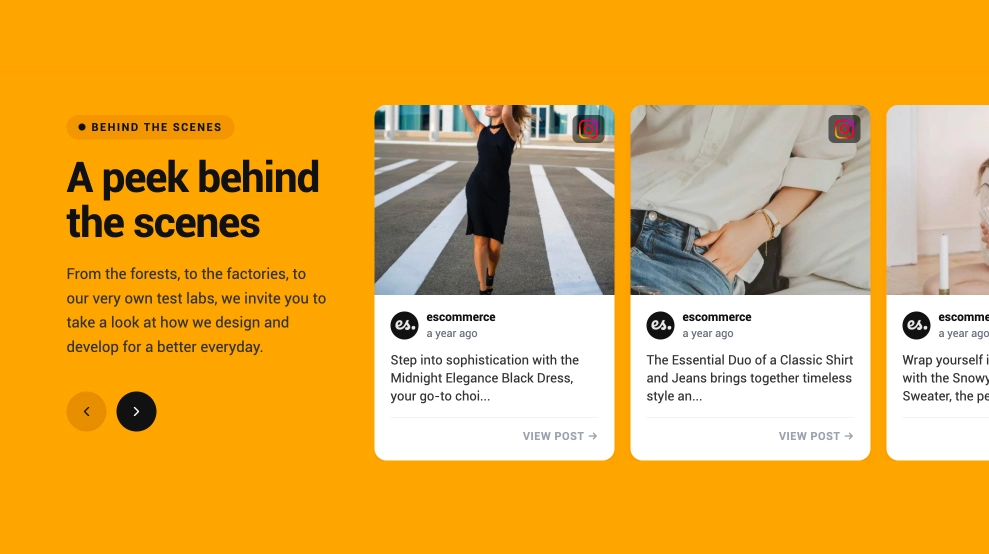
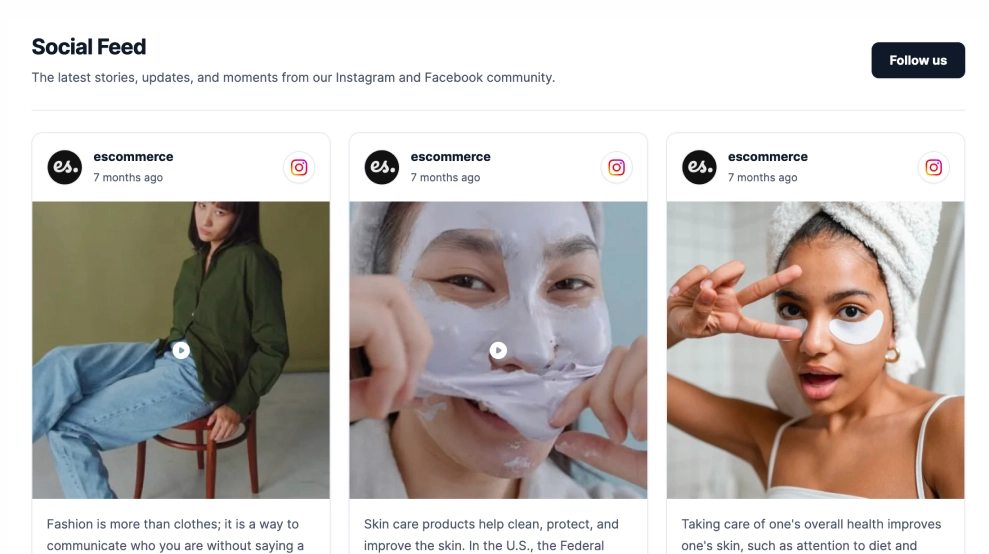
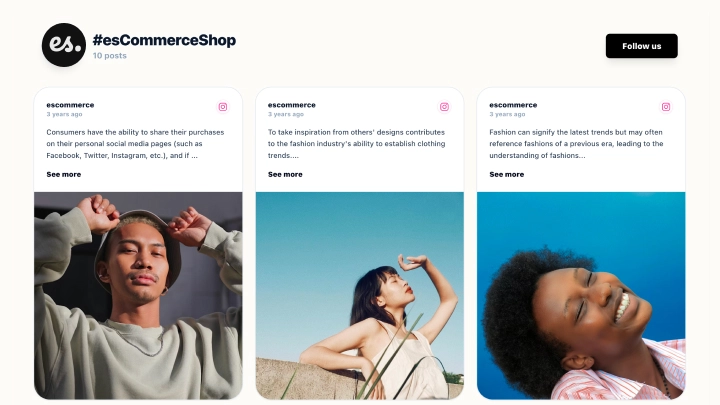
The Instagram Product Catalogue Widget blends shoppable product cards with a visual UGC gallery, creating a “shop the look” section that connects inspiration to purchase. Visitors can browse featured items at the top, then explore real-life photos/videos underneath—each tile showing how many products are tagged.
Features
Two-level layout:
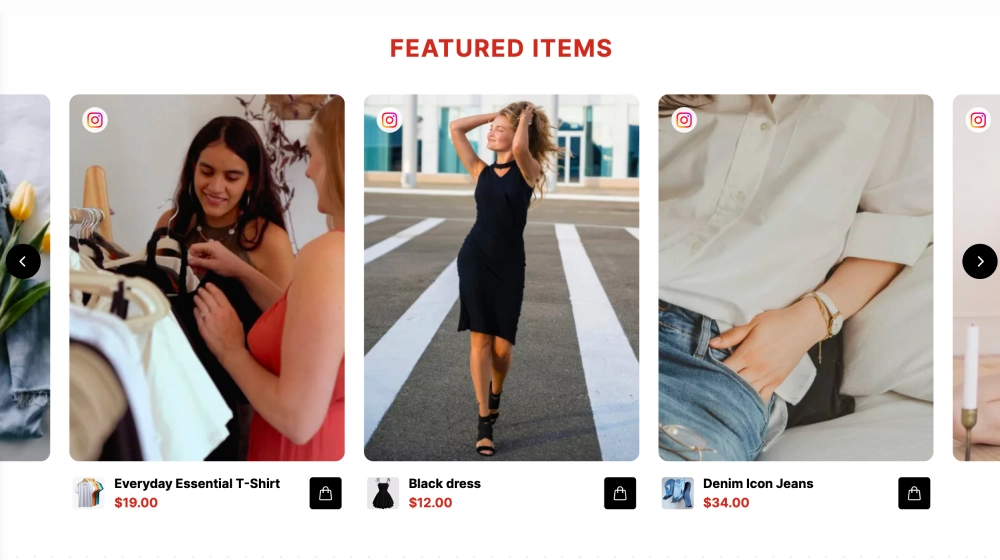
Top row: Featured product carousel with image, name, and price
Bottom row: UGC gallery tiles with product-tag indicators (e.g., “1 Product”, “2 Products”)
Collection-style header: Title like “Featured Collections” with a “Shop the look” label for clear intent
Product slider navigation: Left/right arrows to browse more items without taking extra page space
Shoppable UGC tiles: Each post can contain one or multiple tagged products
Clean ecommerce UI: Rounded cards, consistent spacing, and price-forward presentation
Fast discovery flow: Users can start with products or start with inspiration and shop from there
Mobile-friendly: Carousels and tiles adapt smoothly, with tap-based shopping behavior
Use cases
Homepage “Shop the look” section: Combine best-sellers with UGC styling inspiration
Collection landing pages: Showcase featured items + real customer content in one block
Fashion & lifestyle ecommerce: Perfect for outfits, bundles, seasonal edits, and capsules
UGC-driven stores: Turn community content into a shoppable lookbook
Campaign pages: Highlight a drop with products on top and creator/customer posts below
How to embed
Connect your Instagram (or UGC source) in EmbedSocial.
Choose the UGC + Products Collections template from the shoppable/UGC templates library.
Add your product catalog or product links, then tag products in each UGC post.
Configure the Featured Products row (which items to show, order, and pricing display).
Copy the embed code (JavaScript or iFrame).
Paste it into your site (Shopify, WooCommerce, Webflow, WordPress, Wix, Squarespace, or custom HTML) and publish.
Turn inspiration into a purchase path, embed the UGC Catalogue Widget to showcase featured items and let shoppers explore real content, then buy the look in just a few clicks.

Features
- Moderation options
- Customizable settings
- Fast loading speed
- Mobile-friendly and responsive
- Multiple widgets for multiple websites
- Auto-sync with social platforms
- Custom styling options
- Analytics and insights