


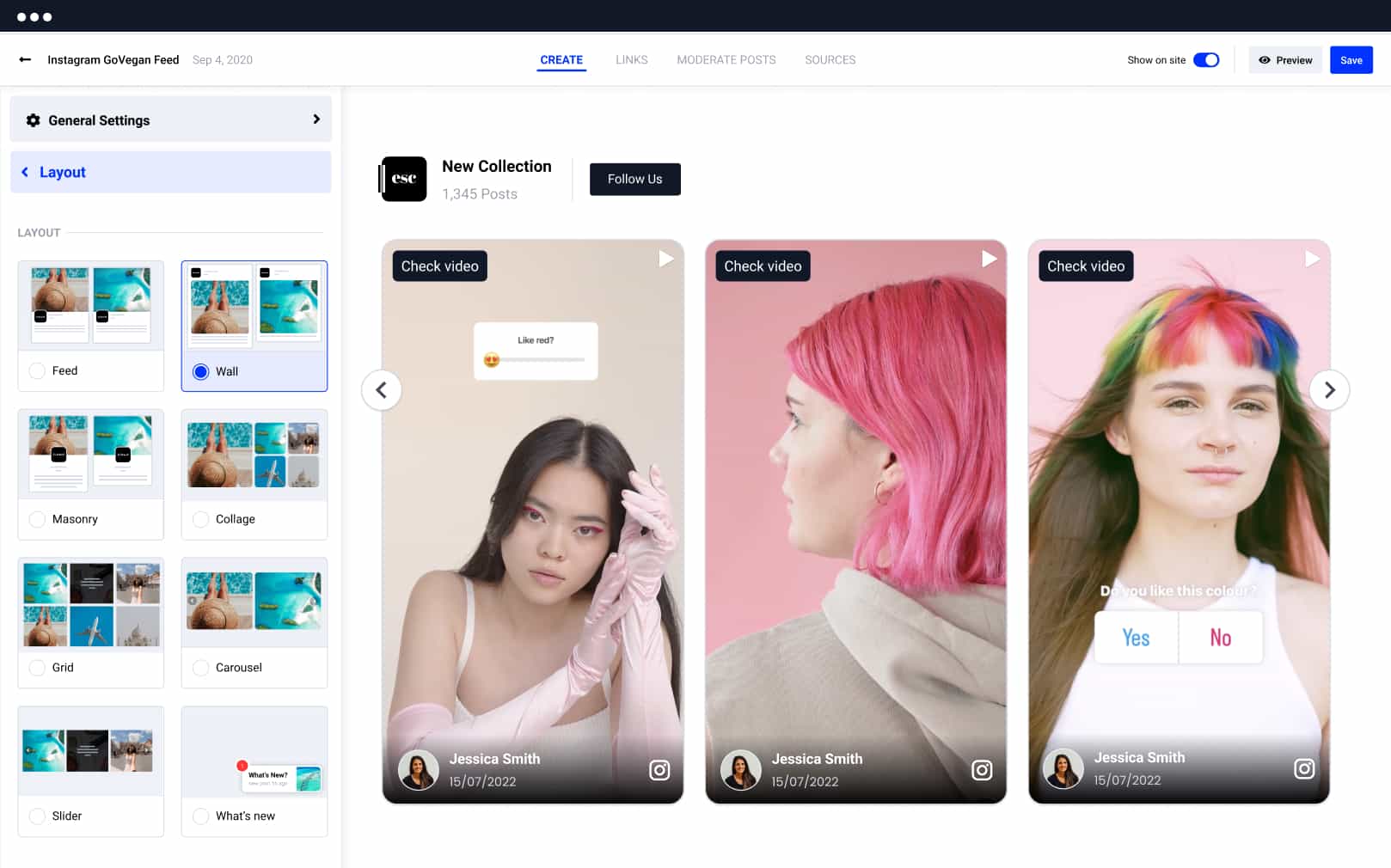
Why embed Instagram Reels on your website?
A live Instagram Reels widget keeps your site fresh with short-form video, adds real social proof, and gives every Reel a longer conversion life.
Keep your website fresh with auto-synced Reels
Pull Instagram Reels from your account or selected sources and keep your website updated without manual page edits.
Show real creator and customer video on your site
Embed Instagram Reels in layouts that fit landing pages, product pages, homepages, and campaign pages without developer help.
Turn short-form video into clicks, leads, and sales
Use CTA-ready layouts, product tags, and high-visibility placements so your best Reels keep working after they are posted.

Instagram Reels widget templates built for clicks
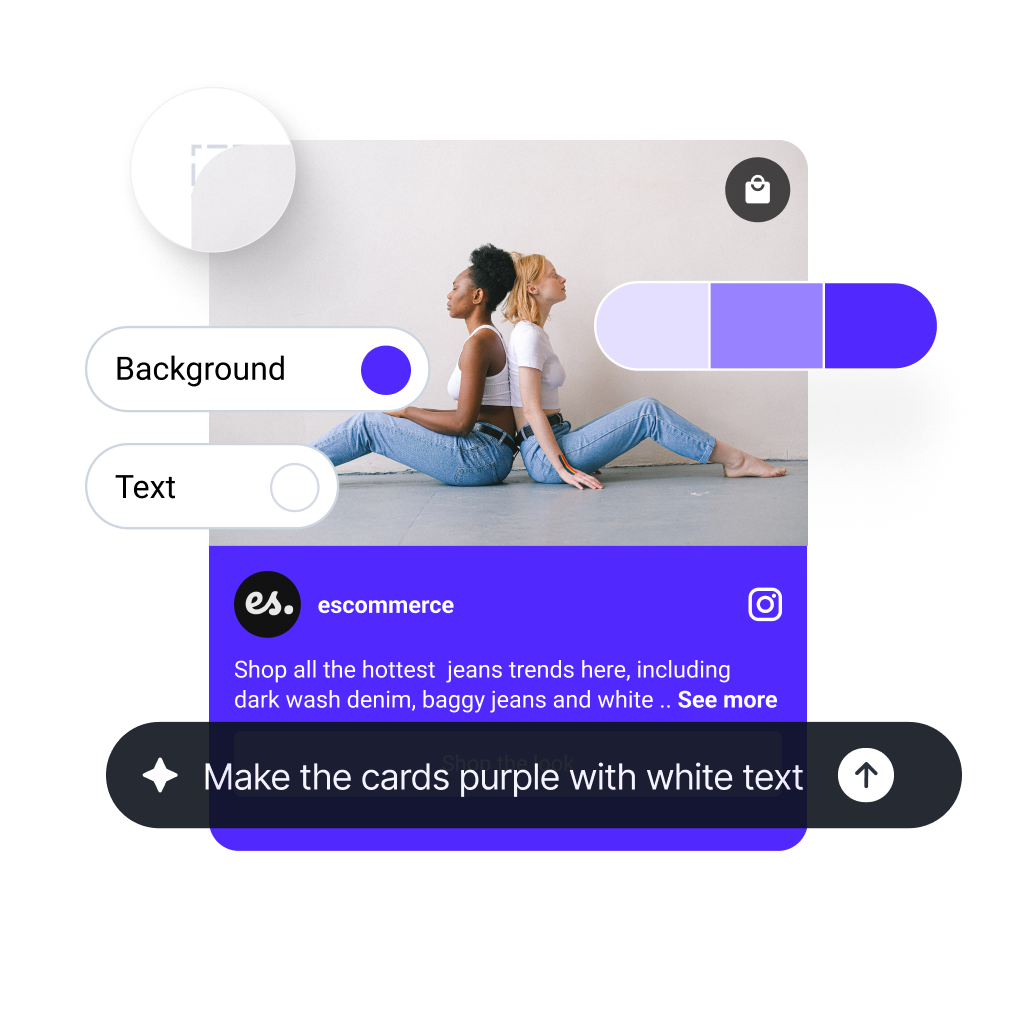
Start with a verified Reels layout for landing pages, product pages, and homepage sections, then customize it with AI.
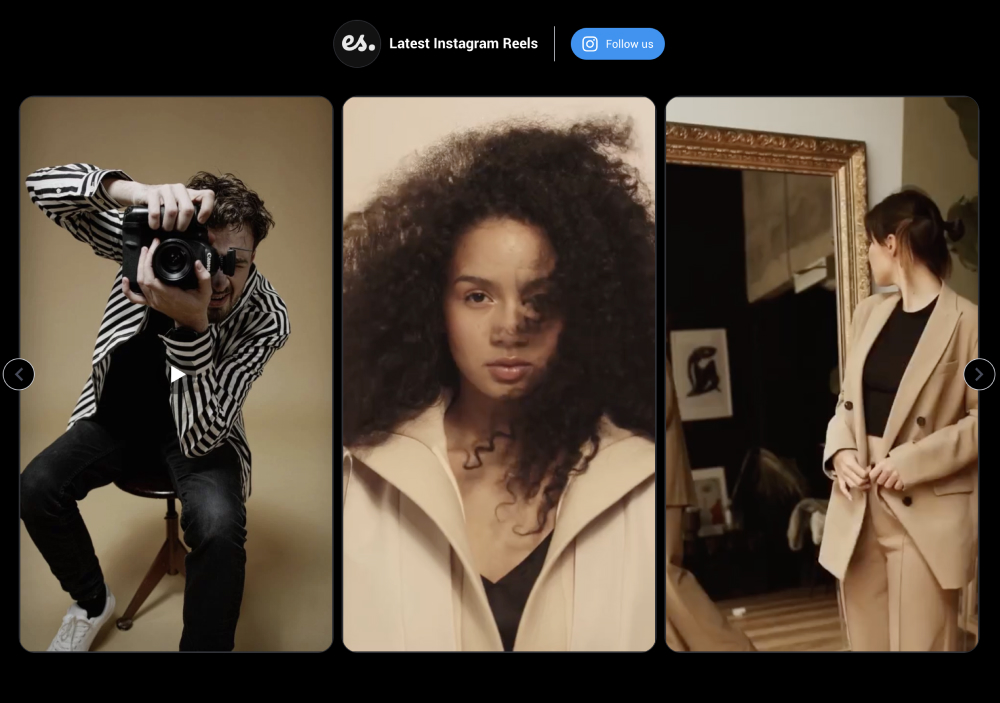

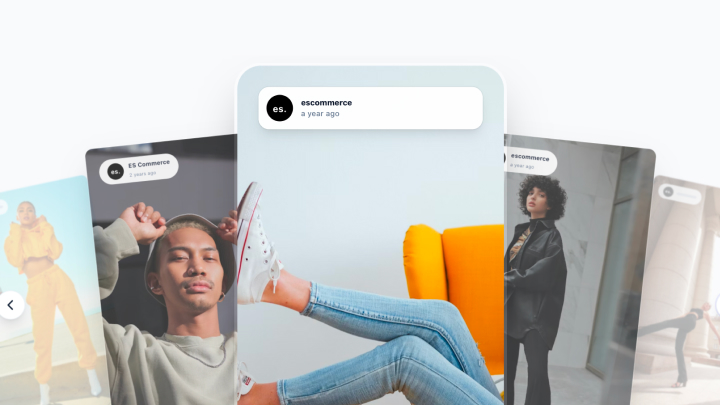

Create your Instagram Reels widget with one prompt
Describe the Reels section you want and EmbedSocial generates a live widget with layouts, filters, and styling controls in minutes.
Want to try it free first? Start with our free Instagram widget – no credit card required.
Not your ordinary Instagram embed. It’s a Reels widget built to convert.

Still using static embeds? A live Instagram Reels widget converts better
Before, your Instagram video block went stale fast. Now, your Reels widget auto-syncs fresh content, stays moderated, and keeps product proof moving.
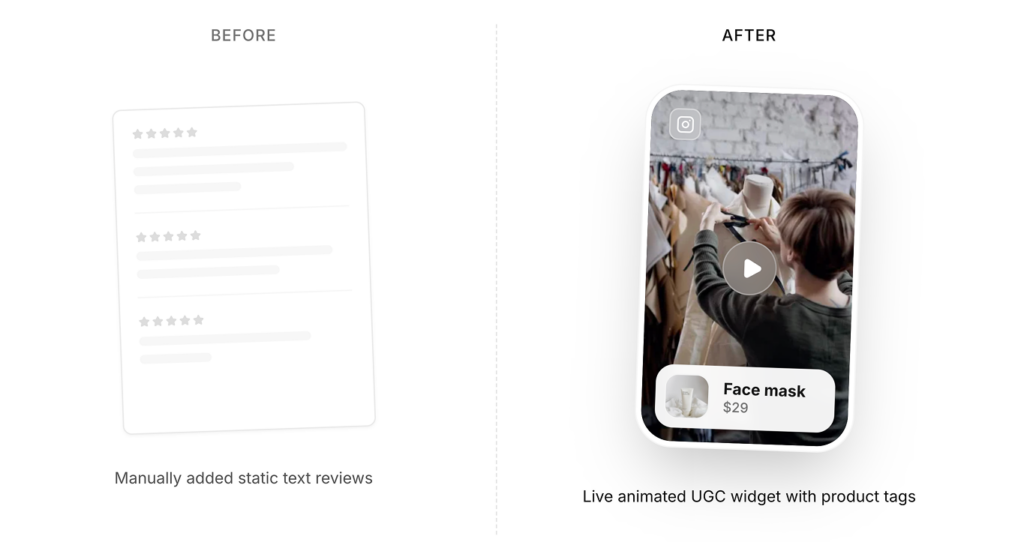
This is a Reels widget that stays current.
Everything you need to build a high-converting Instagram Reels widget
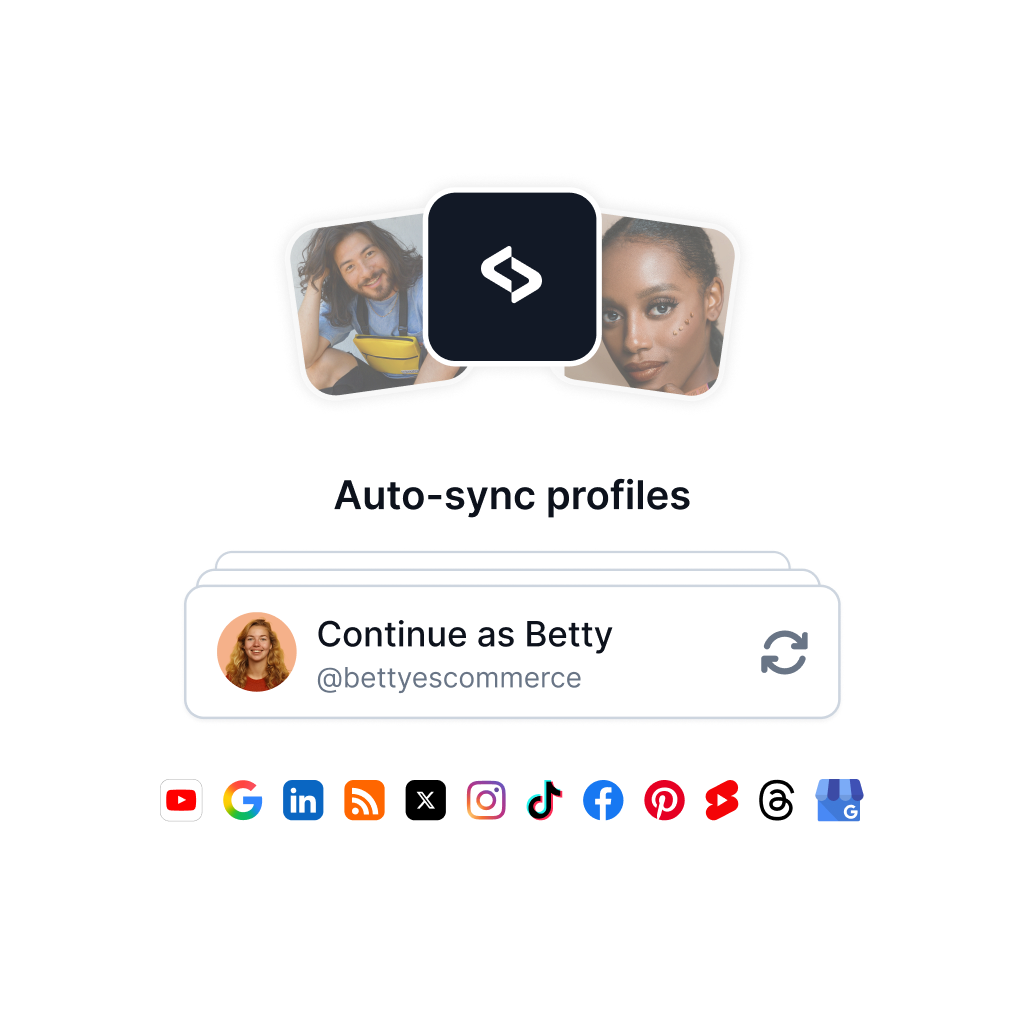
Collect Instagram Reels automatically
Connect your Instagram account or add a single Reel URL, then publish live video on your website without manual page updates.
✔️ Official Instagram source connections for Business and Creator workflows
✔️ Add a single Reel via URL or sync multiple Reels from your account
✔️ Auto-sync new Reels into one widget
Design your Reels widget with AI and templates
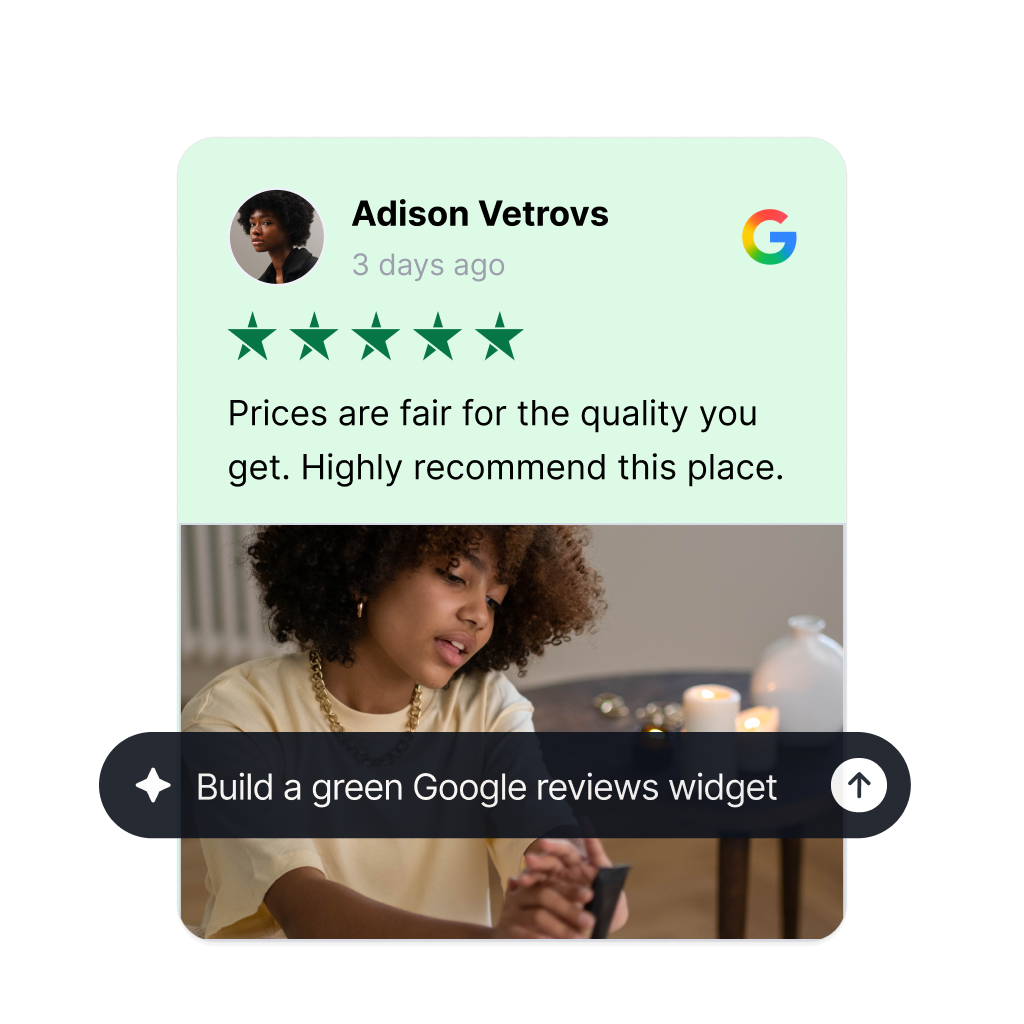
Start from a verified template, then customize the layout with the AI widget generator, brand controls, and custom CSS when needed.
✔️ 200+ widgets, sections, and carousel templates
✔️ AI-assisted styling and layout generation
✔️ Brand color controls and custom CSS support
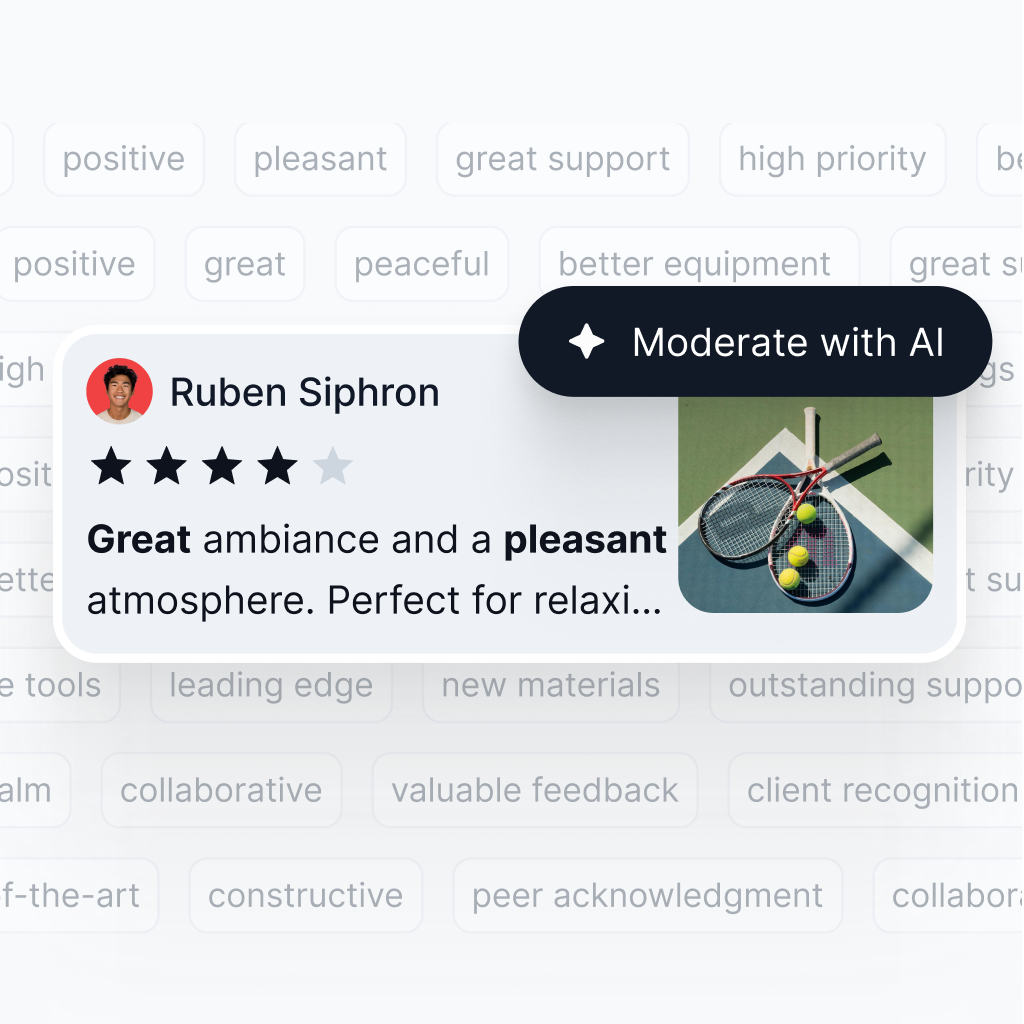
Curate every Reel with AI moderation
Use AI relevance scoring, keyword rules, tags, and manual approval so only the videos you want appear in your widget.
✔️ AI-powered content scoring and ranking
✔️ Keyword moderation and post approval
✔️ Auto-tagging for campaigns, categories, and filters
Turn Instagram Reels into rights-safe, shoppable content
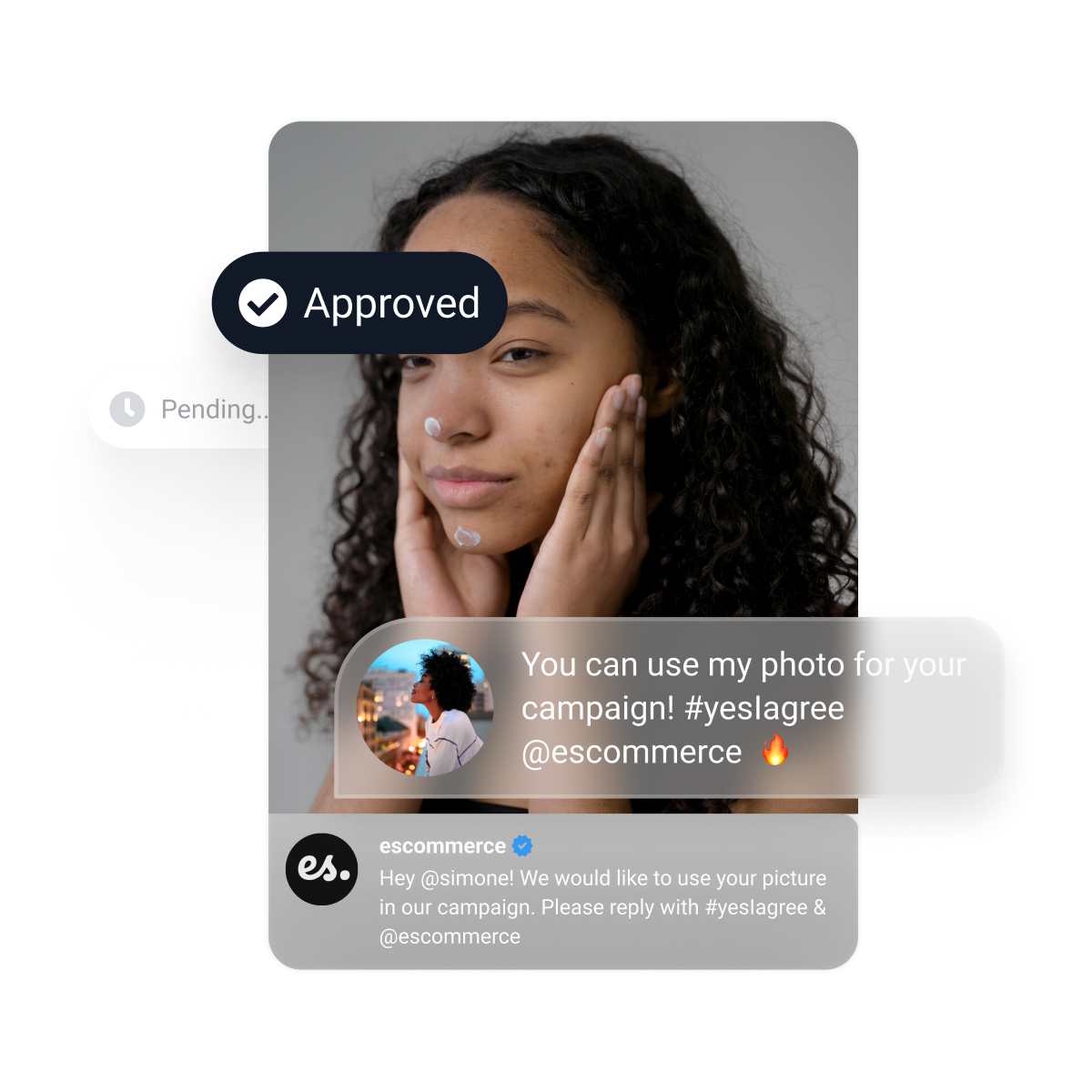
Request rights for standout videos, add product tags, and publish approved UGC across landing pages, product pages, and campaign pages.
✔️ Rights requests via Instagram DMs and comments
✔️ Permission tracking and approval workflow
✔️ Product tagging and widget analytics for better ROI
A complete Instagram Reels widget platform




Embed Instagram Reels on WordPress, Shopify, Wix, and more
Use the same Instagram Reels widget across your CMS, store, and landing pages with one embed workflow.




How to embed Instagram Reels on your website
Launch your first Instagram Reels widget in three simple steps. No developers required for standard setups.

Step 1: Create your EmbedSocial account

Step 2: Connect Instagram or add a Reel URL

Step 3: Customize the widget and paste the embed code


Is it hard to embed?
No. You can embed your new section widget on any website, CMS, or web builder. Works with WordPress, Lovable, Bolt, Wix, Webflow, Duda, Shopify, custom React applications, and other custom code. Plus, it updates automatically.



Auto updates
One code paste
Mobile native
FAQs about Instagram Reels widgets
Everything you need to know about setup, moderation, pricing, compatibility, and limitations for EmbedSocial’s Instagram Reels widget.
An Instagram Reels widget is an embeddable gallery that displays one Reel or multiple Instagram Reels on your website in a live, customizable layout. With EmbedSocial, you can publish Reels as a grid, slider, feed, or shoppable section.
Create a widget in EmbedSocial, connect your Instagram source or add a Reel URL, customize the layout, and paste the generated code into your site. If you want the step-by-step guide, see <a href=”https://embedsocial.com/help/en/articles/12742255-how-to-display-a-single-instagram-reel-on-your-website” target=”_blank” rel=”noreferrer noopener”>how to display a single Instagram Reel on your website</a>.
Yes. You can add a single Reel via URL or connect your Instagram account, disable the rest, and publish only the one video you want. The product guide for this flow is here: <a href=”https://embedsocial.com/help/en/articles/12742255-how-to-display-a-single-instagram-reel-on-your-website” target=”_blank” rel=”noreferrer noopener”>single Instagram Reel on your website</a>.
If a Reel contains copyrighted music or media that Instagram does not expose through the official API, it may not be available in the widget. EmbedSocial documents this limitation here: <a href=”https://embedsocial.com/help/en/articles/6522288-why-some-instagram-reels-are-not-displaying-in-my-feed” target=”_blank” rel=”noreferrer noopener”>why some Instagram Reels are not displaying</a>.
Yes. Use AI relevance scoring, keyword rules, tags, and manual approval to decide which videos go live. For the moderation workflow, see <a href=”https://embedsocial.com/social-media-aggregator/moderation/” target=”_blank” rel=”noreferrer noopener”>moderation options</a>.
Yes. The embed code works on website builders and CMS platforms that support JavaScript or iframe embeds, including <a href=”https://embedsocial.com/instagram-widget/wordpress/” target=”_blank” rel=”noreferrer noopener”>WordPress</a>, <a href=”https://embedsocial.com/instagram-widget/shopify/” target=”_blank” rel=”noreferrer noopener”>Shopify</a>, and <a href=”https://embedsocial.com/instagram-widget/wix/” target=”_blank” rel=”noreferrer noopener”>Wix</a>.
Yes. You can request permission to reuse customer videos, add product links, and track engagement after publishing. See <a href=”https://embedsocial.com/social-listening/ugc-rights/” target=”_blank” rel=”noreferrer noopener”>UGC rights</a> and <a href=”https://embedsocial.com/ugc/analytics/” target=”_blank” rel=”noreferrer noopener”>widget analytics</a>.
EmbedSocial prices the Instagram Reels widget under the Feed product plans, not as a separate source-only product. Plans start with Free and continue with paid tiers, and source availability and limits depend on the selected plan, so verify the current pricing page before publishing exact amounts: https://embedsocial.com/pricing/embedfeed/