Google Reviews CTA Shop

Use this template

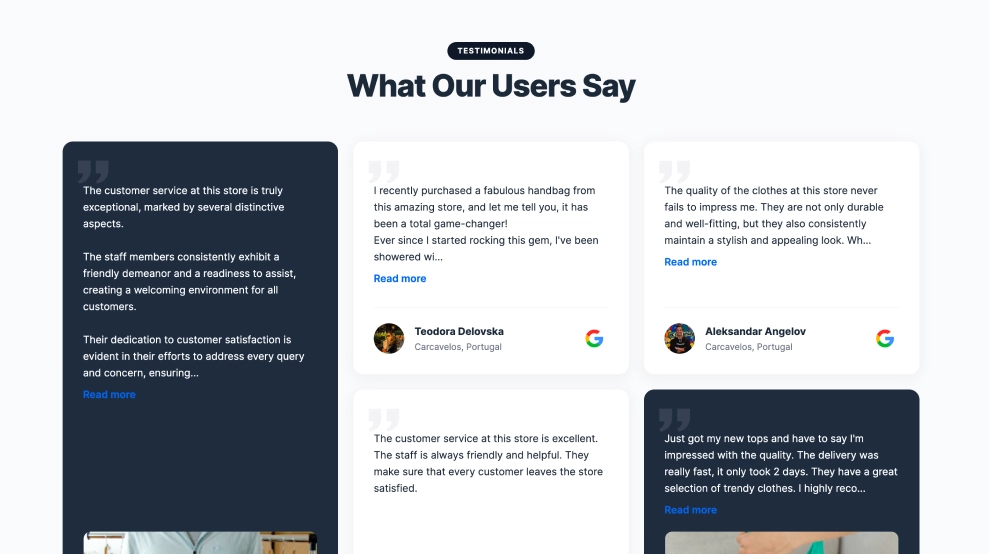
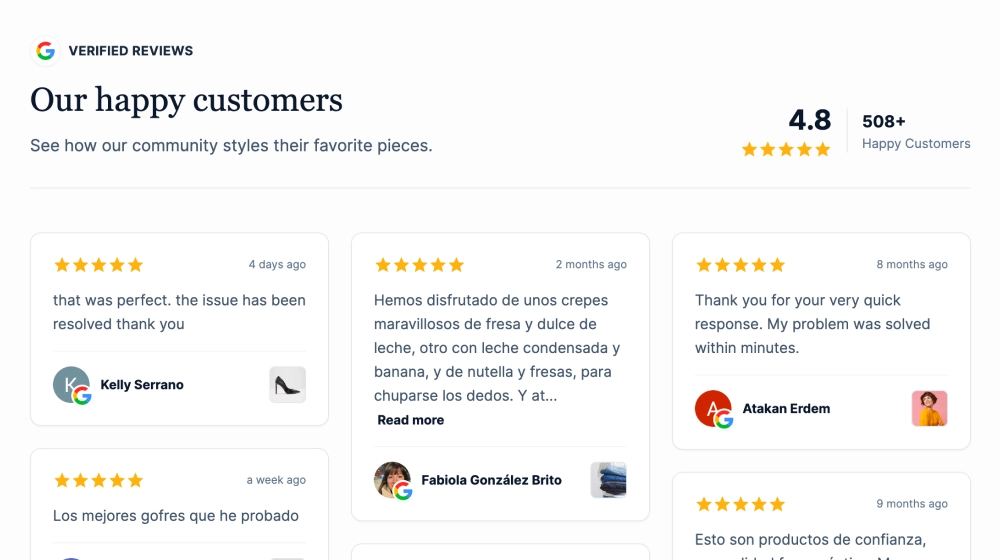
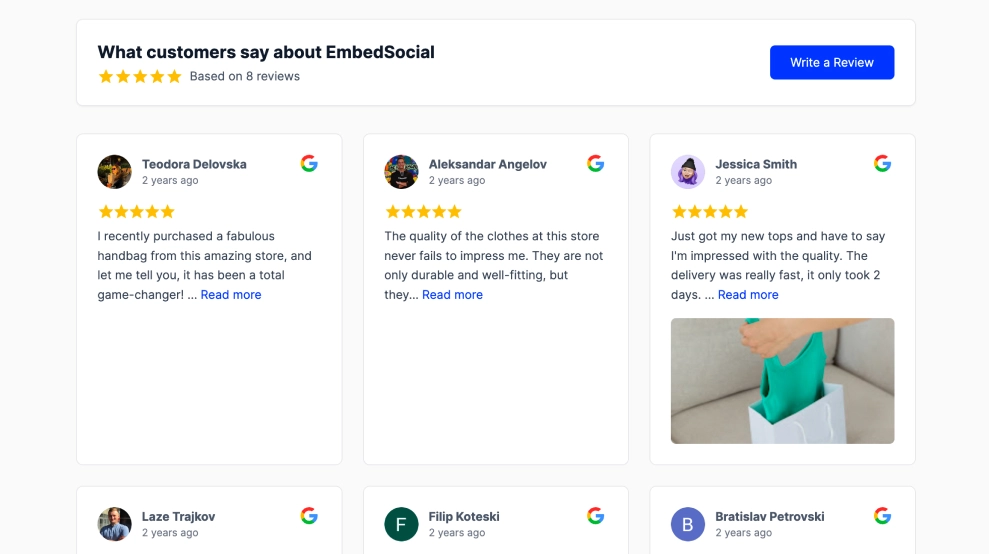
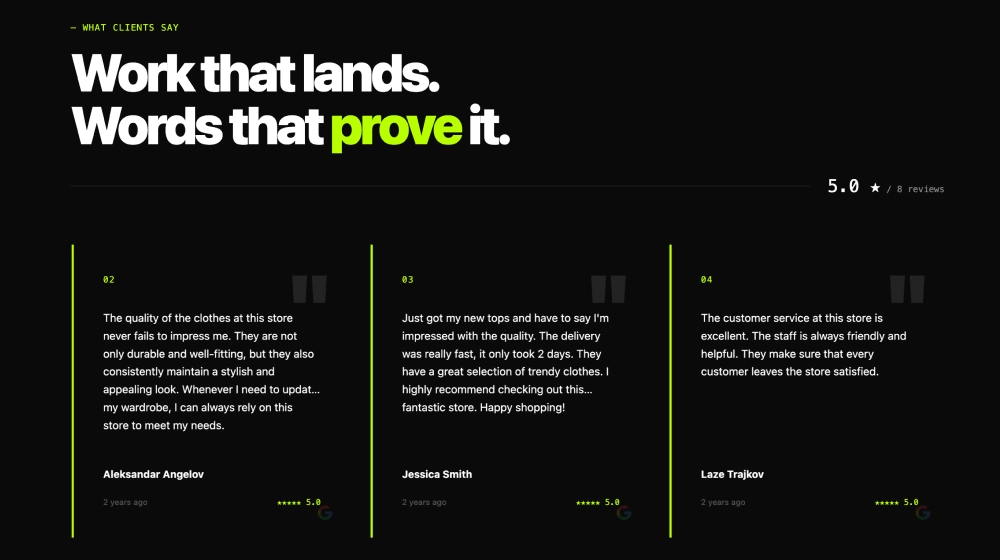
The Google Reviews CTA Shop Widget turns your best Google reviews into a shoppable, conversion-ready carousel. Each card pairs a verified review with a product preview (image + name + price) and a clear “shop” action—so visitors can trust the feedback and buy the look in the same flow.FeaturesHeadline + trust hook: Title like “Shop our top rated looks.” with supporting copy to frame credibilityGoogle rating badge: Small pill showing 5.0/5 Average Rating for instant validationShoppable review cards: Each slide includes a product mini-card at the top (thumbnail, name, price)Quick shop icon: Shopping-bag button on product chips for fast product clicksVerified Google Reviews: Star rating, review excerpt, reviewer name/avatar, and “Verified Google Review” labelRead more links: Keeps cards compact while allowing longer reviews to expandCarousel navigation: Swipe/scroll through cards with arrows for a clean, space-saving layoutEcommerce-friendly styling: Rounded cards, soft shadows, and balanced spacing that fits Shopify/WooCommerce themesUse casesHomepage “Top rated” section: Turn social proof into a product discovery blockCollection pages: Feature reviews tied to best-selling items in that collectionLanding pages: Boost conversions by pairing trust + product CTA above the foldProduct launch pages: Highlight early 5-star feedback with direct shopping linksShopify stores: Add a high-performing reviews + commerce section without a full reviews wallHow to embedConnect your Google Reviews source in EmbedSocial (Google Business Profile).Choose the template from the reviews/shoppable templates library.Map products to review cards (product name, image, price, and product URL).Customize the header (title + subtitle) and enable the rating badge.Configure carousel settings (cards per view, navigation arrows, “Read more” behavior).Copy the embed code (JavaScript or iFrame) and paste it into your site (Shopify, Webflow, WordPress, Wix, Squarespace, or custom HTML).Turn your 5-star reputation into revenue, embed the Google Reviews CTA and let shoppers browse top-rated looks, trust real reviews, and click to shop instantly.

About this template

The Google Reviews CTA Shop Widget turns your best Google reviews into a shoppable, conversion-ready carousel. Each card pairs a verified review with a product preview (image + name + price) and a clear “shop” action—so visitors can trust the feedback and buy the look in the same flow.

Features

  • Headline + trust hook: Title like “Shop our top rated looks.” with supporting copy to frame credibility

  • Google rating badge: Small pill showing 5.0/5 Average Rating for instant validation

  • Shoppable review cards: Each slide includes a product mini-card at the top (thumbnail, name, price)

  • Quick shop icon: Shopping-bag button on product chips for fast product clicks

  • Verified Google Reviews: Star rating, review excerpt, reviewer name/avatar, and “Verified Google Review” label

  • Read more links: Keeps cards compact while allowing longer reviews to expand

  • Carousel navigation: Swipe/scroll through cards with arrows for a clean, space-saving layout

  • Ecommerce-friendly styling: Rounded cards, soft shadows, and balanced spacing that fits Shopify/WooCommerce themes

Use cases

  • Homepage “Top rated” section: Turn social proof into a product discovery block

  • Collection pages: Feature reviews tied to best-selling items in that collection

  • Landing pages: Boost conversions by pairing trust + product CTA above the fold

  • Product launch pages: Highlight early 5-star feedback with direct shopping links

  • Shopify stores: Add a high-performing reviews + commerce section without a full reviews wall

How to embed

  1. Connect your Google Reviews source in EmbedSocial (Google Business Profile).

  2. Choose the template from the reviews/shoppable templates library.

  3. Map products to review cards (product name, image, price, and product URL).

  4. Customize the header (title + subtitle) and enable the rating badge.

  5. Configure carousel settings (cards per view, navigation arrows, “Read more” behavior).

  6. Copy the embed code (JavaScript or iFrame) and paste it into your site (Shopify, Webflow, WordPress, Wix, Squarespace, or custom HTML).

Turn your 5-star reputation into revenue, embed the Google Reviews CTA and let shoppers browse top-rated looks, trust real reviews, and click to shop instantly.

Features

  • Moderation options
  • Customizable settings
  • Fast loading speed
  • Mobile-friendly and responsive
  • Multiple widgets for multiple websites
  • Auto-sync with social platforms
  • Custom styling options
  • Analytics and insights

Related resources

Categories