Classic Google Reviews Slider Widget

Use this template

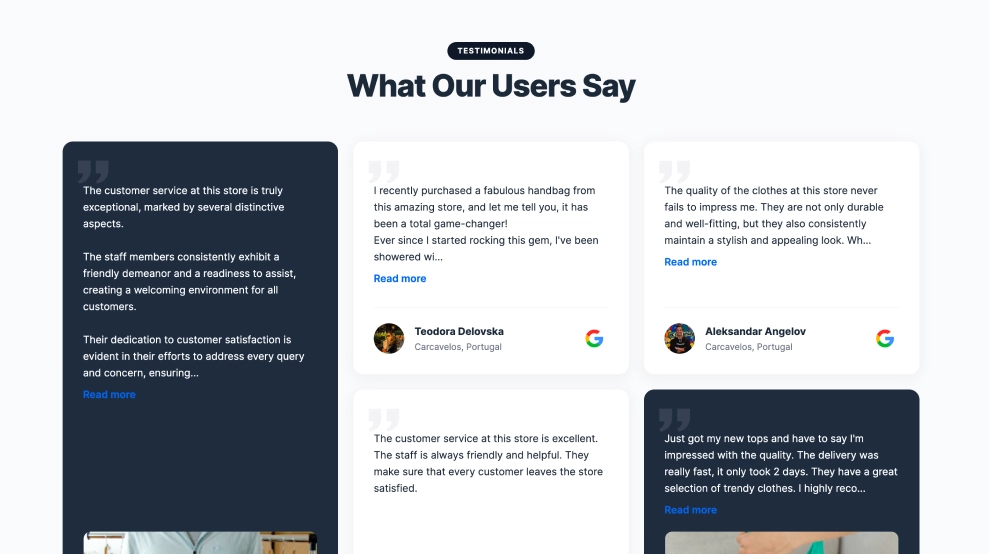
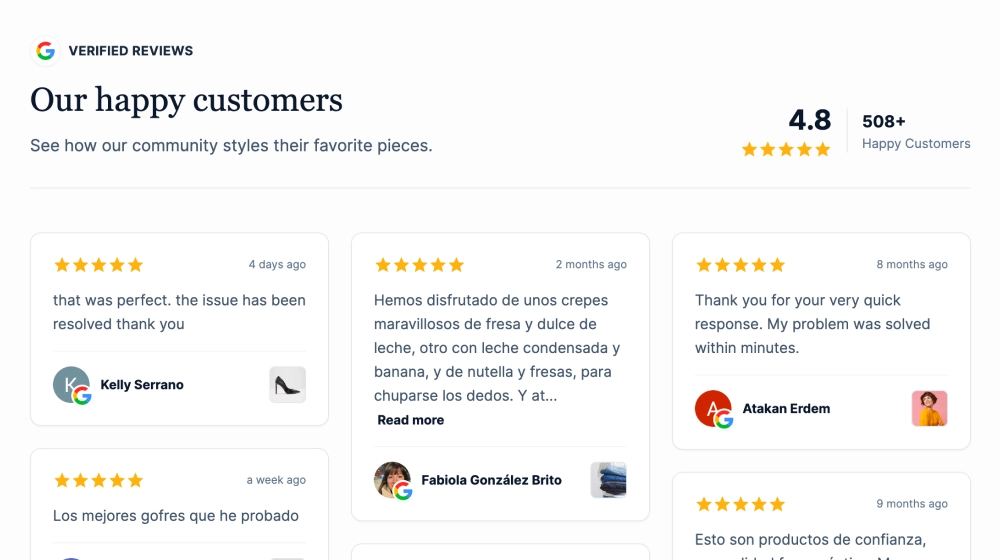
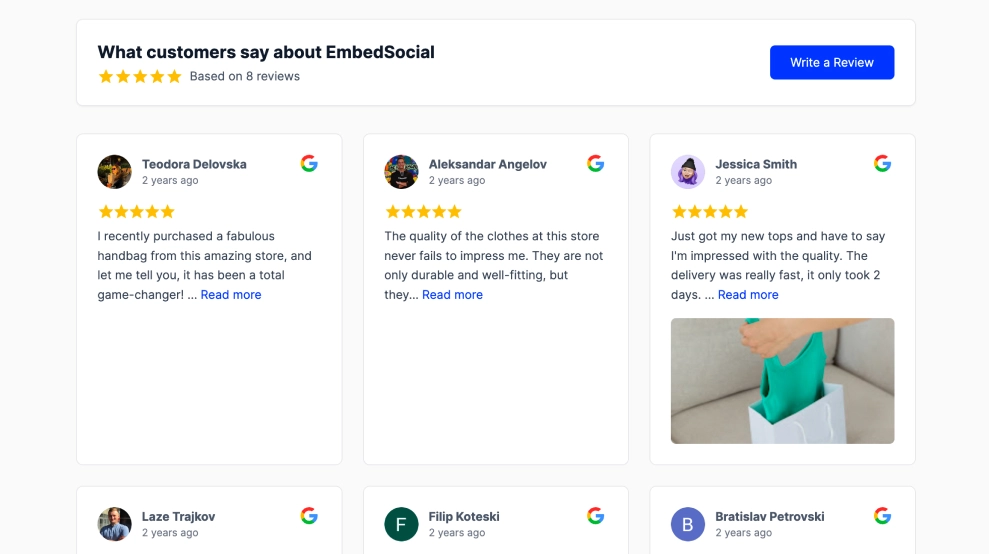
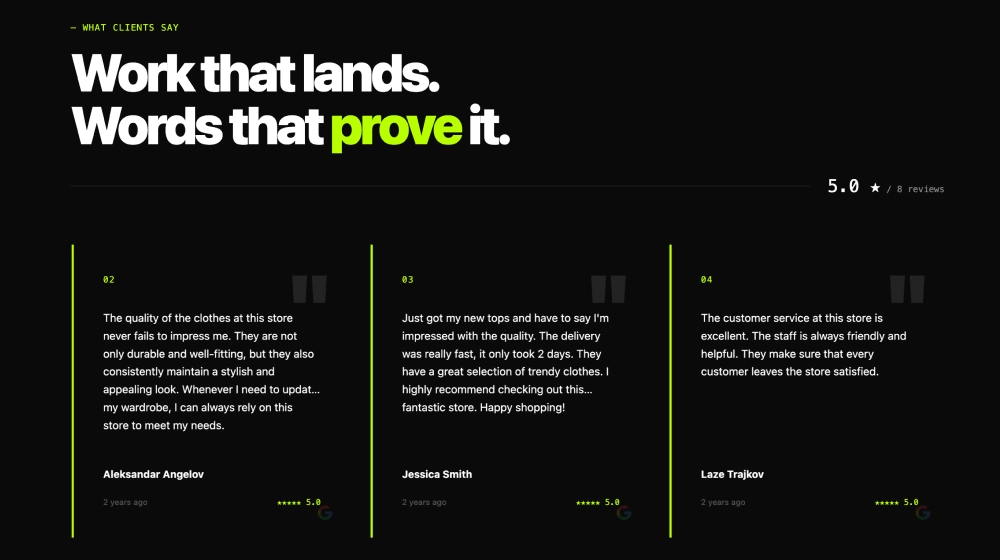
This Google reviews widget gives visitors a quick read on your reputation without making them dig through a long list of testimonials. It opens with an overall rating summary, then shows individual review cards in a clean carousel, making it easy to browse feedback, spot review quality, and click through for more.What makes it workReview summary header: The score, stars, and total review count give visitors an immediate trust signal before they read a single testimonial.Compact review cards: Each review is easy to scan, with just enough content to capture the main impression.Read-more preview style: Longer reviews stay tidy while still inviting people to keep reading.Reviewer identity block: Profile photos, names, and timestamps help each testimonial feel real and recent.Google source cue: The Google icon on each card reinforces where the reviews come from.Carousel navigation: Side arrows let visitors browse more feedback without turning the section into a long wall of text.Review CTA: The Leave a Review button makes the widget useful for both credibility and review generation.Best fit forRestaurant and hospitality websitesLocal business homepagesService pages that need fast social proofLanding pages where space mattersBrands that want a lighter review layout with multiple testimonials visible at onceHow to embed itConnect your Google Business profile reviews in EmbedSocial.Choose the classic carousel-style Google reviews template.Customize the heading, rating summary, card layout, and CTA button.Set how many review cards should appear at once and how the carousel should rotate.Copy the embed code.Paste it into your website, booking page, or CMS and publish.Show your Google reviews in a format that feels clear, familiar, and easy to browse in a few seconds.

About this template

This Google reviews widget gives visitors a quick read on your reputation without making them dig through a long list of testimonials. It opens with an overall rating summary, then shows individual review cards in a clean carousel, making it easy to browse feedback, spot review quality, and click through for more.

What makes it work

  • Review summary header: The score, stars, and total review count give visitors an immediate trust signal before they read a single testimonial.

  • Compact review cards: Each review is easy to scan, with just enough content to capture the main impression.

  • Read-more preview style: Longer reviews stay tidy while still inviting people to keep reading.

  • Reviewer identity block: Profile photos, names, and timestamps help each testimonial feel real and recent.

  • Google source cue: The Google icon on each card reinforces where the reviews come from.

  • Carousel navigation: Side arrows let visitors browse more feedback without turning the section into a long wall of text.

  • Review CTA: The Leave a Review button makes the widget useful for both credibility and review generation.

Best fit for

  • Restaurant and hospitality websites

  • Local business homepages

  • Service pages that need fast social proof

  • Landing pages where space matters

  • Brands that want a lighter review layout with multiple testimonials visible at once

How to embed it

  1. Connect your Google Business profile reviews in EmbedSocial.

  2. Choose the classic carousel-style Google reviews template.

  3. Customize the heading, rating summary, card layout, and CTA button.

  4. Set how many review cards should appear at once and how the carousel should rotate.

  5. Copy the embed code.

  6. Paste it into your website, booking page, or CMS and publish.

Show your Google reviews in a format that feels clear, familiar, and easy to browse in a few seconds.

Features

  • Moderation options
  • Customizable settings
  • Fast loading speed
  • Mobile-friendly and responsive
  • Multiple widgets for multiple websites
  • Auto-sync with social platforms
  • Custom styling options
  • Analytics and insights

Related resources

Categories