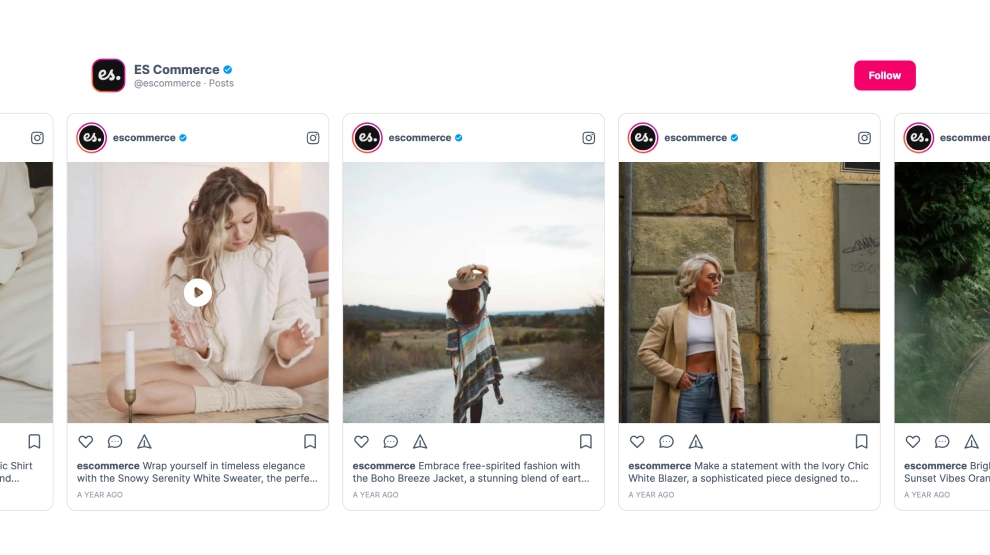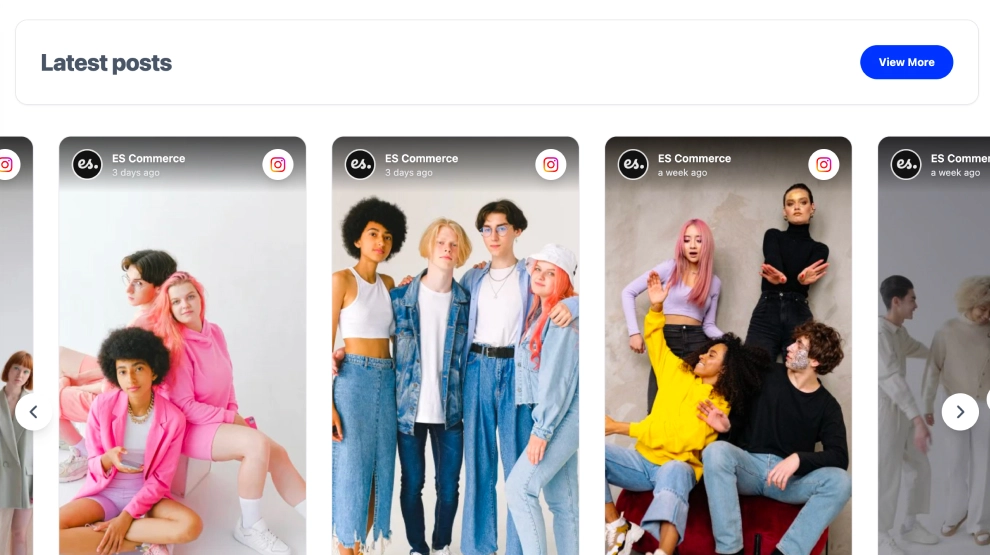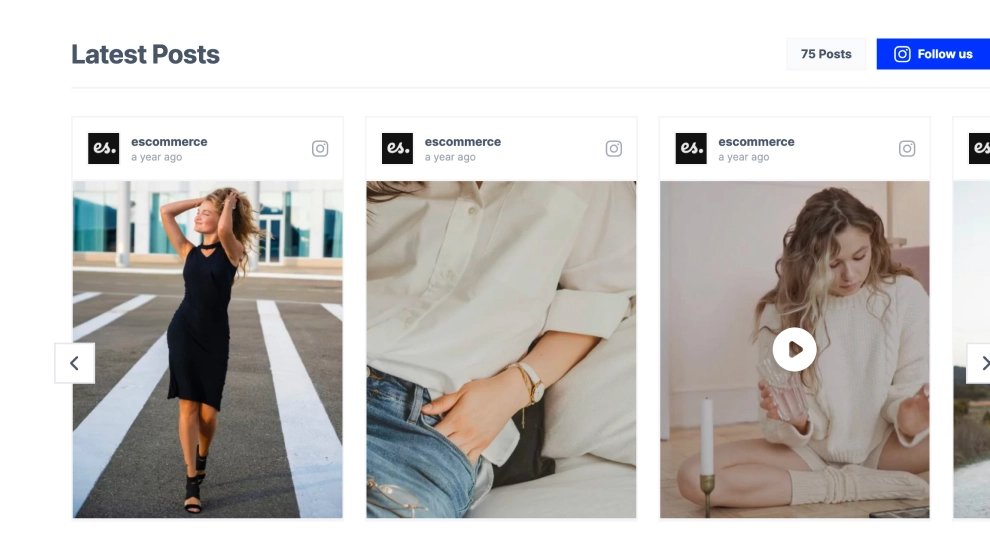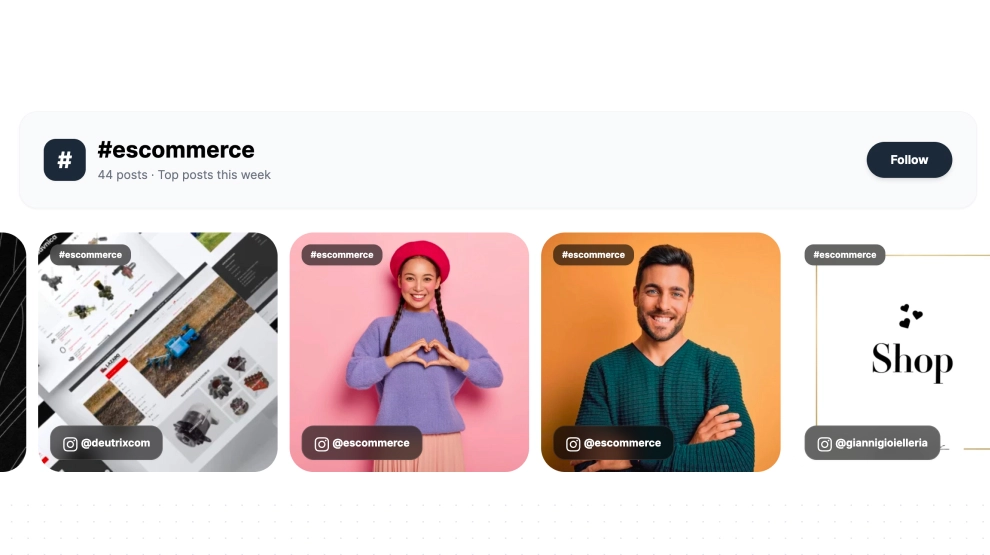
This Instagram widget turns hashtag-based content into a clean, community-driven slider that feels current and easy to explore. Instead of showing only posts from one account, it highlights content collected around a specific hashtag, giving visitors a broader view of how the brand, campaign, or topic is being shared across Instagram.
What makes it work
-
Hashtag-first structure: The section header clearly frames the feed around one hashtag, which makes the content feel focused and topical.
-
Community-content mix: Because the posts come from hashtag use, the slider feels more participatory than a brand-only feed.
-
Visible volume cue: The post count and
Top posts this weeklabel help the feed feel active and timely. -
Horizontal browsing flow: Visitors can move through multiple posts in a clean slider without needing a long feed wall.
-
Creator and account labels: Each card shows who shared the content, which adds authenticity and variety.
-
Visual-first presentation: Large image cards keep the emphasis on the content itself, which works especially well for campaigns, ecommerce, and UGC.
-
Follow CTA: The
Followbutton gives visitors a direct path to stay connected after browsing the hashtag feed.
Best fit for
-
Hashtag campaign landing pages
-
UGC and community sections
-
Ecommerce homepages
-
Event and social activation pages
-
Brands that want to show broader Instagram conversation beyond their own profile
How to embed it
-
Connect your Instagram hashtag source in EmbedSocial.
-
Choose the Instagram Hashtags Slider template.
-
Customize the hashtag label, post count, visible account details, and follow CTA.
-
Set how many posts should appear in the slider and how the navigation should behave.
-
Copy the embed code.
-
Paste it into your website, landing page, or CMS and publish.
Show hashtag-driven Instagram content in a slider that feels more community-led, timely, and visually engaging.