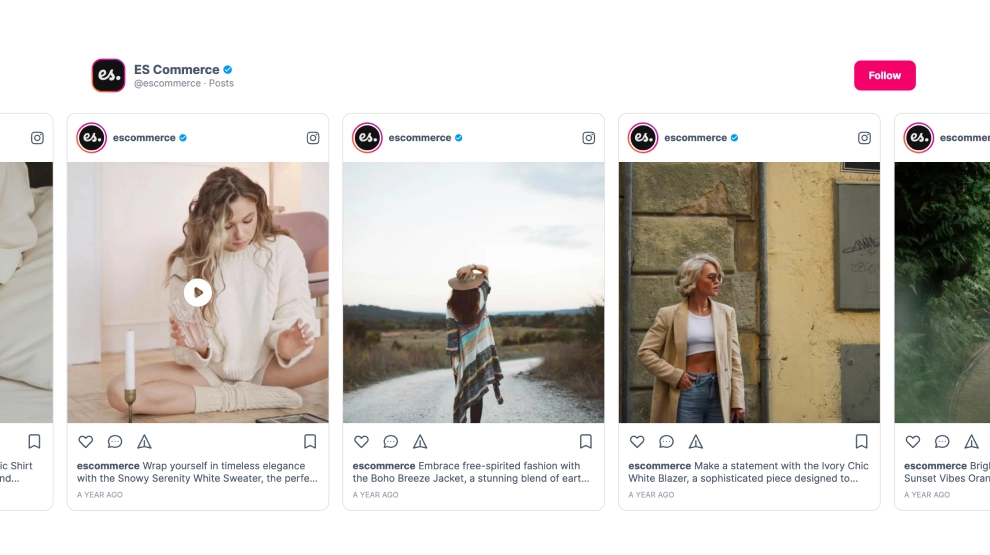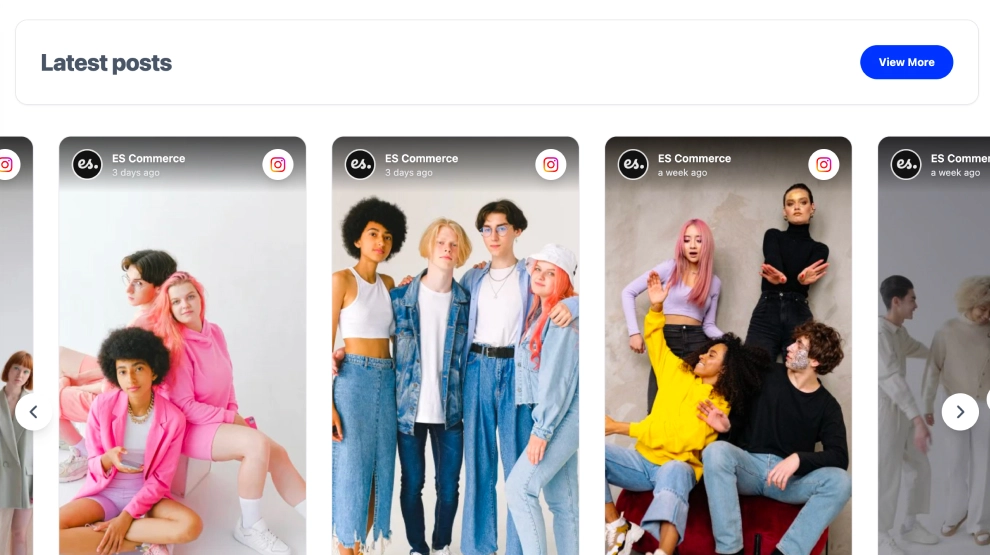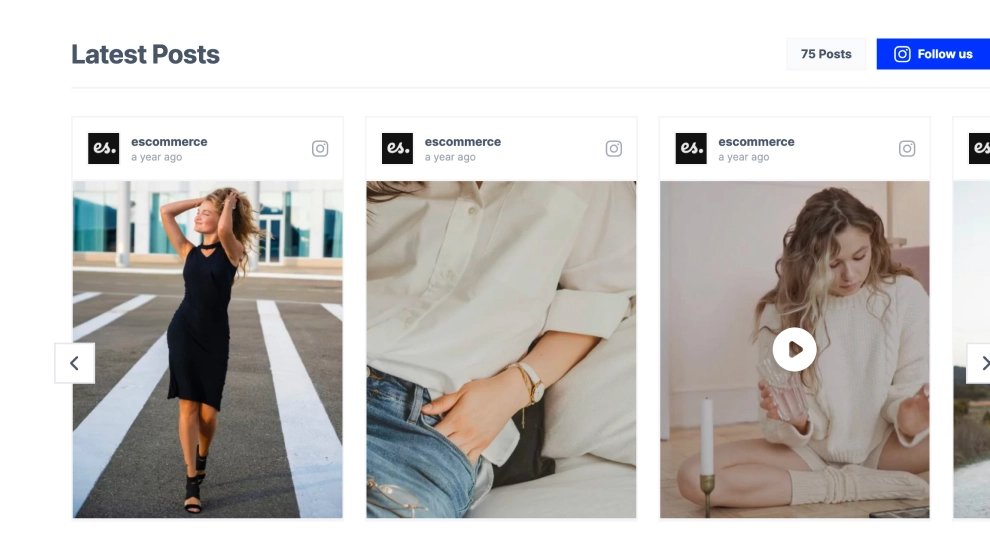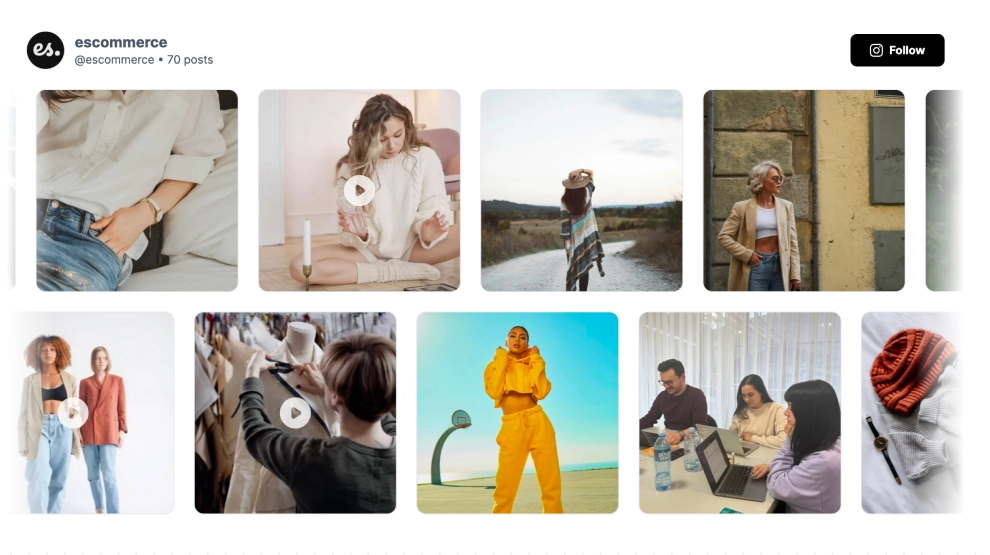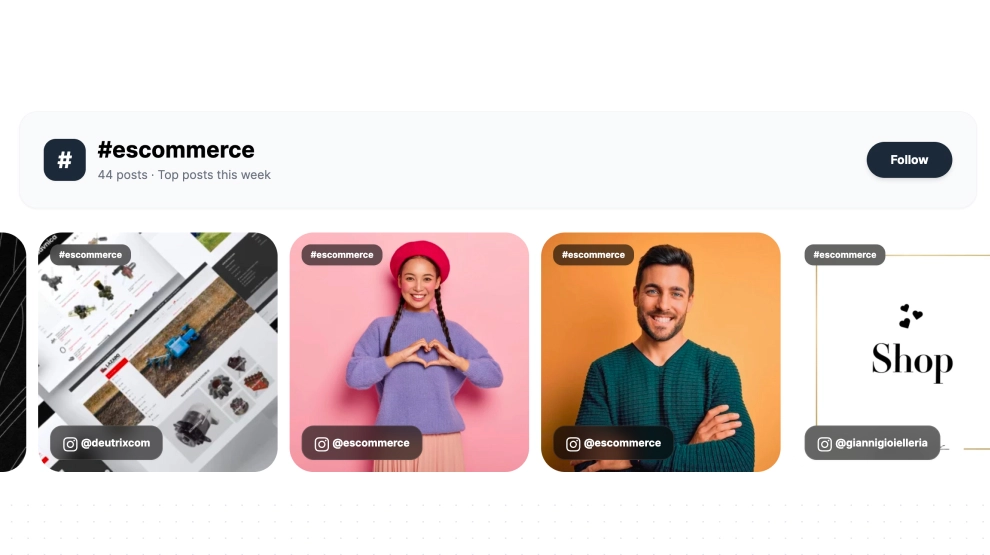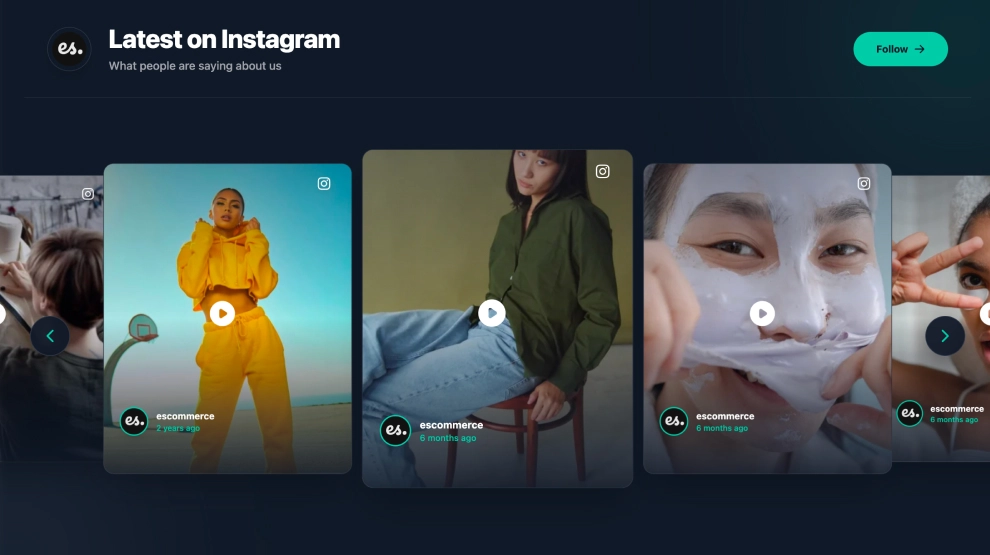
This Instagram widget gives your latest content a darker, more cinematic slider layout that feels polished right out of the box. With a bold header, follow CTA, large visual cards, and simple side navigation, it turns everyday Instagram posts into a more immersive on-site showcase without needing a full feed wall.
What makes it work
-
Dark modern layout: The deep background helps the content stand out and gives the section a more premium feel.
-
Large visual cards: Oversized post previews keep the focus on the imagery and make the slider easier to browse.
-
Clean latest-post framing: The title and short supporting text help position the section as a live social update area.
-
Mixed media support: Static posts and video posts can appear together naturally in the same slider.
-
Instagram identity cues: Profile label, timestamp, and platform icons keep the source recognizable.
-
Simple navigation: Side arrows make it easy to move through the content without cluttering the layout.
-
Follow CTA: The
Followbutton gives visitors a clear next step after exploring the posts.
Best fit for
-
Fashion and lifestyle websites
-
Ecommerce homepages
-
Creator and portfolio pages
-
Brand landing pages
-
Businesses that want a modern Instagram showcase with a darker visual style
How to embed it
-
Connect your Instagram source in EmbedSocial.
-
Choose the Free Instagram Slider template.
-
Customize the header, supporting text, visible post details, and follow button.
-
Set how many posts should appear in the slider and how the navigation should behave.
-
Copy the embed code.
-
Paste it into your website, landing page, or CMS and publish.
Show Instagram content in a free slider that feels cleaner, more visual, and more elevated on the page.