01
Save time and re-use stories
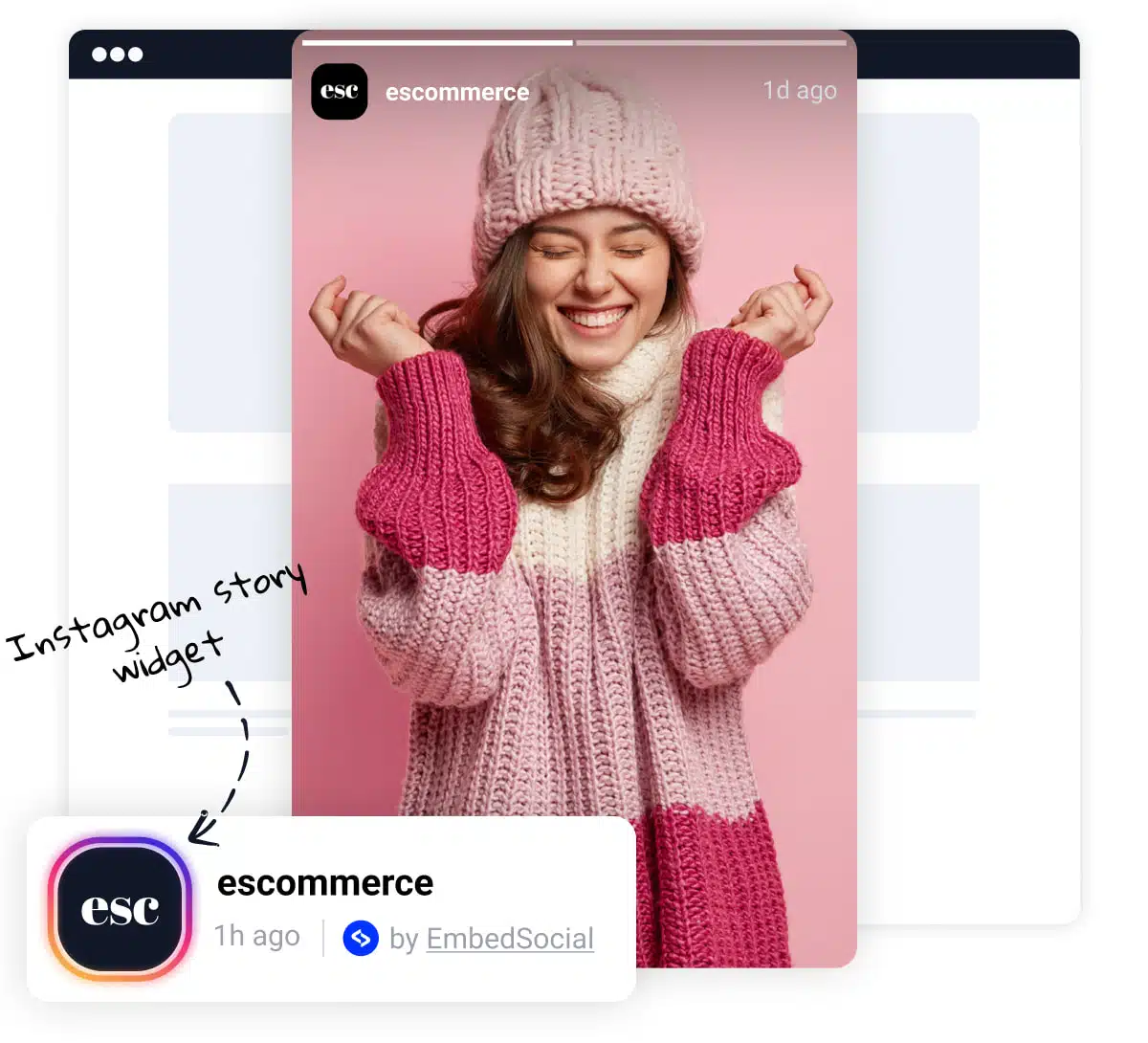
Re-use the stories you share on your Facebook, Instagram, or Pinterest and upload them in an eye-catching Photo Story widget
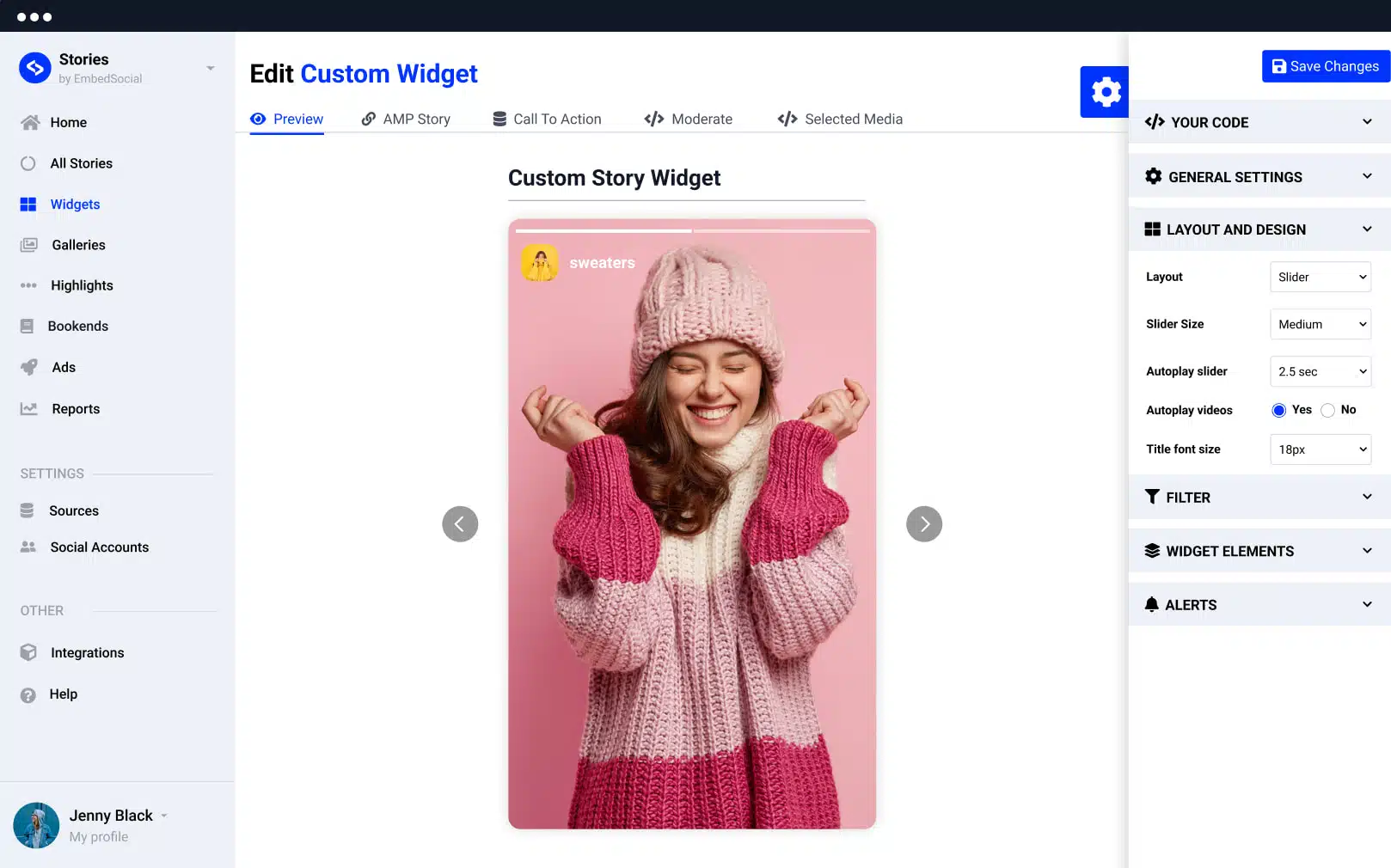
Manually upload photos into an interactive web widget.




Loved by 400,000+ big and small brands. World-famous and local


Select your product or service photos and craft a unique Photo Stories gallery to revive your website with visual marketing.
Re-use the stories you share on your Facebook, Instagram, or Pinterest and upload them in an eye-catching Photo Story widget
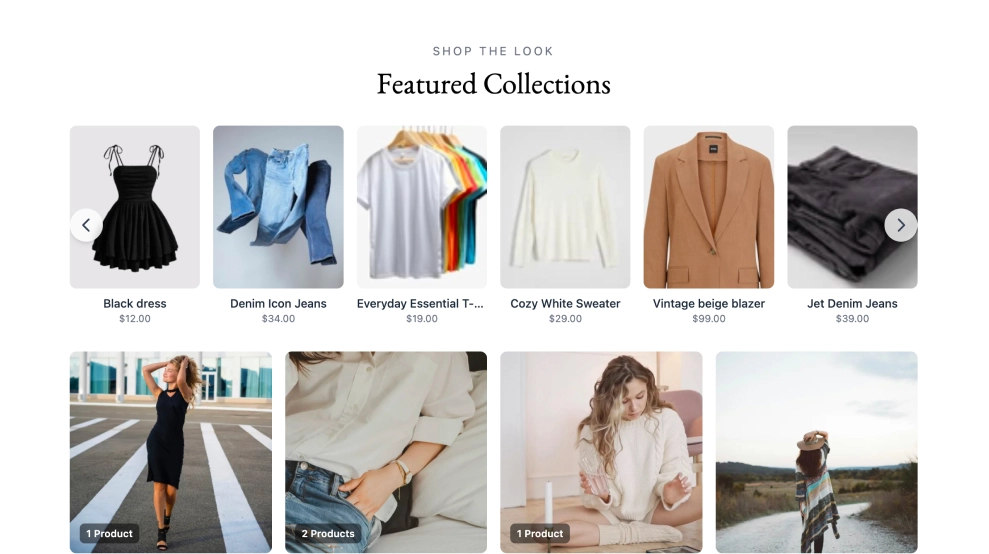
Show your product catalog on your website in an engaging format that can convert more web visitors.
Keep your web visitors engaged with a story-like format
Easily upload, manage, and embed your photos in the familiar Story format using 5 customizable widgets and have them live on your site in less than a few minutes.
With the Story widget, you can easily create shoppable Stories and boost your website conversion rates. The custom Buy buttons will direct visitors to the checkout page, so they can buy what they see instantly. Plus, you can keep track of how many views and clicks each Story gets.
Plus, a variety of customization options
Code that works on any web platform that supports Javascript.
Mobile-friendly widgets that fit any device size.
Construct a combo widget that will include stories from various sources.
Stay on brand and make your own style and design for unique widgets.
Bring your website to life with our amazing photo Story widgets, that you can entirely customize with your own CSS! With a huge range of templates and styles to choose from, you can create a bespoke look that's perfect for your brand. Plus, our widgets are designed to be both desktop and mobile-friendly, so your visitors can enjoy your content no matter what device they're using.
Looking to spice up your multiple online storefronts? There's no limit to the number of websites you can use. Perfect for businesses with multiple sites or agencies that serve multiple clients.
Use the official EmbedSocial WordPress Plugin to easily embed Pinterest Stories widgets on your website. Just copy and paste the unique shortcode for each widget into any post or page, and you're good to go! This plugin makes it easy to showcase your latest stories and keeps your website looking fresh.
An option to create Instagram Highlights widget that mimics the same look on your website.
Continue the story by creating the last screen with a list of 'read more' links.
Combine multiple stories into a Gallery format that you can embed on your website as one widget.
Get all the analytics for each story and its performance on your website.
Apply custom CSS styling to create widgets that are fully customized.
Hand-pick the stories in the widget and decide which stories to show on your website.
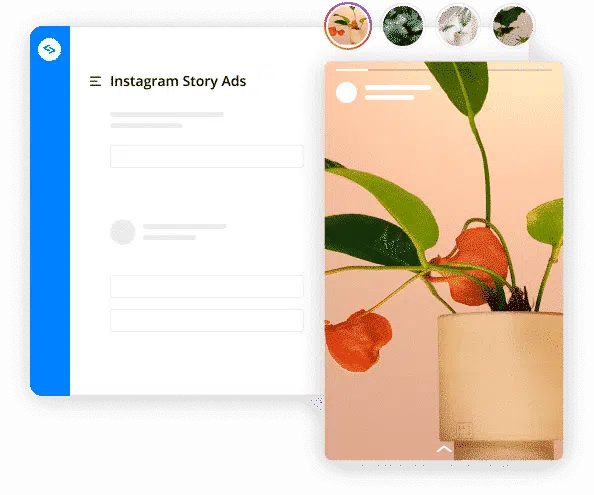
Creating Pinterest story pins in EmbedSocial is manually enabled at the moment. To do this, you will need to create a Pinterest source and manually upload your Pinterest images into an interactive widget that you can embed on your website.
Pick a category: review feeds, social walls, shoppable galleries, and section blocks. No coding required.
Show Instagram feed.
Display YouTube.
Embed X widgets.
Embed LinkedIn.
Embed Google reviews.
Embed playlist
Embed Threads.
Embed Trustpilot reviews.
Shop my feed
Social proof display
Embed hero
Link in bio page
UGC portfolio page
Embed popup
Add a countdown timer.
Embed Reels.
Embed stories
Embed hashtag feed
Embed Facebook.
Show TikTok videos.
Embed YouTube hashtag
Embed Pinterest
Embed Vimeo
Embed FB reviews.
Embed Yelp reviews.
Display customer reviews.
Show review badges on your site.
Showcase customer love.
Embed testimonials
Embed Social wall
Embed Shorts
Embed carousel
Manually upload photos and turn them into an interactive Story widget that lives on any website.
All features included.
EmbedSocial has official API integrations with all major social media networks.
We design interactive social media widgets that load fast on your website.
If it’s not for you, cancel or request to delete your account.
Just click the bottom left chat icon, and our team will assist you in real-time.
 4.9/5(202)
TrovaTrip increased booking conversion rates by 12% with customer testimonials in just 4 weeks
The team at Embed Social is so easy to work with. They are very quick to respond to any special requests and fast to implement account changes. Aside from the great customer service, their products are also very easy to use and offer a lot of freedom that you can’t get with other similar products. Definitely recommend.
EmbedSocial allows us to showcase social media content on our web pages in a way that’s both functional and vibrant. Their library of social feed designs integrates seamlessly with our existing components and is easy to use for page editors of all skill levels.
The experience with EmbedSocial has been amazing. We’re always looking for ways to leverage our time, so finding a product to keep our reviews fresh automatically was a no-brainer.
Have a specific question about the photo stories widgets? Check the FAQ section below or click the bottom right chat icon and talk with us.
EmbedSocial lets you upload photos and turn them into an interactive, shoppable photo story widget you can embed on any website to engage visitors and drive more purchases.
Start free trial. * All features included.