Floating Instagram Widget
Use this templateThis Instagram widget adds a lightweight social layer to your website by appearing as a small floating panel over the page. Instead of building a full feed section, it gives visitors a quick look at recent posts, highlights that the content is fresh, and offers a simple path to explore or shop without interrupting the main browsing flow.What makes it workFloating mini-widget: The compact overlay draws attention without taking over the page layout.Recent-post preview: A row of image thumbnails gives visitors a quick snapshot of the latest Instagram content.Freshness cue: The new this week message helps the widget feel active and regularly updated.Instagram identity: The account name and platform icon make the source clear at a glance.Low-friction interaction: Visitors can notice it, glance through it, and click only if they want more.Shop-friendly CTA: The Shop the look link turns the widget into a soft conversion point, not just a social badge.Dismissible format: The close icon makes the experience feel less intrusive and more user-friendly.Best fit forEcommerce websitesFashion and lifestyle brandsHomepages that need subtle social proofProduct pages with supporting UGCBrands that want Instagram visibility without adding a full gallery blockHow to embed itConnect your Instagram source in EmbedSocial.Choose the Instagram Floating Widget template.Customize the account label, freshness text, visible thumbnails, and CTA link.Set the widget position and decide when it should appear on the page.Copy the embed code.Paste it into your website, landing page, or storefront and publish.Keep Instagram visible on the page with a small floating widget that feels current, clickable, and easy to browse.
About this template
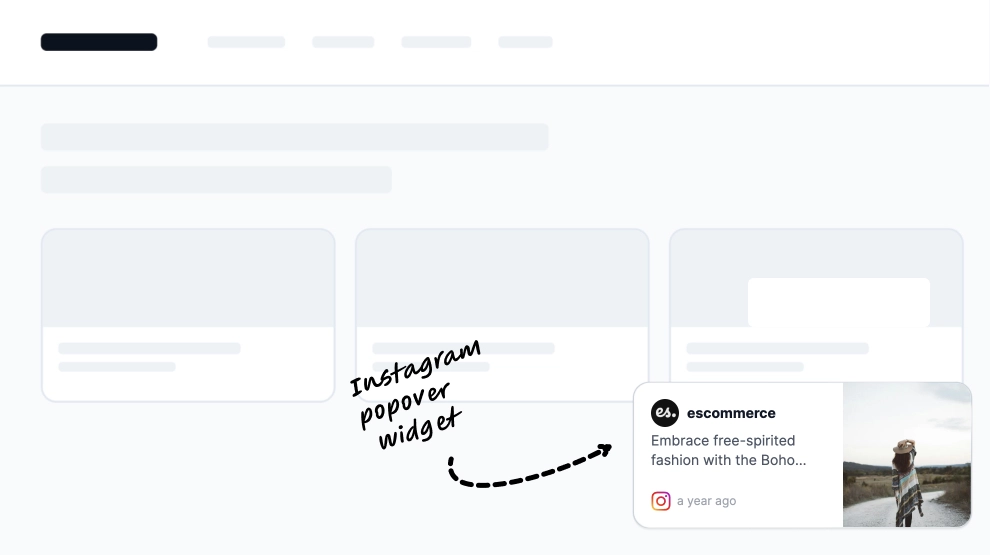
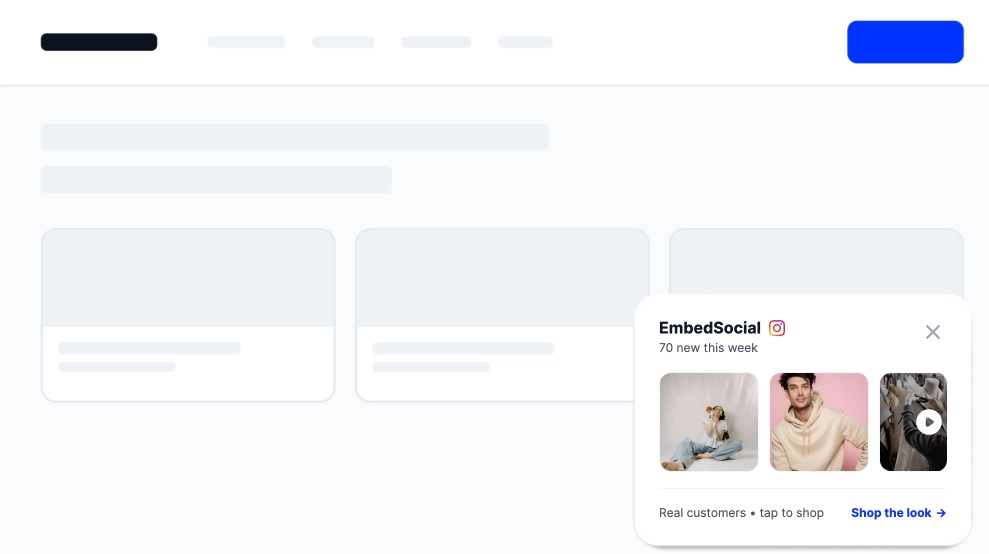
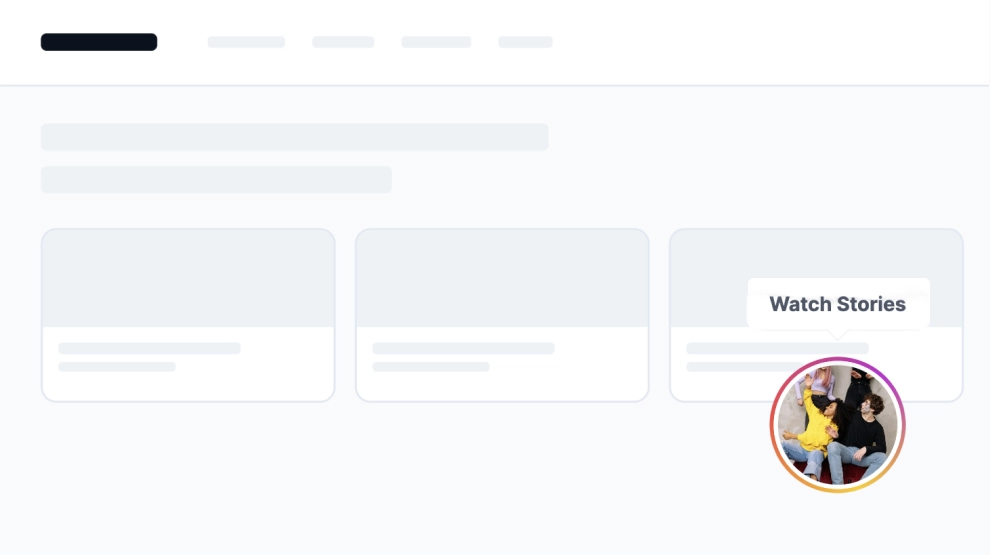
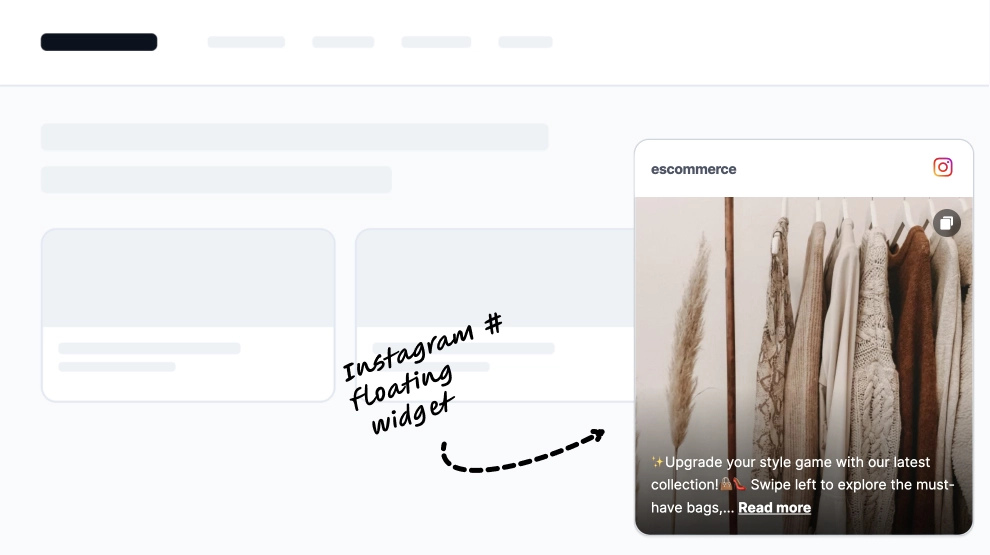
This Instagram widget adds a lightweight social layer to your website by appearing as a small floating panel over the page. Instead of building a full feed section, it gives visitors a quick look at recent posts, highlights that the content is fresh, and offers a simple path to explore or shop without interrupting the main browsing flow.
What makes it work
Floating mini-widget: The compact overlay draws attention without taking over the page layout.
Recent-post preview: A row of image thumbnails gives visitors a quick snapshot of the latest Instagram content.
Freshness cue: The new this week message helps the widget feel active and regularly updated.
Instagram identity: The account name and platform icon make the source clear at a glance.
Low-friction interaction: Visitors can notice it, glance through it, and click only if they want more.
Shop-friendly CTA: The Shop the look link turns the widget into a soft conversion point, not just a social badge.
Dismissible format: The close icon makes the experience feel less intrusive and more user-friendly.
Best fit for
Ecommerce websites
Fashion and lifestyle brands
Homepages that need subtle social proof
Product pages with supporting UGC
Brands that want Instagram visibility without adding a full gallery block
How to embed it
Connect your Instagram source in EmbedSocial.
Choose the Instagram Floating Widget template.
Customize the account label, freshness text, visible thumbnails, and CTA link.
Set the widget position and decide when it should appear on the page.
Copy the embed code.
Paste it into your website, landing page, or storefront and publish.
Keep Instagram visible on the page with a small floating widget that feels current, clickable, and easy to browse.
Features
- Moderation options
- Customizable settings
- Fast loading speed
- Mobile-friendly and responsive
- Multiple widgets for multiple websites
- Auto-sync with social platforms
- Custom styling options
- Analytics and insights