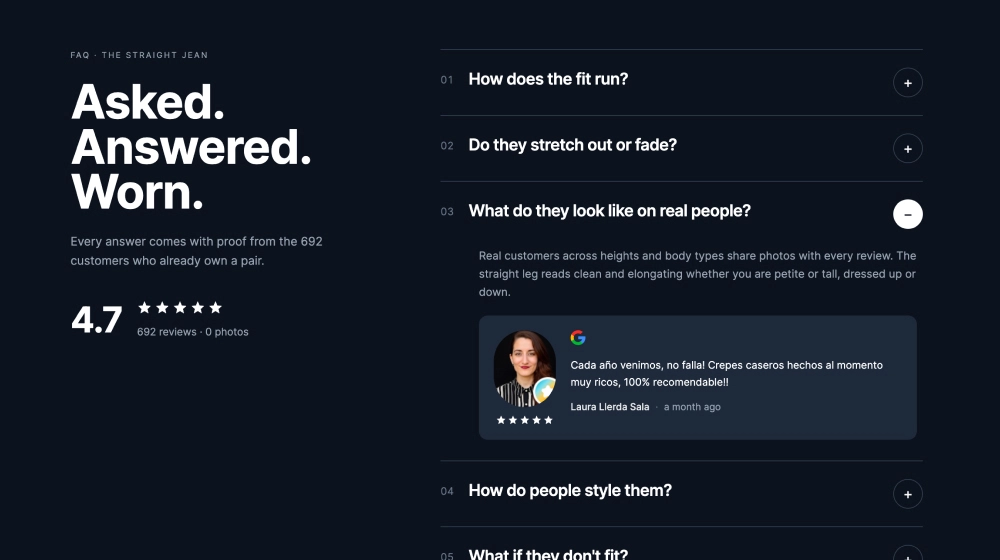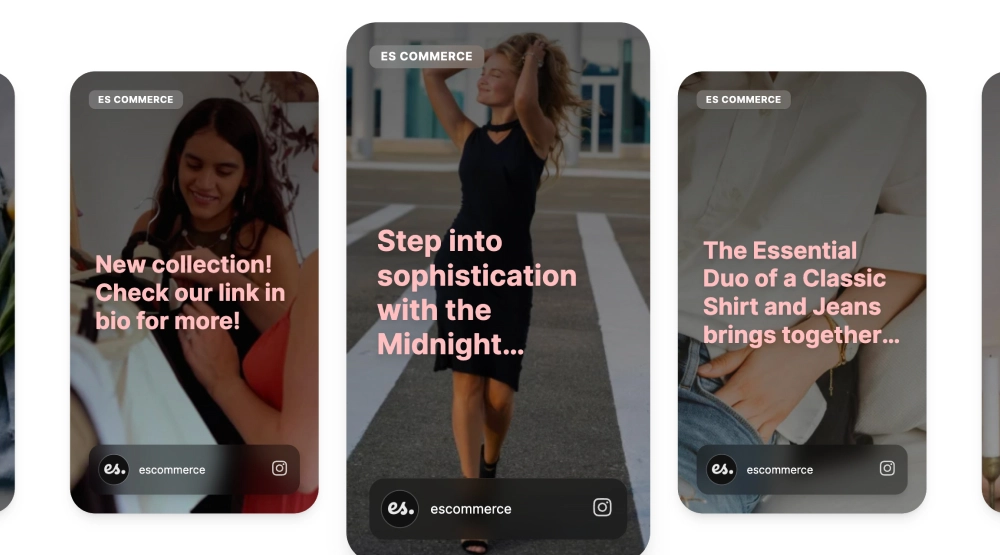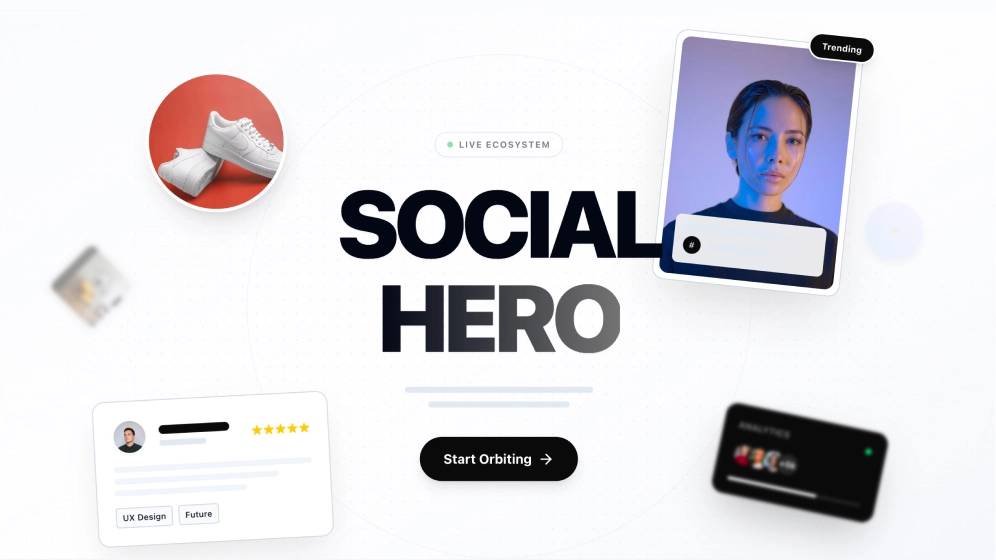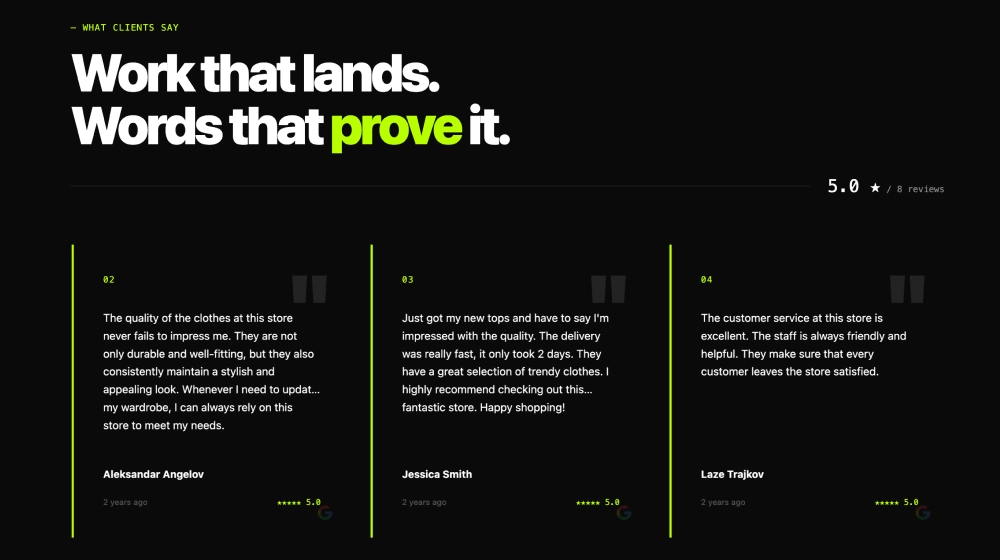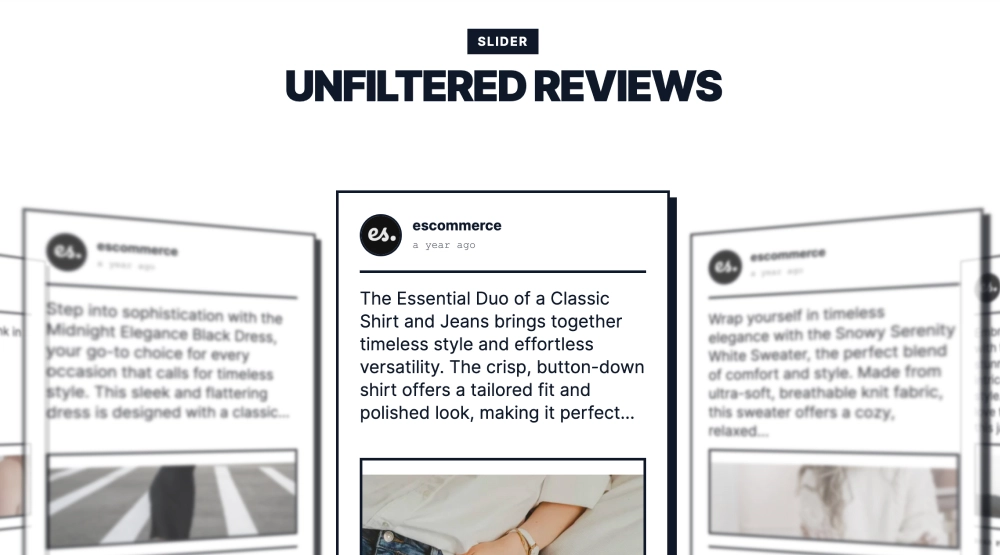
This social news slider gives your content a bold editorial treatment, turning everyday posts into something that feels closer to a front-page feature. With one story card centered in focus, blurred supporting cards on each side, and a print-inspired layout built around headline, image, and call to action, it creates a more curated reading experience than a typical social feed.
What makes it work
- Featured-story focus: One post stays front and center, giving the section a clear visual priority.
- Editorial card design: Strong borders, structured spacing, and headline-led hierarchy make the widget feel more like a digital magazine than a social embed.
- Layered slider effect: Background cards remain visible but softened, which hints at more stories without competing with the main feature.
- Story-first layout: The post combines source details, headline text, media, and a
Read full storyCTA in one clean frame. - Classic visual language: The monochrome styling and bold typography give the section a timeless, newsroom-inspired tone.
- Mixed content support: The main story can pair written copy with image or video content for a more complete article feel.
- Brand-friendly presentation: Social content feels more intentional and publishable when framed in this format.
Best fit for
- Brand newsroom sections
- Editorial-style ecommerce sites
- Product storytelling pages
- Company update or announcement blocks
- Businesses that want social posts to feel more like featured stories
How to embed it
- Connect your social media source in EmbedSocial.
- Choose the Classic News Slider template.
- Select the featured posts and customize the visible source details, headline text, media, and CTA.
- Set how the centered card and surrounding slides should behave.
- Copy the embed code.
- Paste it into your website, landing page, or CMS and publish.
Turn your social content into a cleaner editorial slider that feels more like a headline story than a standard post feed.