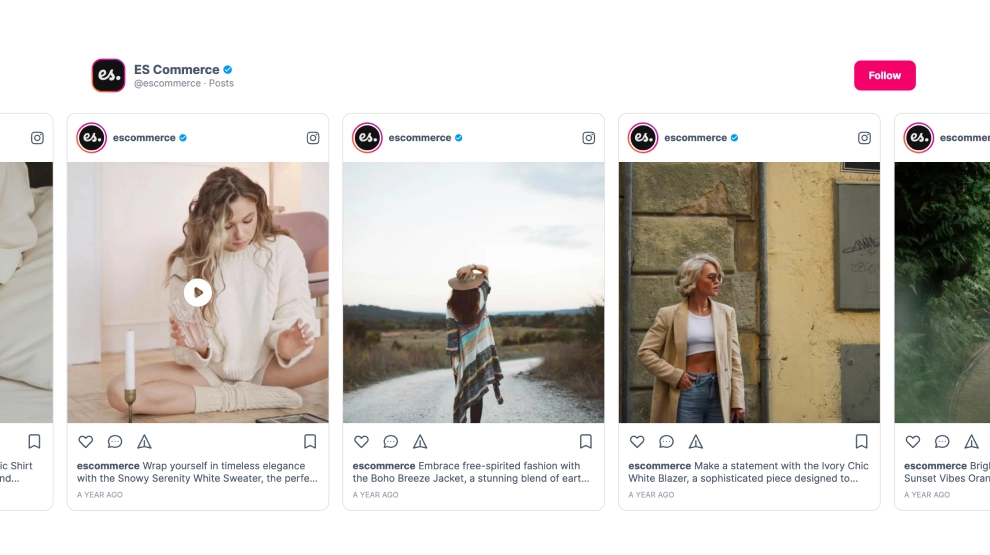
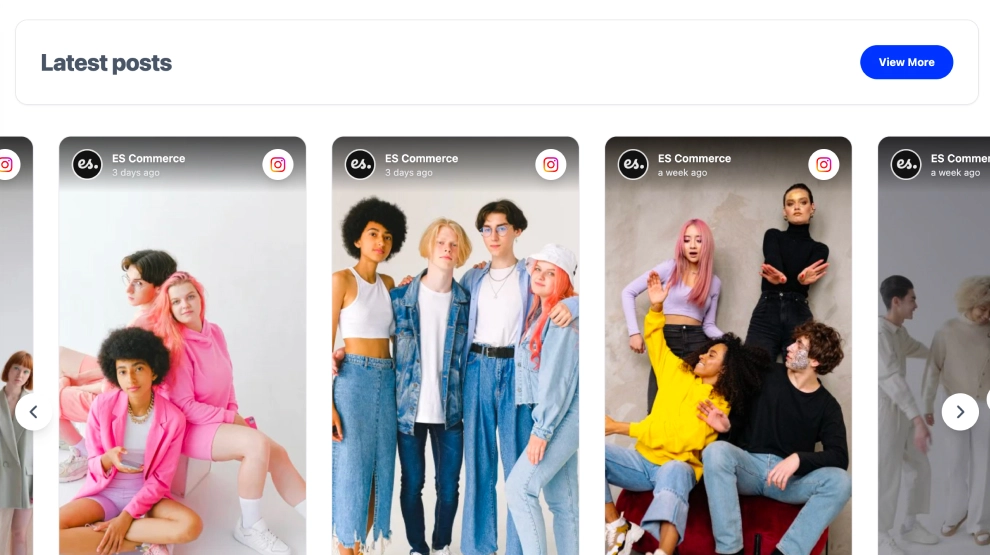
This Instagram widget presents your feed as a clean gallery slider that feels visual, easy to scan, and well suited for modern brand websites. With a simple profile header, visible post count, follow CTA, and rows of image-first posts arranged inside a sliding gallery, it turns Instagram content into a more curated on-site showcase.
What makes it work
-
Gallery-style presentation: The layout feels more like a branded visual wall than a traditional social feed.
-
Multiple posts visible at once: Visitors can take in a broader slice of content without needing to open each item individually.
-
Clean profile header: The account name, handle, and post count help establish the source immediately.
-
Follow CTA: The
Followbutton gives visitors a direct path back to Instagram after browsing. -
Mixed media support: Static posts and video posts can appear together naturally in the same gallery.
-
Image-first browsing: The emphasis stays on the visuals, which works especially well for fashion, lifestyle, and ecommerce brands.
-
Smooth slider experience: The structure helps the feed feel lightweight and dynamic instead of static and dense.
Best fit for
-
Fashion and lifestyle websites
-
Ecommerce homepages
-
Creator and portfolio pages
-
Brand campaign pages
-
Businesses that want Instagram content to feel more visual and gallery-like on the website
How to embed it
-
Connect your Instagram source in EmbedSocial.
-
Choose the Instagram Gallery Slider template.
-
Customize the profile header, post count, visible content, and follow button.
-
Set how many posts should appear in the gallery and how the slider should behave across devices.
-
Copy the embed code.
-
Paste it into your website, landing page, or CMS and publish.
Show Instagram content in a gallery slider that feels cleaner, more visual, and easier to explore at a glance.