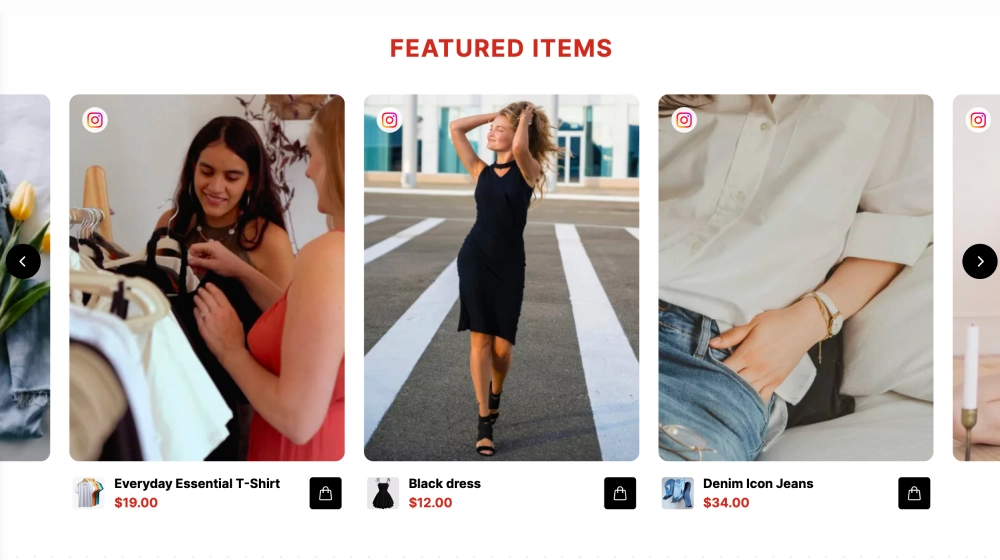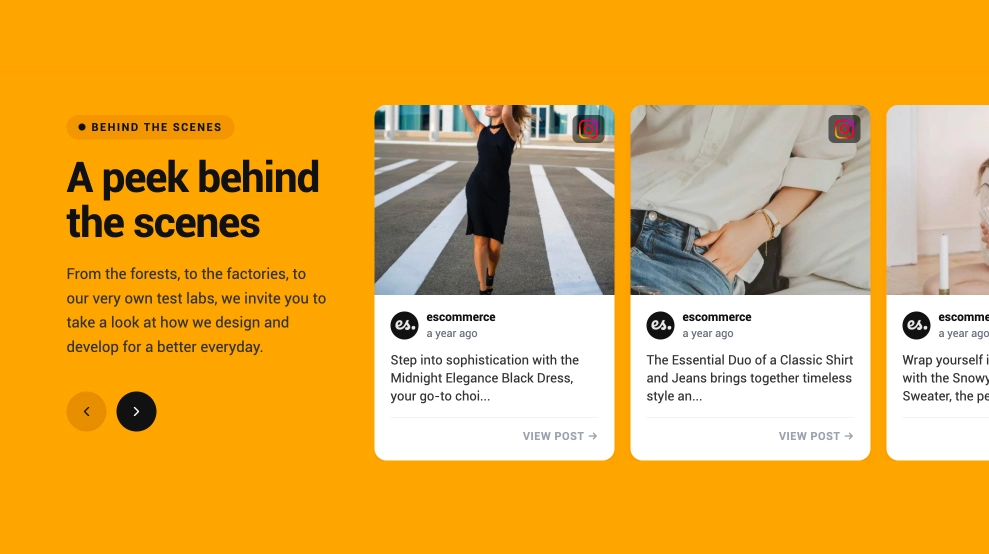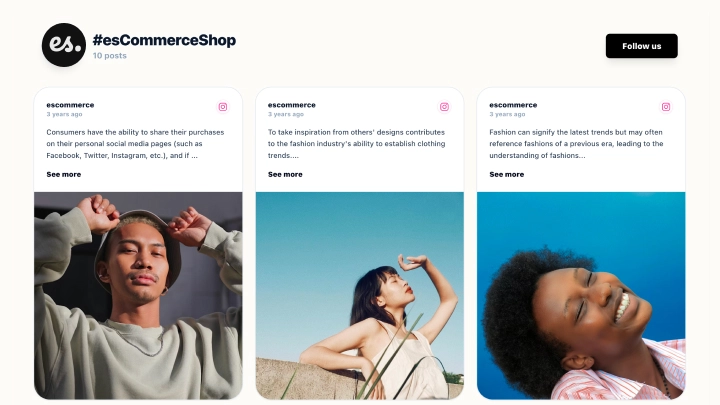
Show posts from your connected Instagram account in a grid on your website. The Instagram Grid Gallery Widget brings your own photos and videos into one section, so visitors can browse your brand’s content without leaving the page.
When to choose this grid
Use it for a brand gallery, a portfolio, or a store section featuring posts from your account. The grid keeps multiple posts visible together, making it useful when visitors want to browse rather than move through a slider.
Choose the posts you want to display with moderation, then customize the design to fit the surrounding page. Your connected source can keep the gallery updated as new posts become available.
Set up your gallery
- Select this template and connect your Instagram account in EmbedSocial.
- Review the posts, adjust the grid’s appearance, and preview the result.
- Copy the embed code and paste it into the section of your website where the gallery belongs.
Need posts collected around a campaign hashtag instead? Compare the Classic Instagram Hashtag Feed Widget. For the broader product options, explore the Instagram widget.