Professional Link-in-Bio Page

Use this template

This link-in-bio page gives your brand a cleaner, more polished mobile destination than a basic list of links. It combines profile branding, direct contact actions, social profile access, and a visual content section, so visitors can quickly understand who you are and choose what to do next from one simple page.What makes it workStrong profile header: The logo, brand name, and short descriptor give the page an immediate professional identity.Clear action buttons: Primary options like Email Me and Save Contact help visitors take action without searching.Social profile shortcut: A dedicated Instagram row keeps your main social channel easy to access.Visual updates section: Recent content appears as image cards, which makes the page feel active instead of static.Mobile-first layout: The structure is clean, centered, and easy to use on small screens.Balanced personal-and-brand feel: It works for creators, founders, and businesses that want a polished public contact page.Minimal navigation friction: Everything important is visible quickly, which is exactly what a link-in-bio page should do.Best fit forCreator and influencer profilesSmall business social biosBrand ambassador pagesFounder and personal brand profilesBusinesses that want a more polished alternative to a basic bio-link listHow to set it upCreate your link-in-bio page in EmbedSocial.Add your logo, brand name, and short description.Set your primary action buttons, such as email, contact save, or booking links.Connect your social profile and choose which recent content to feature.Copy the page link or embed code.Add it to your Instagram bio, social profiles, or website and publish.Give your audience one professional place to reach you, follow you, and explore your latest content.

About this template

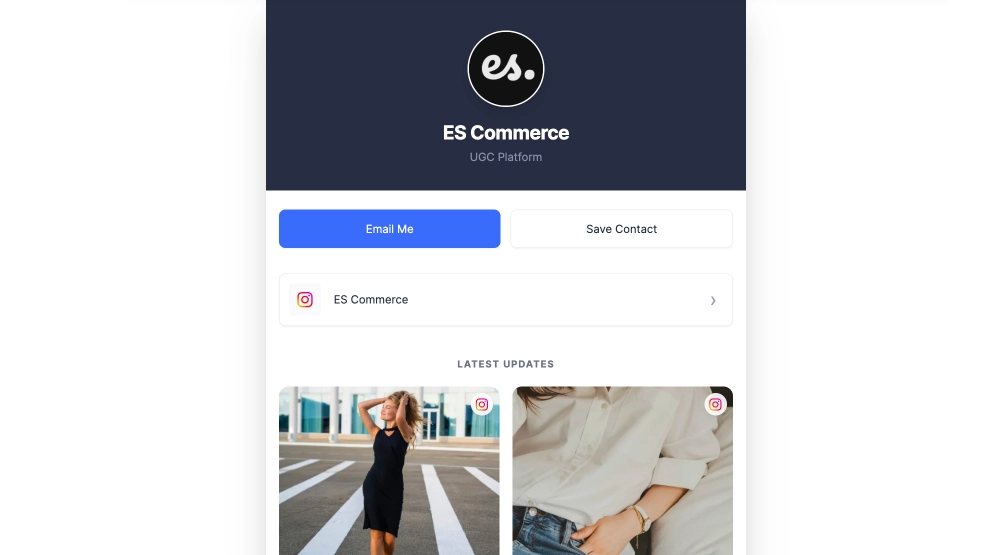
This link-in-bio page gives your brand a cleaner, more polished mobile destination than a basic list of links. It combines profile branding, direct contact actions, social profile access, and a visual content section, so visitors can quickly understand who you are and choose what to do next from one simple page.

What makes it work

  • Strong profile header: The logo, brand name, and short descriptor give the page an immediate professional identity.

  • Clear action buttons: Primary options like Email Me and Save Contact help visitors take action without searching.

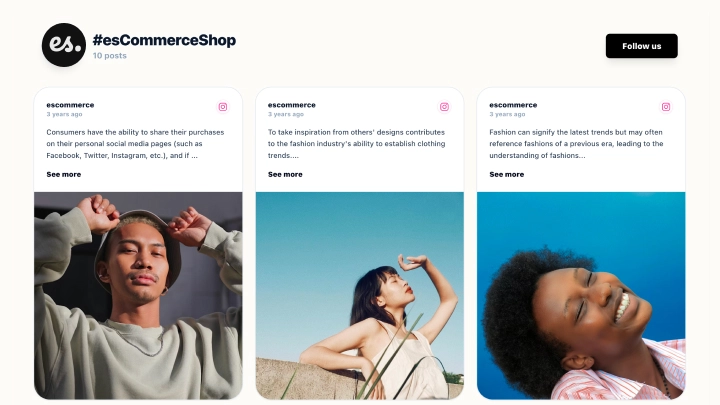
  • Social profile shortcut: A dedicated Instagram row keeps your main social channel easy to access.

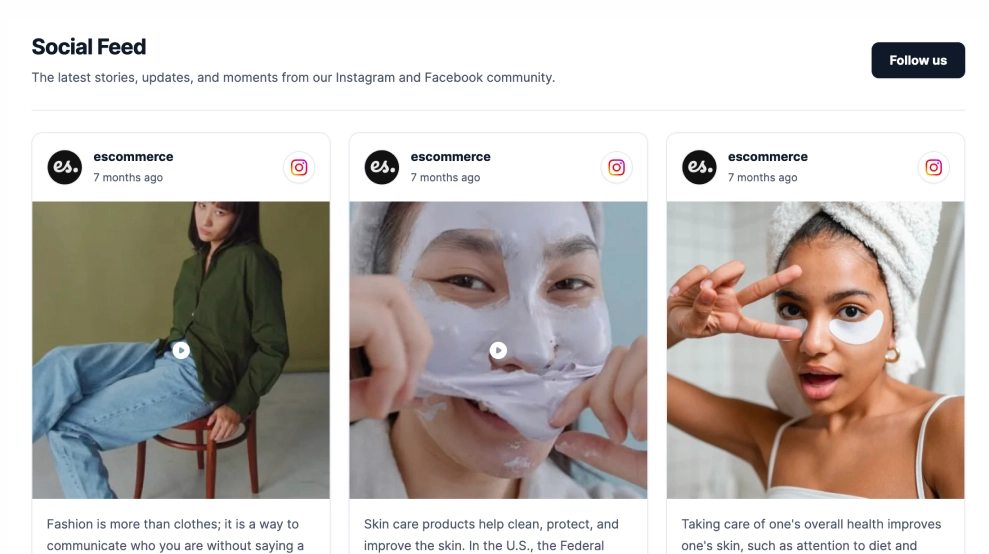
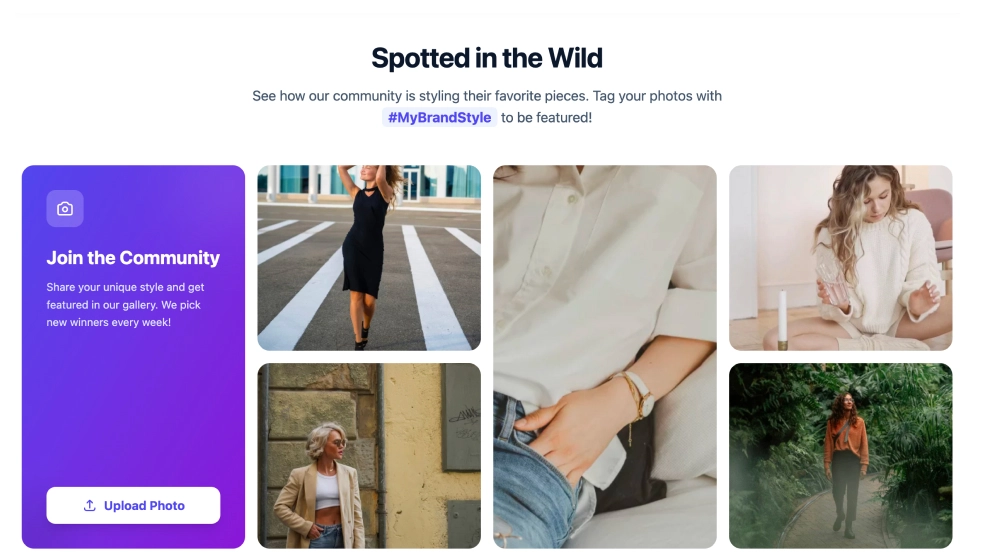
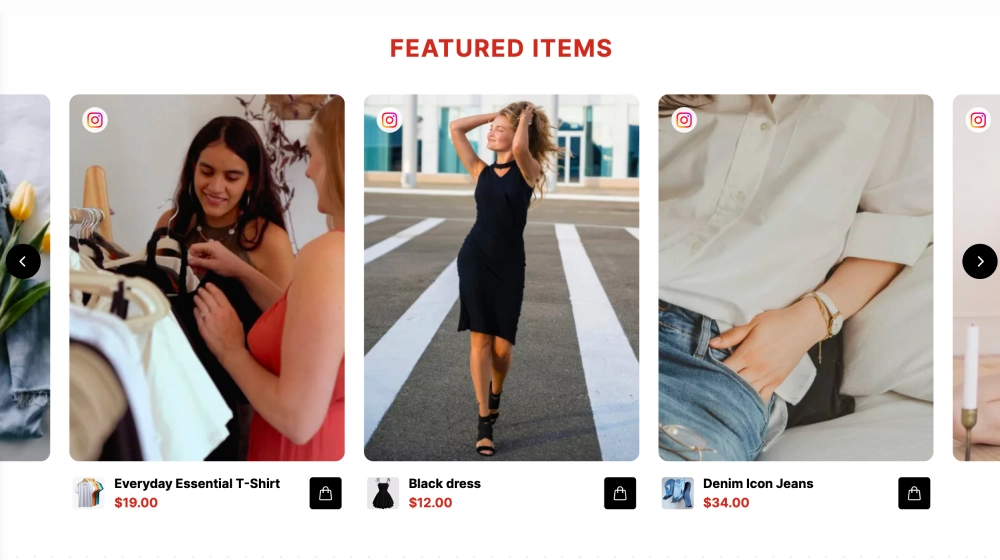
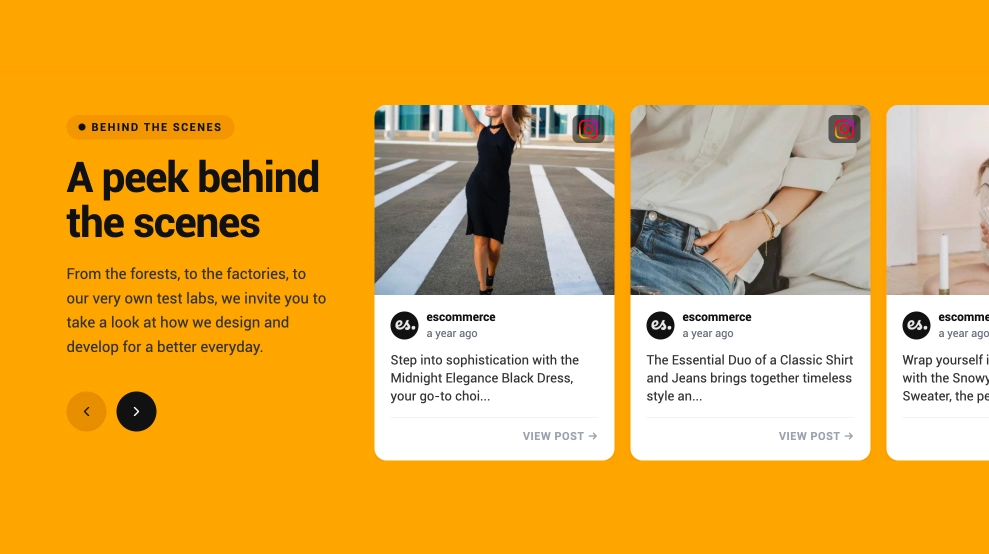
  • Visual updates section: Recent content appears as image cards, which makes the page feel active instead of static.

  • Mobile-first layout: The structure is clean, centered, and easy to use on small screens.

  • Balanced personal-and-brand feel: It works for creators, founders, and businesses that want a polished public contact page.

  • Minimal navigation friction: Everything important is visible quickly, which is exactly what a link-in-bio page should do.

Best fit for

  • Creator and influencer profiles

  • Small business social bios

  • Brand ambassador pages

  • Founder and personal brand profiles

  • Businesses that want a more polished alternative to a basic bio-link list

How to set it up

  1. Create your link-in-bio page in EmbedSocial.

  2. Add your logo, brand name, and short description.

  3. Set your primary action buttons, such as email, contact save, or booking links.

  4. Connect your social profile and choose which recent content to feature.

  5. Copy the page link or embed code.

  6. Add it to your Instagram bio, social profiles, or website and publish.

Give your audience one professional place to reach you, follow you, and explore your latest content.
Features

  • Moderation options
  • Customizable settings
  • Fast loading speed
  • Mobile-friendly and responsive
  • Multiple widgets for multiple websites
  • Auto-sync with social platforms
  • Custom styling options
  • Analytics and insights