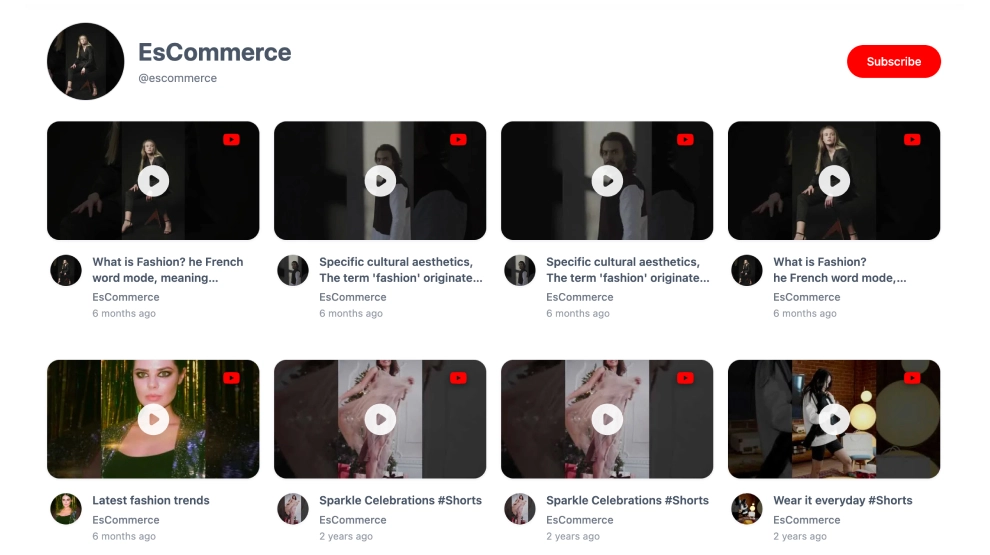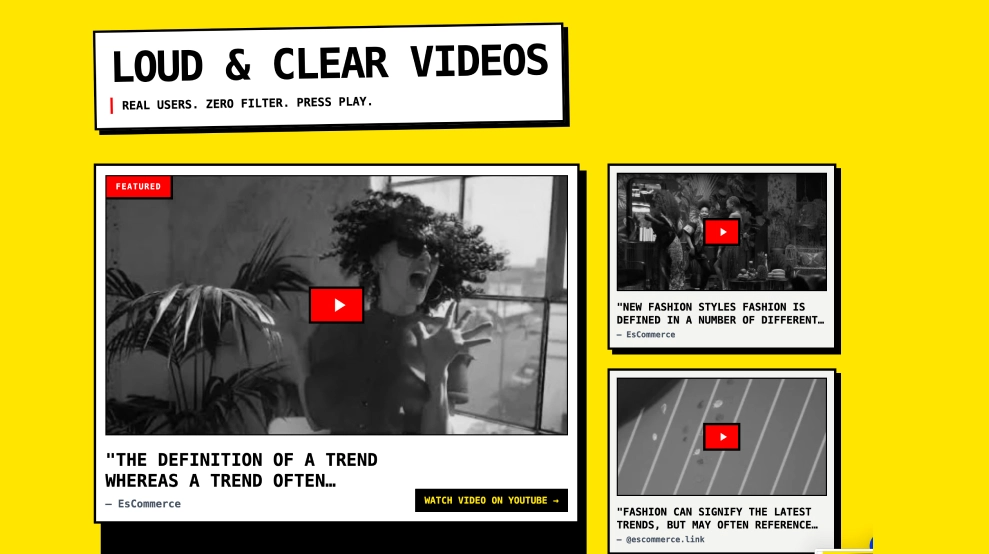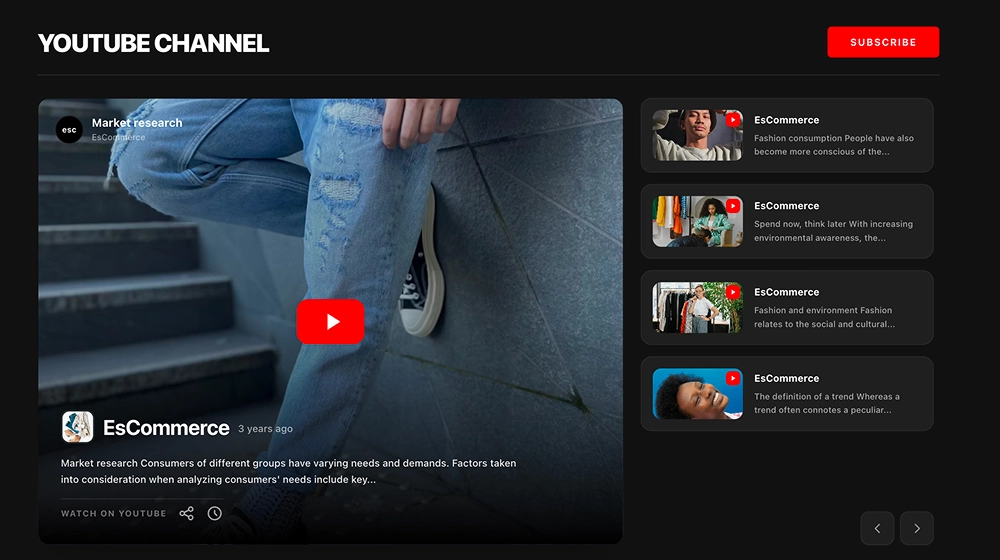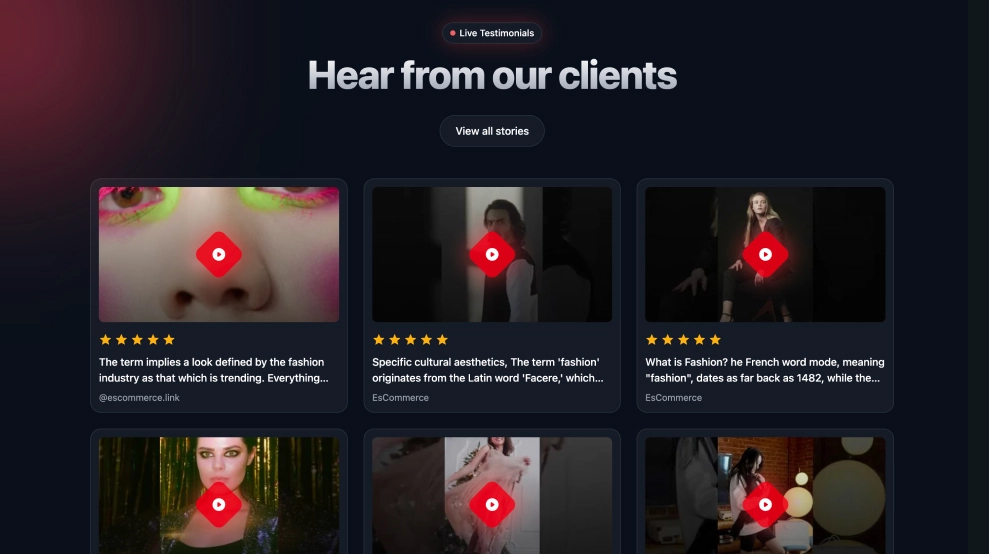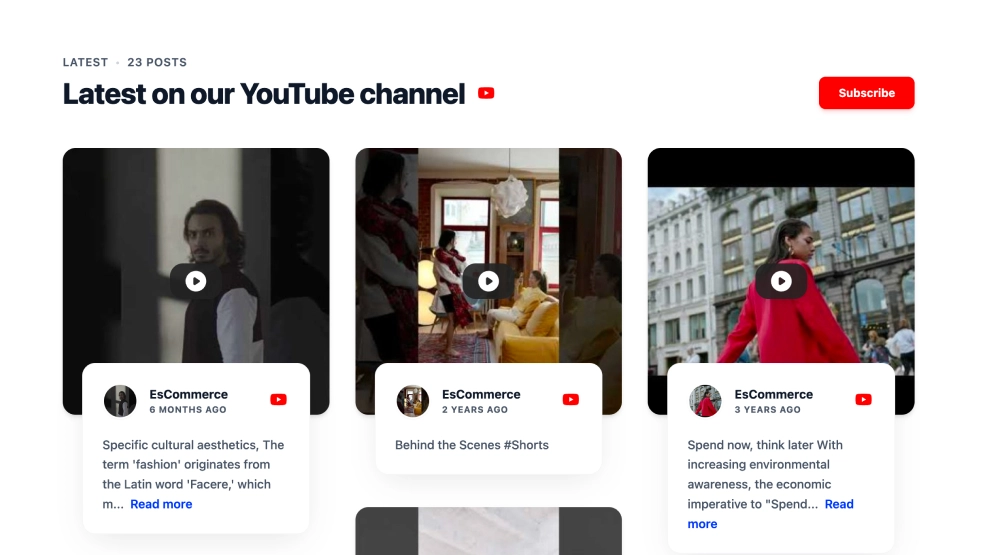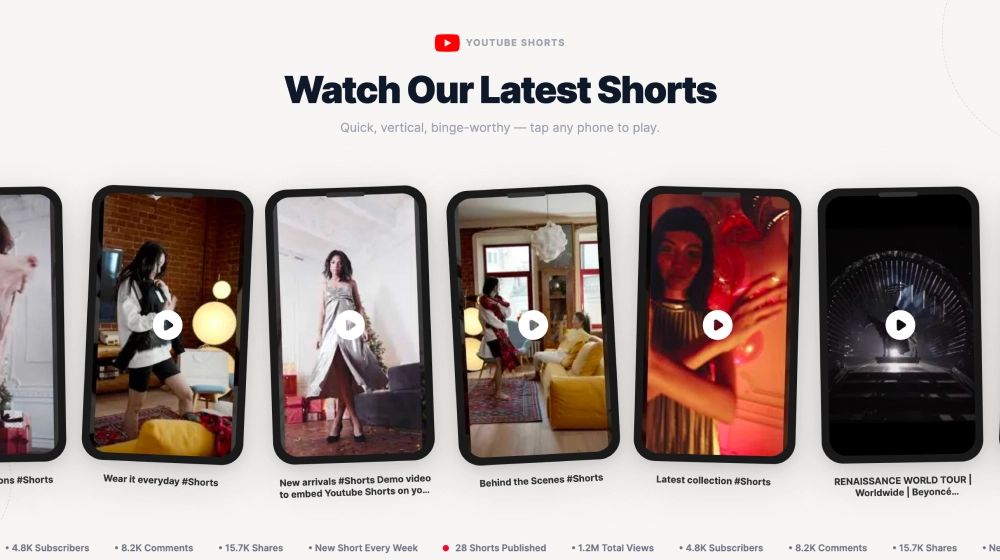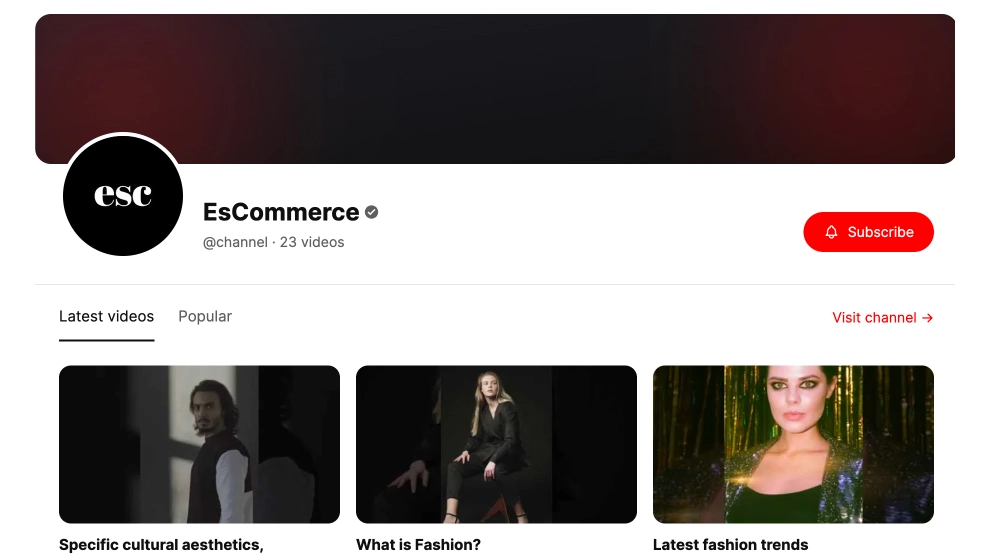
This YouTube widget brings your channel onto your website in a clean, branded feed layout that feels more like a proper media section than a simple embed. With a strong channel header, visible video count, tabbed browsing, video thumbnails, and clear subscribe and channel-visit CTAs, it helps visitors explore your content in a more organized way.
What makes it work
-
Branded channel header: The large cover area, profile image, channel name, and handle give the section a strong identity.
-
Clear content structure: Tabs like
Latest videosandPopularhelp visitors browse your channel by intent instead of scrolling through a random list. -
Video-first feed layout: The row of thumbnails keeps the section visually clear and easy to explore.
-
Strong subscription path: The red
Subscribebutton gives visitors an immediate way to follow the channel. -
Channel-link support: The
Visit channelCTA helps viewers continue the experience on YouTube. -
Good content hierarchy: The channel branding comes first, then the browsing tabs, then the video feed, which keeps the section easy to understand.
-
Works for ongoing publishing: The layout fits brands, creators, educators, and businesses that publish videos regularly.
Best fit for
-
Creator and personal brand websites
-
SaaS and startup content hubs
-
Ecommerce and media pages
-
Education and tutorial sites
-
Businesses that want a more complete YouTube channel presence on their website
How to embed it
-
Connect your YouTube channel in EmbedSocial.
-
Choose the YouTube Channel Feed Widget template.
-
Customize the channel header, visible tabs, thumbnails, and CTA buttons.
-
Set which videos appear by default and how the feed should behave across devices.
-
Copy the embed code.
-
Paste it into your website, landing page, or CMS and publish.
Show your YouTube channel in a format that feels branded, organized, and easier to explore from the first click.