


Why add a YouTube Shorts widget to your website?
A live YouTube Shorts widget keeps your website current, gives visitors more to watch, and turns one-off Shorts embeds into an always-on content block.
Keep Shorts on-site automatically
Pull new Shorts from your channel so homepage, blog, and product-page sections never rely on stale embeds.
Make vertical video feel native
Use responsive slider, carousel, and section layouts built for mobile-first viewing and faster browsing.
Turn watching into clicks
Add CTA-ready layouts, product links, and analytics so your YouTube Shorts widget drives action, not just views.

YouTube Shorts templates built for websites that need motion
Start with a verified Shorts layout, then adapt it for landing pages, product pages, blog sidebars, or mixed video sections.
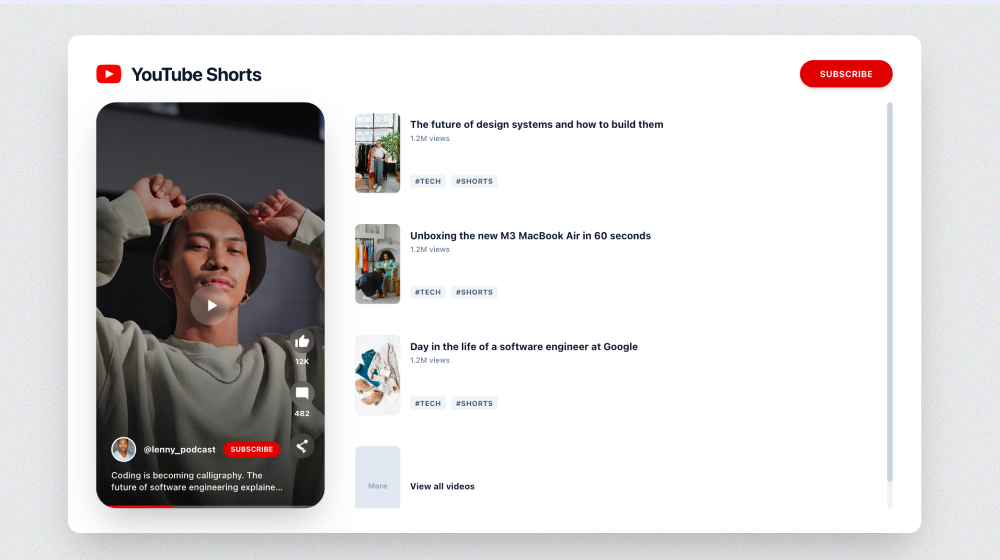

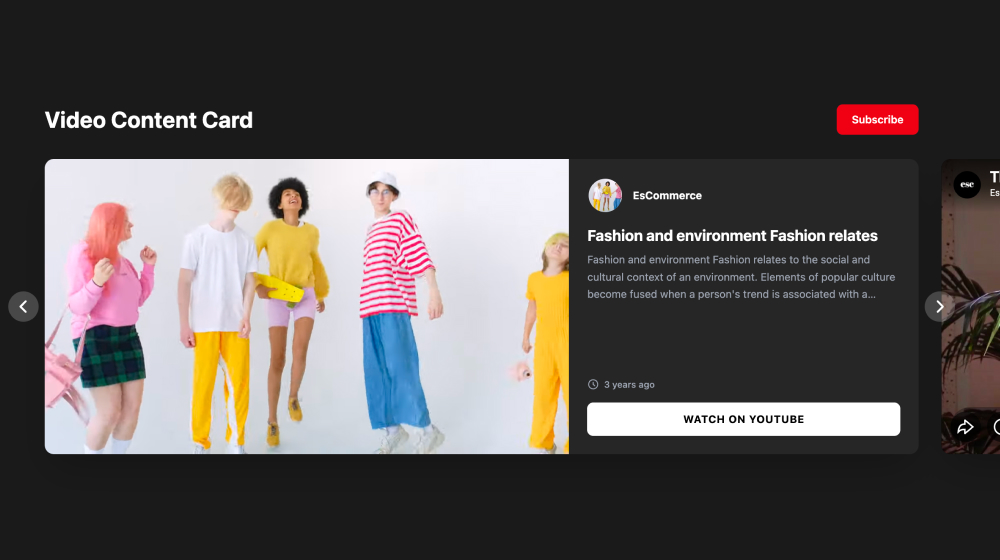
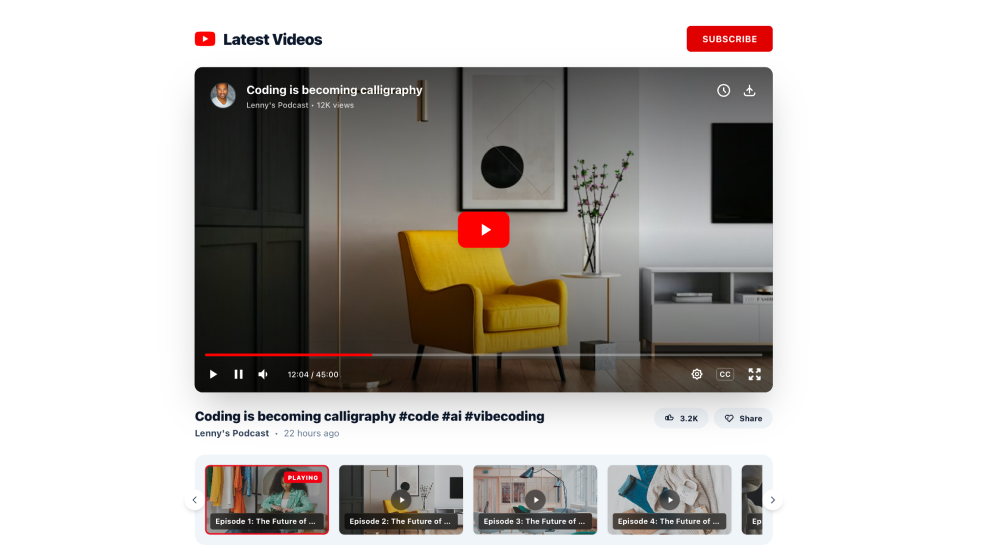
Create your YouTube Shorts widget with a single prompt
Describe the Shorts layout you want, and EmbedSocial generates a live widget you can refine with templates, AI design edits, and filters.
It’s not just a YouTube Shorts embed, it’s a live video block for your website


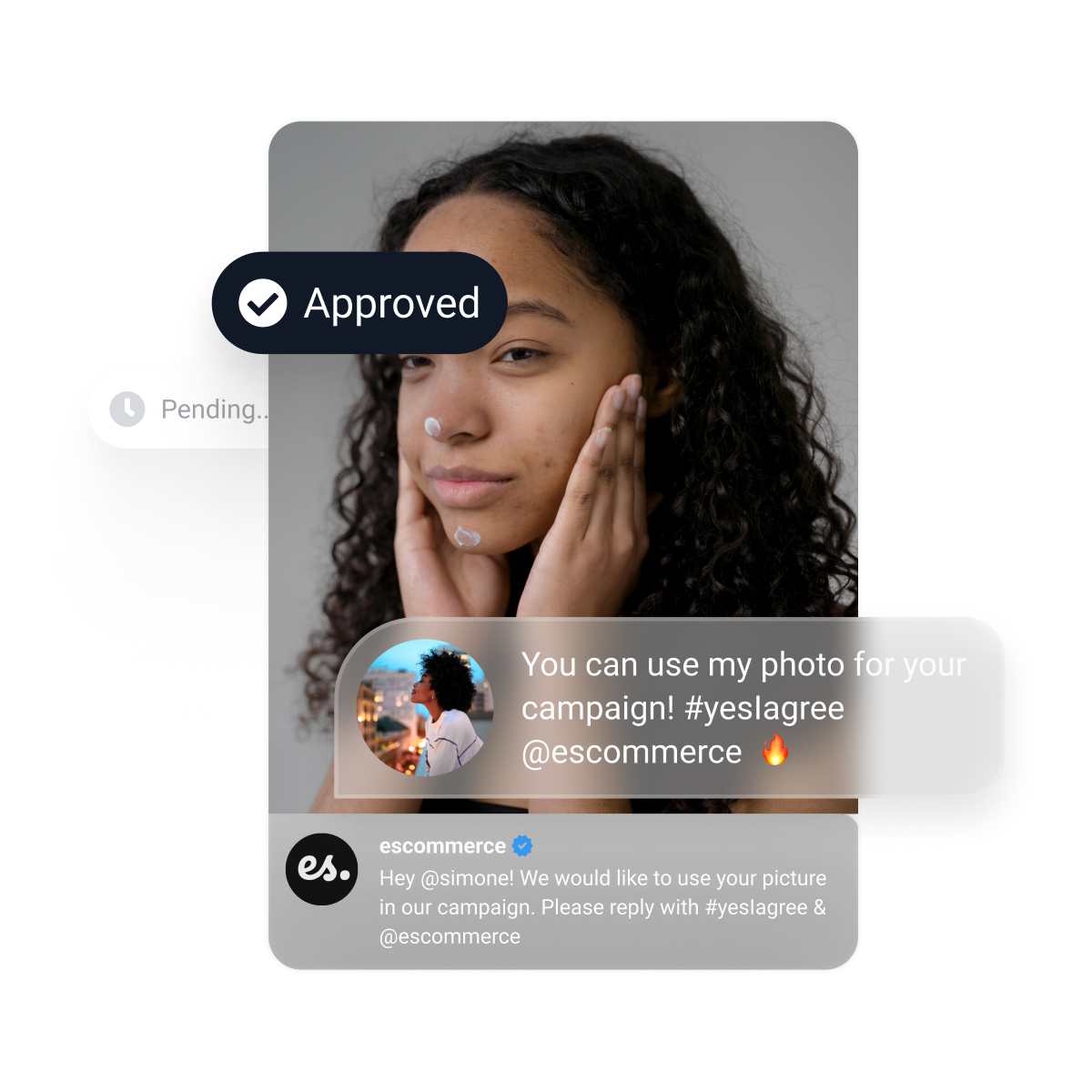
Static YouTube Shorts embeds are easy to skip. Switch to a live Shorts widget
Replace one-off Shorts embeds with an auto-sync section that keeps new vertical videos visible across your website.
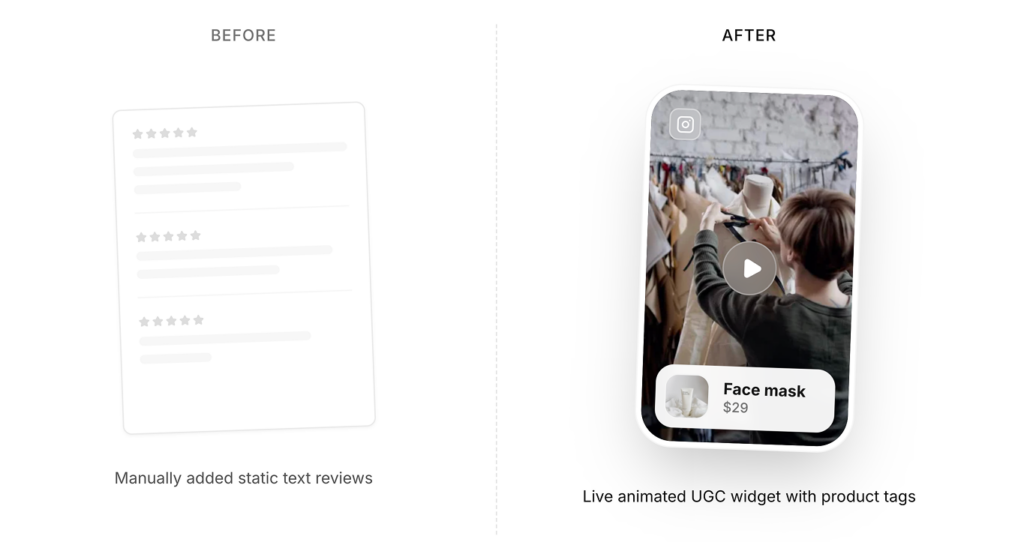
This is a live YouTube Shorts widget that updates and converts.
Everything you need to launch a high-converting YouTube Shorts widget
API integrations
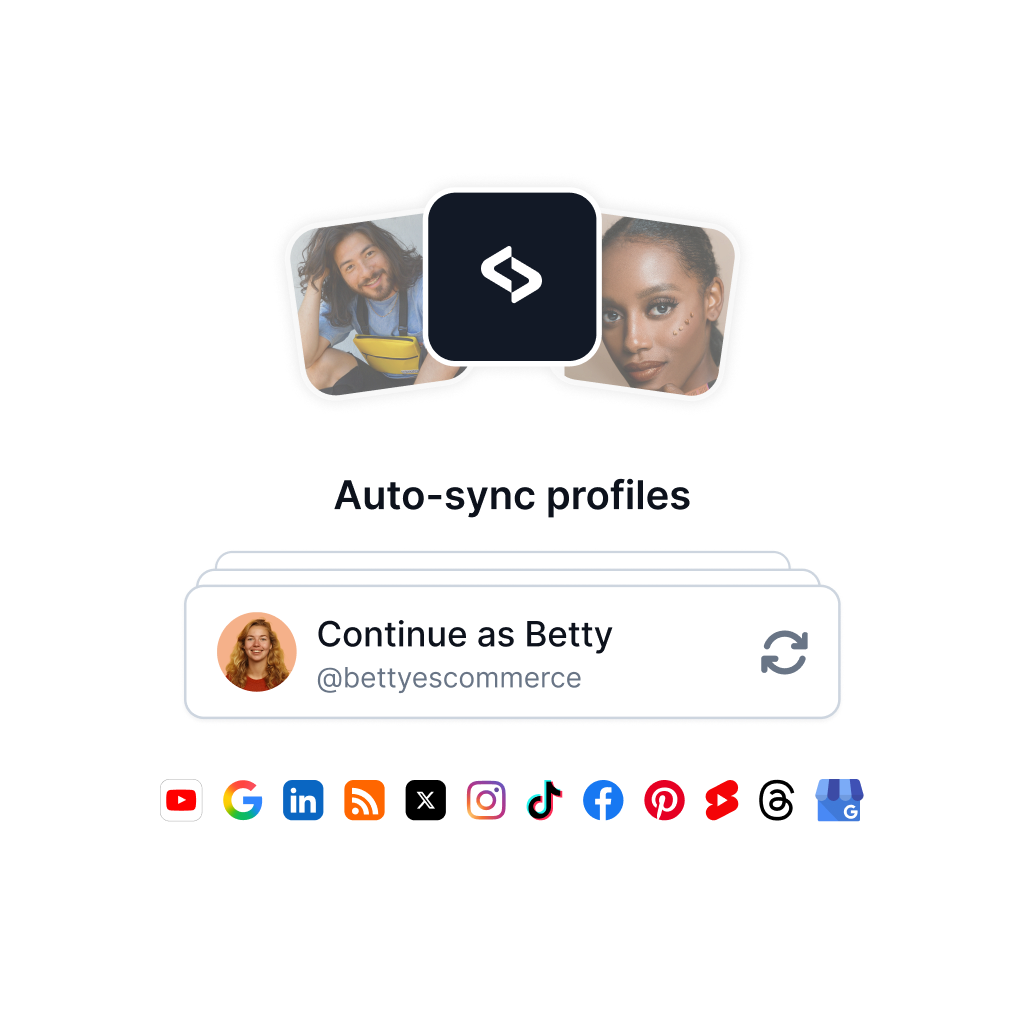
Put your Shorts widget on autopilot
Connect your YouTube Shorts source to auto-sync fresh vertical videos into one workflow. Keep your website widget current without manual replacements.
✔️ Official API source connections
✔️ Automatic syncing workflows
✔️ Reuse one Shorts widget pattern across pages
AI editor
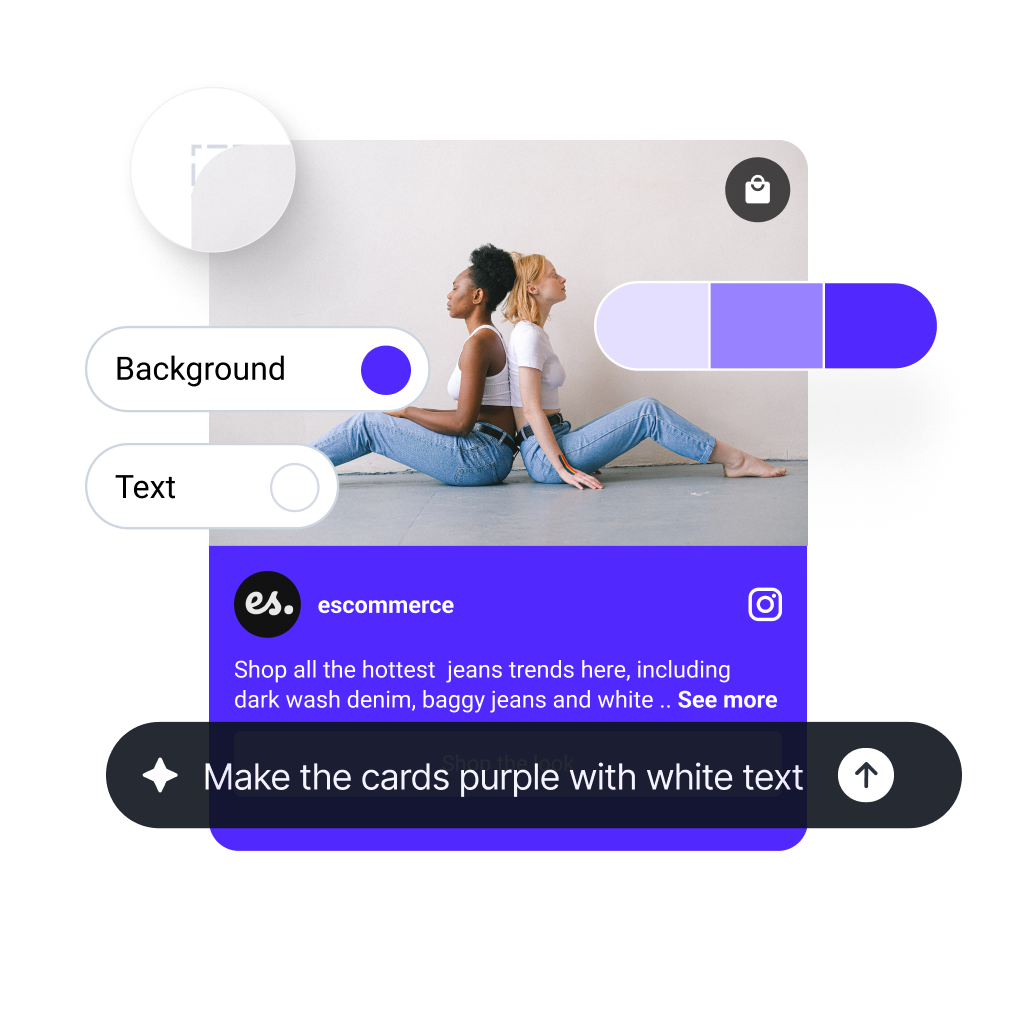
Create high-converting Shorts layouts in seconds
Start from a template like the YouTube Shorts section, then customize with AI design edits, layout controls, and custom CSS when needed.
✔️ 200+ templates (widgets, sections, and components)
✔️ AI-assisted styling and layout generation
✔️ Brand controls and custom CSS
AI curation
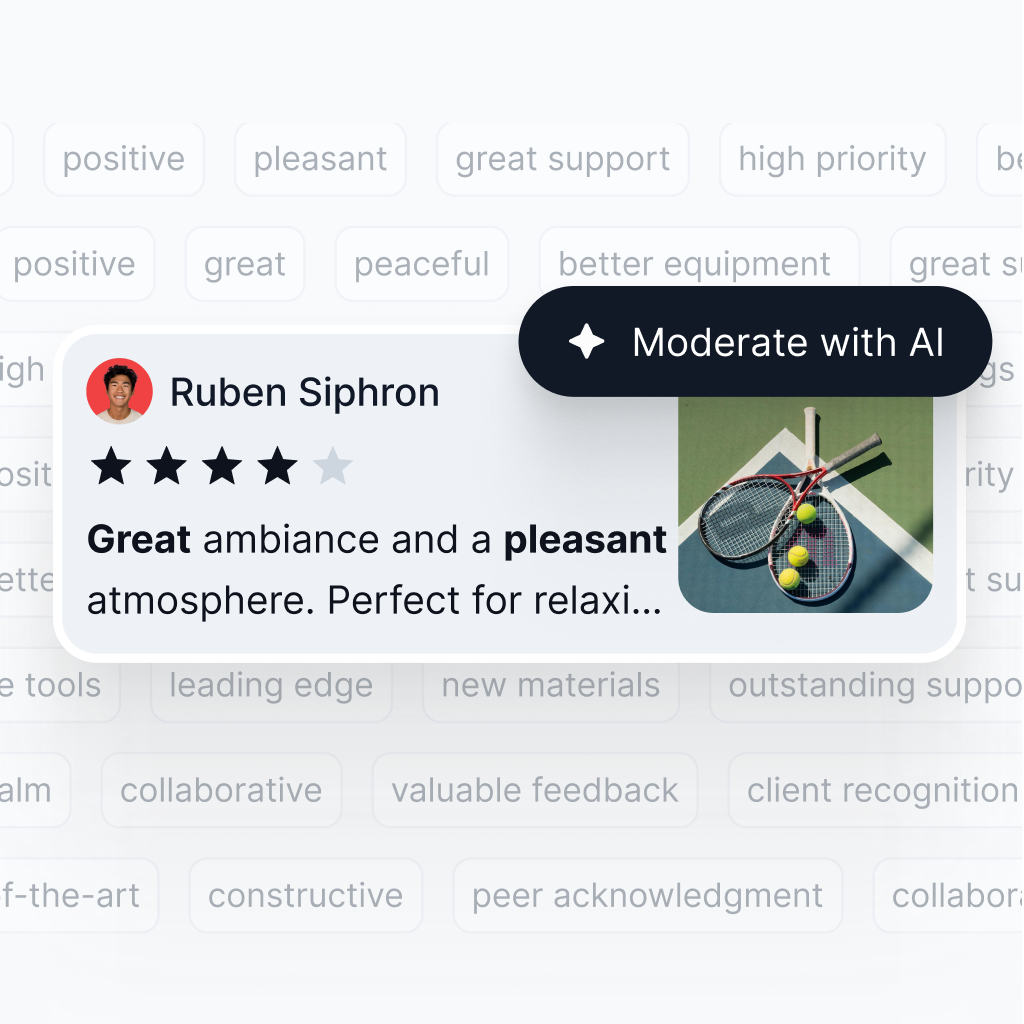
Moderate and tag YouTube Shorts faster
Use AI scoring, moderation, and tagging so only the right Shorts appear in your widget.
✔️ AI-powered scoring
✔️ Moderation controls before publishing
✔️ AI tagging for categories and filters
More than a simple YouTube Shorts embed

Multiple sources

Auto-Sync

Unlimited widgets
Embeddable code / iframe

Filters and AI tags

ISO Certified


Is it hard to embed?
No. You can embed your new section widget on any website, CMS, or web builder. Works with WordPress, Lovable, Bolt, Wix, Webflow, Duda, Shopify, custom React applications, and other custom code. Plus, it updates automatically.



Auto updates
One code paste
Mobile native
FAQs about the YouTube Shorts widget
Everything you need to know about setup, moderation, templates, pricing, and builder compatibility for EmbedSocial’s YouTube Shorts widget.
Create an EmbedSocial account, add your YouTube Shorts source, choose a layout, and paste the embed code where you want the widget to appear. For the step-by-step workflow, see how to embed YouTube Shorts.
Yes. Instead of embedding each Short manually, you can build one live widget that pulls new Shorts from your connected source and keeps the section updated automatically.
Due to YouTube API limitations, posts from YouTube are updated every 24 hours on Pro and Pro Plus plans. Premium and Enterprise plans get faster refresh rates.
Yes. You can use AI moderation, filters, tags, and manual approval to decide exactly what goes live. If you want the broader workflow, see moderation options.
Yes. Start from a verified template, edit layout and styling controls, add custom CSS, or use the AI widget editor to generate a custom design faster.
Yes. EmbedSocial works with builders that support JavaScript or iframe embeds, including WordPress, Shopify, Wix, Webflow, and Squarespace.
No. The YouTube Shorts widget is not included in the free plan. YouTube and other advanced sources are available in paid plans. Check current source availability on the pricing page: https://embedsocial.com/pricing/embedfeed/
If you cancel, the widget stops showing on your website. You can reactivate your account later and publish it again.