Sync YouTube videos to your website automatically
Execute your video marketing strategy and hit more numbers for reach, followers, and sales.
Save time to maintain video widget on your website
You will no longer need to update your website every time you post on YouTube
Expand the reach of your videos
Make your YouTube videos available for a broader audience that visits your website and not just your YouTube channel
Increase YouTube subscribers
Add a ‘Subscribe’ button inline or in the popup of the YouTube widget and navigate the web visitors to your YouTube channel.

YouTube API
Your YouTube channel’s playlists on your website in seconds
With direct integration with the YouTube API, you are able to automatically sync your YouTube playlists on your websites within a few minutes. This also means that every time you add a new video to the selected playlist, it will appear on your website automatically.
Shoppable Feed
Create a YouTube shop for your website
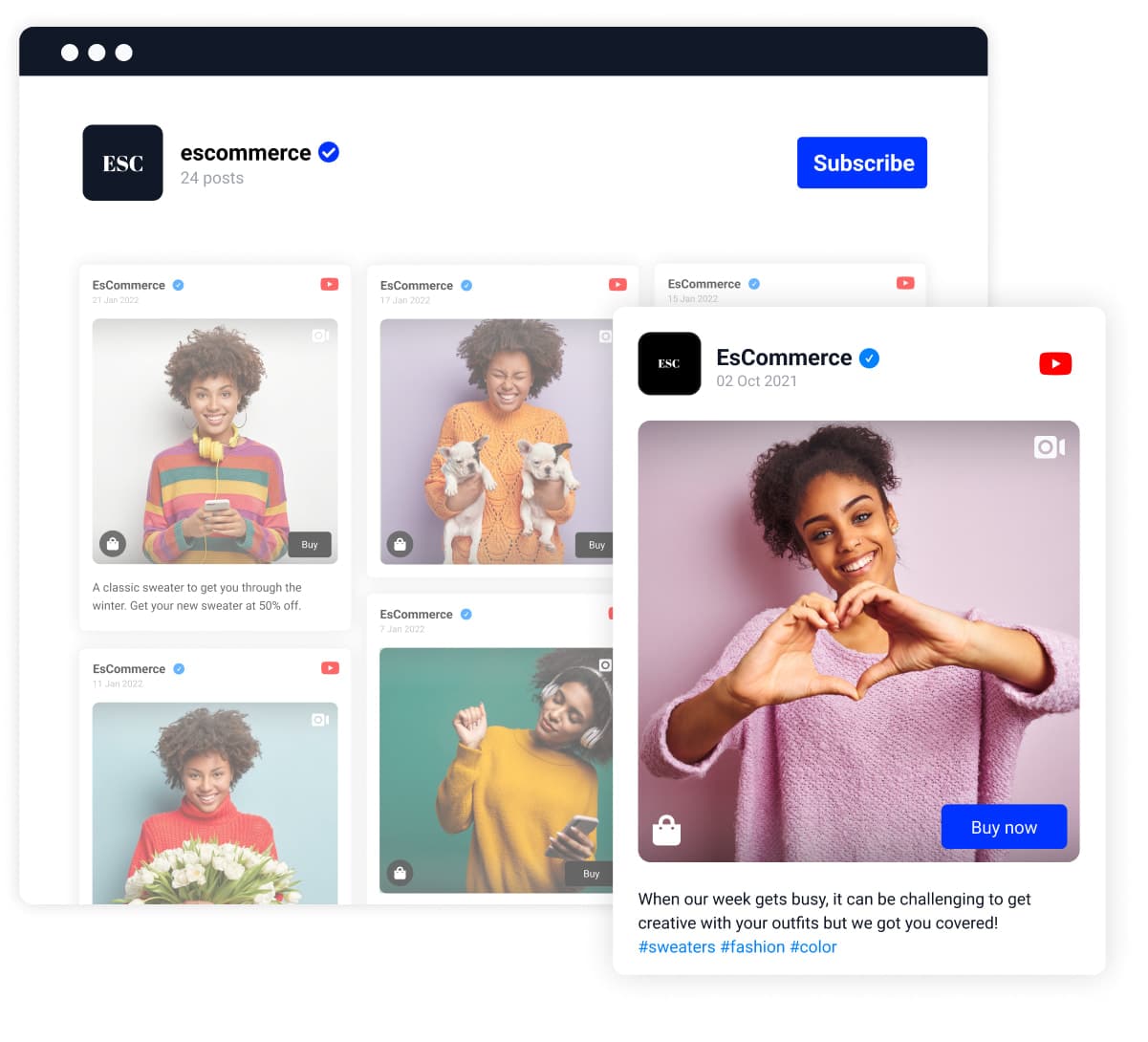
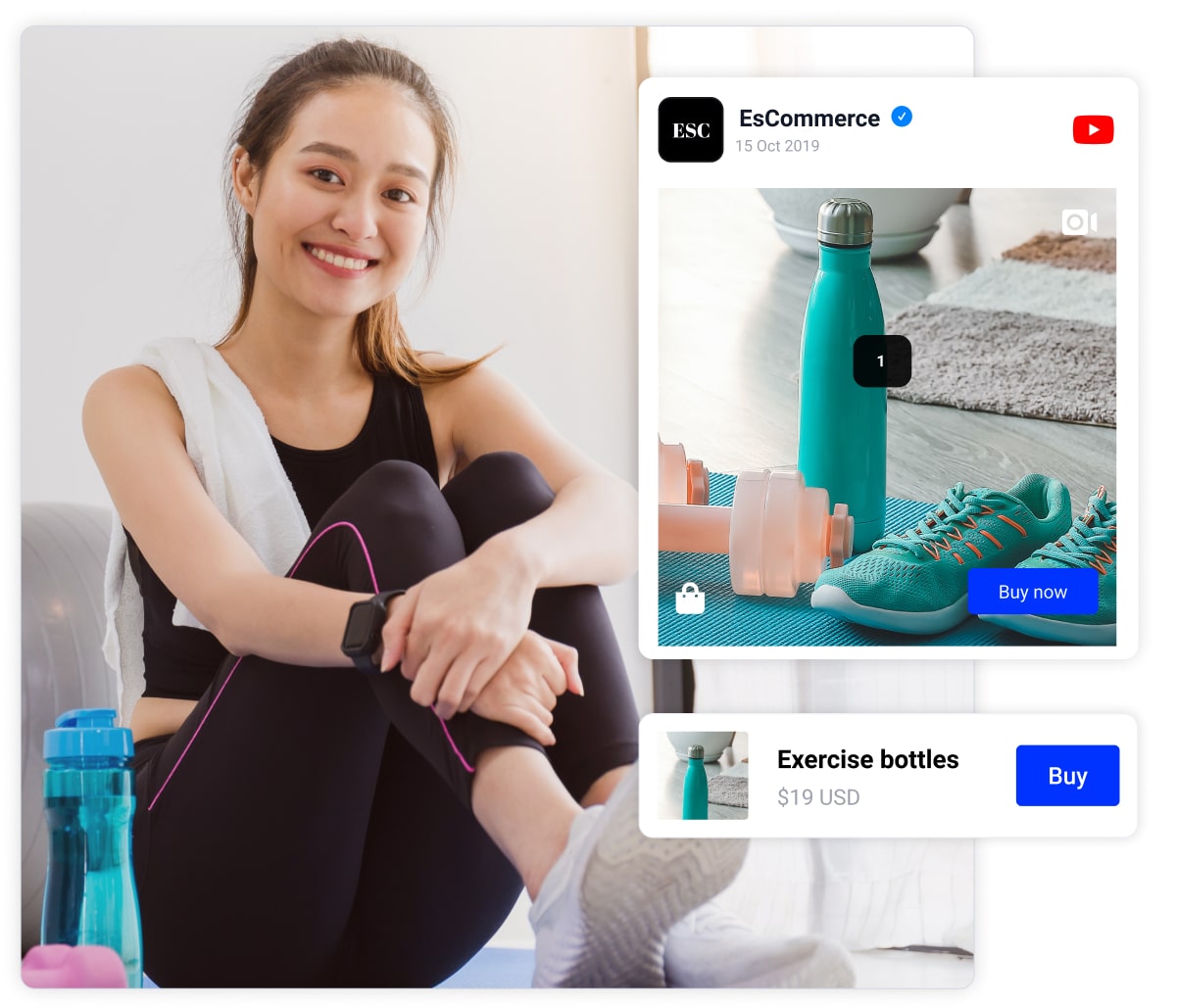
Make your YouTube feeds shoppable with custom ‘Buy’ buttons. This means that in your EmbedSocial feed editor, you can add custom call-to-action links that can redirect each user to your checkout pages on your website.
WordPress Plugin
Embed YouTube Widget on a WordPress website
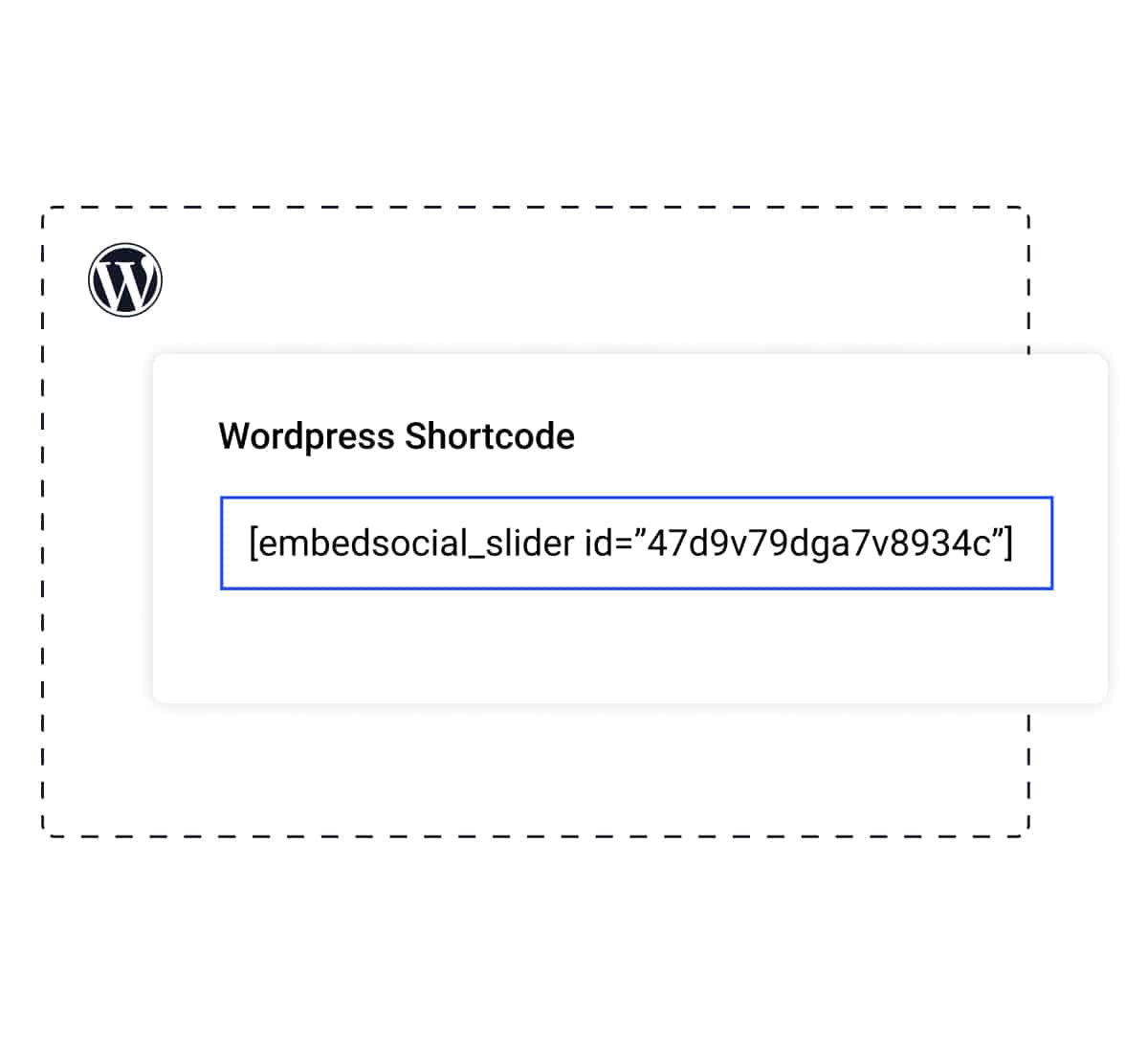
EmbedSocial works for any CMS or website. And if your website is running on WordPress specifically, we’ve got you covered with a native plugin! With this plugin, you can easily embed a YouTube channel widget using only a shortcode. Download the WordPress plugin or install it directly from the Plugin directory. No access token is needed.
Embed YouTube playlists in a variety of interactive templates
The template library is constantly updated with new widget designs.


Embeddable code
Code that works on any web platform that supports Javascript.

Mobile responsive
Mobile-friendly widgets that fit any device size.

One widget, multiple sources
Construct a combo widget that will include videos from various sources.

Custom CSSPopular
Stay on brand and make your own style and design for unique widgets.
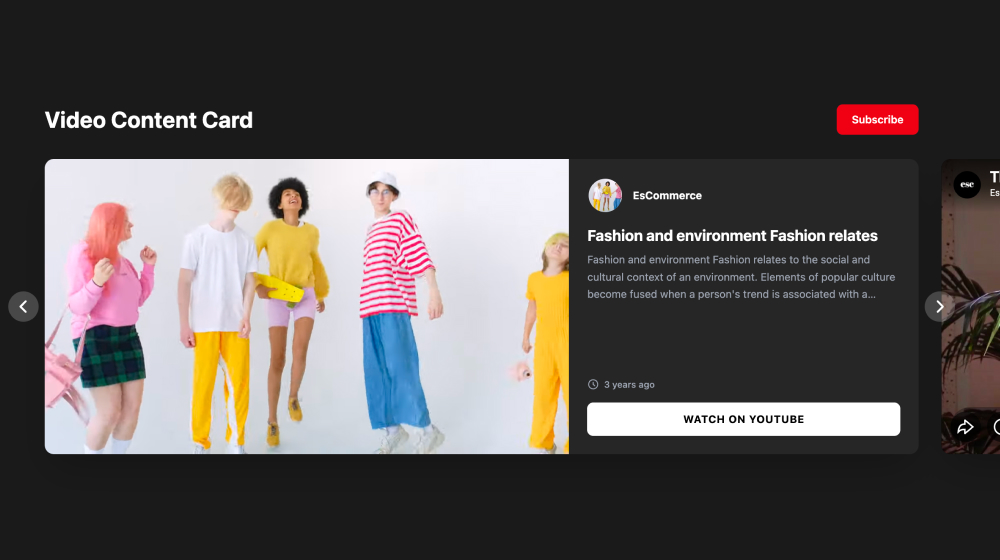
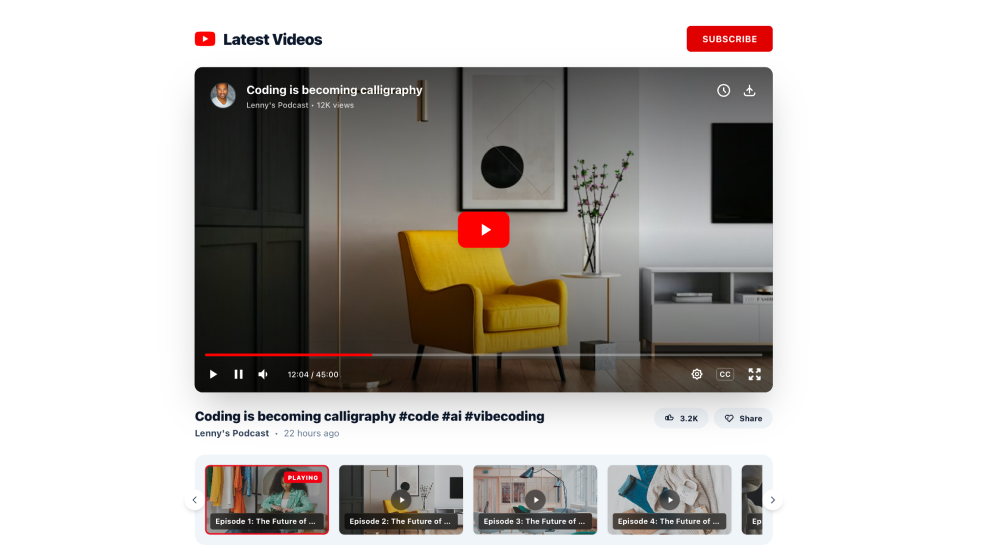
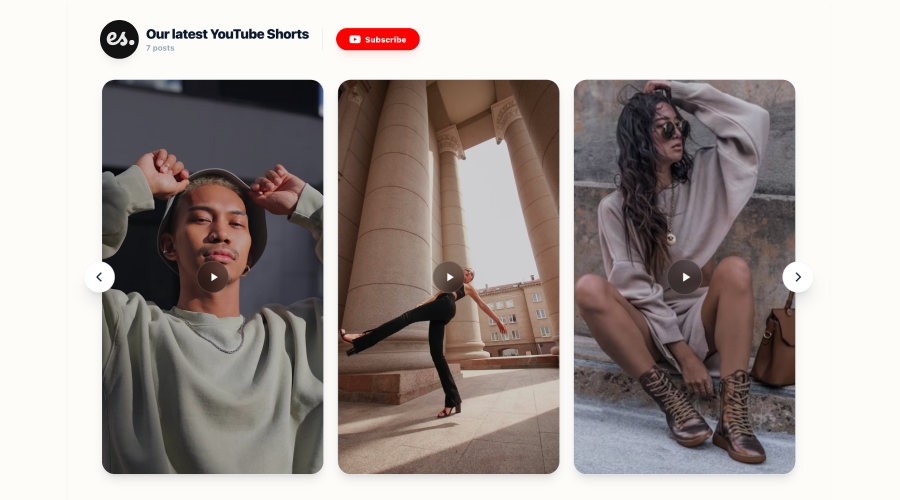
Browse YouTube Feed templates

Moderation
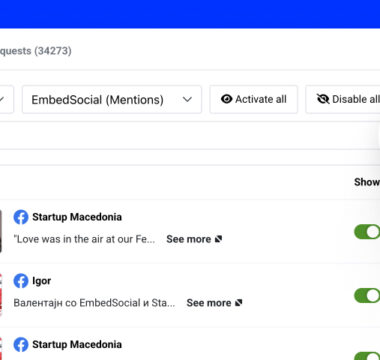
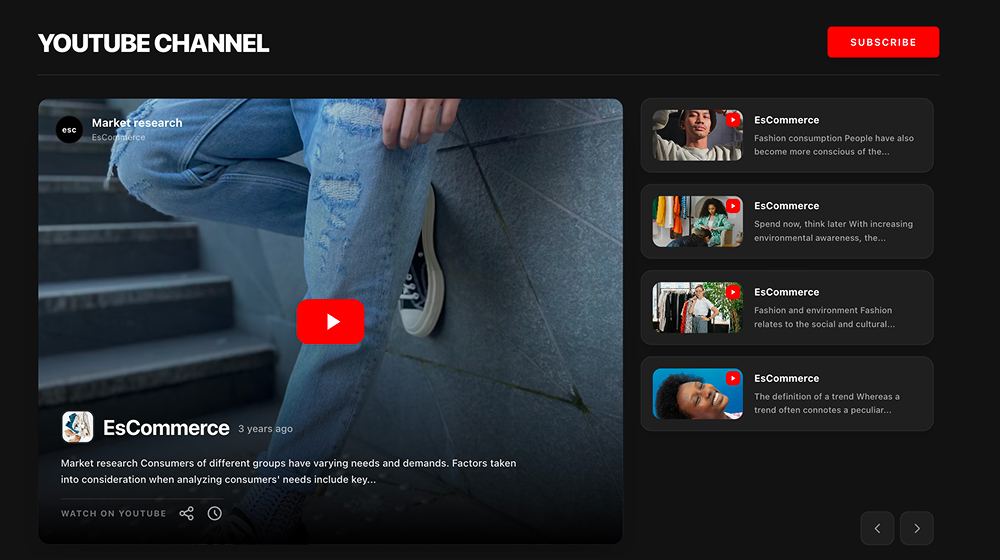
Control which YouTube videos are published
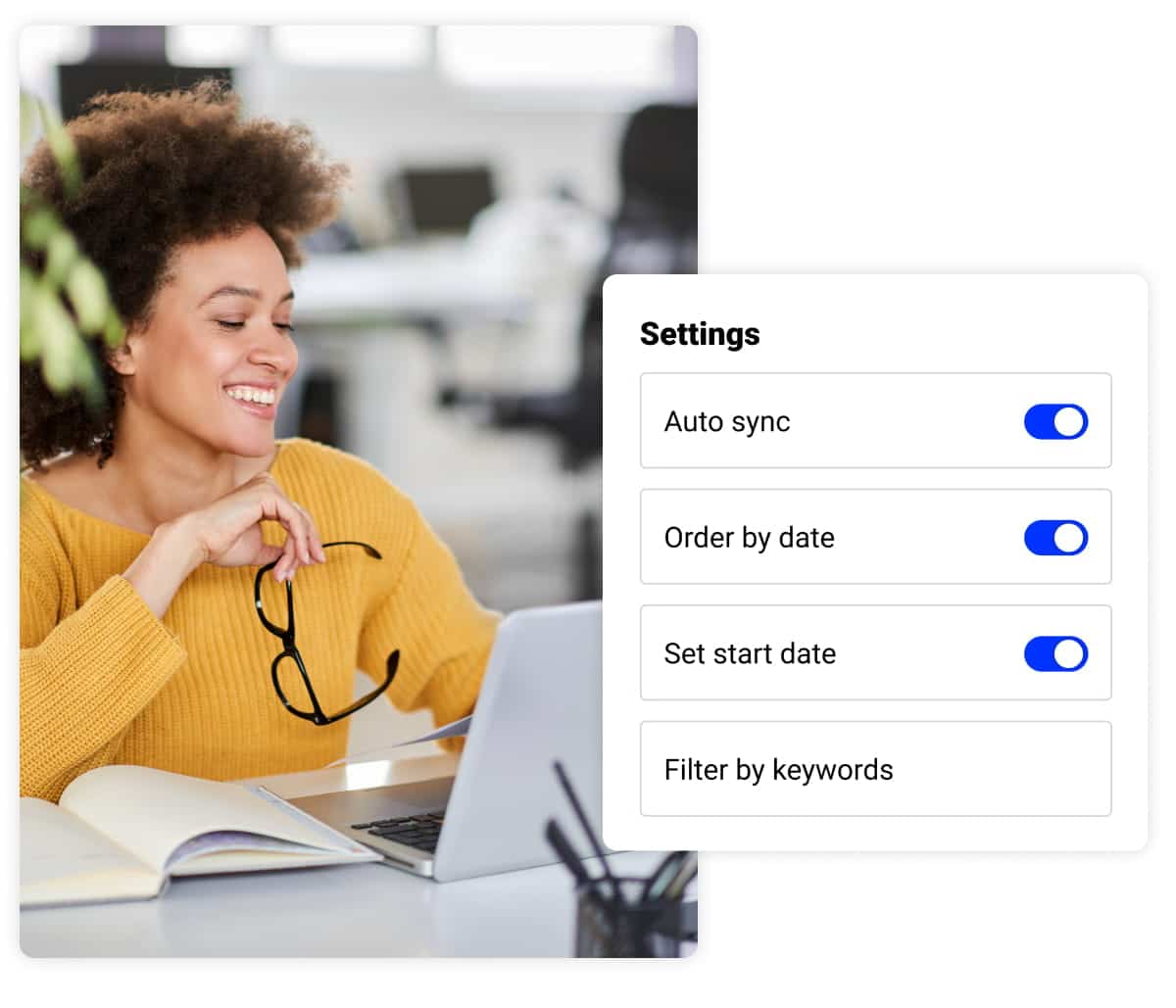
Want your latest videos always displayed on your website? We got you covered! It takes just a click of a button to allow our YouTube generator to pull the latest videos from the selected playlist into your website widget. Additionally, if needed, with the moderation option, you can always handpick the videos that want to be shown on your website.
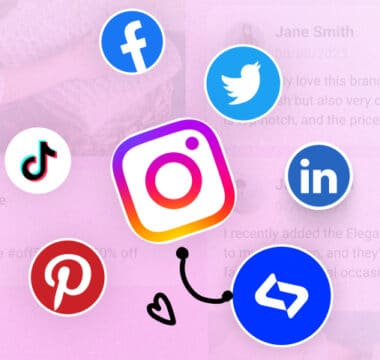
The best part? You can create a combo feed by combining YouTube videos and media from any other social network we integrate with.
Customization
Make your Twitter widget fit your brand
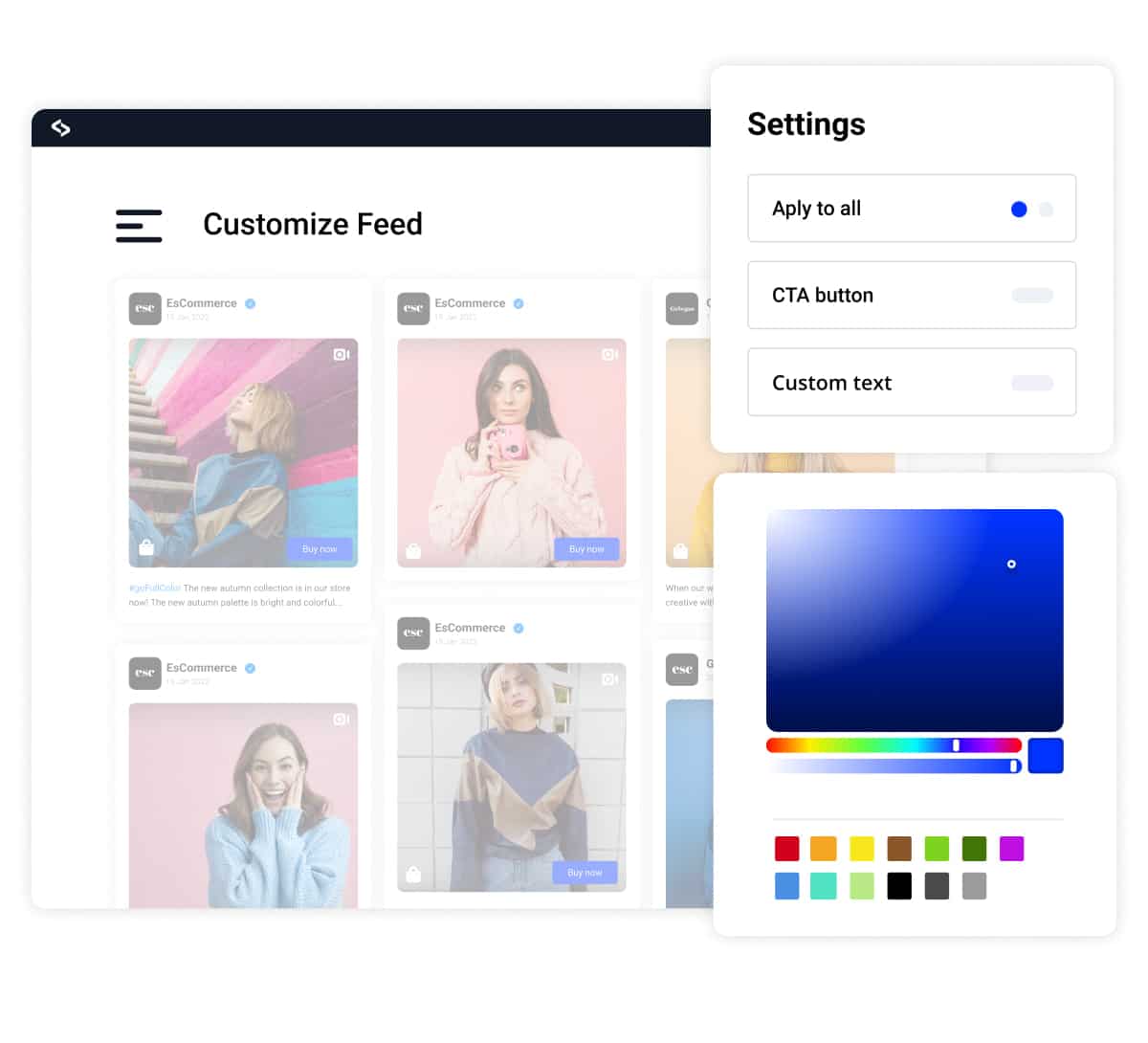
You can completely overwrite the default design of the YouTube playlist widget and customize it the way it makes the most sense for your brand.
All you need is just basic CSS knowledge and some dose of creativity.
If you find yourself struggling with the CSS editor, don’t hesitate to reach out to us and we will be happy to land you a hand with this.
More than a widget. All-in-one social media aggregator

Multiple sources

Auto-Sync
Unlimited widgets

Subscribe button

Localization

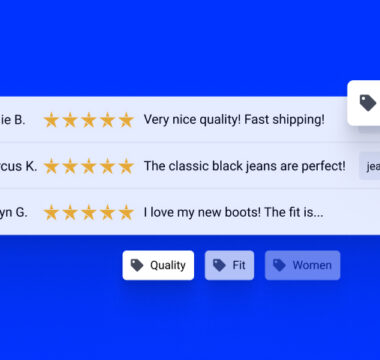
Filters & Tags

Analytics & Reports
Customization
Add custom posts










How to embed a YouTube playlist?
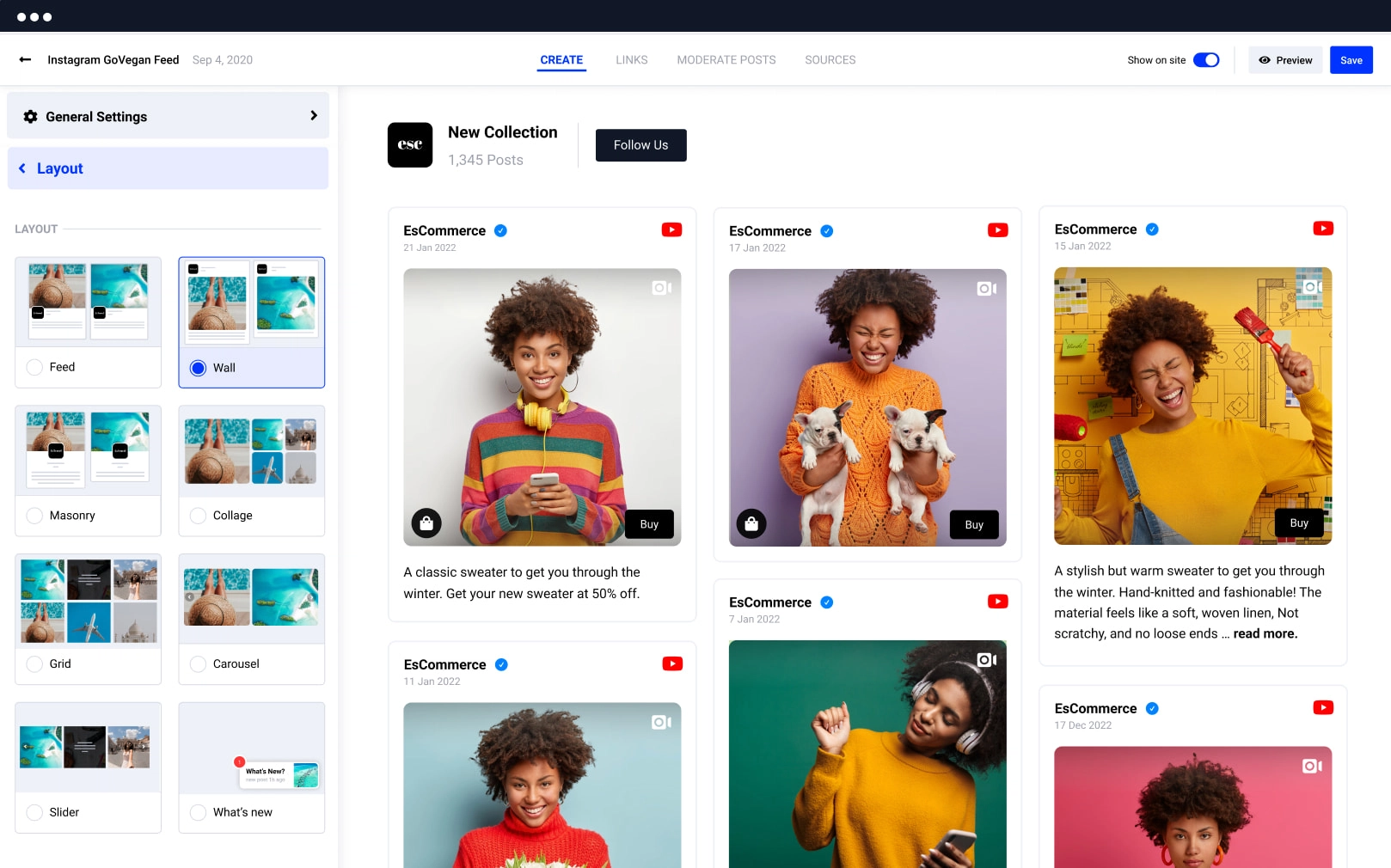
Connect your YouTube account and choose the playlist from where you want to generate the videos. Choose a widget layout, customize and moderate the feed, and copy/paste the code to your website to embed your new interactive YouTube Playlist widget.

Create an EmbedSocial account.

Connect your YouTube profile and choose a playlist
Customize and embed the YouTube widget
Frequently asked questions
about YouTube playlist feed
Have a specific question about YouTube channels or playlist feeds? Check the FAQ section below or click the bottom right chat icon and talk with us.
Depending on the number of sources you want to connect, check our pricing plan to see what fits your requirements best.
– YouTube carousel widget
– YouTube slider widget
– YouTube slideshow widget
– YouTube slideshow widget without thumbnails
– YouTube slideshow widget with vertical thumbnails
– YouTube masonry widget
– YouTube grid widget
For more advanced customization options, check out our simple CSS editor.
Browse more social media widgets
Embed social media feed with posts from multiple social media accounts.