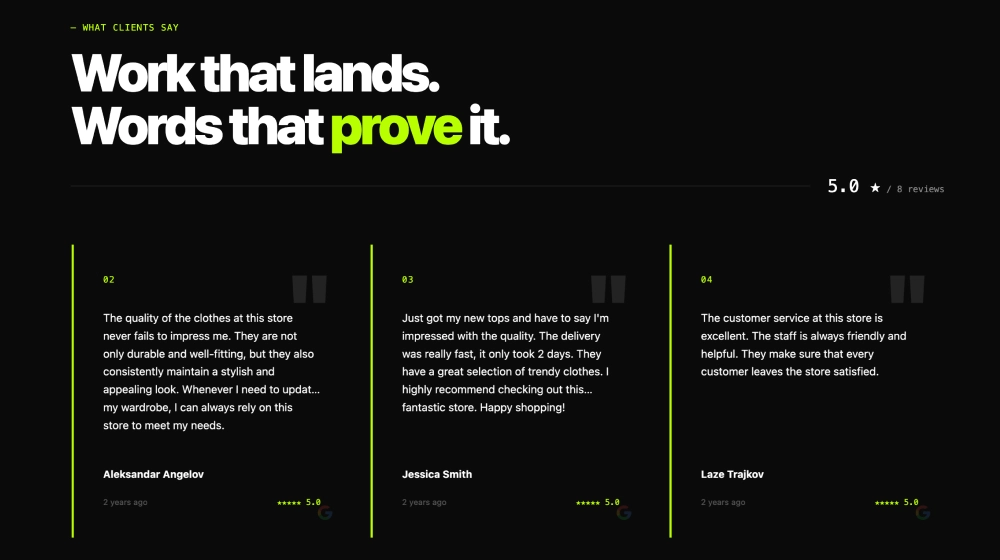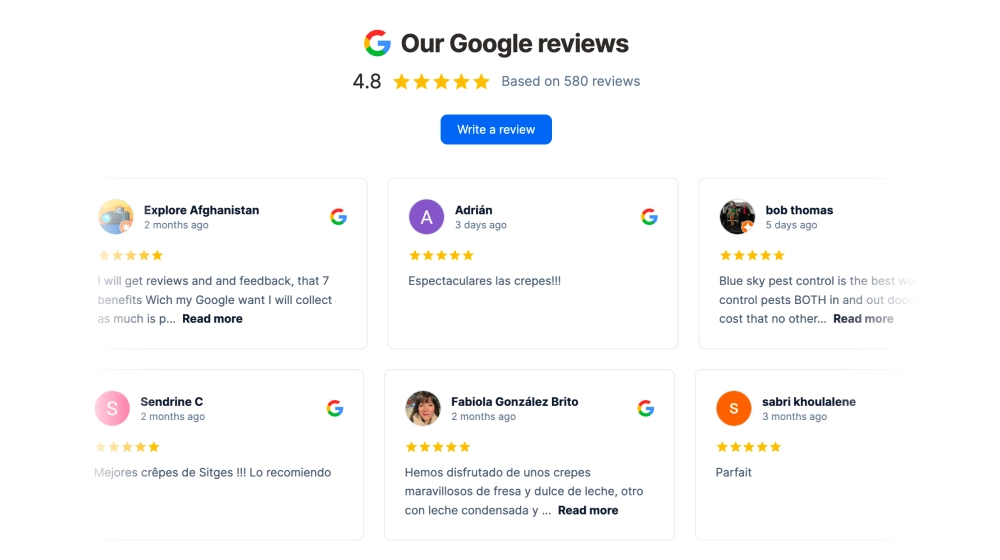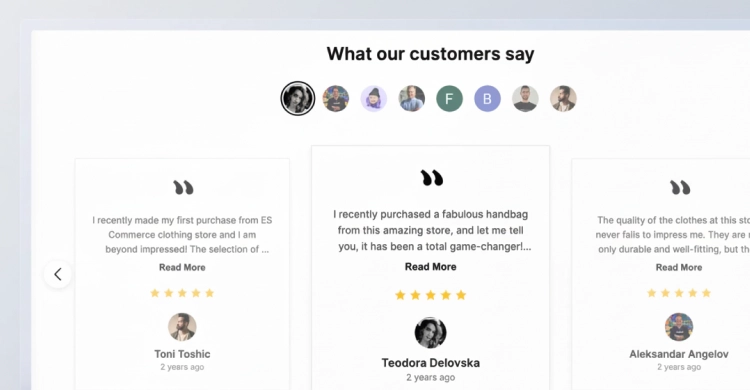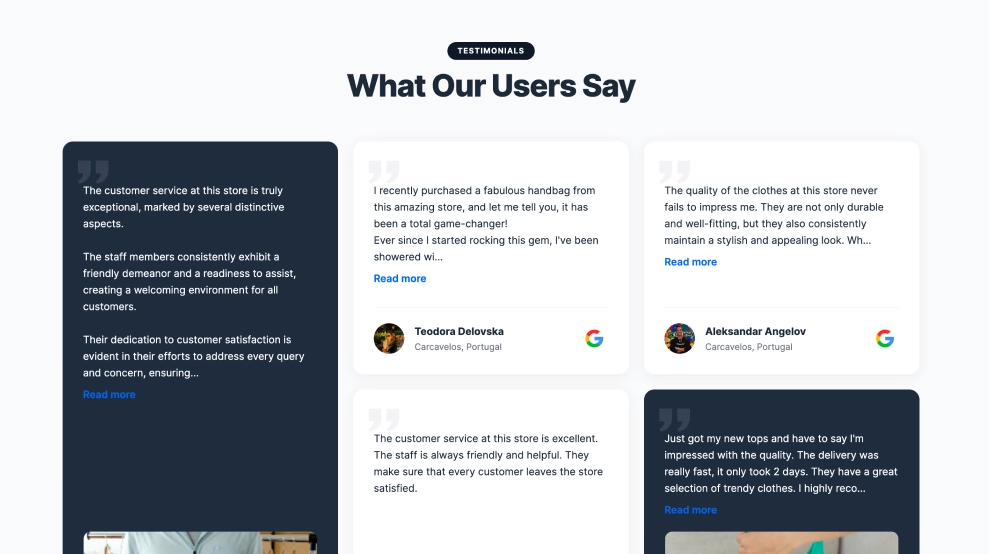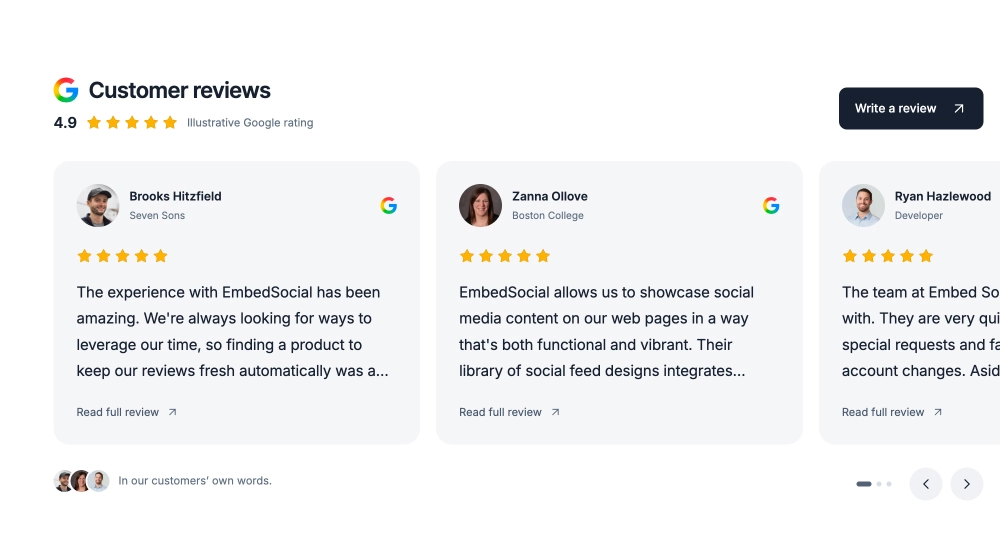
Show customer feedback without giving it an entire page. The Essential Google Reviews Widget pairs a compact rating header with a row of review cards, keeping customer photos, star ratings and review text easy to scan.
Soft gray cards and simple typography fit alongside your existing content. Visitors can browse the reviews and open the complete text in a popup, while the “Write a review” button stays visible above the cards.
Why choose this layout?
Use this template when a rating badge feels too small but a full review wall would take up too much room. It provides space for several customer experiences in a single horizontal section.
The restrained design works well between service information and an enquiry form, or below a homepage introduction.
What the template includes
-
A clear rating summary: Keep your overall Google rating and stars together at the top of the section.
-
Recognizable reviewers: Profile photos and names sit above each review, with a Google source icon beside them.
-
Compact review previews: Short excerpts keep the cards aligned and the section easy to browse.
-
Full-review popups: Visitors can open the complete review without leaving the page.
-
Manual browsing: Previous and next controls move through the cards without automatic rotation.
-
A visible review button: Give customers a direct route to your business’s Google review form.
Where it works best
-
Homepages: Add customer feedback after introducing your business.
-
Service pages: Place relevant customer experiences before a booking or enquiry section.
-
Online stores: Show feedback about your business near delivery, support or shopping information. Keep it distinct from product-specific ratings.
-
Campaign landing pages: Include reviews without interrupting the main page flow.
How to add it to your website
-
Connect your business’s Google Reviews source in EmbedSocial.
-
Choose the Essential Google Reviews Widget template.
-
Adjust the colours, typography and visible reviewer details to suit your website.
-
Connect the “Write a review” button to your Google review URL and check the desktop and mobile previews.
-
Copy the embed code and paste it into your website’s supported HTML or embed block.
-
Publish and check the navigation, full-review popups and review button.
For detailed instructions, follow the Google Reviews embedding guide.
Frequently asked questions
How is this different from a Google reviews badge? A badge mainly shows a rating summary. This template also displays customer photos and review excerpts, so visitors can explore the feedback behind the score without opening a separate reviews page.
What happens when a review is too long for a card? The card shows a shortened preview. “Read full review” opens the complete text in a popup, keeping the main section compact without removing the rest of the review.
How does the widget look on mobile? The layout changes from three visible cards on desktop to one card with a glimpse of the next on mobile. Visitors can swipe through the reviews, and the rating and review button remain above the cards.
Can I match it to my website’s design? Yes. Customize the colours, typography and visible review details in EmbedSocial. The neutral starting design gives you a simple base to adapt to your site.
Does the slider move automatically? This design uses manual navigation. Visitors choose when to move to the next review using the controls or by swiping on mobile.
Give customer feedback a clear place on your website.