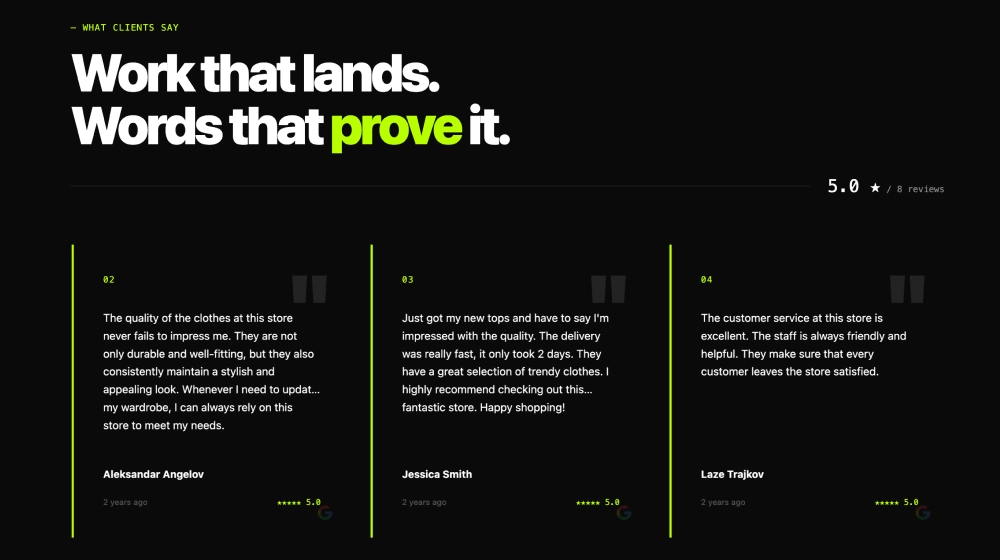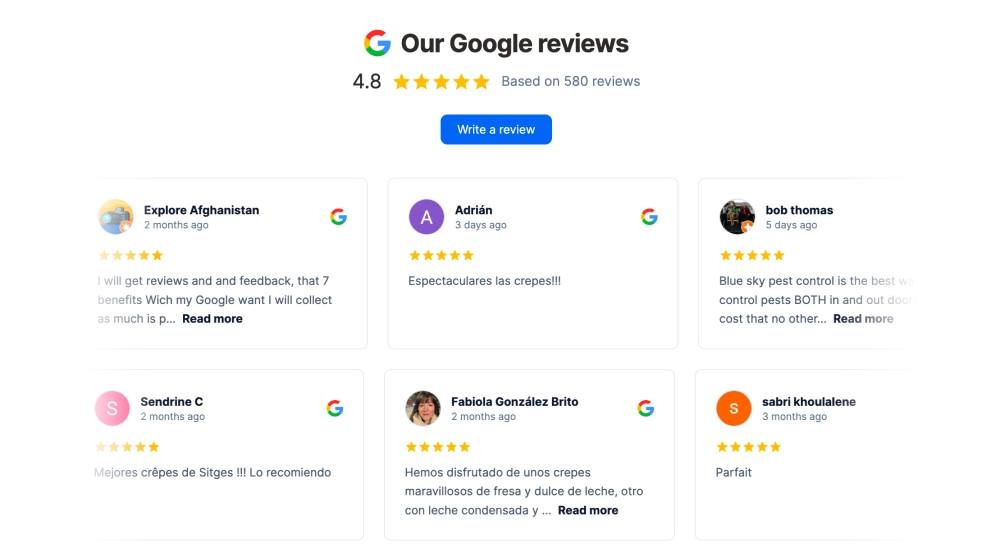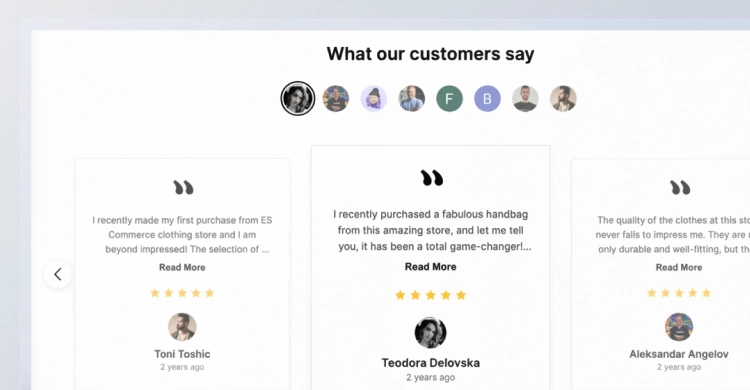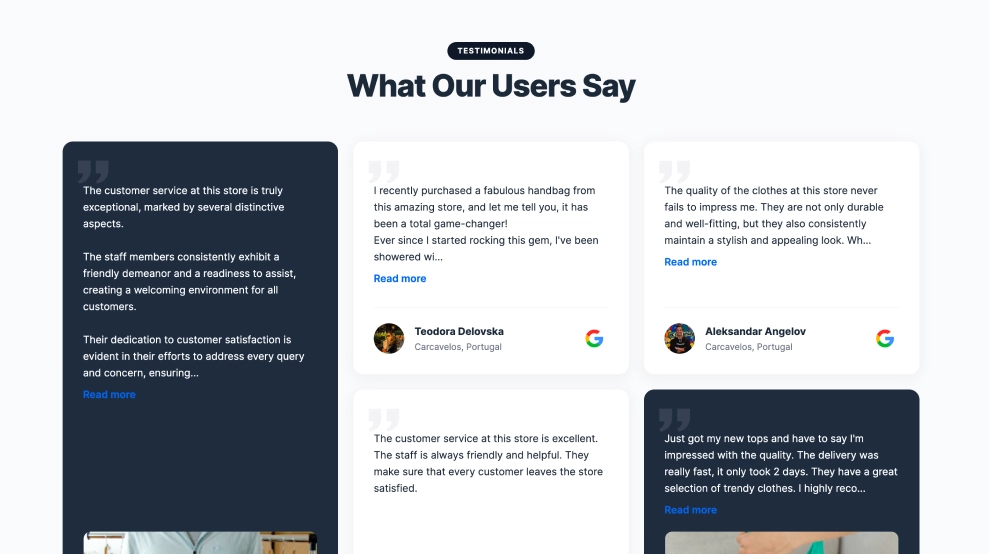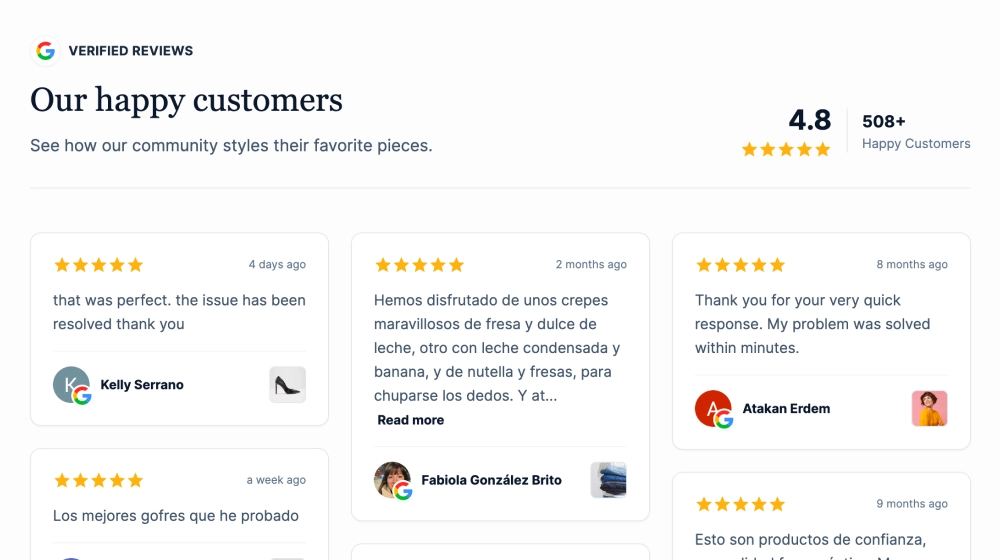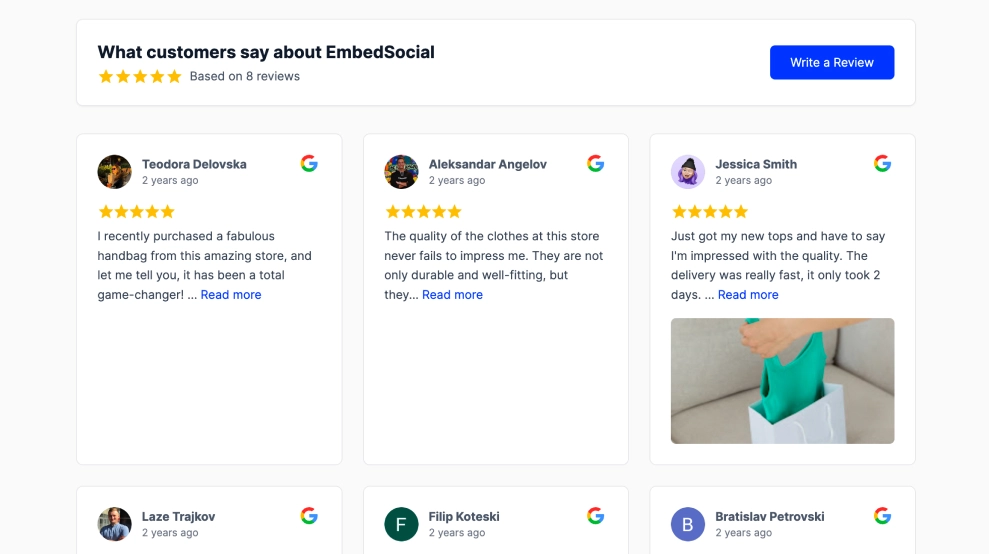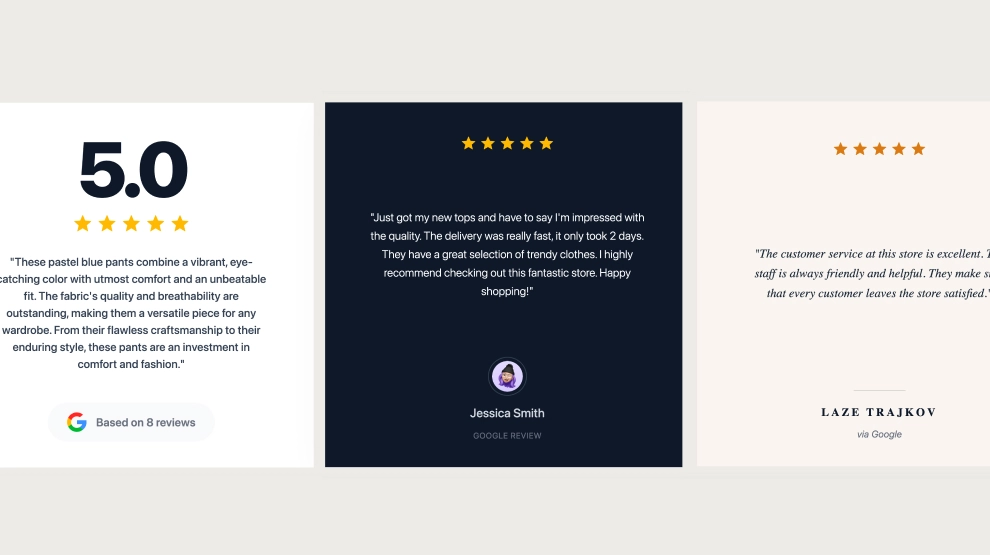
This Google reviews widget is built for turning customer feedback into polished social-ready visuals. Instead of using reviews only as on-site testimonials, it displays each review as a styled slide that can be easily screenshotted and repurposed for Instagram posts, Stories, Facebook posts, LinkedIn content, and other social media creatives.
Features
-
Social-ready review slides: Each review is displayed in a polished visual card designed to work as a standalone post.
-
Built for screenshots: Brands can quickly capture review slides and reuse them as social media content.
-
Strong trust signals: Star ratings, reviewer names, and Google branding make each slide feel credible and authentic.
-
Reusable branded content: One review can serve both as website social proof and as content for social channels.
-
Multiple visual styles: Different slide layouts help brands create more varied and less repetitive review posts.
-
Clean content hierarchy: Ratings, quote text, and reviewer details are arranged to stay readable when shared as images.
-
Easy content repurposing: Ideal for turning reviews into Instagram posts, Stories, Facebook creatives, LinkedIn updates, and more.
Use cases
-
Instagram social proof posts: Turn customer reviews into feed posts that highlight trust and satisfaction.
-
Instagram Stories content: Screenshot slides and share them as quick review-focused stories.
-
Facebook and LinkedIn posts: Repurpose customer feedback into branded review content for wider distribution.
-
Website-to-social reuse: Use the same reviews both on the website and across social channels.
-
Testimonial campaigns: Build a consistent stream of customer-led content from existing Google reviews.
How to embed
-
Connect your Google reviews source in EmbedSocial.
-
Choose the Google Review Social Post Creator Widget template.
-
Customize the slide style, rating display, quote text, and reviewer details.
-
Select the reviews you want to feature as visual content.
-
Copy the embed code.
-
Paste it into your website and publish, then use the slides as screenshot-ready assets for social media.
Turn your Google reviews into social-ready content that is easy to publish, reuse, and share across your marketing channels.