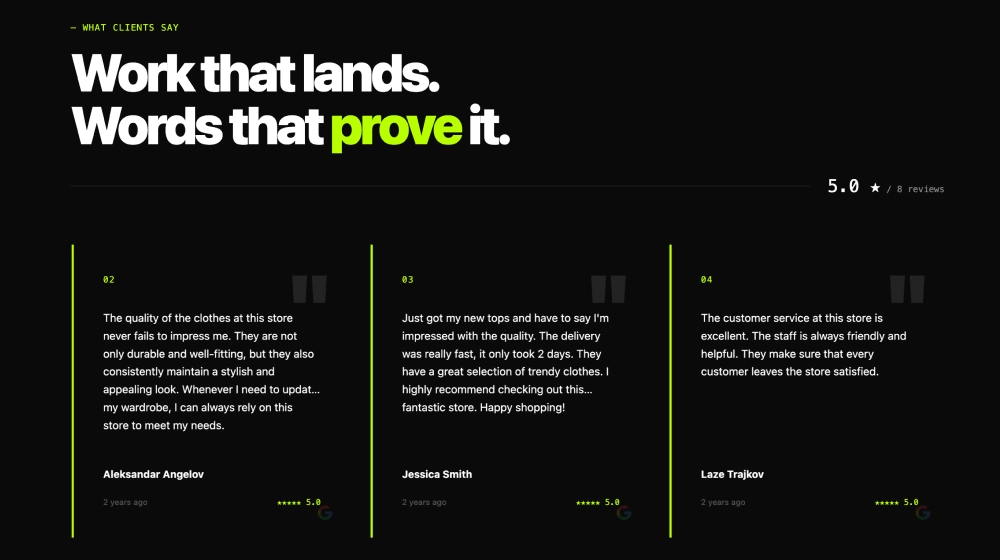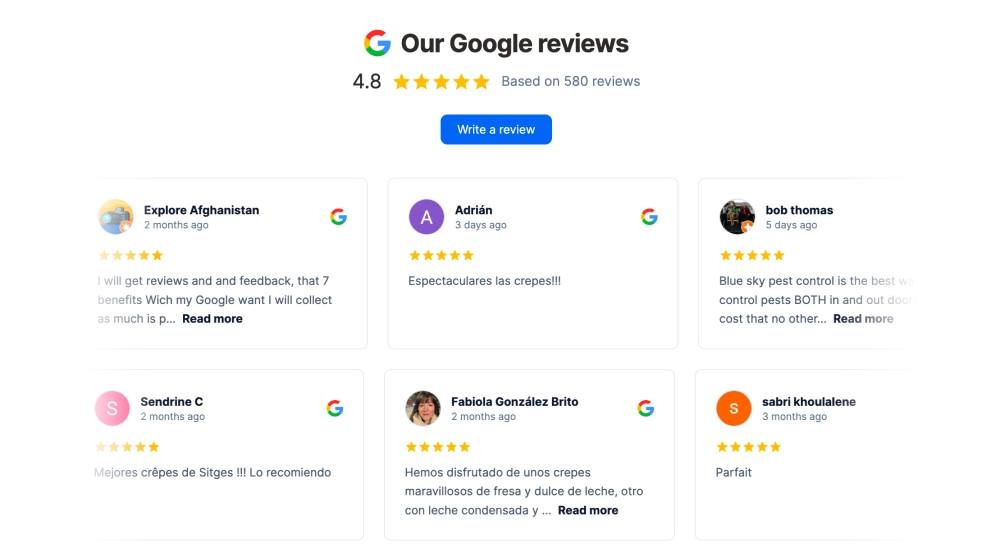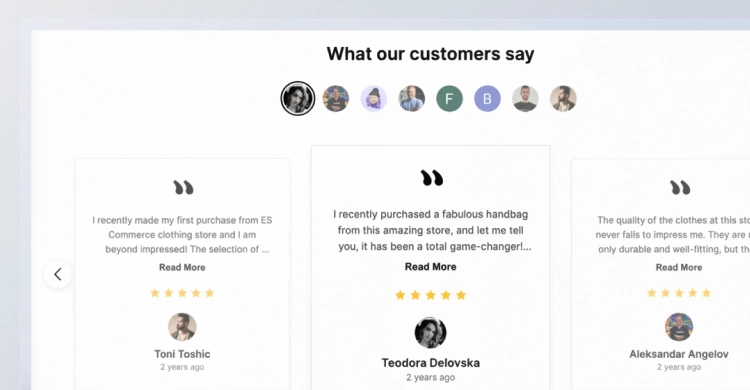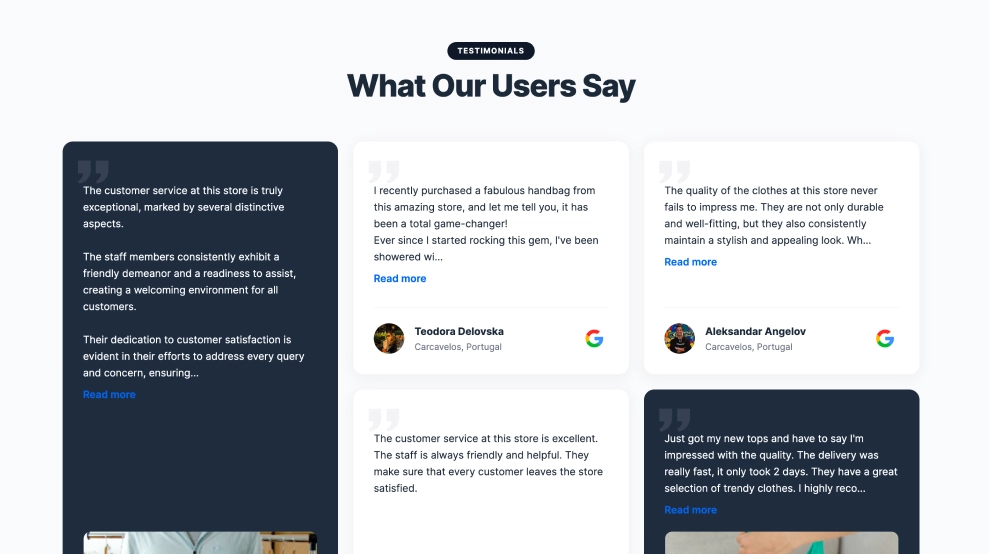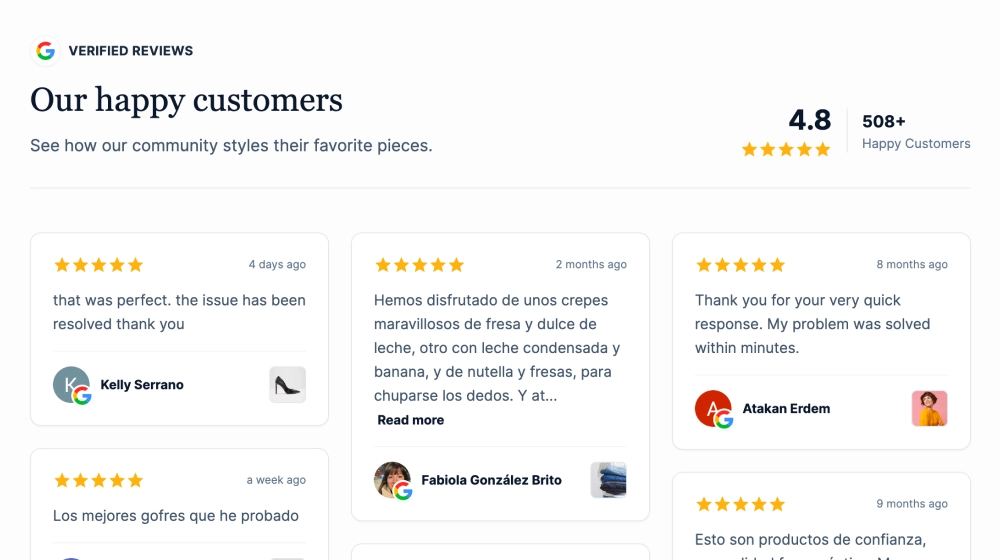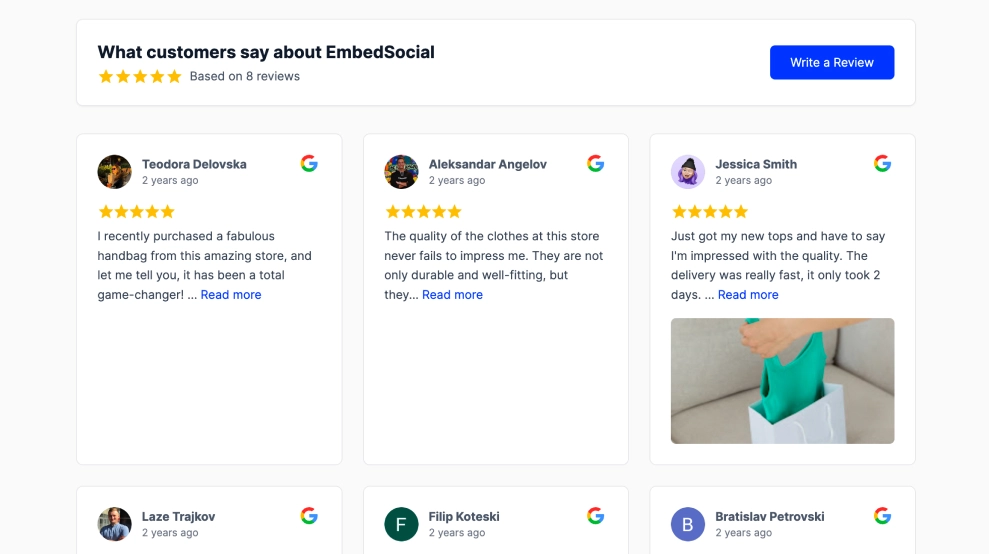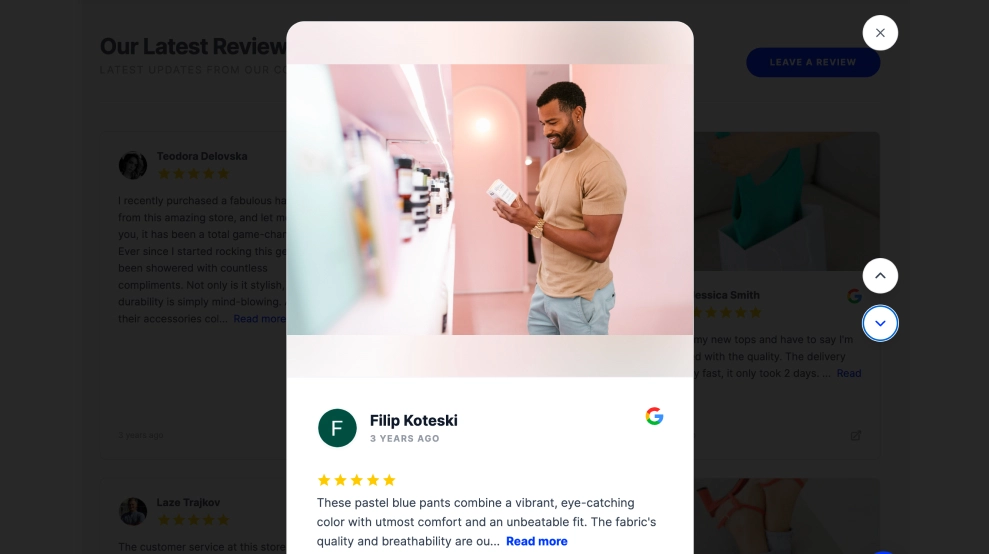
This Google reviews widget combines a browseable review grid with a more immersive lightbox view for featured content. Visitors can scan multiple reviews on the page, then open an individual review in a tall vertical lightbox that gives more room to the photo, reviewer details, star rating, and full testimonial.
What makes it work
-
Grid-plus-lightbox flow: The widget lets visitors first browse reviews quickly, then step into a more focused single-review view when something catches their eye.
-
Vertical lightbox format: The tall overlay gives the opened review a more immersive, story-like presence on the screen.
-
Visual review support: Large photos at the top of the lightbox help connect the review to a product, place, or customer moment.
-
Google-backed credibility: The Google icon keeps the source visible both in the grid and in the expanded review view.
-
Full reviewer context: Names, timestamps, rating stars, and avatar initials make the testimonial feel real and traceable.
-
Navigation inside the lightbox: Side controls help visitors move between reviews without closing the overlay.
-
Review CTA on the main section: The visible
Leave a Reviewbutton supports both review display and review collection.
Best fit for
-
Ecommerce websites with photo-supported customer reviews
-
Product pages where review depth matters
-
Homepages that need a richer social proof section
-
Service businesses with strong visual customer feedback
-
Brands that want reviews to feel more interactive than a standard grid
How to embed it
-
Connect your Google Business reviews in EmbedSocial.
-
Choose the Google Reviews Grid Widget with Vertical Lightbox template.
-
Customize the review grid, visible details, and lightbox behavior.
-
Set how photos, review text, and navigation controls should appear in the vertical lightbox.
-
Copy the embed code.
-
Paste it into your website, landing page, or CMS and publish.
Give your reviews a stronger on-site presence with a layout that starts as a grid and opens into a more immersive vertical review view.