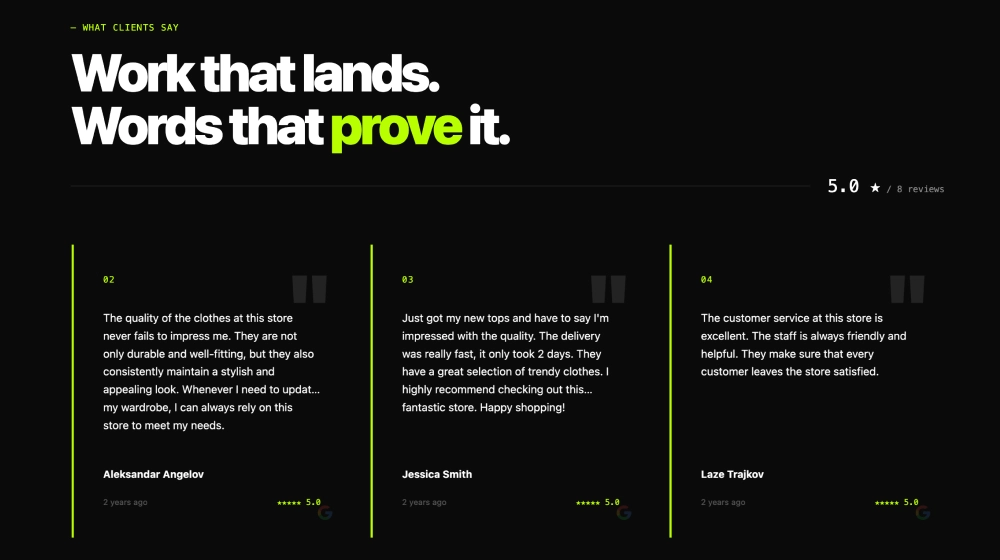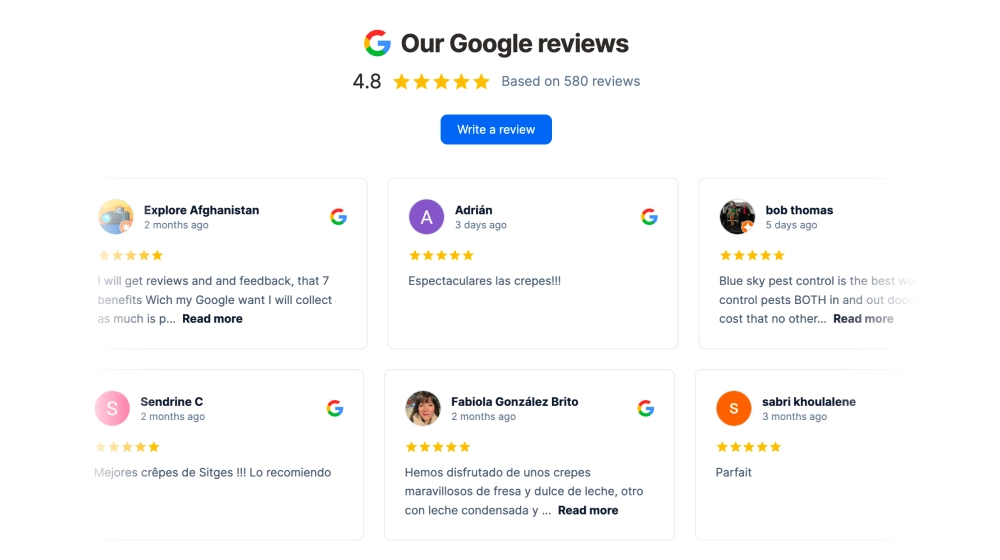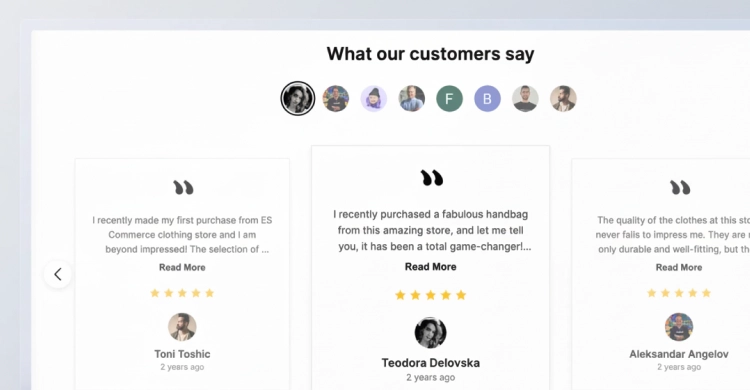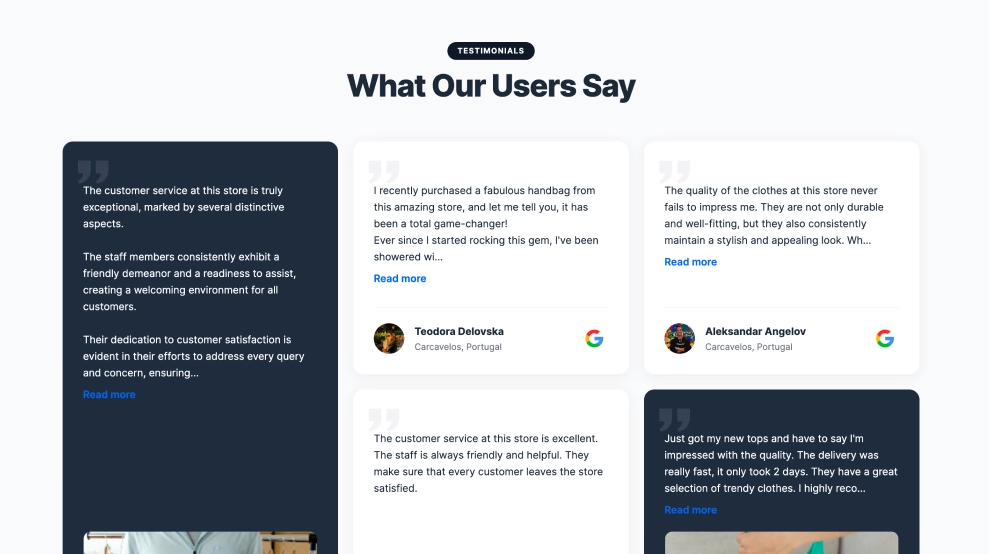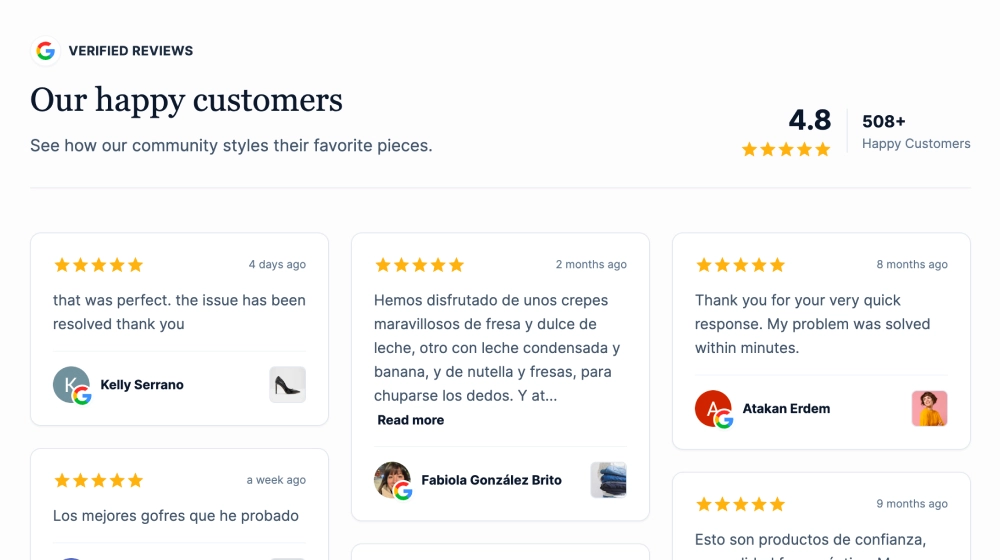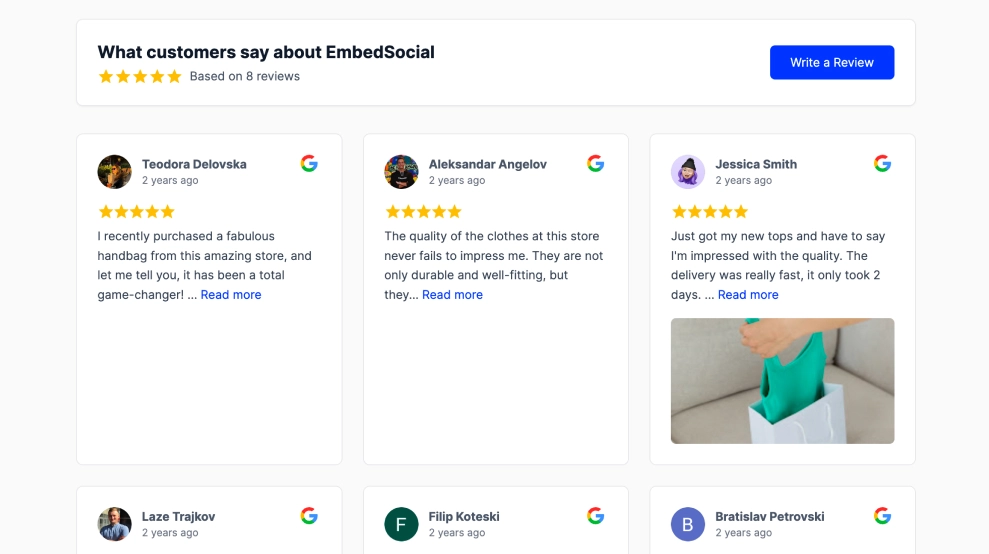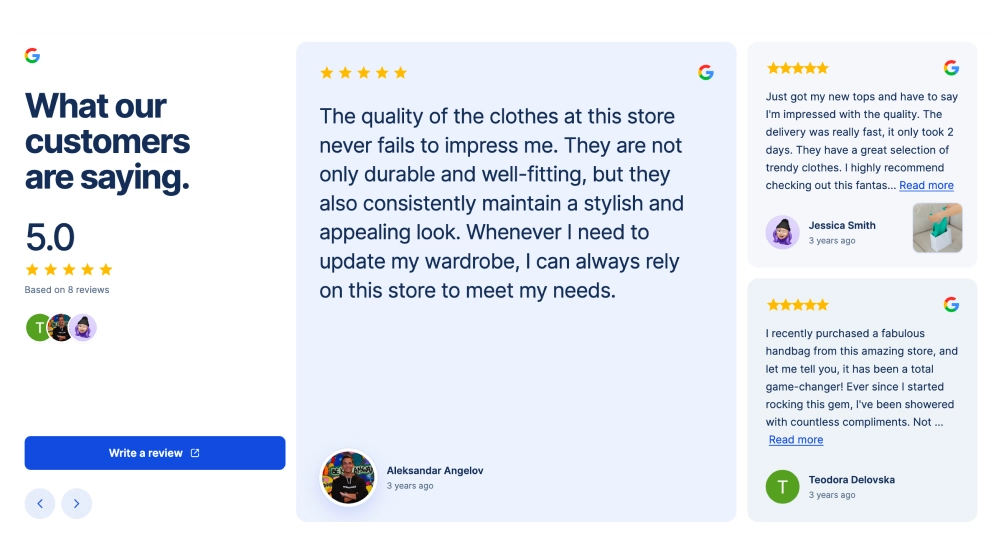
Give one customer review room to stand out. This Google reviews widget pairs a large featured quote with two smaller review cards, while a separate introduction column keeps your overall rating and “Write a review” button easy to find.
Space Grotesk headings, pale blue surfaces and filled yellow stars give the section a distinctive look. Reviewer photos and names keep the attention on the people behind the feedback.
Features
-
Featured review spotlight: A larger central card gives one customer’s words more prominence.
-
Supporting feedback: Two stacked cards show additional customer experiences alongside the featured quote.
-
Visible rating summary: A dedicated column groups your Google rating, stars and reviewer photos.
-
Distinctive typography: Space Grotesk and Inter balance expressive headings with readable review text.
-
Review collection CTA: A blue “Write a review” button gives visitors a clear next step.
-
Mobile layout: The introduction and review cards stack vertically for comfortable reading.
Use cases
-
Service business homepages: Place customer feedback near your booking or enquiry section.
-
SaaS landing pages: Support product messaging with reviews from existing customers.
-
Agency websites: Add a structured testimonial section beside your services or project work.
-
Hospitality websites: Give prospective guests a closer look at previous customer experiences.
How to embed
-
Connect your Google Reviews source in EmbedSocial.
-
Choose the Google Reviews Spotlight Widget template.
-
Customize the heading, colours, typography and visible reviewer details.
-
Set the review content and connect the button to your Google review link.
-
Copy the embed code and paste it into your website.
Give your Google reviews a dedicated spotlight on your website.