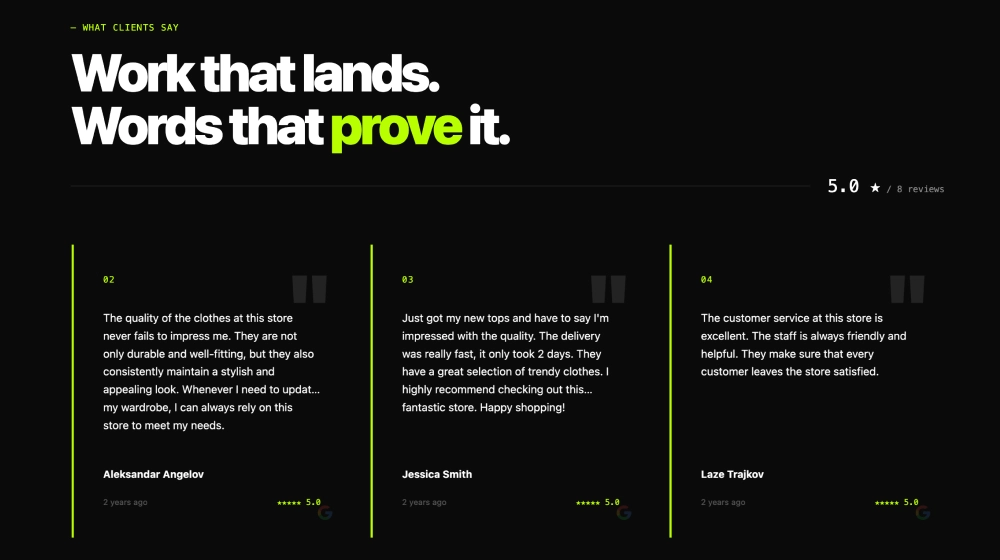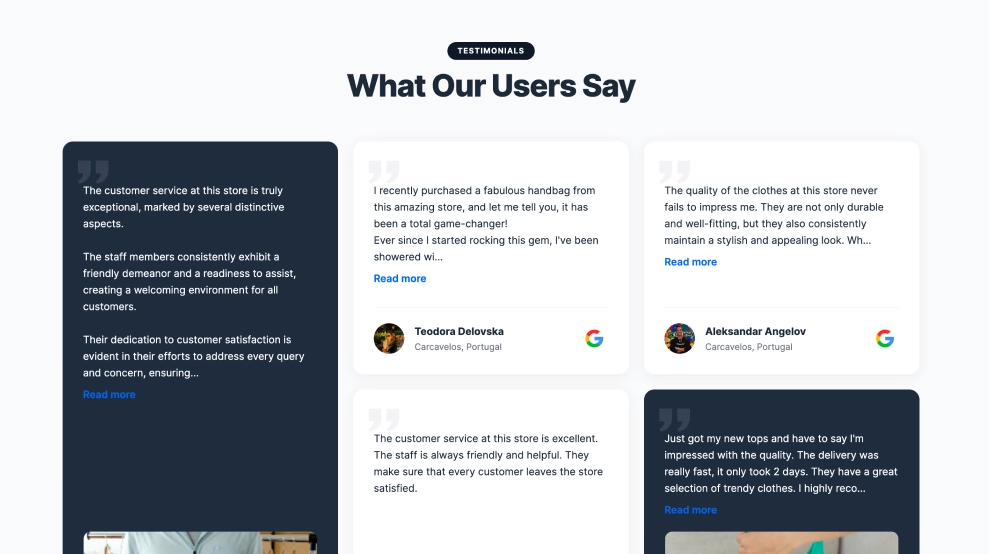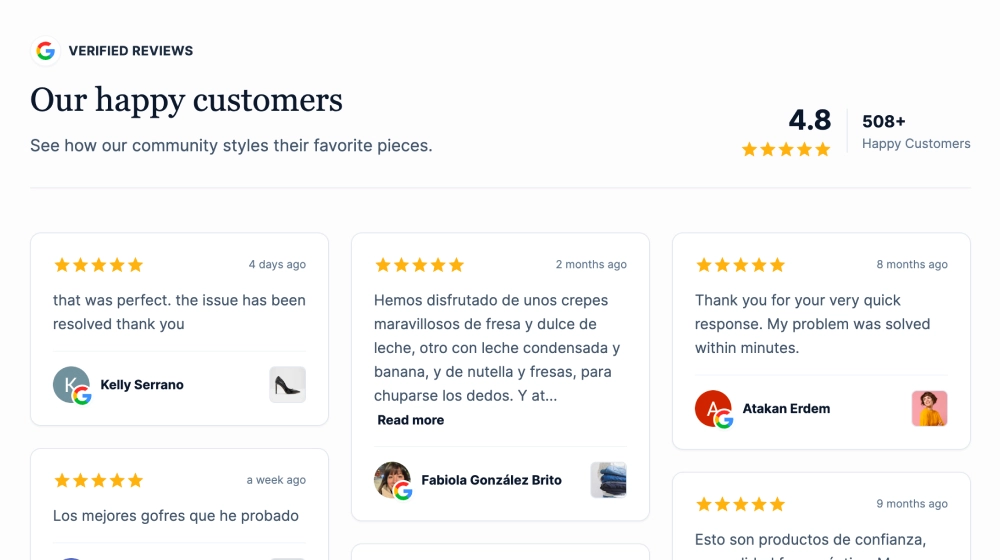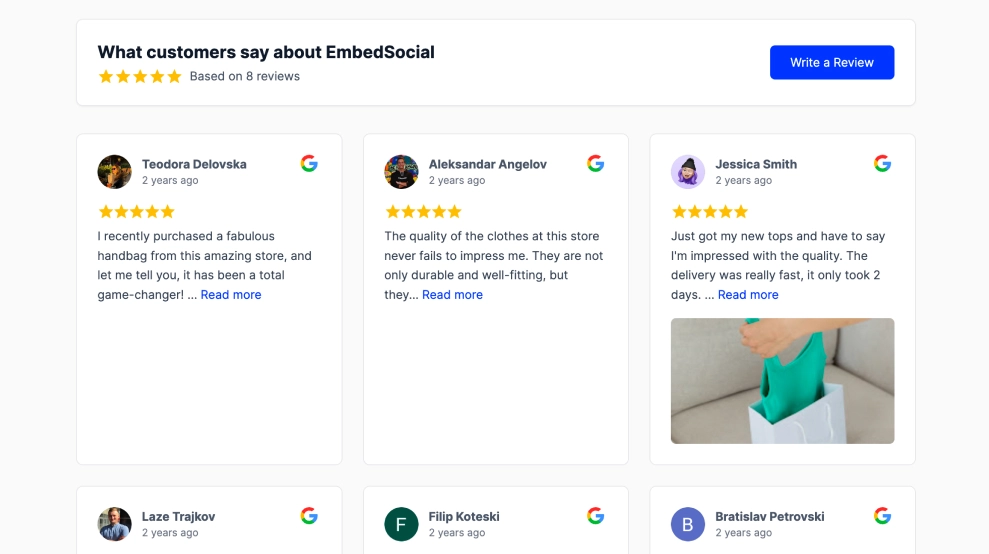
Large white cards sit on a soft sage background, with yellow stars, reviewer photos and Google icons providing context. A glimpse of the next card encourages browsing, while the rating summary and “Write a Google review” button complete the section.
What makes this template different
-
Highlighted customer phrases: Soft yellow highlights bring specific details into focus without replacing the surrounding review.
-
Room to read: Large text and spacious cards give longer customer stories a prominent place on the page.
-
Horizontal browsing: Previous and next controls let visitors explore reviews at their own pace.
-
Reviewer identity: Names and profile photos stay attached to each quote.
-
Rating overview: An aggregate rating beneath the cards provides a quick summary.
-
Review invitation: A contrasting button gives customers a clear route to your Google review form.
Where to use it
-
Service pages: Highlight customer comments about communication, care or reliability.
-
Online stores: Surface feedback about delivery, customer support and shopping experiences.
-
Business homepages: Introduce customer perspectives after your main product or service message.
-
Booking pages: Place relevant reviews near the point where visitors decide to enquire or reserve.
How to embed
-
Connect your Google Reviews source in EmbedSocial.
-
Select the Highlighted Google Reviews Slider template.
-
Customize the heading, colours and typography to match your website.
-
Select the exact phrases to highlight, preserving each review’s wording and meaning.
-
Connect the review button to your business’s Google review URL.
-
Copy the embed code, add it to your website and check the desktop and mobile layouts.
Frequently asked questions
Does highlighting change the review text? No. The yellow background emphasizes a phrase within the original review. The customer’s wording and surrounding context should remain unchanged.
How is this different from a standard reviews slider? The main difference is the highlighted text. Combined with larger cards and generous spacing, it helps visitors spot specific details while browsing customer feedback.
Does the slider move automatically? This design uses manual navigation. Visitors choose when to move between reviews using the arrow controls or swiping on mobile.
Can I change the sage background and yellow highlights? These colours define the starting design. When building your template in EmbedSocial, customize them alongside the typography and button styling to suit your website.
Give your customers’ words room to be read. Try this template today!