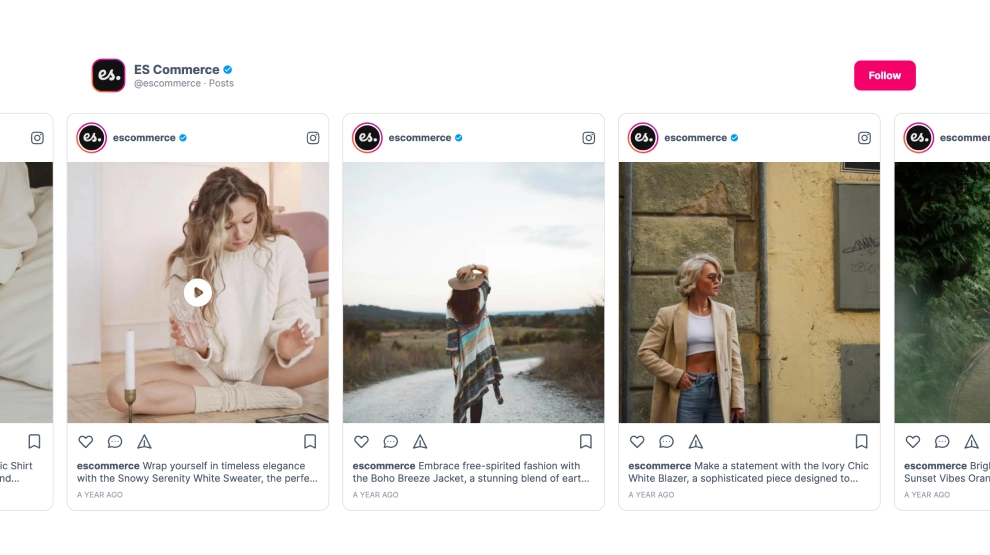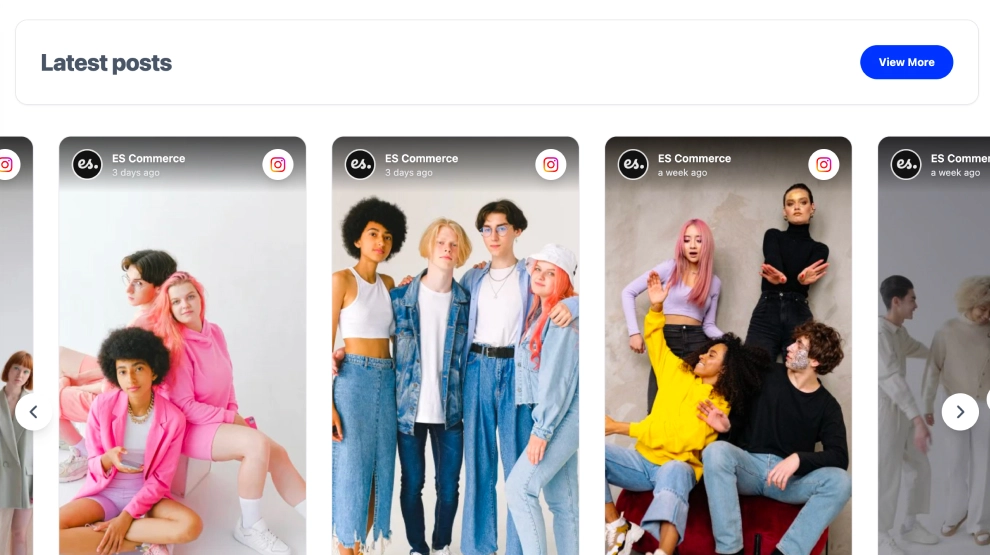
This Vimeo widget gives your latest videos a cleaner, more cinematic presentation than a standard embedded gallery. With a branded header, visible video count, Follow on Vimeo CTA, and a horizontal row of large video thumbnails, it helps visitors browse featured films, campaigns, or creative work in a way that feels more editorial and polished.
What makes it work
-
Cinematic video-first layout: Large thumbnails give the content a more film-focused presentation.
-
Clear content framing: The section title, platform label, and video count help visitors understand the section immediately.
-
Horizontal slider format: Videos are easy to browse in one row without taking over the full page.
-
Play-ready previews: Centered play icons make the content instantly recognizable as watchable video.
-
Duration visibility: Time labels on the thumbnails help viewers understand the commitment before clicking.
-
Curated content cues: Labels like
Staff Pickhelp certain videos stand out and add editorial weight. -
Vimeo follow CTA: The
Follow on Vimeobutton gives visitors a direct way to continue engaging with the channel.
Best fit for
-
Creative agency websites
-
Filmmaker and production portfolios
-
Brand campaign pages
-
Media and editorial sites
-
Businesses that use Vimeo for premium visual storytelling
How to embed it
-
Connect your Vimeo source in EmbedSocial.
-
Choose the Vimeo Video Slider template.
-
Customize the section title, visible video count, CTA button, and thumbnail details.
-
Set how many videos should appear in the slider and how navigation should behave.
-
Copy the embed code.
-
Paste it into your website, landing page, or CMS and publish.
Show Vimeo content in a slider that feels more cinematic, more curated, and easier to explore on the page.