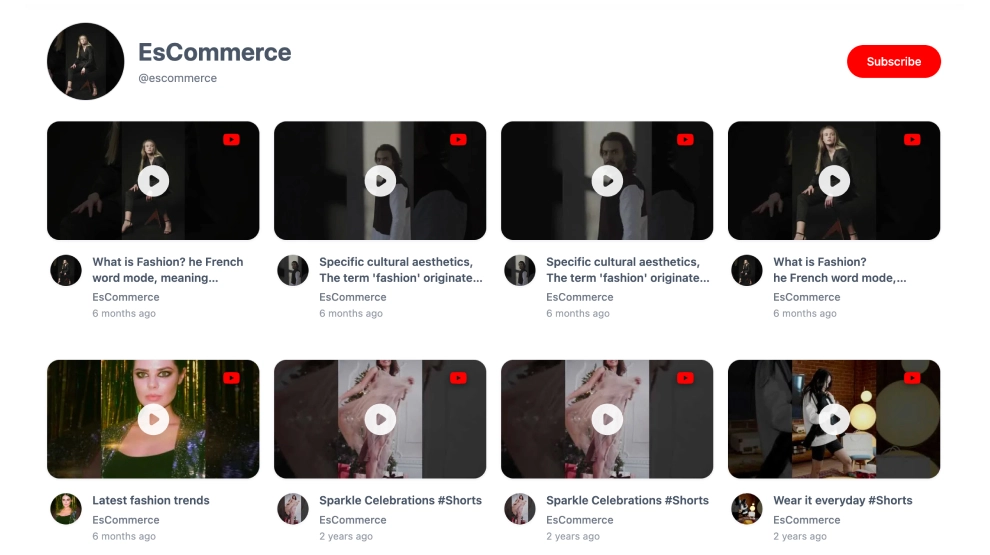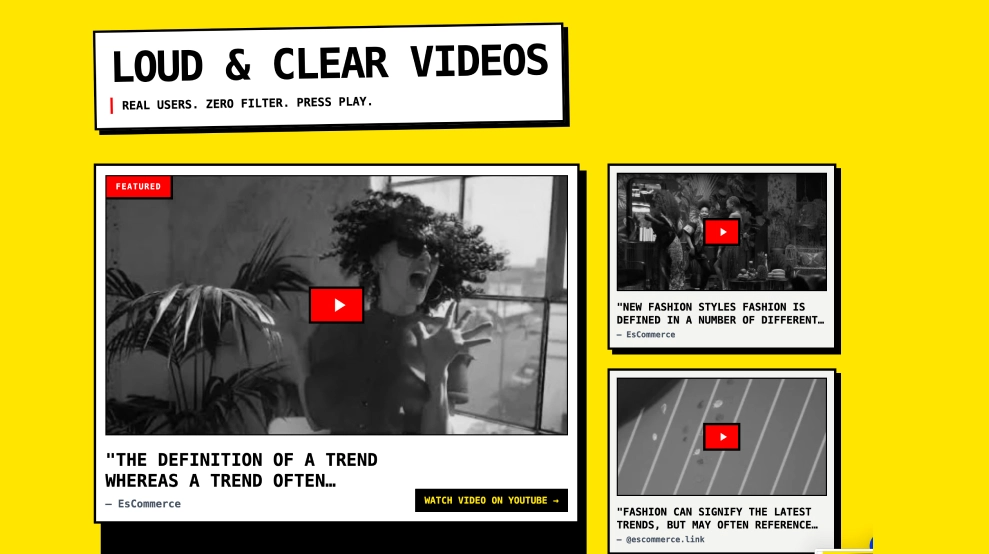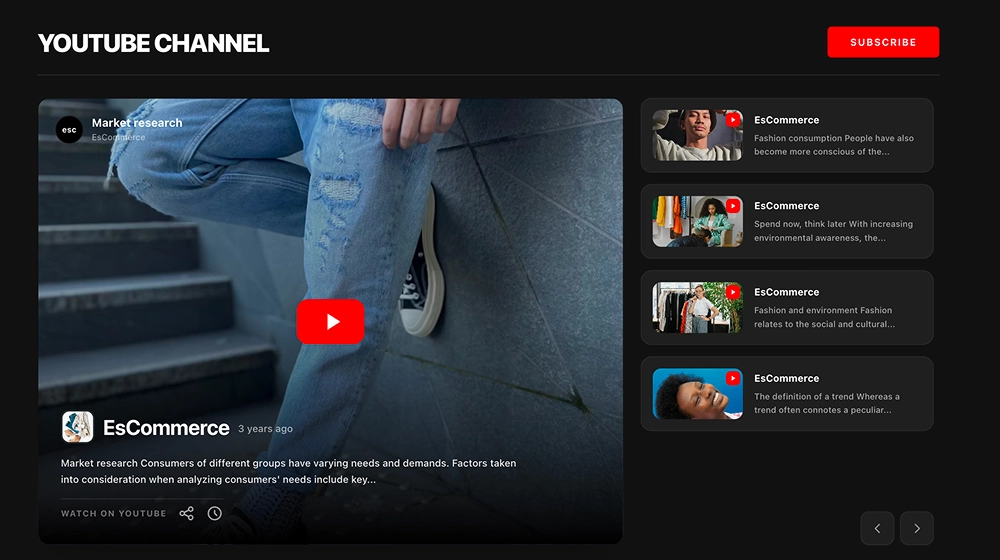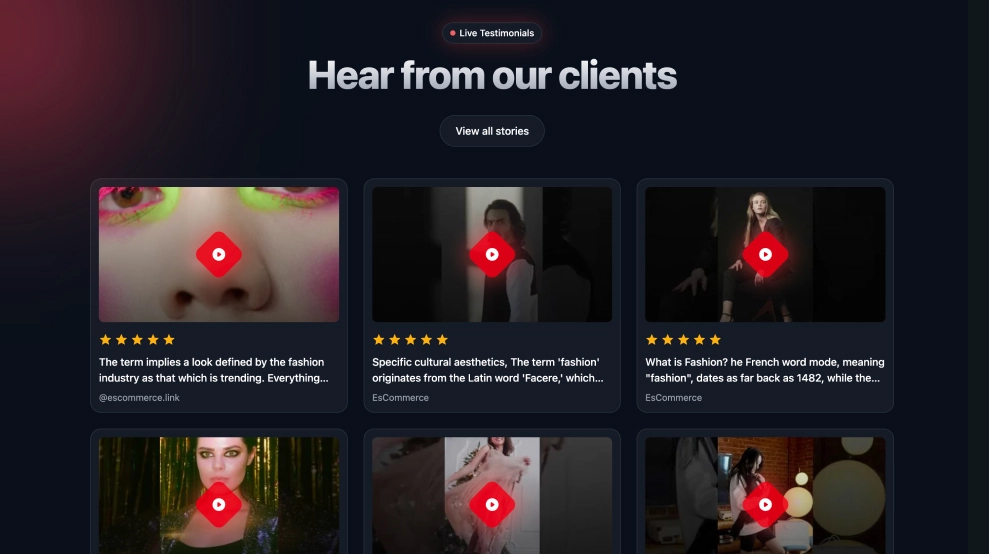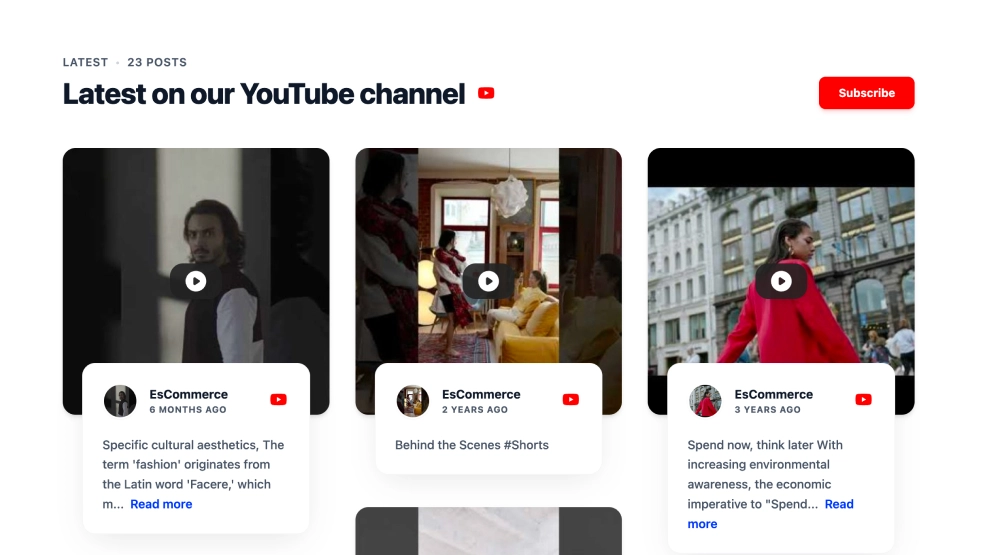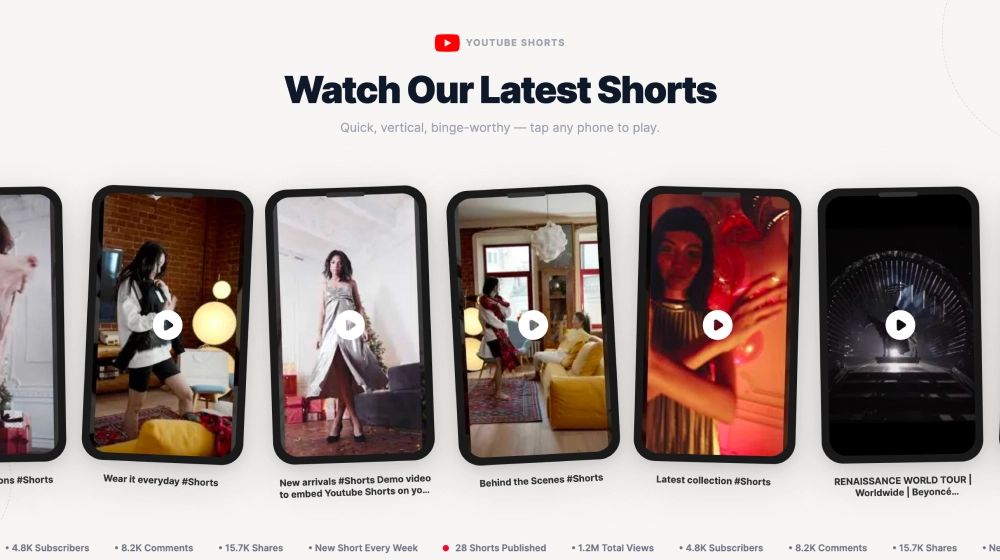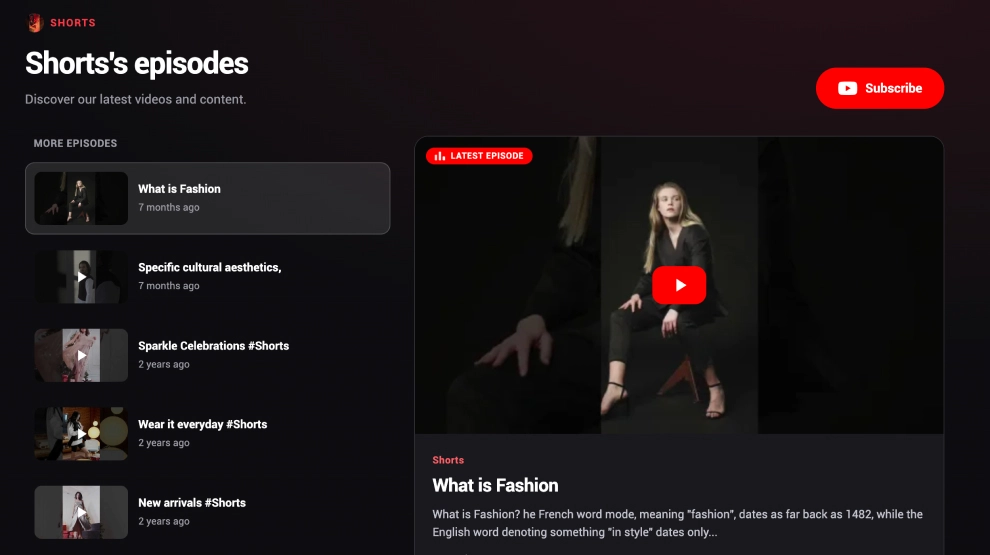
This YouTube playlist widget gives podcast episodes, Shorts, or serialized video content a more structured on-site layout. With a featured episode player on the right, an episode list on the left, and a visible Subscribe CTA, it helps visitors browse through multiple videos as part of one content series instead of treating each upload like a standalone embed.
What makes it work
-
Featured-episode layout: One video stays in focus as the main viewing area, which gives the section a stronger entry point.
-
Episode-list navigation: A vertical list of additional videos makes it easy to browse the rest of the playlist without leaving the page.
-
Playlist-first structure: The layout feels like a content series or show hub rather than a generic video gallery.
-
Strong current-episode cue: Labels like
Latest Episodehelp visitors understand what is being featured right now. -
Clear content hierarchy: The active episode gets the largest visual space, while supporting episodes remain easy to scan on the side.
-
Podcast-and-shorts flexibility: The widget works well for video podcasts, episodic interviews, Shorts compilations, and series-based content.
-
Subscribe CTA: The red
Subscribebutton gives visitors a direct way to continue following the channel.
Best fit for
-
Podcast and creator websites
-
Brand media hubs
-
Education and course pages
-
Interview or episode series pages
-
Businesses that want YouTube playlist content to feel more organized and binge-friendly
How to embed it
-
Connect your YouTube playlist in EmbedSocial.
-
Choose the YouTube Playlist Podcast Widget template.
-
Customize the section title, visible episode details, playlist order, and subscribe button.
-
Set which episode should appear as the featured one by default.
-
Copy the embed code.
-
Paste it into your website, landing page, or CMS and publish.
Turn your YouTube playlist into a cleaner episode hub that helps visitors watch, browse, and keep going through the series.