Instagram Single Story Slider
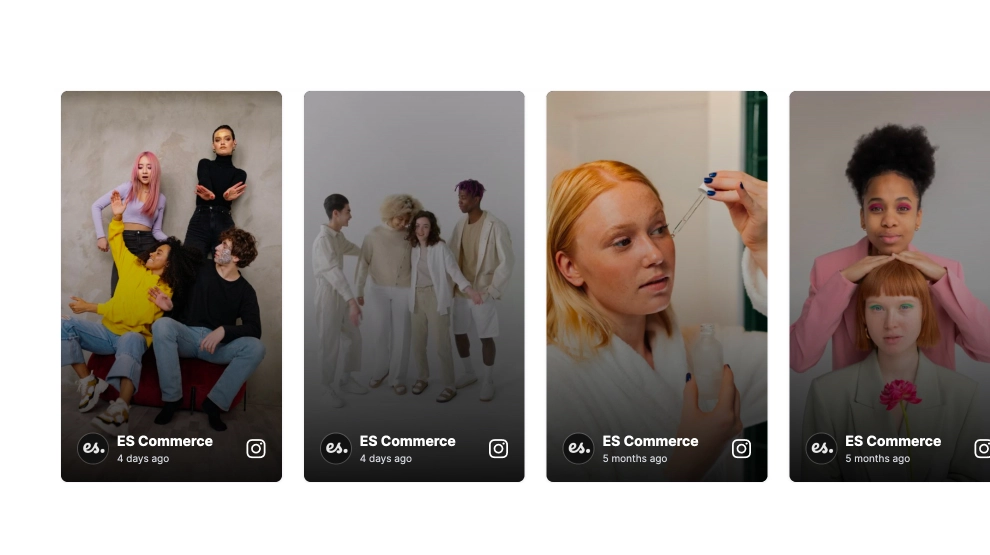
Use this templateThis Instagram Stories widget brings your latest story content onto your website in a clean, lightweight slider. With one vertical story card in focus, simple side navigation, profile details at the top, and a Follow CTA, it keeps the format familiar while giving visitors an easy way to browse story-style content outside Instagram.What makes it workStory-first format: The tall vertical card keeps the look and feel close to native Instagram Stories.Clean single-slide focus: One story stays front and center, which makes the section easy to view without distractions.Simple arrow navigation: Previous and next controls make it easy to move through stories one at a time.Profile identity cues: The account name, avatar, and timestamp help the content feel connected to the original source.Lightweight header: The Latest Stories title and Follow button give the section structure without adding clutter.Mobile-friendly presentation: The compact vertical layout fits naturally into responsive pages.Familiar browsing behavior: Visitors instantly understand how to interact with it because it mirrors the way story content is usually consumed.Best fit forBeauty and fashion websitesCreator and influencer pagesBrand homepagesCampaign or launch pagesBusinesses that want a simple Instagram Stories preview without a full feedHow to embed itConnect your Instagram Stories source in EmbedSocial.Choose the Instagram Stories Simple Slider template.Customize the section title, visible profile details, and follow button.Set how stories should rotate and how navigation should appear.Copy the embed code.Paste it into your website, landing page, or CMS and publish.Show your latest Instagram Stories in a simple on-site slider that feels familiar, clean, and easy to browse.
About this template
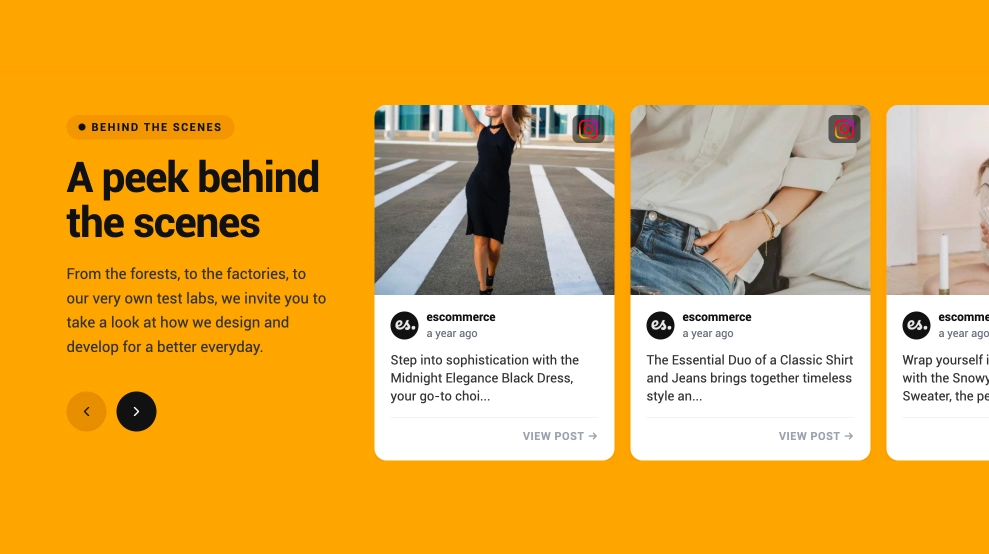
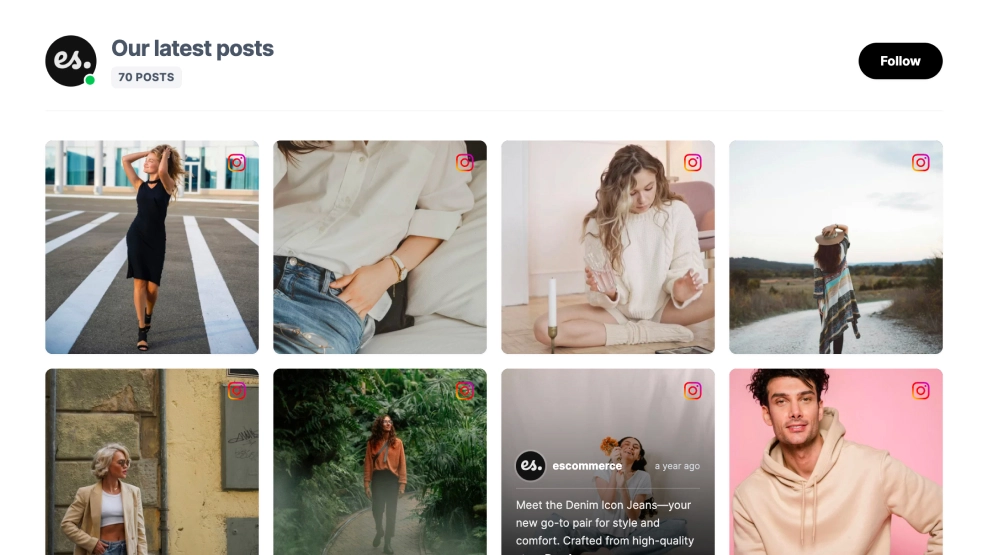
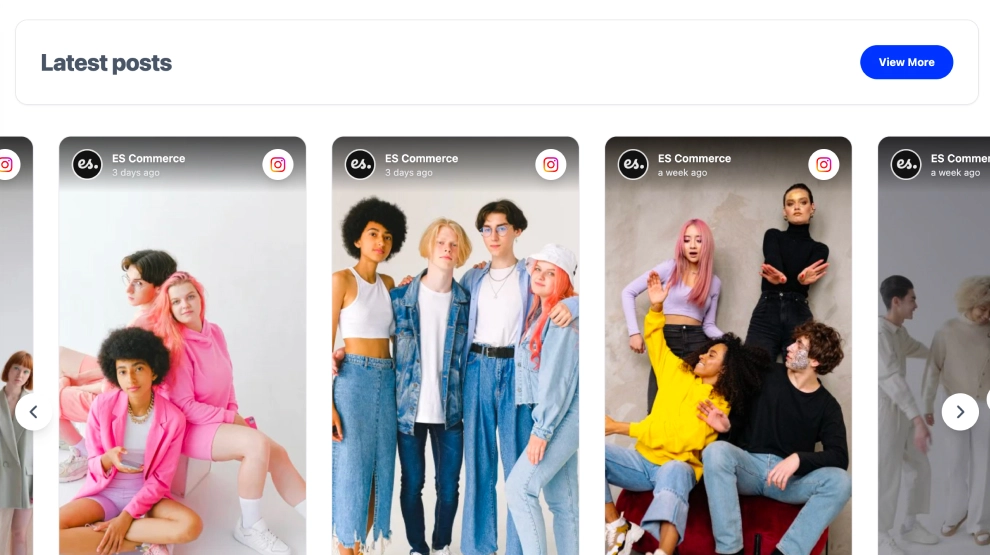
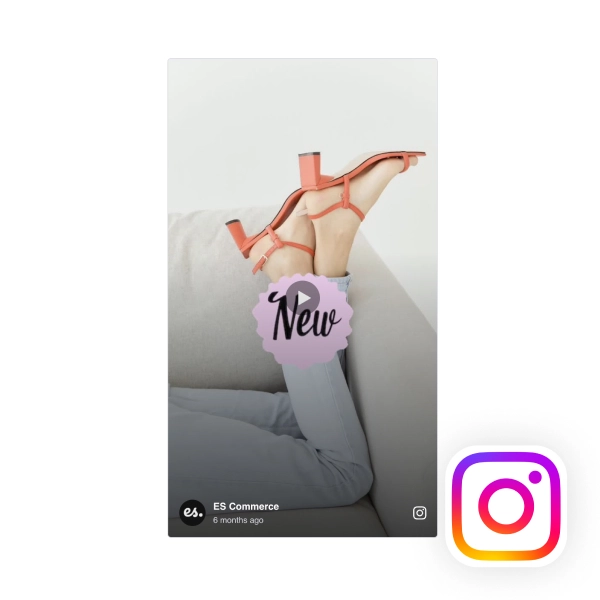
This Instagram Stories widget brings your latest story content onto your website in a clean, lightweight slider. With one vertical story card in focus, simple side navigation, profile details at the top, and a Follow CTA, it keeps the format familiar while giving visitors an easy way to browse story-style content outside Instagram.
What makes it work
Story-first format: The tall vertical card keeps the look and feel close to native Instagram Stories.
Clean single-slide focus: One story stays front and center, which makes the section easy to view without distractions.
Simple arrow navigation: Previous and next controls make it easy to move through stories one at a time.
Profile identity cues: The account name, avatar, and timestamp help the content feel connected to the original source.
Lightweight header: The
Latest Storiestitle andFollowbutton give the section structure without adding clutter.Mobile-friendly presentation: The compact vertical layout fits naturally into responsive pages.
Familiar browsing behavior: Visitors instantly understand how to interact with it because it mirrors the way story content is usually consumed.
Best fit for
Beauty and fashion websites
Creator and influencer pages
Brand homepages
Campaign or launch pages
Businesses that want a simple Instagram Stories preview without a full feed
How to embed it
Connect your Instagram Stories source in EmbedSocial.
Choose the Instagram Stories Simple Slider template.
Customize the section title, visible profile details, and follow button.
Set how stories should rotate and how navigation should appear.
Copy the embed code.
Paste it into your website, landing page, or CMS and publish.
Show your latest Instagram Stories in a simple on-site slider that feels familiar, clean, and easy to browse.
Features
- Moderation options
- Customizable settings
- Fast loading speed
- Mobile-friendly and responsive
- Multiple widgets for multiple websites
- Auto-sync with social platforms
- Custom styling options
- Analytics and insights