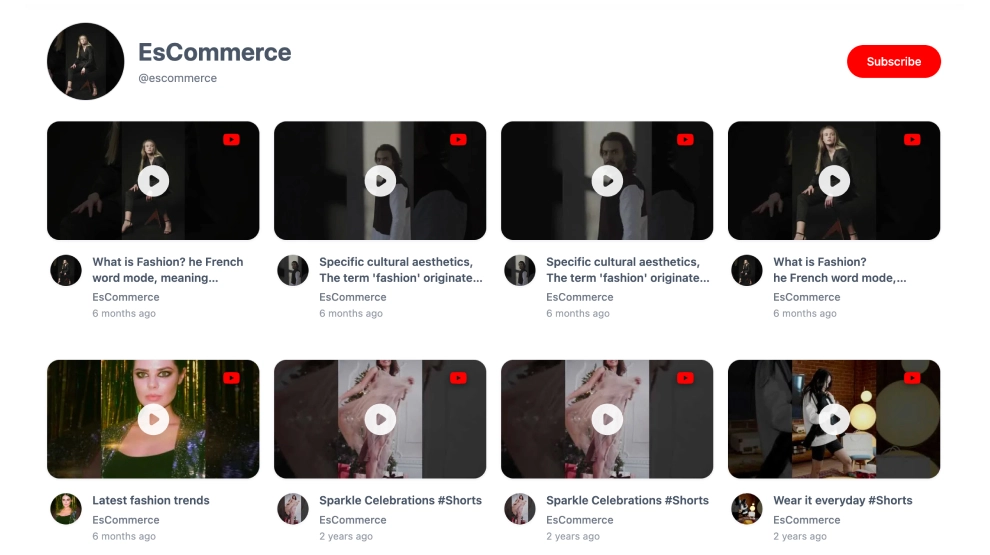
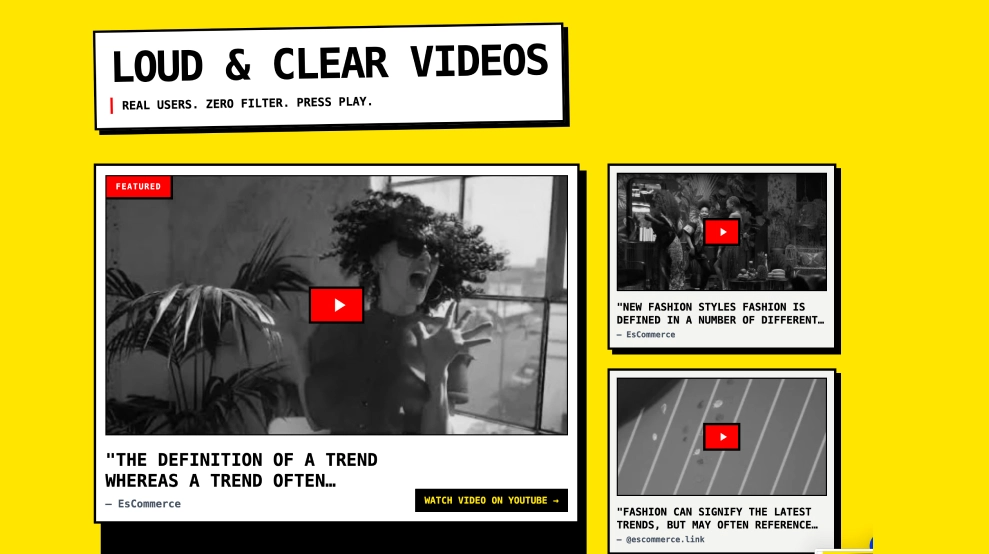
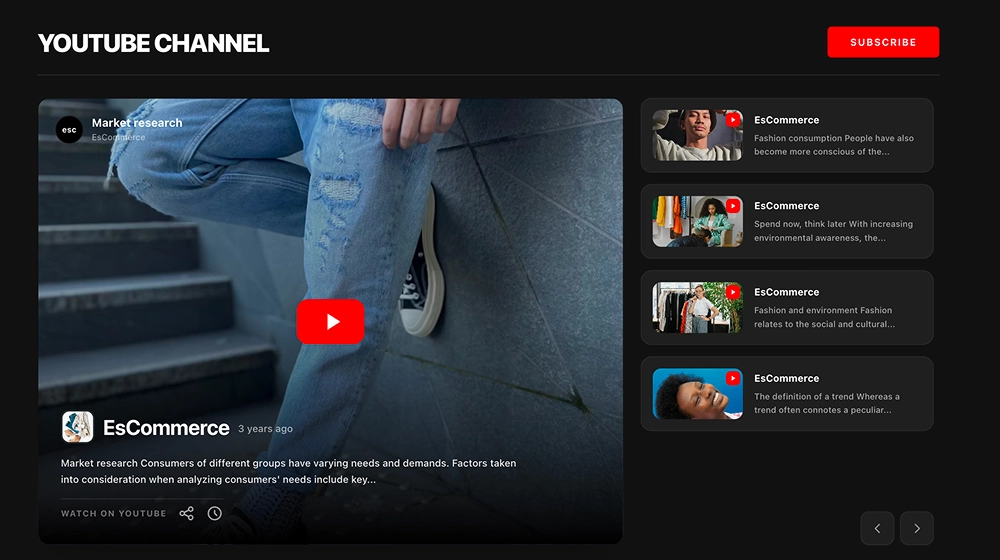
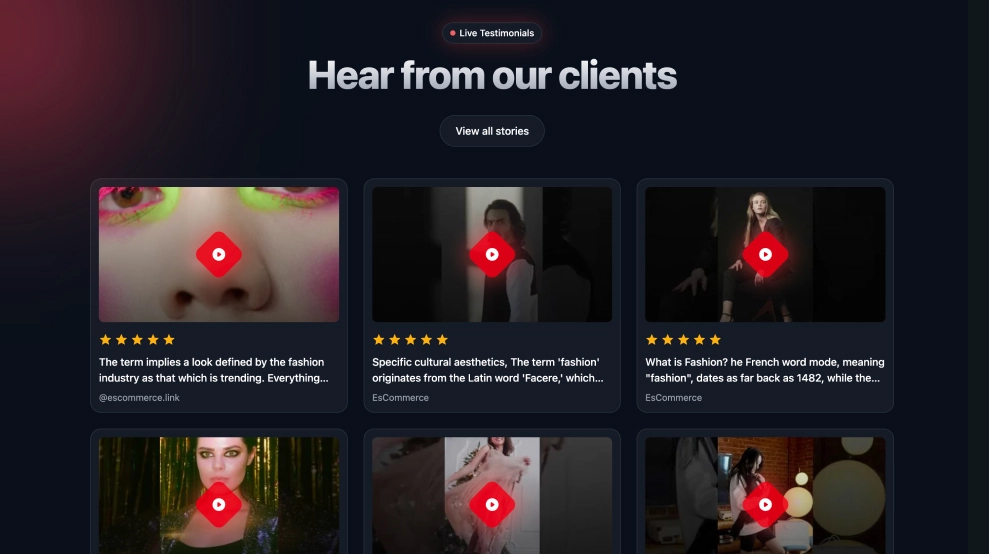
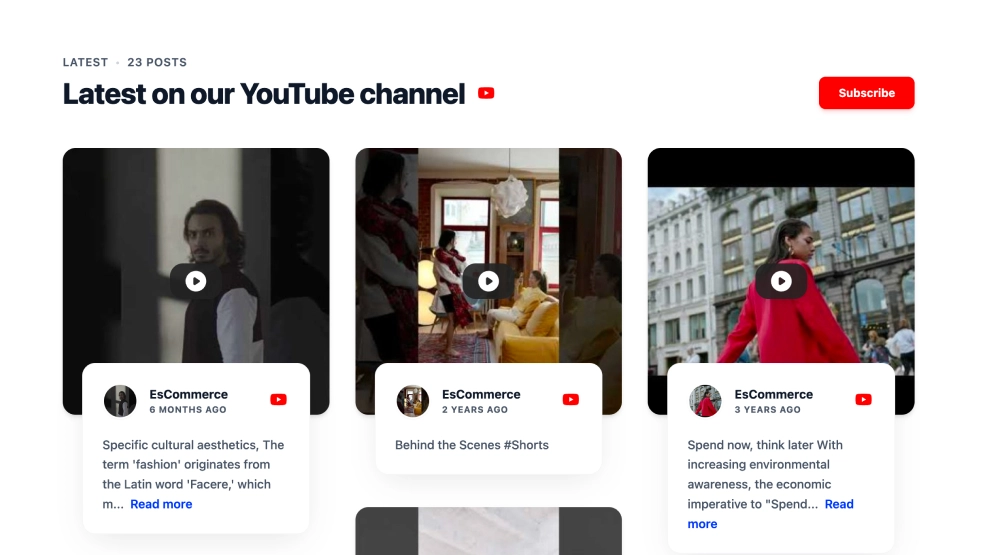
This YouTube widget turns your channel into a more visual collage by combining one large featured video with smaller supporting videos alongside it. Instead of placing every upload in equal-sized cards, it creates a stronger viewing hierarchy that helps the main video lead while still giving visitors more content to explore.
What makes it work
-
Featured-video focus: One larger video takes priority, which gives the section a clearer entry point and stronger visual weight.
-
Supporting video collage: Smaller videos on the side help extend the browsing experience without competing too much with the main content.
-
Clean channel header: The title, channel name, video count, and
SubscribeCTA make the source and purpose immediately clear. -
Play-first design: Large thumbnails and centered play icons make the content easy to recognize as watchable video.
-
Better content hierarchy: The layout feels more curated than a standard grid because it gives one video the lead role.
-
Good for mixed video types: The collage works well for combining featured uploads, Shorts, explainers, interviews, or campaign videos.
-
Website-friendly presentation: The structure feels more editorial and polished than a plain YouTube embed block.
Best fit for
-
Creator and brand websites
-
Homepages with featured video content
-
Product storytelling sections
-
Media and entertainment pages
-
Businesses that want YouTube content to feel more structured and visual on-site
How to embed it
-
Connect your YouTube channel in EmbedSocial.
-
Choose the YouTube Video Collage template.
-
Customize the header, visible video details, and subscribe button.
-
Select how the featured video and supporting videos should be arranged.
-
Copy the embed code.
-
Paste it into your website, landing page, or CMS and publish.
Show YouTube videos in a collage that feels more curated, more visual, and easier to explore from the first click.