Add links
Add UTM links that will allow people to read more about the contents of the story and continue their navigation on other parts of your website.
Keep web visitors longer on your website by applying a bookend screen as the last slide of your story widget.
“EmbedSocial is the perfect solution for any government agency looking to expand its social media reach and provide accessible information, announcements, and alerts directly on its official website! Setup was simple and you can automate the rest.”

Jayce Simpson, Digital Media Specialist
The City of West Hollywood
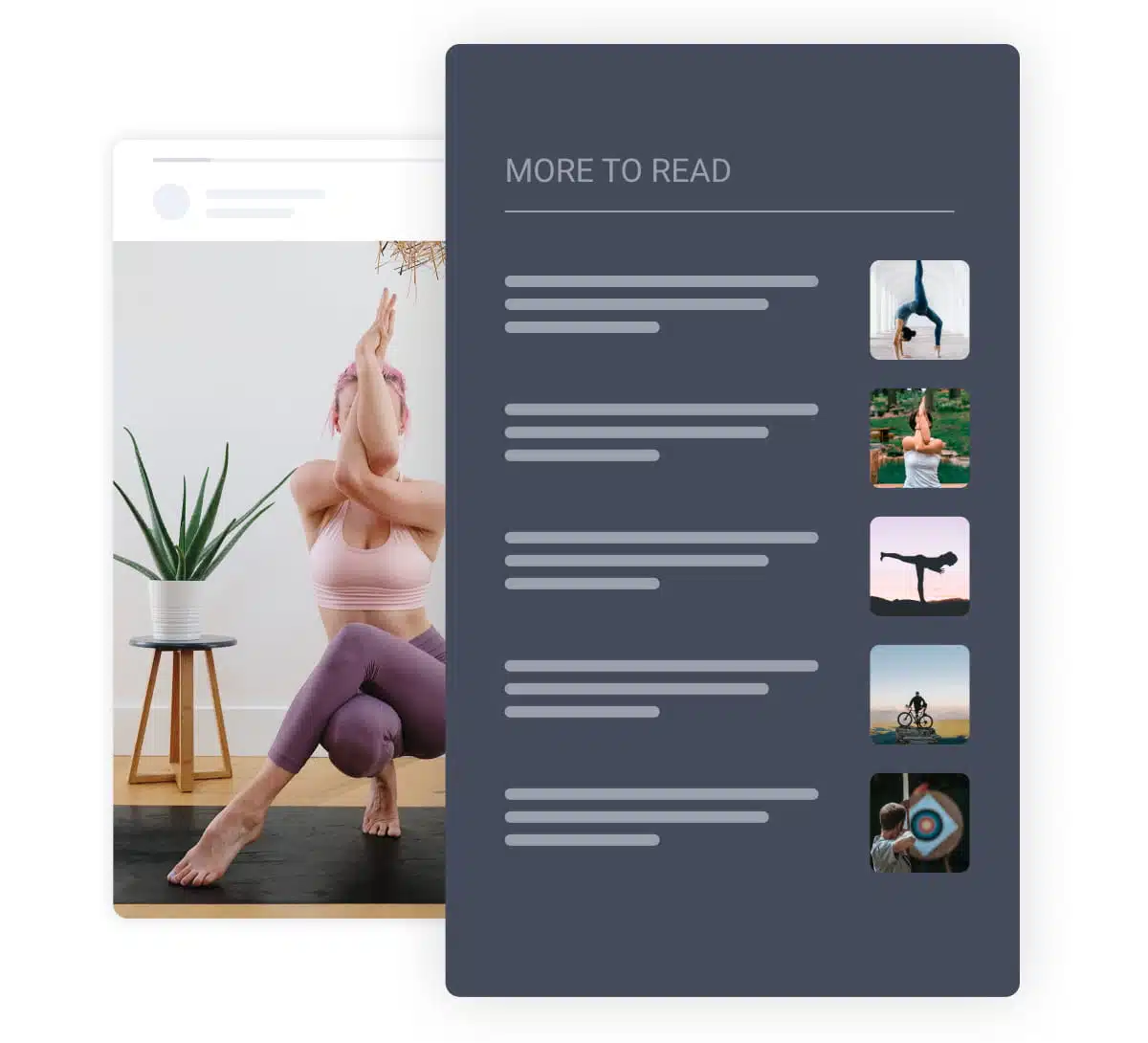
Bookends are the last screen of your Instagram story slider. It provides options to add custom links with thumbnails and titles, that will help your web visitors navigate to more content on your website.
See demos ›
Make your Instagram story widgets more engaging with custom bookend links.
Add UTM links that will allow people to read more about the contents of the story and continue their navigation on other parts of your website.
For each link within the bookend, you can add a suitable image that will reflect the content to make sure people continue to click.
Use the library of Bookends to apply them on widgets or a particular story with full re-usage flexibility.
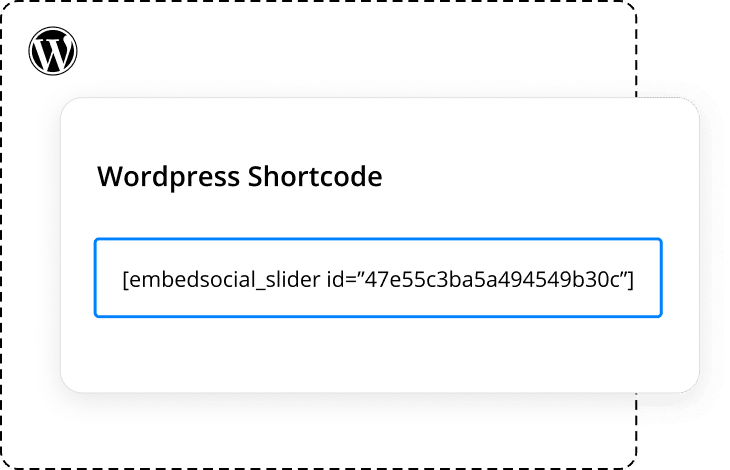
Use the official EmbedSocial WordPress Plugin to display the Stories widget with the help of shortcodes. Each of your stories widgets has a unique shortcode that you can simply copy and paste into any WordPress post, widget, or page. Download the WordPress plugin and start embedding Instagram stories on your WordPress website.
EmbedSocial lets you add a bookend screen as the last slide of your Instagram story widget, with custom links and thumbnails that keep web visitors clicking deeper into your website.