Dark Google Reviews & Ratings Section

Use this template

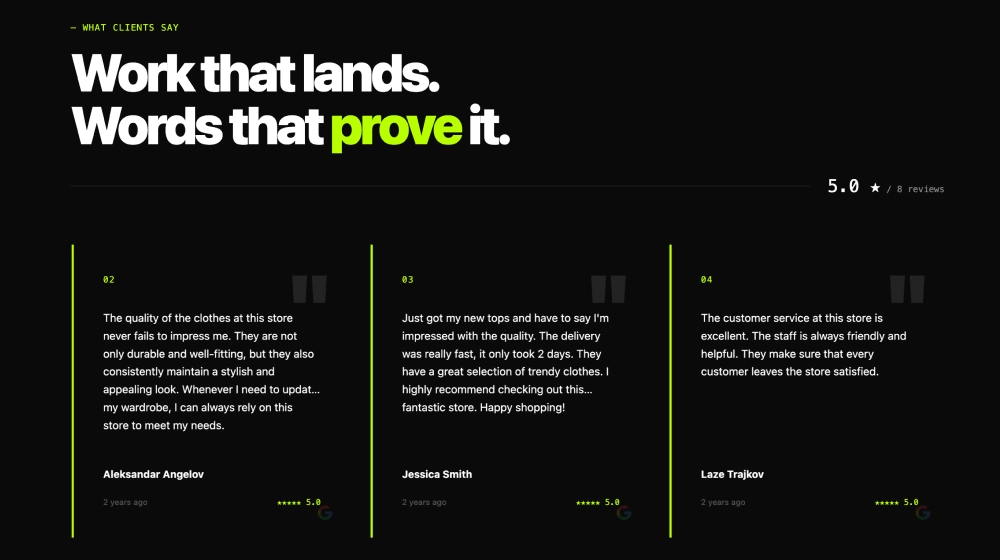
The Dark Google Reviews & Ratings Section is a premium, high-contrast widget that combines a bold headline with a live Google rating display and a swipeable carousel of reviews. It’s designed for modern SaaS and brand websites that want social proof to feel sleek, trustworthy, and conversion-ready, without looking like a basic reviews embed.FeaturesDark-mode, premium UI: Modern black background with clean typography for a polished, “SaaS-grade” lookGoogle Reviews label + live data cue: Clear Google branding with “live verified data” styling for instant trustHeadline + supporting copy block: Perfect for sections like “What Our Customers Are Saying” with a short credibility statementRating ring widget: Circular rating badge (e.g., 5.0 out of 5) that visually anchors the sectionStrong CTA button: “Write a Review” button to encourage new review submissionsReview slider/carousel: Displays multiple reviews in cards with smooth navigation dotsReadable review cards: Reviewer name, avatar/initial, star rating, timestamp, review text, and optional Read more truncationSubtle accent borders: Thin neon-style edges on cards to add depth and separationResponsive and touch-friendly: Works perfectly on mobile with swipe interactionsUse casesHomepage trust block: Add credibility right after your hero or before pricingPricing pages: Reduce friction by pairing plans with verified 5-star proofSaaS landing pages: Reinforce product reliability with real customer feedbackAgency/service sites: Showcase reputation in a bold, modern formatOnboarding or upsell pages: Keep confidence high with always-visible review proofHow to embedConnect your Google Reviews source in EmbedSocial (Google Business Profile).Choose the template from the reviews templates library.Edit the section headline, supporting text, and enable the Write a Review CTA.Adjust slider settings (reviews per view, autoplay, and text length with Read more).Copy the embed code (JavaScript or iFrame).Paste it into your site (Webflow, WordPress, Shopify, Wix, Squarespace, or custom HTML) and publish.Make your social proof look as premium as your product, embed the Dark Google Reviews & Ratings Section to showcase live 5-star credibility and drive more reviews with a built-in Write a Review button.
About this template

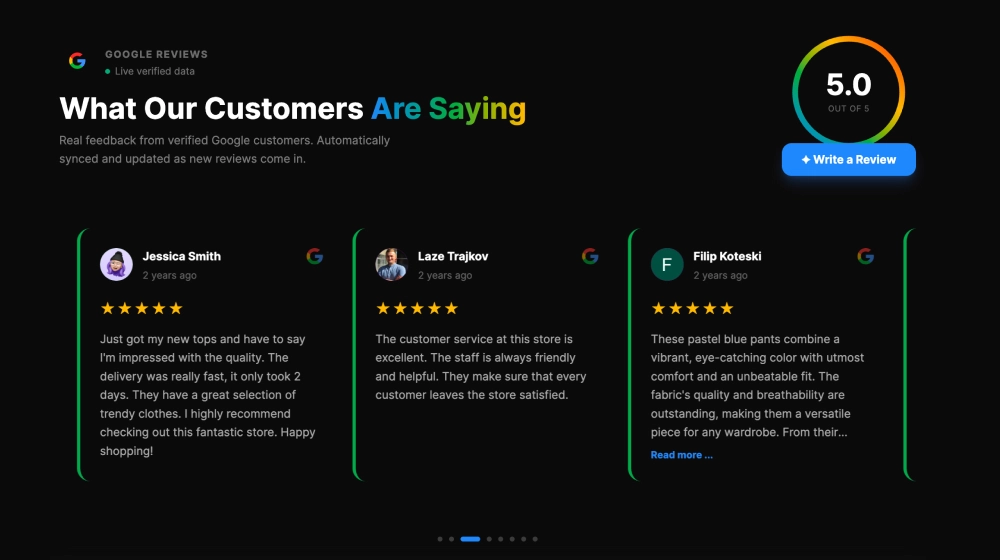
The Dark Google Reviews & Ratings Section is a premium, high-contrast widget that combines a bold headline with a live Google rating display and a swipeable carousel of reviews. It’s designed for modern SaaS and brand websites that want social proof to feel sleek, trustworthy, and conversion-ready, without looking like a basic reviews embed.

Features

  • Dark-mode, premium UI: Modern black background with clean typography for a polished, “SaaS-grade” look

  • Google Reviews label + live data cue: Clear Google branding with “live verified data” styling for instant trust

  • Headline + supporting copy block: Perfect for sections like “What Our Customers Are Saying” with a short credibility statement

  • Rating ring widget: Circular rating badge (e.g., 5.0 out of 5) that visually anchors the section

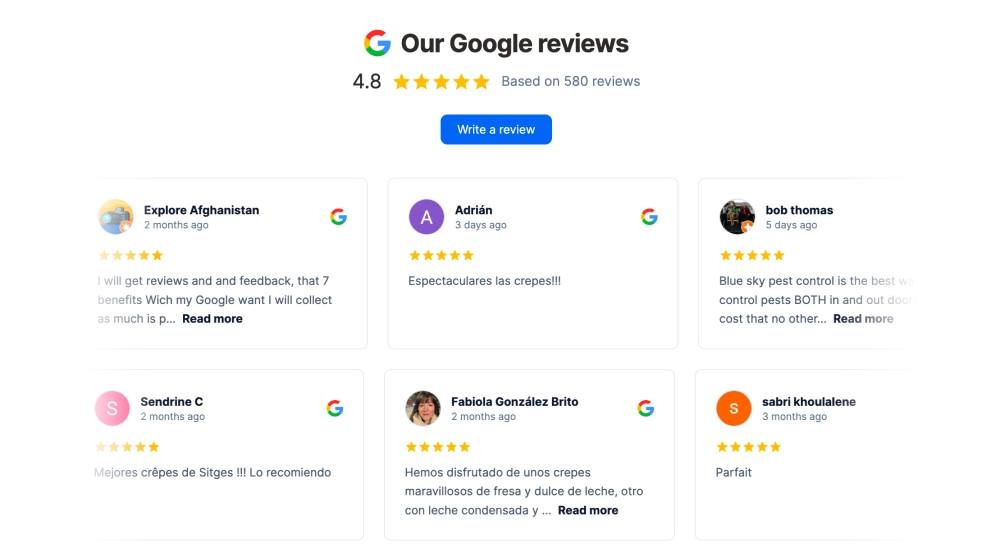
  • Strong CTA button: “Write a Review” button to encourage new review submissions

  • Review slider/carousel: Displays multiple reviews in cards with smooth navigation dots

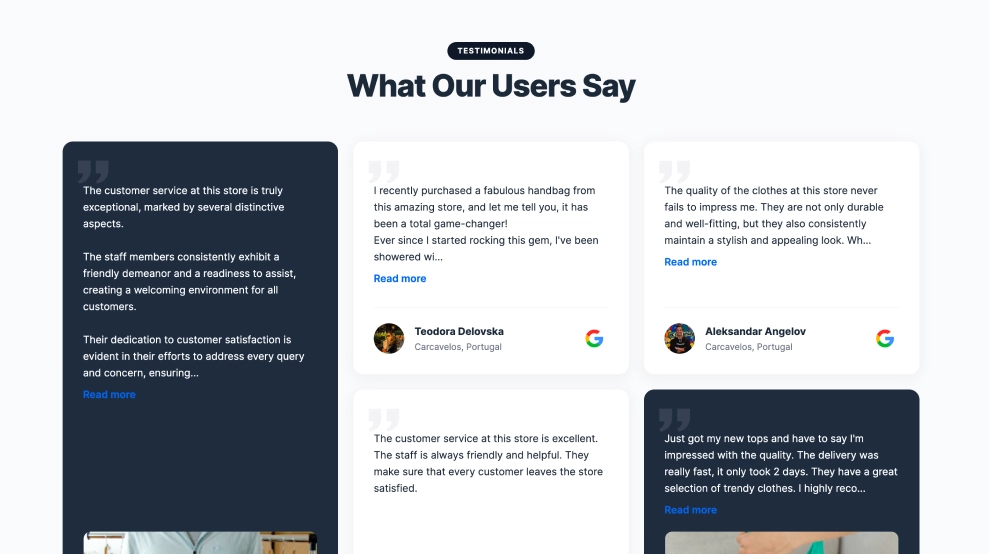
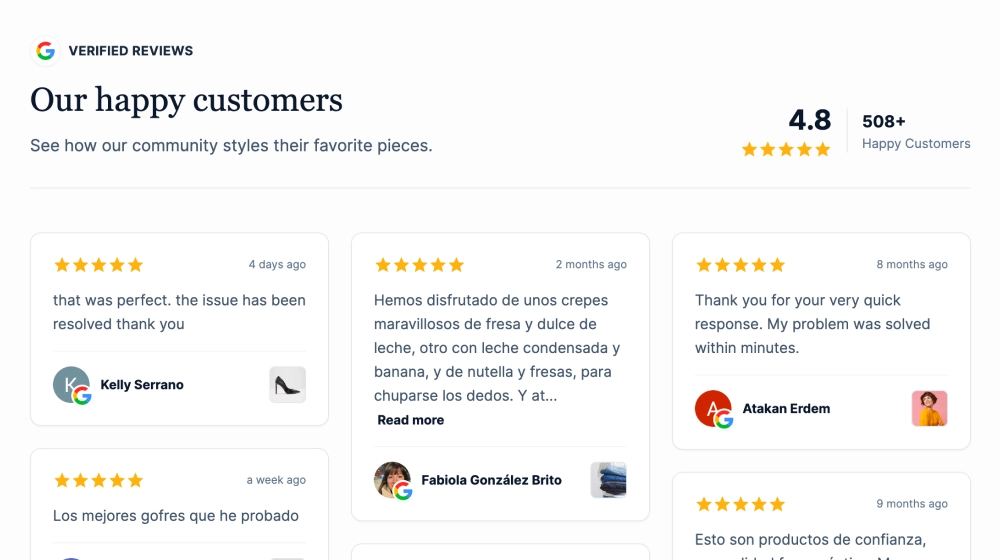
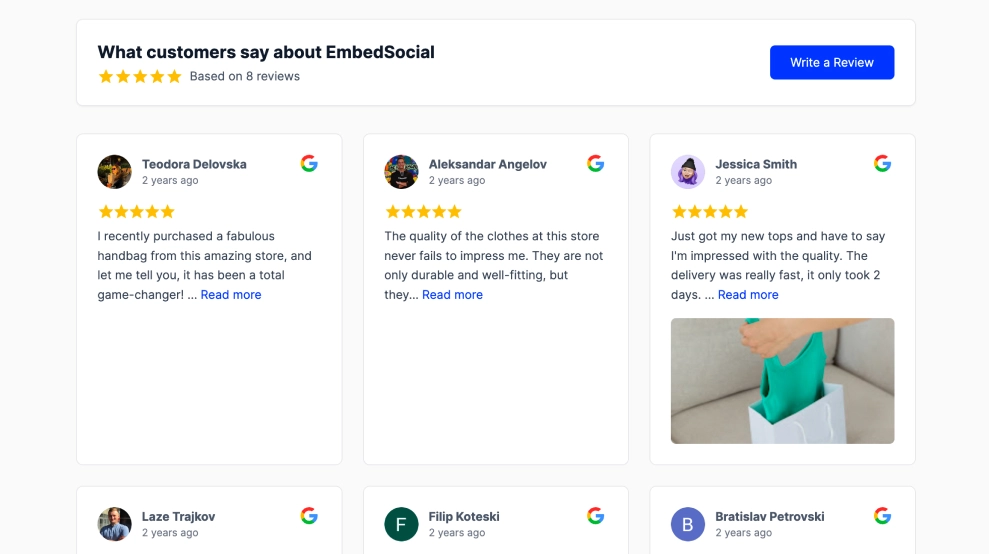
  • Readable review cards: Reviewer name, avatar/initial, star rating, timestamp, review text, and optional Read more truncation

  • Subtle accent borders: Thin neon-style edges on cards to add depth and separation

  • Responsive and touch-friendly: Works perfectly on mobile with swipe interactions

Use cases

  • Homepage trust block: Add credibility right after your hero or before pricing

  • Pricing pages: Reduce friction by pairing plans with verified 5-star proof

  • SaaS landing pages: Reinforce product reliability with real customer feedback

  • Agency/service sites: Showcase reputation in a bold, modern format

  • Onboarding or upsell pages: Keep confidence high with always-visible review proof

How to embed

  1. Connect your Google Reviews source in EmbedSocial (Google Business Profile).

  2. Choose the template from the reviews templates library.

  3. Edit the section headline, supporting text, and enable the Write a Review CTA.

  4. Adjust slider settings (reviews per view, autoplay, and text length with Read more).

  5. Copy the embed code (JavaScript or iFrame).

  6. Paste it into your site (Webflow, WordPress, Shopify, Wix, Squarespace, or custom HTML) and publish.

Make your social proof look as premium as your product, embed the Dark Google Reviews & Ratings Section to showcase live 5-star credibility and drive more reviews with a built-in Write a Review button.
Features

  • Moderation options
  • Customizable settings
  • Fast loading speed
  • Mobile-friendly and responsive
  • Multiple widgets for multiple websites
  • Auto-sync with social platforms
  • Custom styling options
  • Analytics and insights

Related resources

Categories