Instagram Feed Widget

Use this template

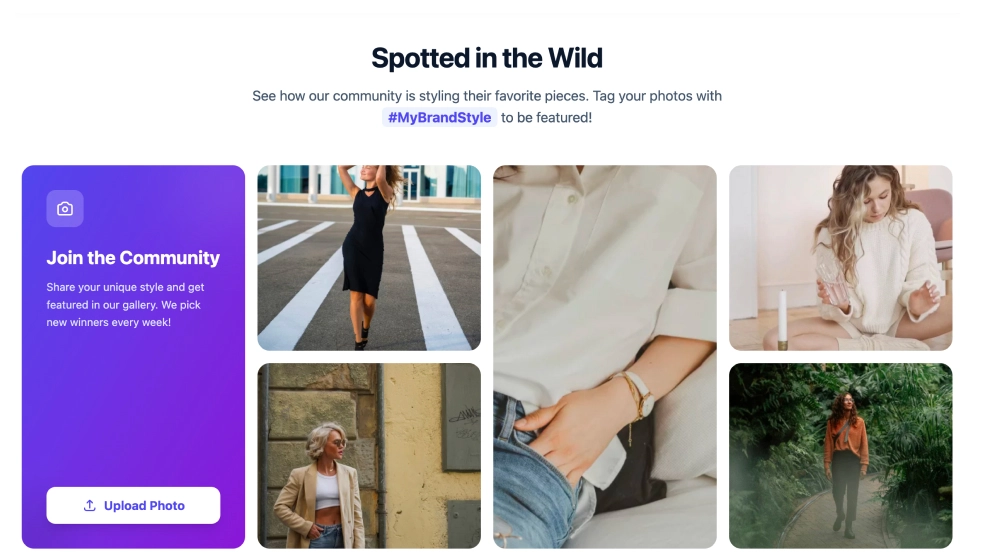
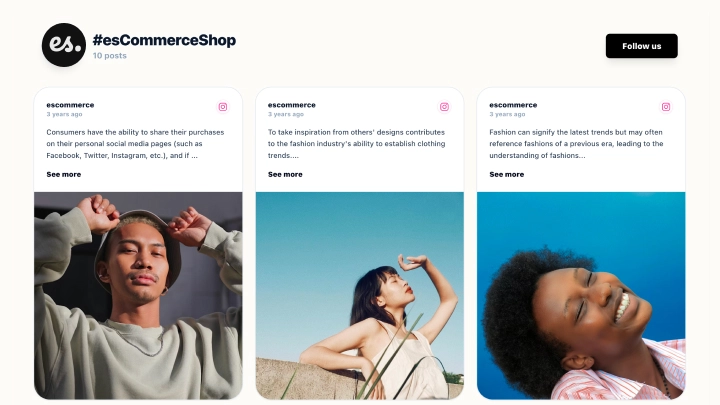
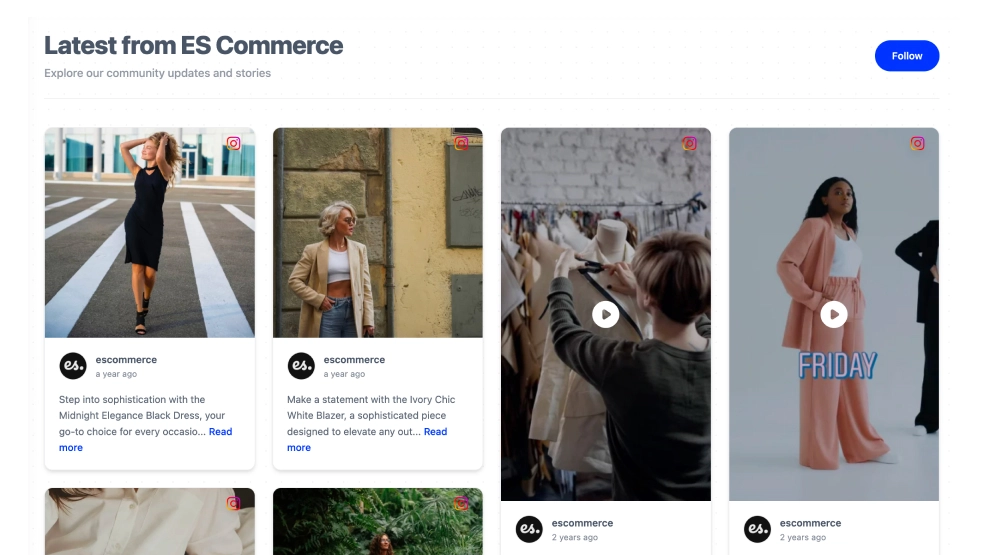
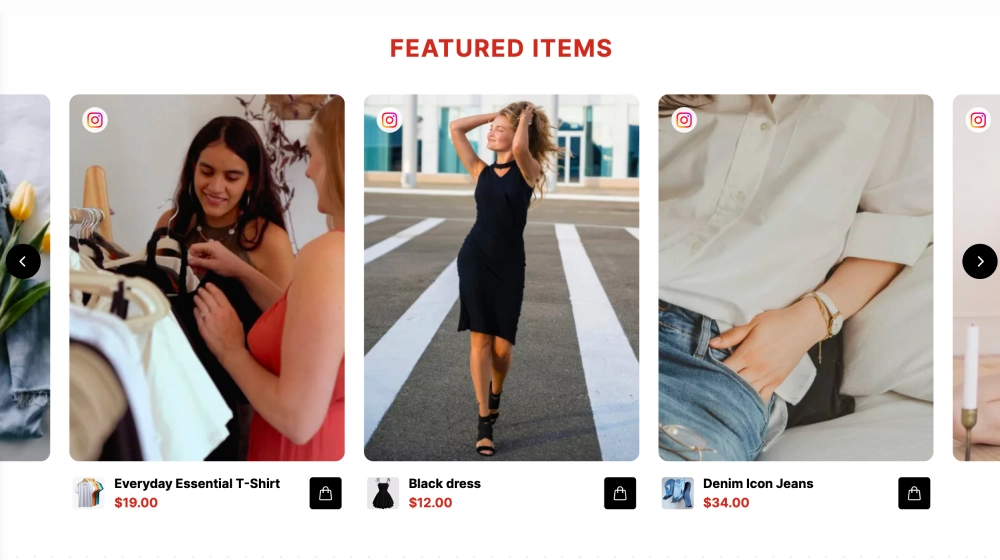
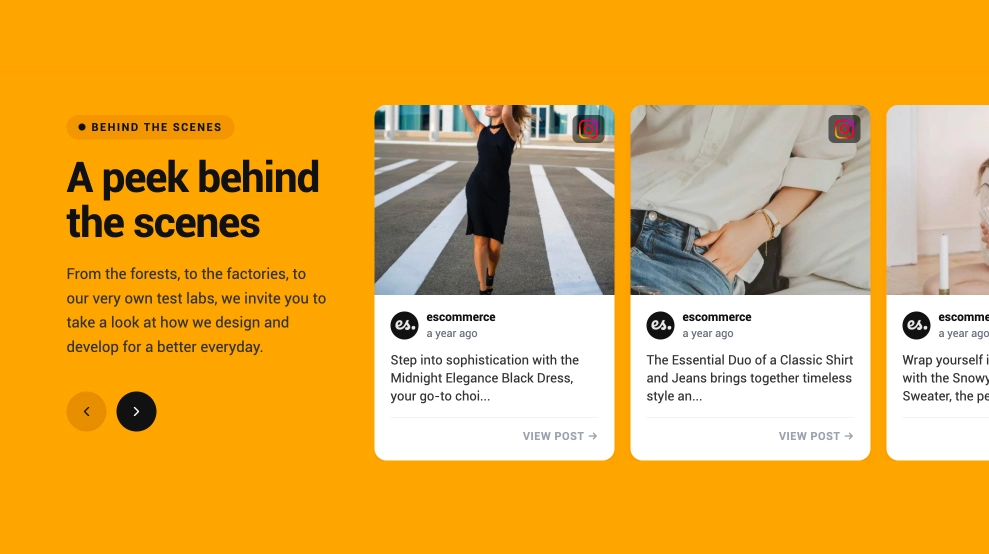
This Instagram feed widget brings your latest posts onto your website in a clean, editorial-style grid that feels current and easy to browse. With a strong section header, a visible Follow CTA, and image-first post cards that include profile details, timestamps, and caption previews, it turns your Instagram presence into a polished on-site content section.What makes it workStrong section header: The title and short supporting text give the feed a clearer purpose than a standard embed.Masonry-style layout: The staggered card grid keeps the section feeling dynamic while still easy to scan.Image-first presentation: Large media previews help the visual content carry the section naturally.Post detail visibility: Each card includes profile name, handle, timestamp, and caption preview for better context.Read-more format: Longer captions stay tidy while still inviting visitors to keep exploring.Instagram identity cues: Platform icons on the cards make the source instantly recognizable.Follow CTA: The top-right Follow button gives visitors a clear next step after browsing the feed.Best fit forFashion and lifestyle websitesEcommerce homepagesBrand storytelling pagesCreator and portfolio websitesBusinesses that want a fuller Instagram showcase instead of a simple sliderHow to embed itConnect your Instagram source in EmbedSocial.Choose the Instagram Feed Widget template.Customize the title, supporting text, visible post details, and follow button.Set how many posts should appear and how the grid should arrange across screen sizes.Copy the embed code.Paste it into your website, landing page, or CMS and publish.Show your Instagram content in a feed that feels more like a branded content section than a basic social embed.

About this template

This Instagram feed widget brings your latest posts onto your website in a clean, editorial-style grid that feels current and easy to browse. With a strong section header, a visible Follow CTA, and image-first post cards that include profile details, timestamps, and caption previews, it turns your Instagram presence into a polished on-site content section.

What makes it work

  • Strong section header: The title and short supporting text give the feed a clearer purpose than a standard embed.

  • Masonry-style layout: The staggered card grid keeps the section feeling dynamic while still easy to scan.

  • Image-first presentation: Large media previews help the visual content carry the section naturally.

  • Post detail visibility: Each card includes profile name, handle, timestamp, and caption preview for better context.

  • Read-more format: Longer captions stay tidy while still inviting visitors to keep exploring.

  • Instagram identity cues: Platform icons on the cards make the source instantly recognizable.

  • Follow CTA: The top-right Follow button gives visitors a clear next step after browsing the feed.

Best fit for

  • Fashion and lifestyle websites

  • Ecommerce homepages

  • Brand storytelling pages

  • Creator and portfolio websites

  • Businesses that want a fuller Instagram showcase instead of a simple slider

How to embed it

  1. Connect your Instagram source in EmbedSocial.

  2. Choose the Instagram Feed Widget template.

  3. Customize the title, supporting text, visible post details, and follow button.

  4. Set how many posts should appear and how the grid should arrange across screen sizes.

  5. Copy the embed code.

  6. Paste it into your website, landing page, or CMS and publish.

Show your Instagram content in a feed that feels more like a branded content section than a basic social embed.
Features

  • Moderation options
  • Customizable settings
  • Fast loading speed
  • Mobile-friendly and responsive
  • Multiple widgets for multiple websites
  • Auto-sync with social platforms
  • Custom styling options
  • Analytics and insights