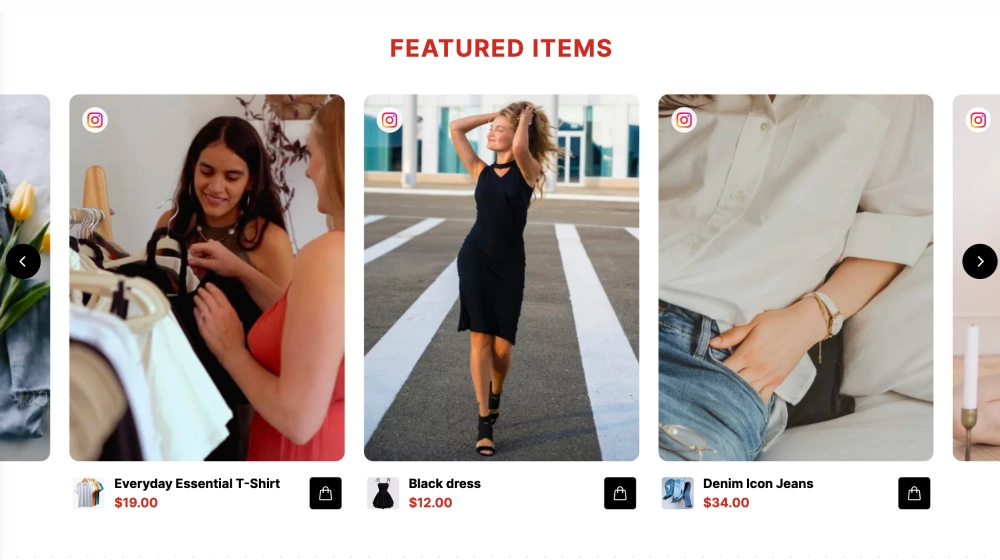
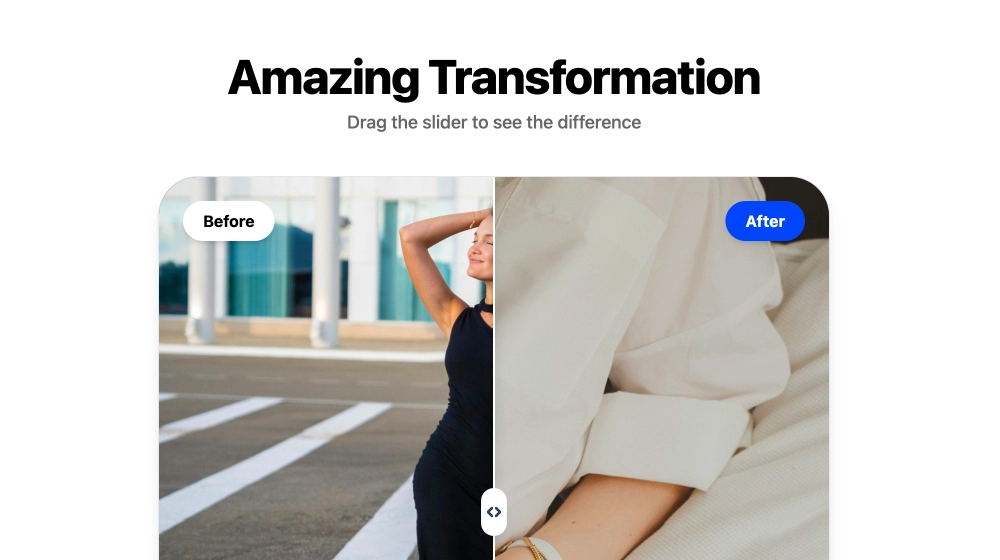
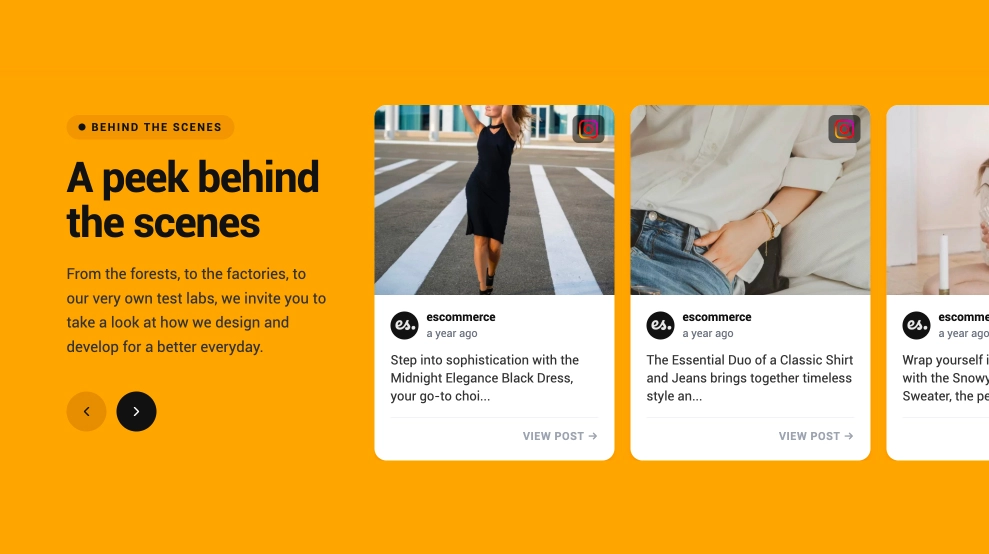
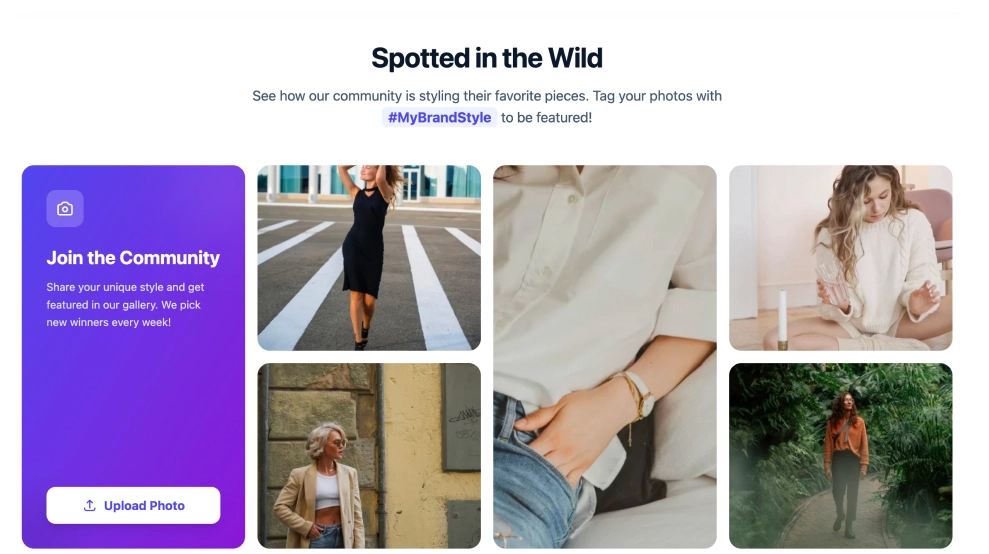
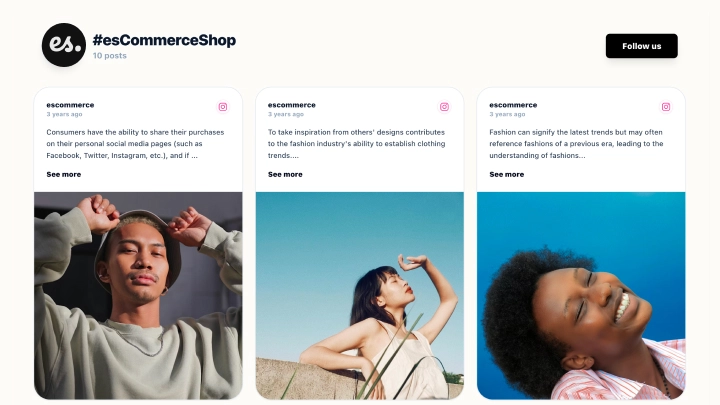
Turn your contest hashtag into a photo gallery on your website. Entrants publish on Instagram with your tag, you approve the photos that meet the rules, and visitors can open an entry in a lightbox. This template uses an Instagram hashtag feed to collect submissions.
How to set up an Instagram photo contest gallery
- Connect your Instagram account in EmbedSocial. Add an Instagram hashtag source, choose Hashtags posts and enter your contest tag.
- Open this template and select the hashtag source. Turn off automatic publishing for new posts if each entry needs approval.
- In Moderation, select the photos that meet your entry rules. Open one in the preview to check how it looks in the lightbox.
- Paste the embed code into an HTML block on your contest page. Place the entry deadline, contest hashtag and eligibility rules directly above the gallery.
How to feature the winning photo
After judging, open the widget’s Order tab and pin the winning entry. It will appear first when visitors return to see the results. Add the winner announcement beside the gallery and keep the other approved photos visible so entrants can still find their submissions. See how to pin a post in your widget.