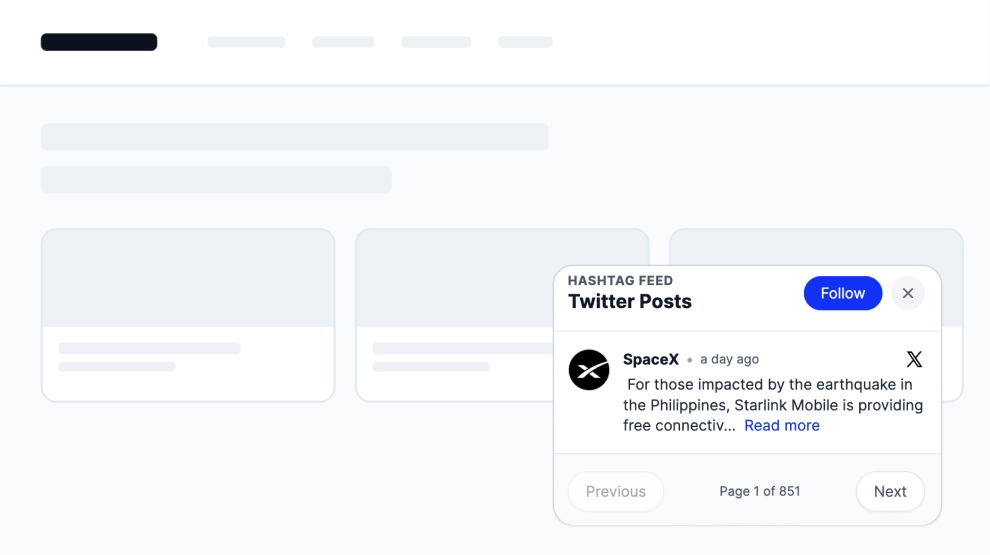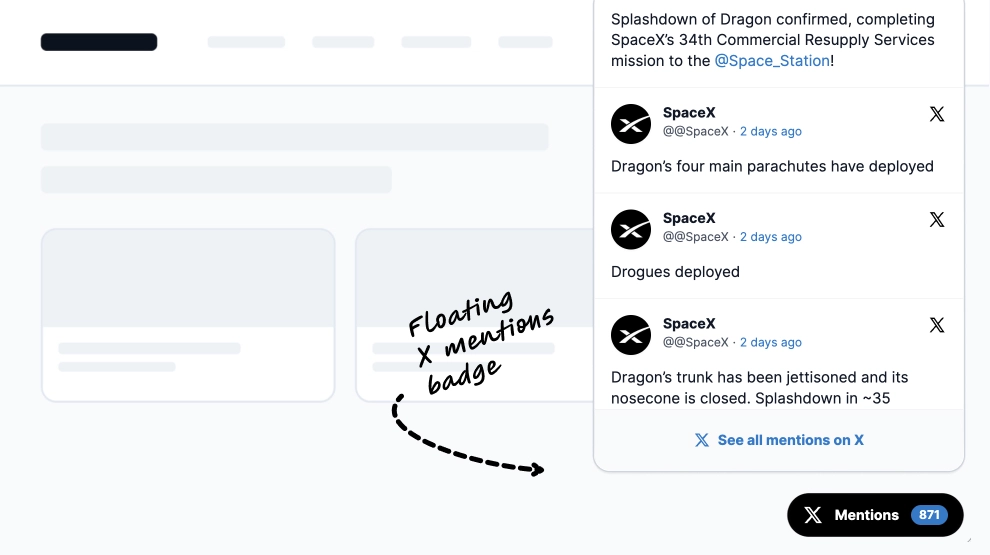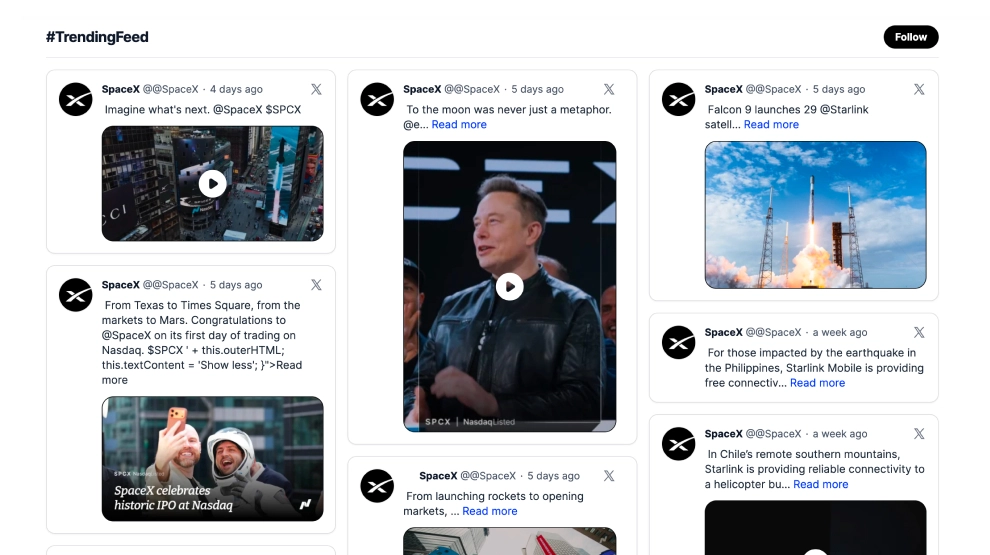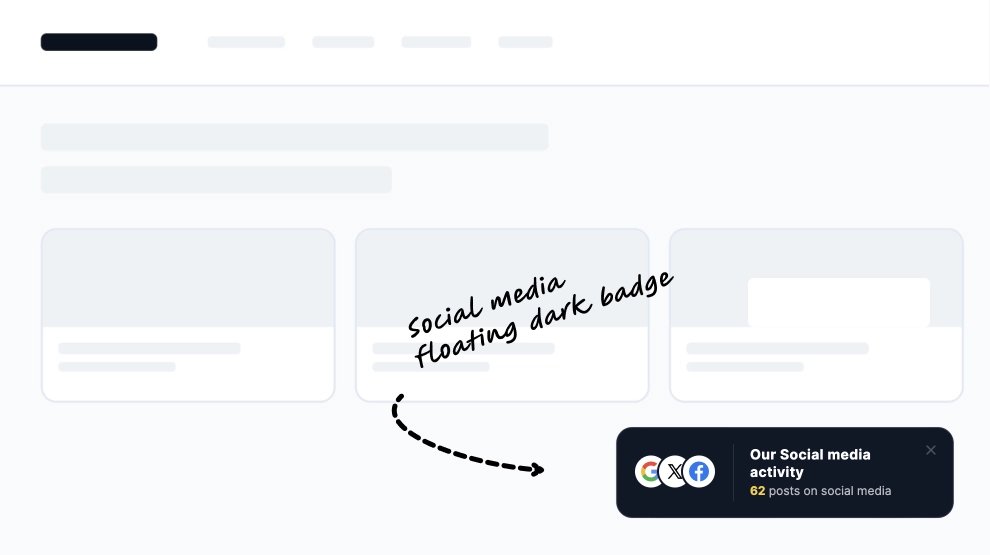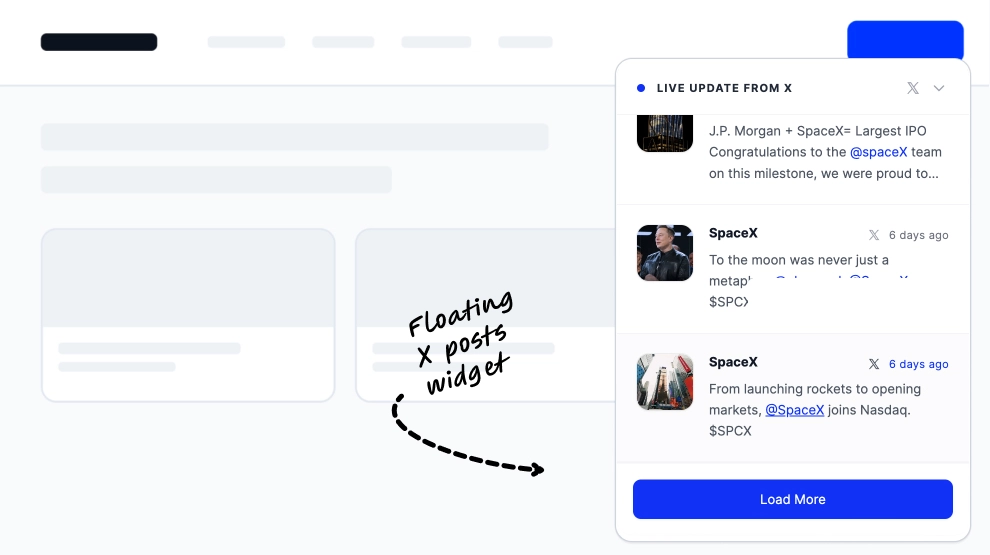
This X widget brings your latest posts onto the page in a compact floating popup that feels current, useful, and easy to notice. Instead of embedding a full feed into the layout, it displays a slim overlay with recent X updates, post previews, timestamps, and a Load More CTA, giving visitors a quick way to follow the conversation without leaving the page.
What makes it work
-
Floating popup format: The widget sits above the page content, so it adds visibility without taking over the design.
-
Live-update framing: The
Live update from Xlabel makes the feed feel timely and active. -
Multi-post preview list: Several recent posts can appear at once, giving visitors a broader look at the latest updates.
-
Clear X source cues: Profile names, timestamps, and X icons make the platform instantly recognizable.
-
Compact feed structure: The list-style layout makes the content easy to skim quickly.
-
Load-more CTA: Visitors can continue exploring posts without opening a separate full feed block.
-
Lightweight integration: It works well as a side-layer of live content instead of a main content section.
Best fit for
-
News and media websites
-
Product launch pages
-
Event sites
-
Campaign landing pages
-
Brands that want recent X activity visible without embedding a full social wall
How to embed it
-
Connect your X source in EmbedSocial.
-
Choose the Latest X Posts Popup Widget template.
-
Customize the popup title, visible post details, and
Load MoreCTA. -
Set where the popup should appear and how many posts should display by default.
-
Copy the embed code.
-
Paste it into your website, landing page, or CMS and publish.
Keep recent X updates visible on the page with a popup feed that feels current, compact, and easy to skim.