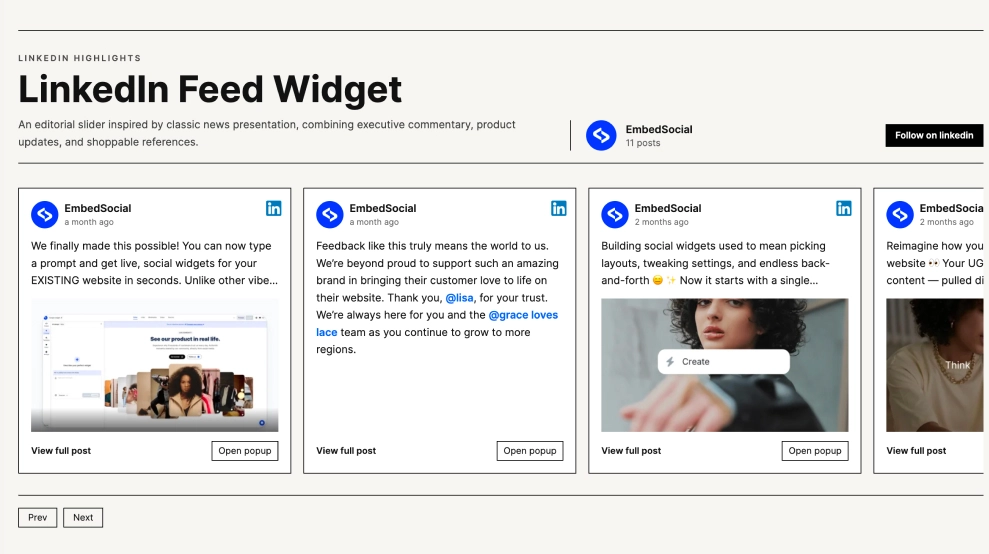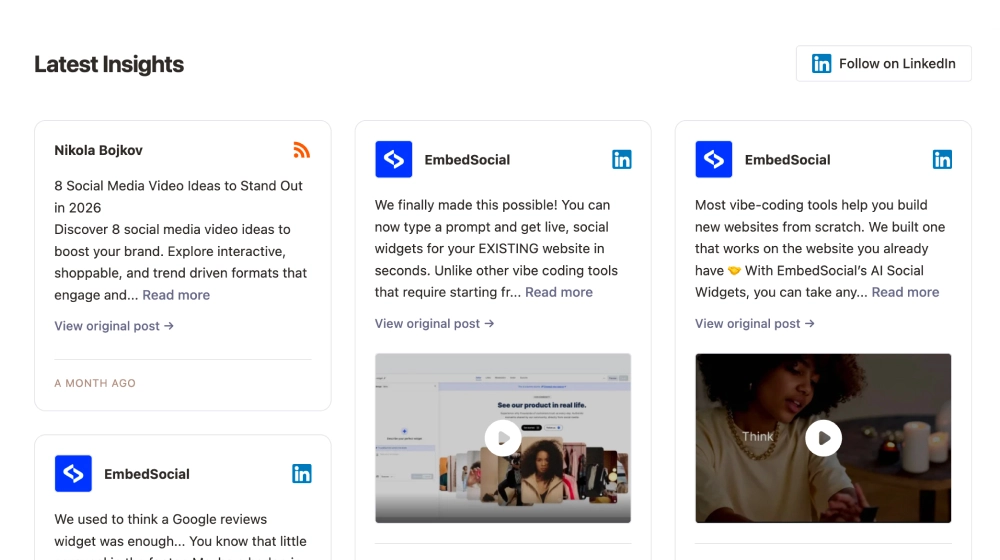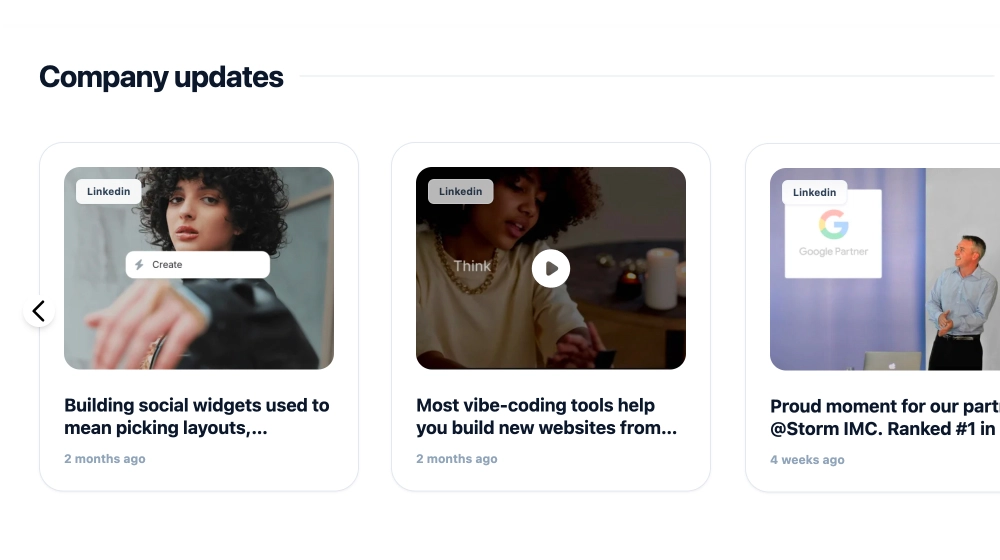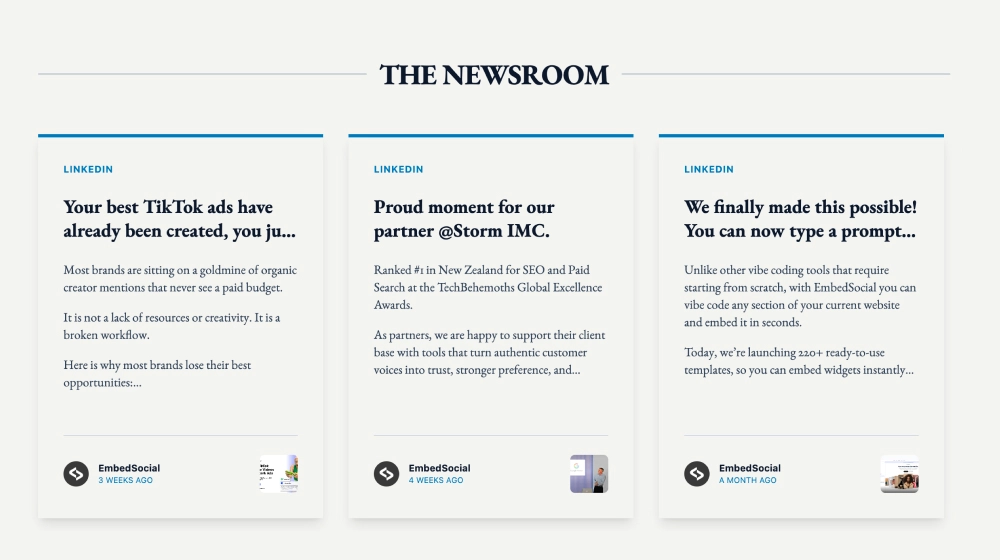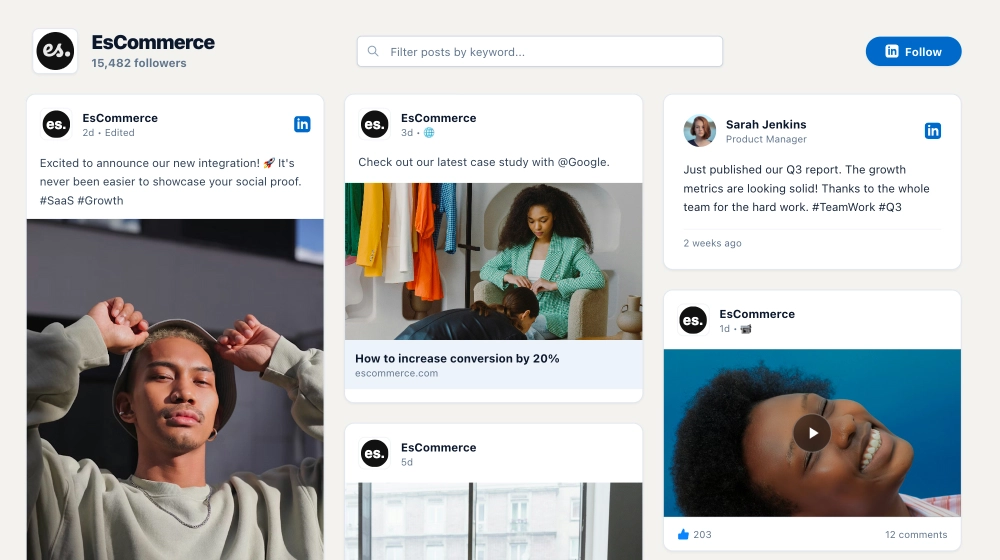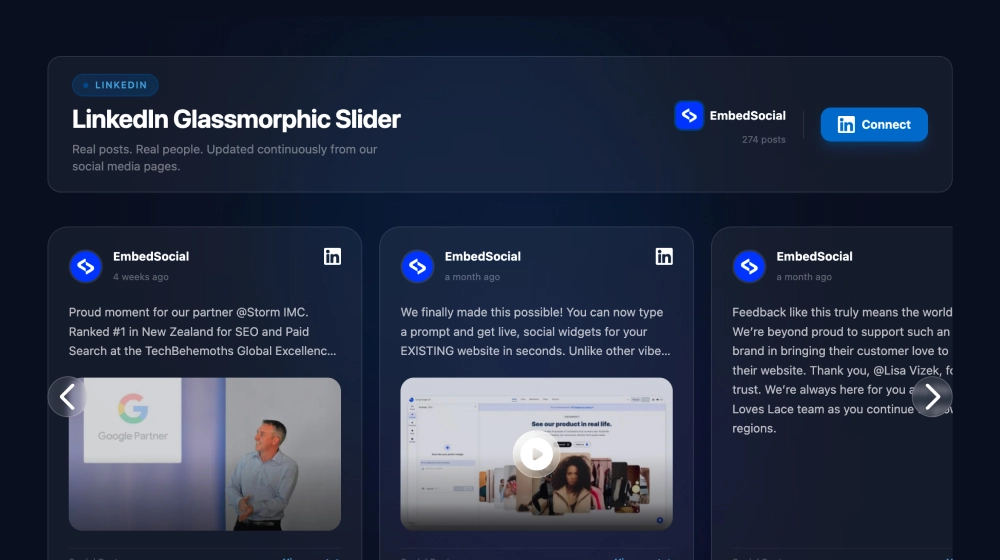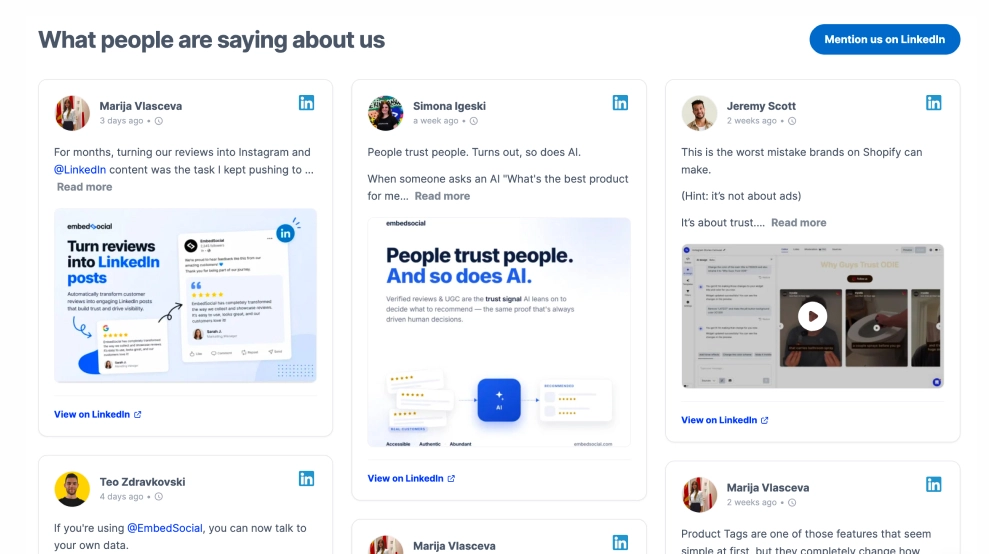
The LinkedIn Mentions Feed brings real conversations about your brand onto your website in a format that feels credible, current, and easy to explore. Instead of showing only your own updates, it highlights third-party mentions in a clean card feed with profile details, post previews, media attachments, and direct links back to LinkedIn.
What makes it work
-
Mentions-led social proof: The feed focuses on what other people are saying about your brand, which adds a stronger layer of credibility.
-
Clean content cards: Each mention appears in its own structured card, making the feed easy to scan without feeling crowded.
-
Professional profile context: Names, profile images, timestamps, and LinkedIn badges help every mention feel real and traceable.
-
Mixed media support: Text-only mentions, image posts, and video previews can all appear naturally in the same feed.
-
Direct LinkedIn links:
View on LinkedInlinks let visitors open the original post and read it in full context. -
Strong CTA option: The
Mention us on LinkedInbutton encourages more community conversation around your brand. -
B2B-friendly presentation: The layout feels more like a professional insights wall than a casual social embed.
Best fit for
-
B2B SaaS websites
-
Company homepages with brand-trust sections
-
Product pages showing public feedback and discussion
-
Founder or leadership pages
-
Businesses that want to surface professional community validation
How to embed it
-
Connect your LinkedIn mentions or tracked brand mentions in EmbedSocial.
-
Choose the LinkedIn Mentions Feed template.
-
Customize the section title, visible post details, media previews, and CTA button.
-
Set how many mention cards to show in the feed.
-
Copy the embed code.
-
Paste it into your website, landing page, or CMS and publish.
Show the professional conversation around your brand in a feed that feels current, credible, and easy to browse.