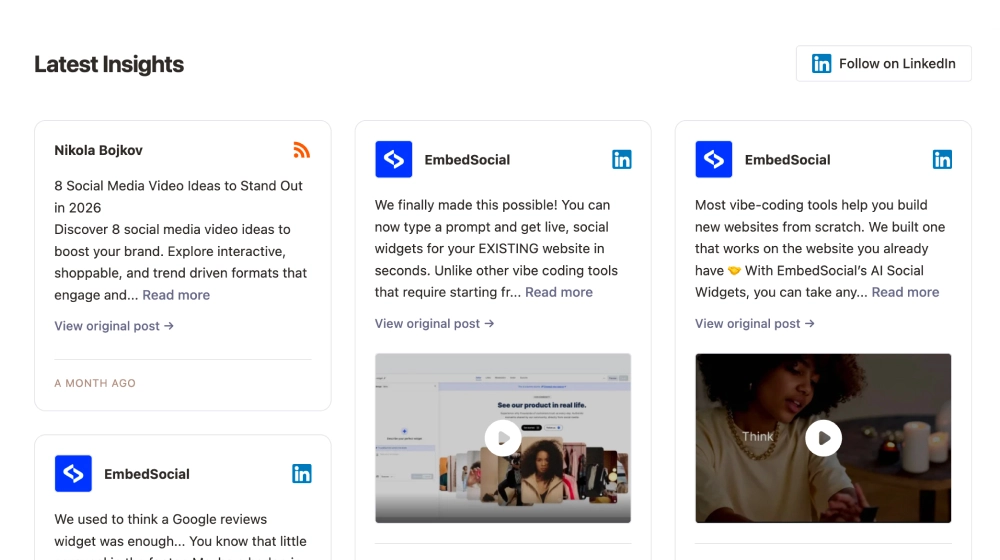
Latest News Widget: LinkedIn + RSS Feed
Use this templatehis LinkedIn feed widget gives your latest posts a more organized, editorial presentation on your website. Instead of dropping social content into a generic stream, it arranges updates into clean content cards with author details, post previews, media thumbnails, and direct links back to the original LinkedIn post.What makes it workInsight-first layout: The feed feels more like a content hub than a social embed, which suits professional brands and B2B websites.Clean post cards: Each update has enough room for the headline, preview text, and source details without looking crowded.Mixed content support: Text-only posts and media-based posts can appear together in the same feed.Source clarity: LinkedIn badges and profile branding make it obvious where the content comes from.Original-post links: Visitors can click through to LinkedIn when they want the full post or discussion.Follow CTA: The Follow on LinkedIn button gives readers a clear next step beyond browsing the feed.Professional structure: The spacing, card format, and simple hierarchy make the section feel credible and easy to scan.Best fit forB2B company websitesFounder and executive thought-leadership pagesSaaS product and update pagesResource centers and blog side sectionsAgencies or consultants sharing insights, launches, and case-study contentHow to embed itConnect your LinkedIn content source in EmbedSocial.Choose the LinkedIn RSS Feed or LinkedIn feed-style template.Customize the section title, visible post details, media display, and follow button.Set how many posts should appear in the feed and how they should be arranged.Copy the embed code.Paste it into your website, blog, or CMS and publish.Keep your latest LinkedIn content visible on your website in a format that feels more like a curated insights feed than a social afterthought.
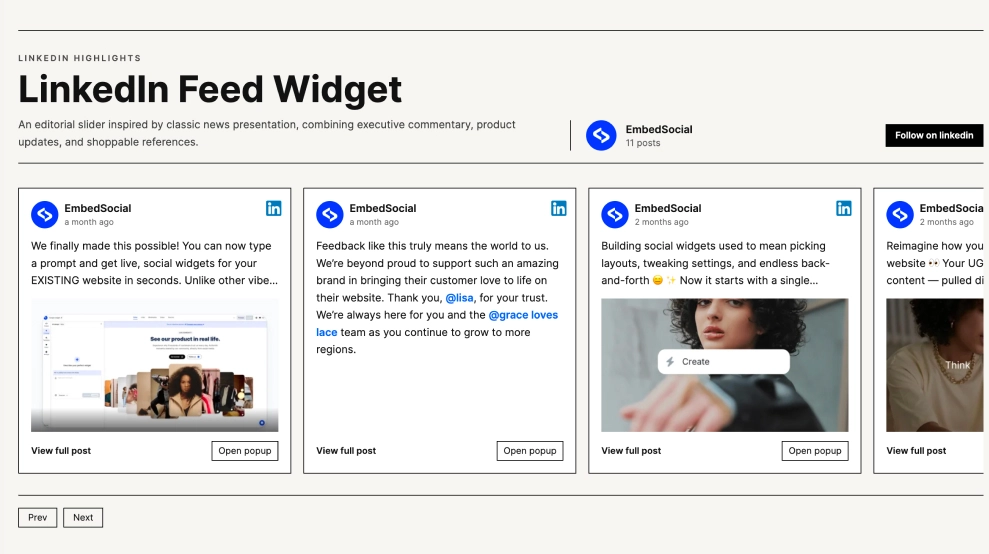
About this template
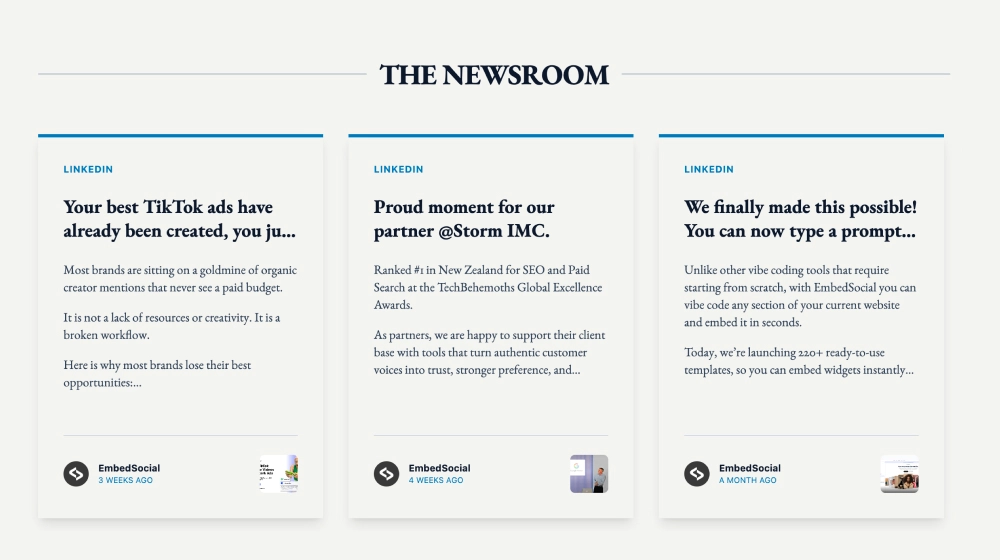
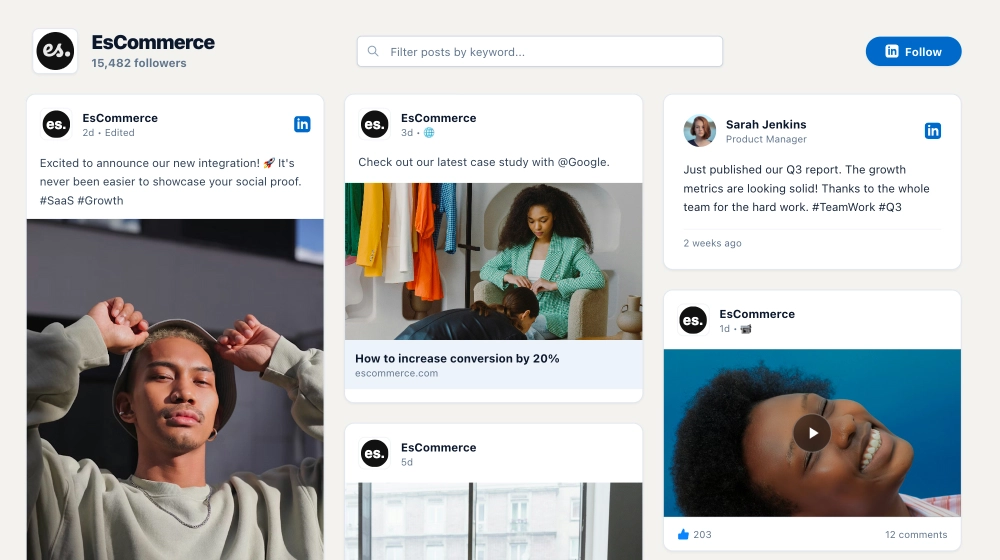
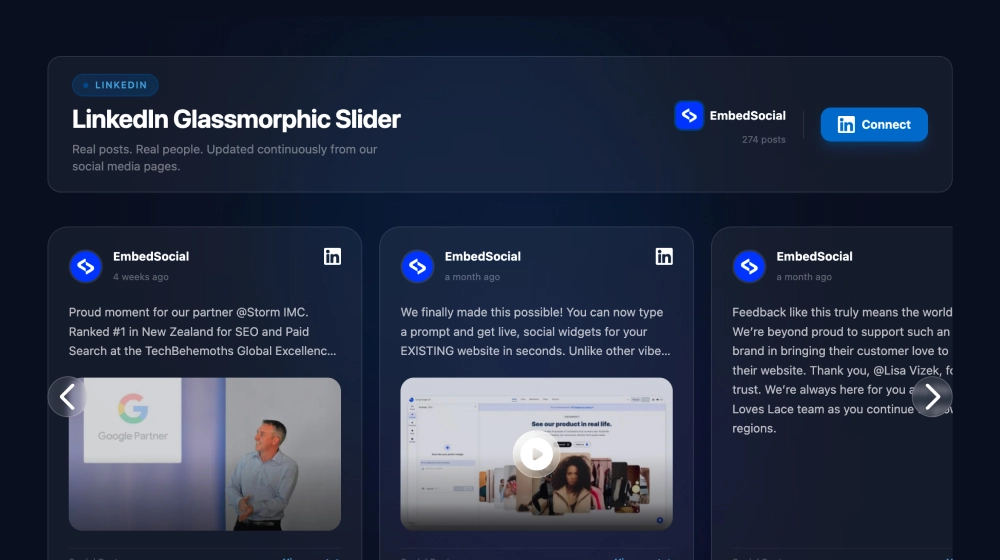
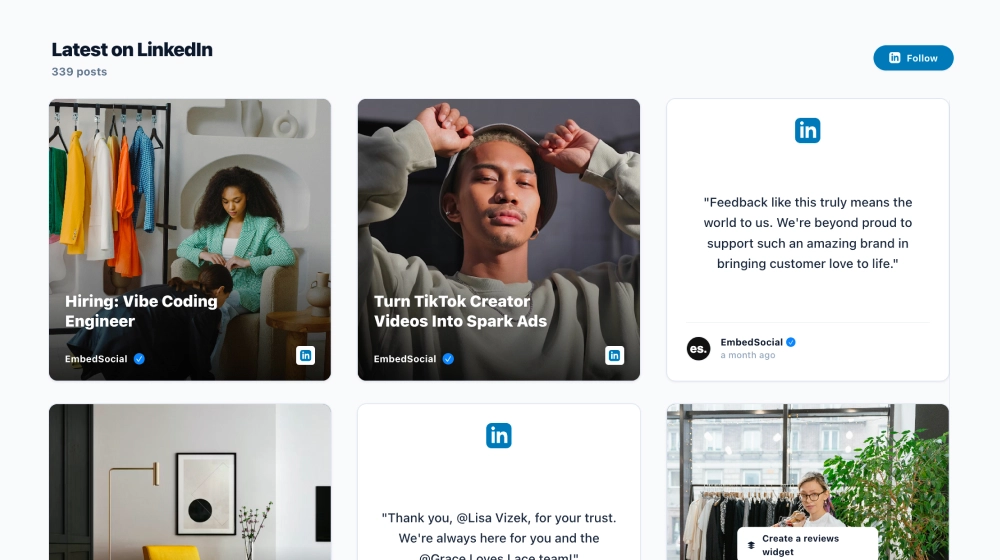
his LinkedIn feed widget gives your latest posts a more organized, editorial presentation on your website. Instead of dropping social content into a generic stream, it arranges updates into clean content cards with author details, post previews, media thumbnails, and direct links back to the original LinkedIn post.
What makes it work
Insight-first layout: The feed feels more like a content hub than a social embed, which suits professional brands and B2B websites.
Clean post cards: Each update has enough room for the headline, preview text, and source details without looking crowded.
Mixed content support: Text-only posts and media-based posts can appear together in the same feed.
Source clarity: LinkedIn badges and profile branding make it obvious where the content comes from.
Original-post links: Visitors can click through to LinkedIn when they want the full post or discussion.
Follow CTA: The Follow on LinkedIn button gives readers a clear next step beyond browsing the feed.
Professional structure: The spacing, card format, and simple hierarchy make the section feel credible and easy to scan.
Best fit for
B2B company websites
Founder and executive thought-leadership pages
SaaS product and update pages
Resource centers and blog side sections
Agencies or consultants sharing insights, launches, and case-study content
How to embed it
Connect your LinkedIn content source in EmbedSocial.
Choose the LinkedIn RSS Feed or LinkedIn feed-style template.
Customize the section title, visible post details, media display, and follow button.
Set how many posts should appear in the feed and how they should be arranged.
Copy the embed code.
Paste it into your website, blog, or CMS and publish.
Keep your latest LinkedIn content visible on your website in a format that feels more like a curated insights feed than a social afterthought.
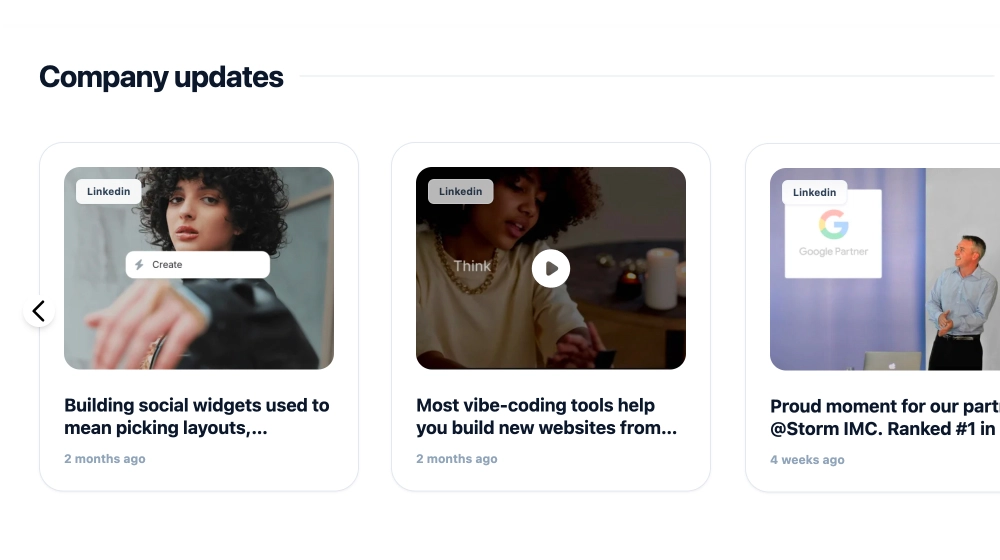
Features
- Moderation options
- Customizable settings
- Fast loading speed
- Mobile-friendly and responsive
- Multiple widgets for multiple websites
- Auto-sync with social platforms
- Custom styling options
- Analytics and insights