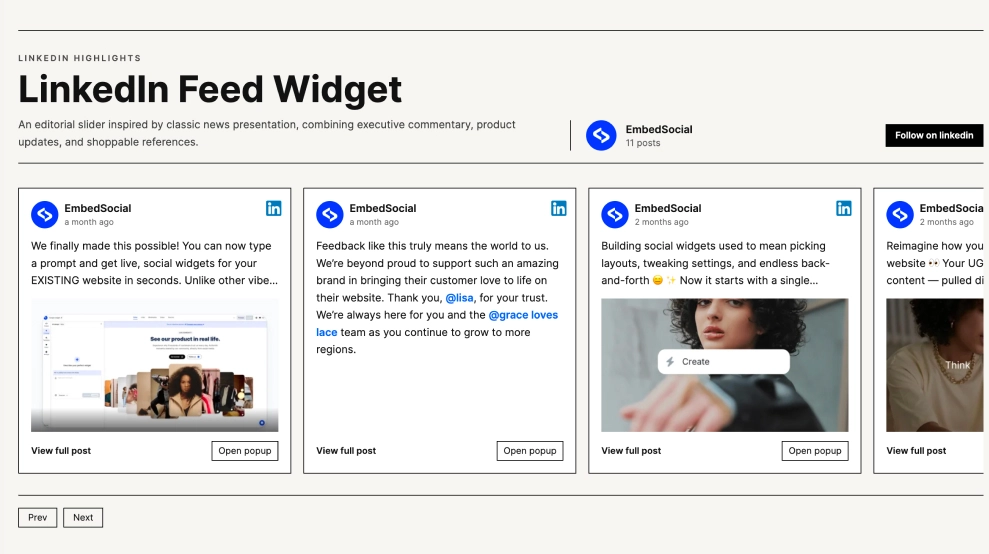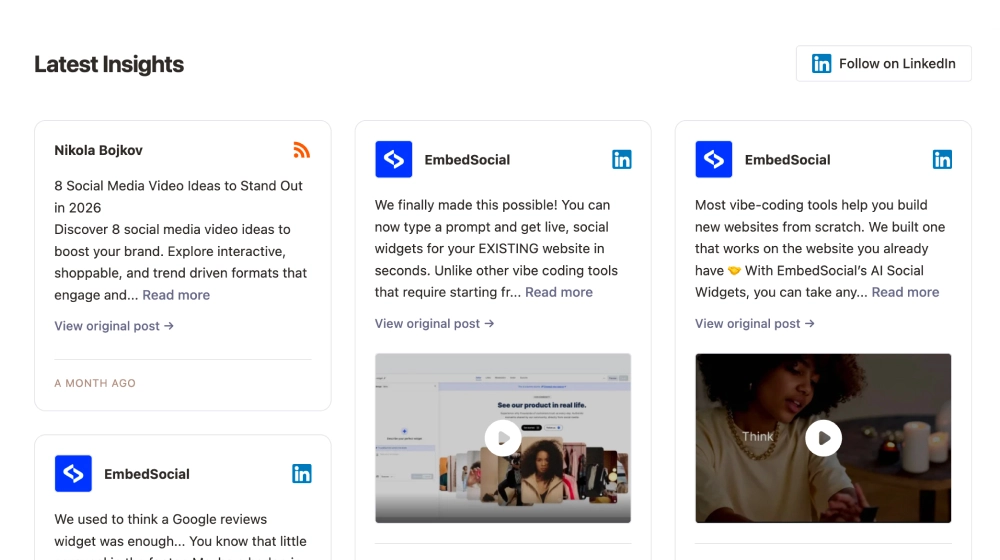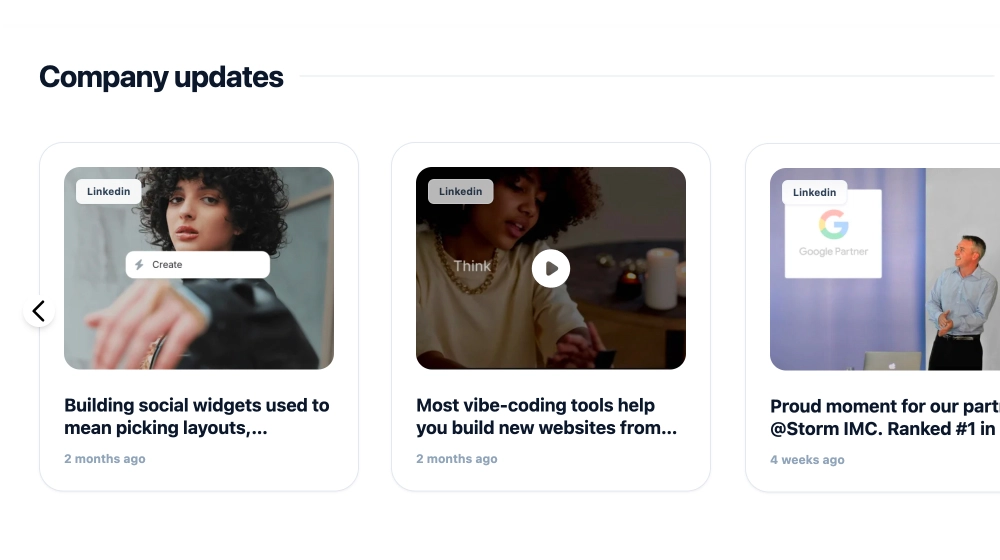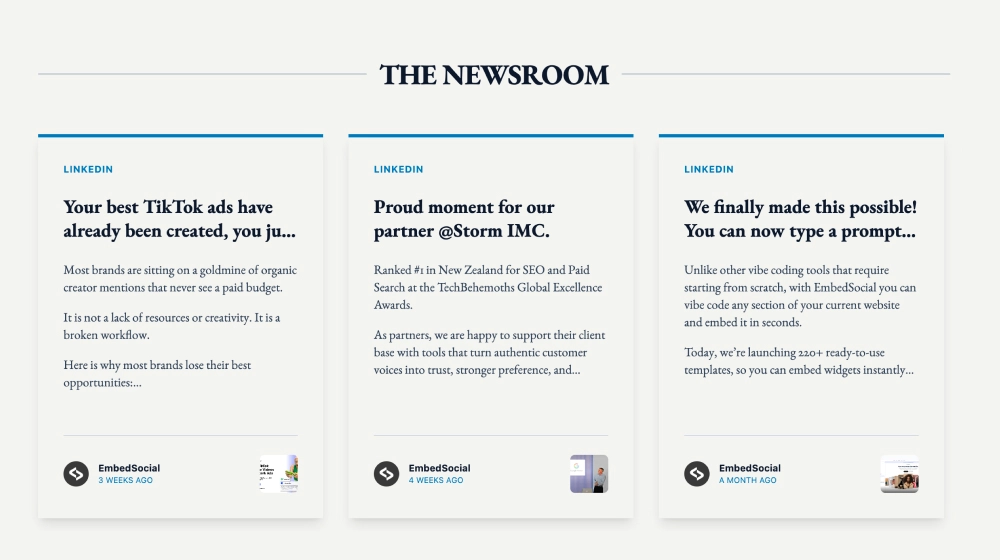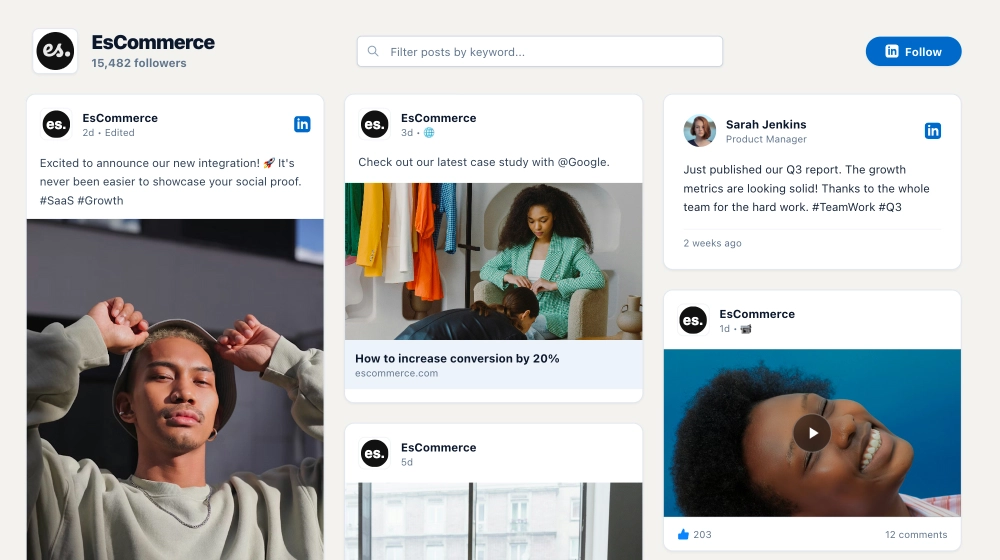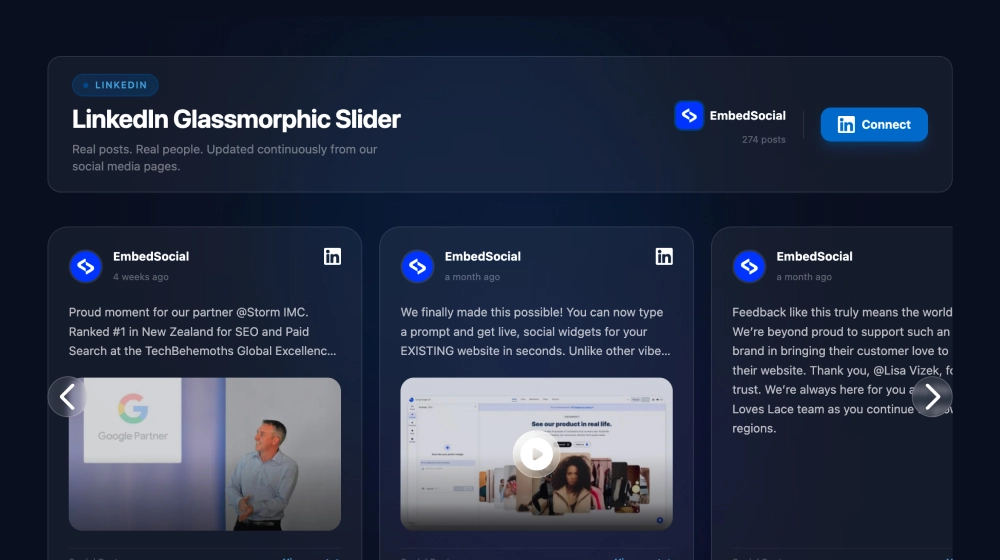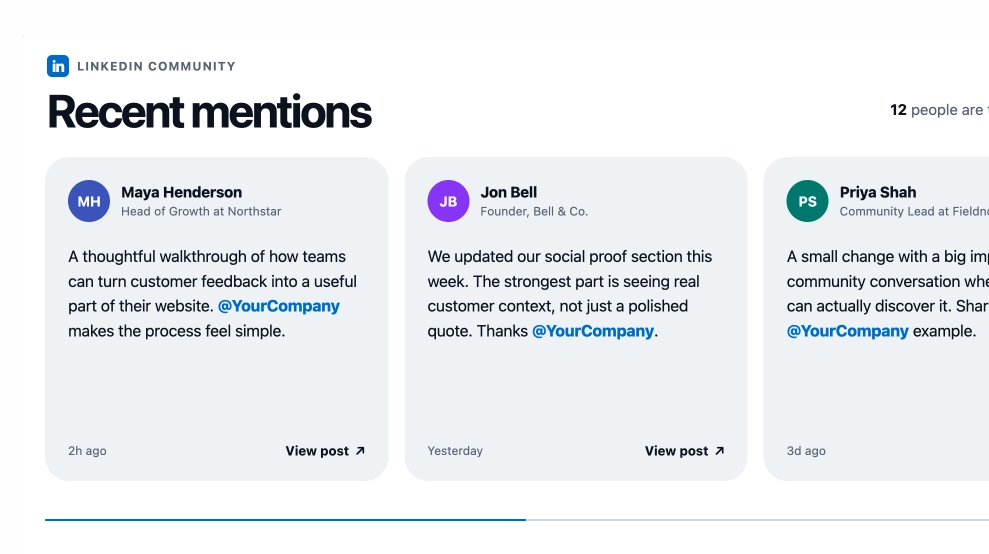
The LinkedIn Mentions Slider brings conversations about your brand onto your website in a format that feels clean, current, and credible. Instead of showing a generic social feed, it highlights professional mentions in individual cards with speaker details, short post excerpts, timestamps, and direct links back to the original post.
What makes it work
-
Mentions-first layout: The widget focuses on what people are saying about your brand, not just what your brand publishes.
-
Professional profile context: Each card includes the person’s name, role, and company, which gives every mention more weight.
-
Clean quote-style cards: The layout keeps each mention readable and uncluttered, making it easy to scan multiple posts.
-
Direct brand visibility: Tagged company mentions stand out naturally inside the post preview.
-
Freshness cues: Timestamps like
2h agoorYesterdayhelp the feed feel active and up to date. -
View-post links: Visitors can click through to see the original LinkedIn mention in full context.
-
Slider format: Multiple mentions can appear in one row while keeping the section compact and easy to browse.
Best fit for
-
B2B SaaS websites
-
Company homepages with strong social proof
-
Brand trust sections for service businesses
-
Founder or product pages showing industry conversations
-
Businesses that want third-party mentions to support credibility
How to embed it
-
Connect your LinkedIn mentions or tracked brand mentions in EmbedSocial.
-
Choose the LinkedIn Mentions Slider template.
-
Customize the section heading, visible profile details, and post preview length.
-
Set how many mention cards should appear in the slider.
-
Copy the embed code.
-
Paste it into your website, landing page, or CMS and publish.
Show real professional conversations around your brand in a format that feels credible, timely, and easy to browse.