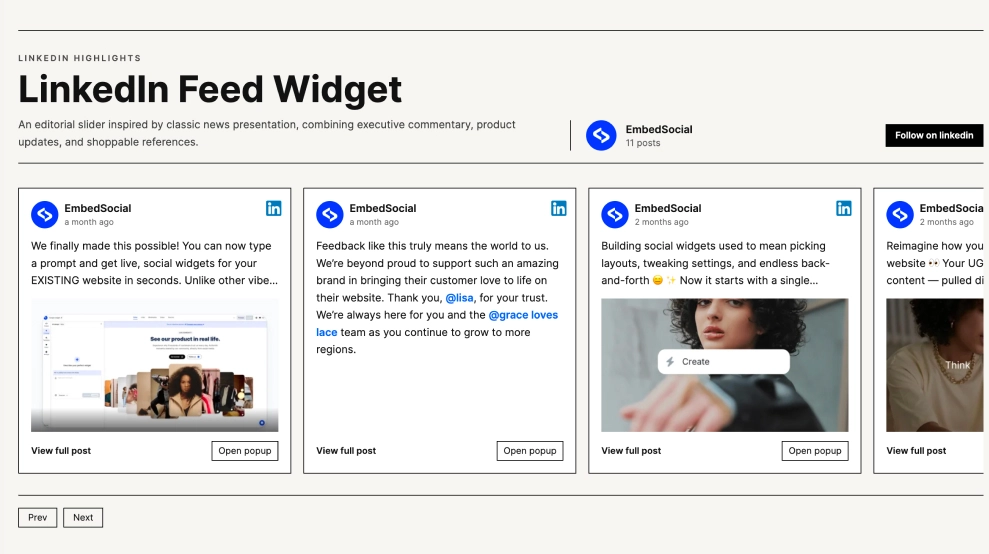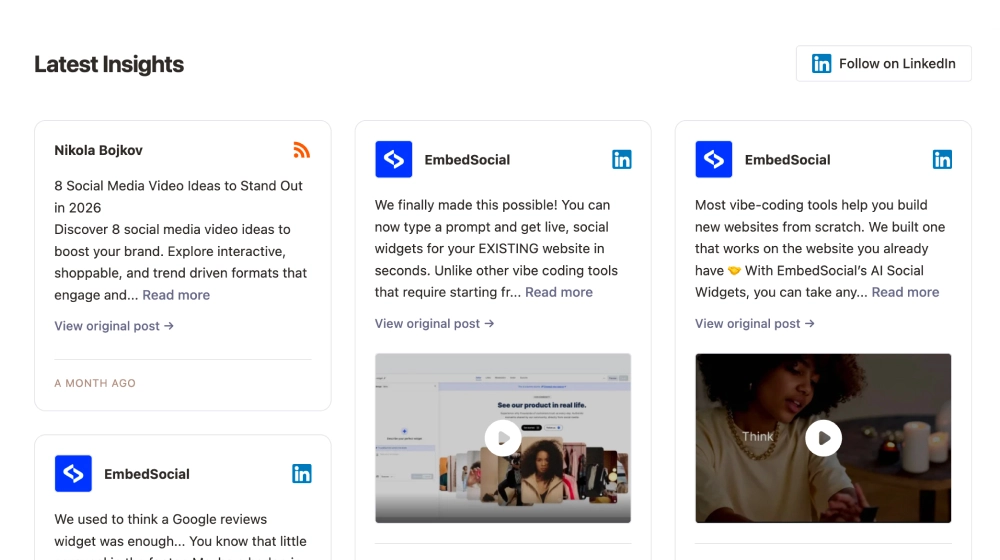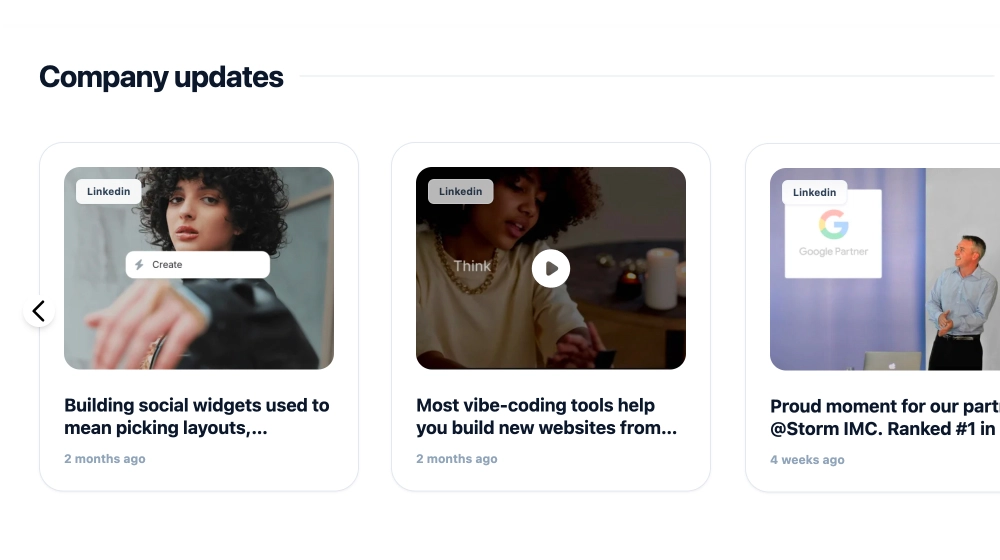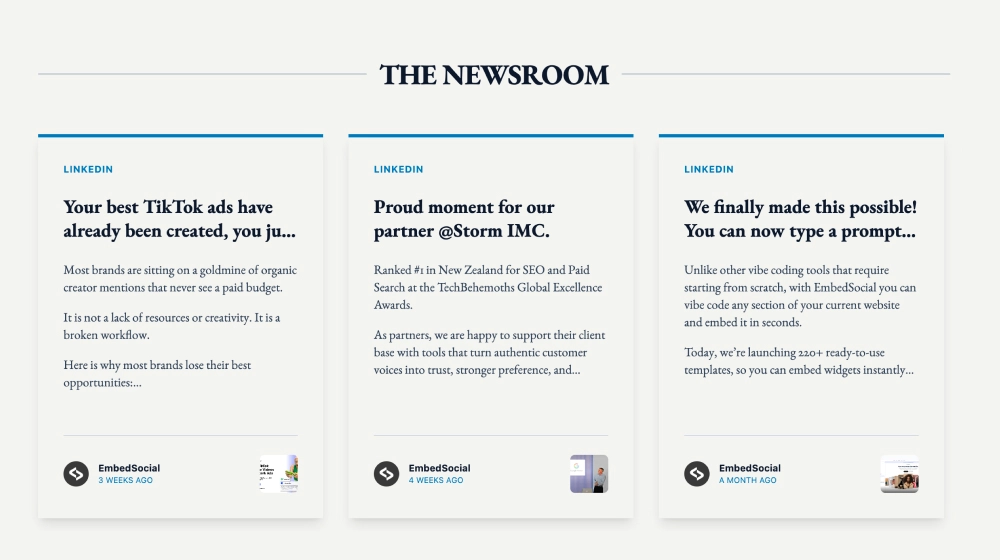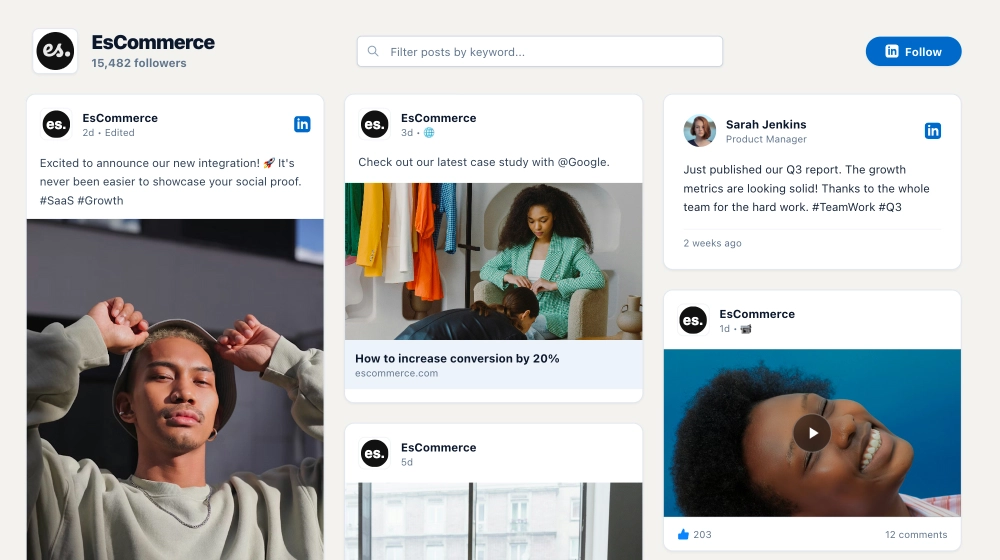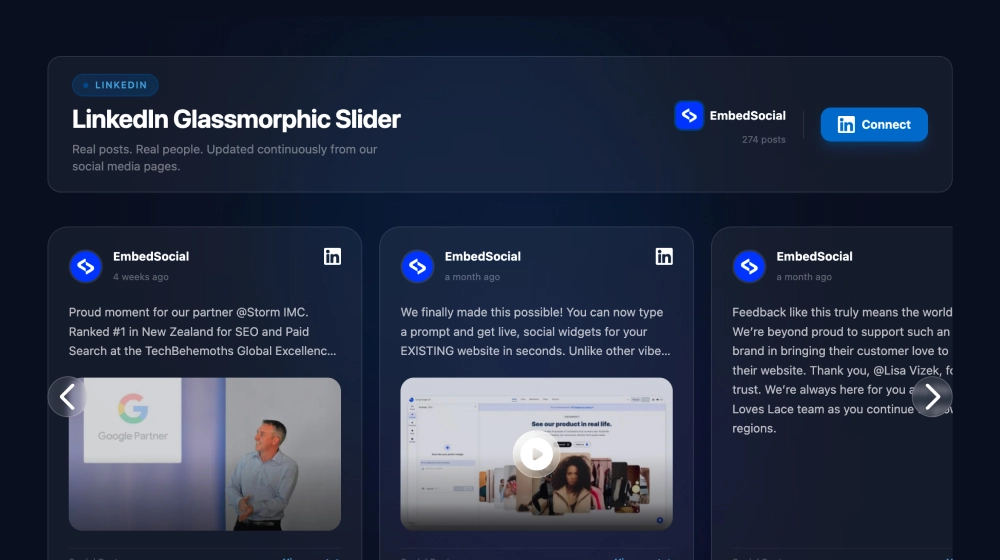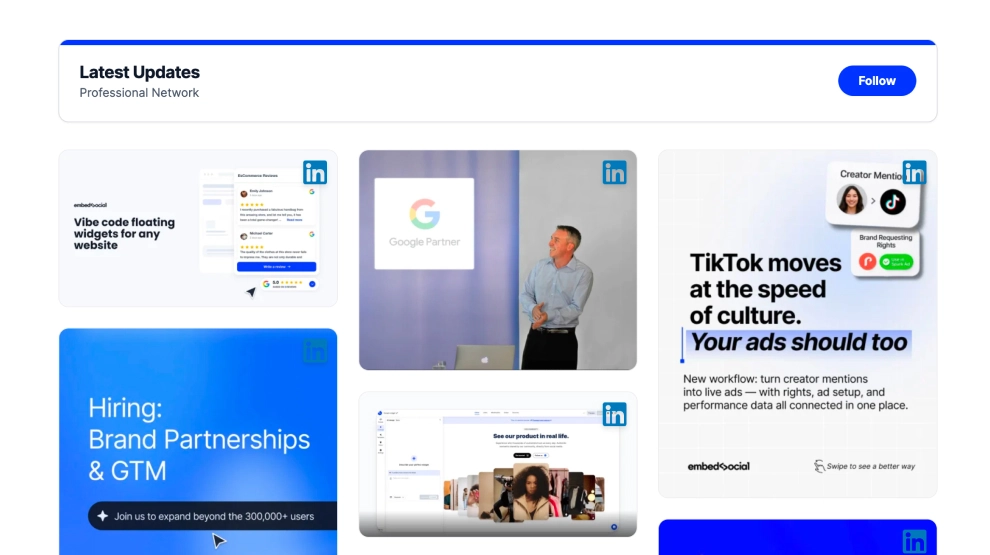
This LinkedIn widget turns professional content into a visual update board that feels cleaner and more modern than a standard post feed. Instead of focusing on long text previews, it highlights image-based LinkedIn posts in a structured grid, making company updates, campaign creatives, product announcements, and hiring posts easier to scan on the page.
What makes it work
- Visual-first LinkedIn layout: The grid emphasizes image posts, which helps professional content feel more engaging and easier to browse.
- Clean updates header: The section title, short subtitle, and
FollowCTA frame the content as an ongoing professional update stream. - Structured card grid: Multiple posts appear at once, giving visitors a broader view of the brand’s LinkedIn activity.
- LinkedIn identity cues: Platform icons on the cards make the content source instantly recognizable.
- Great for campaign content: The layout works especially well for hiring creatives, product visuals, announcements, and event posts.
- Professional but accessible feel: The feed stays aligned with LinkedIn content while looking more design-friendly on a website.
- Easy follow action: The
Followbutton gives visitors a clear next step after viewing the updates.
Best fit for
- Company update sections
- SaaS and startup websites
- Careers pages
- Brand announcement blocks
- Businesses that want LinkedIn content to feel more visual and easier to scan
How to embed it
- Connect your LinkedIn content source in EmbedSocial.
- Choose the LinkedIn Photo Grid Widget template.
- Customize the section title, subtitle, visible post details, and follow button.
- Set how many image posts should appear in the grid and how the layout should behave across devices.
- Copy the embed code.
- Paste it into your website, landing page, or CMS and publish.
Show LinkedIn updates in a grid that feels more visual, more modern, and easier to explore on your website.