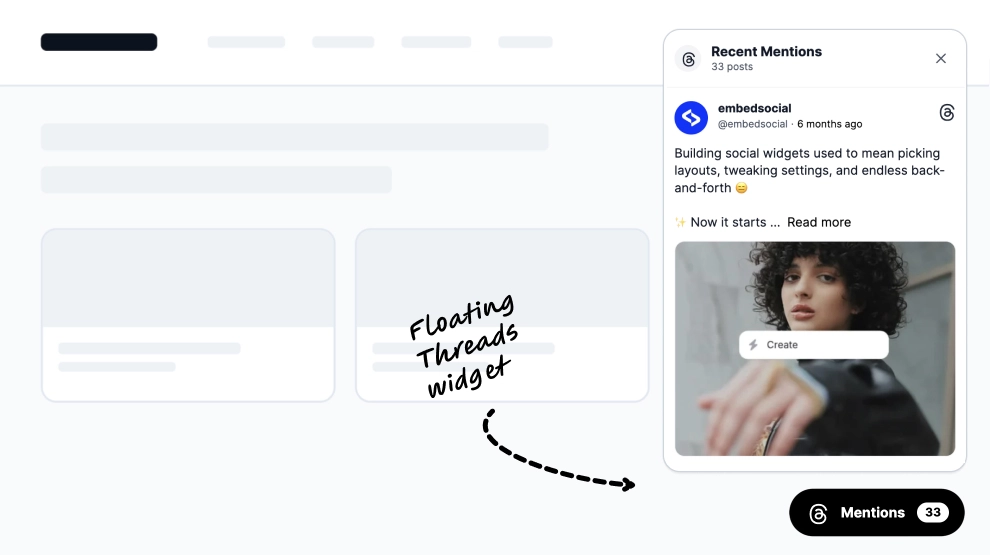
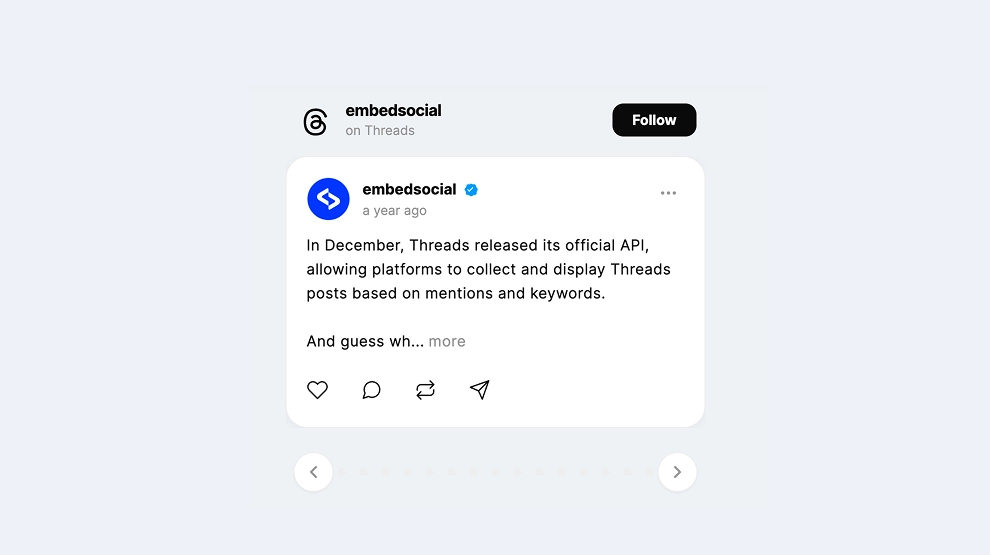
This Threads widget turns keyword-based social listening into a clean, live-looking content feed on your website. Instead of tracking only one profile, it gathers public Threads posts around a chosen keyword and displays them in a structured grid, helping brands monitor conversations, trends, and sentiment in a more visible and actionable way.
What makes it work
-
Keyword-first monitoring: The widget focuses on what people are saying around a topic, not just what one account publishes.
-
Live conversation framing: The
Livelabel and visible mention count make the feed feel timely and active. -
Multi-source Threads feed: Posts from different creators and accounts appear together, giving a broader view of the conversation.
-
Structured content grid: Multiple posts can be scanned at once, which makes monitoring easier than checking one post at a time.
-
Mixed content support: Text posts and media-based posts can appear together in the same listening feed.
-
Read-more previews: Post excerpts stay compact while still giving enough context to understand the theme of the discussion.
-
Useful for brand intelligence: The feed helps surface trends, questions, sentiment, and competitor-adjacent conversation around a keyword.
Best fit for
-
Social listening dashboards
-
Brand monitoring pages
-
SaaS and startup websites
-
Marketing and trend-reporting pages
-
Businesses that want to surface keyword-based Threads conversation publicly or internally
How to embed it
-
Connect your Threads keyword source in EmbedSocial.
-
Choose the Threads Keyword Monitoring Widget template.
-
Customize the keyword label, live indicator, visible post details, and mention count.
-
Set how many posts should appear and how the grid should behave across devices.
-
Copy the embed code.
-
Paste it into your website, dashboard, landing page, or CMS and publish.
Track what people are saying on Threads with a keyword feed that makes social listening easier to see, browse, and share.