A testimonial section should answer one quiet question: “Why should I believe you?” The best ones pair a real customer voice with enough context to make the proof feel relevant, then place it where a visitor is deciding what to do next.
The designs below are live EmbedSocial templates with direct page links. Use the list to choose a direction, then build a live section with a social proof widget.
Build a testimonial section with real proof
Connect your review or social source, select a layout, moderate what appears, and embed it on the page where visitors need reassurance. A testimonial widget keeps proof easier to refresh than a hard-coded quote block.
Start with the job your testimonial section needs to do
- One excellent quote: use a featured card, split layout, or photo-led spotlight near a CTA.
- A handful of short reviews: use cards, tabs, or a controlled carousel.
- A large collection of proof: use a wall, waterfall, or dedicated reviews page.
- Strong customer video: use a video reel or video wall, with a written summary nearby.
- Very little page space: use a badge, avatar cluster, or ticker as supporting proof.
Readable cards and clear reviewer identity matter more than heavy motion. In a r/webdesign critique, reviewers called out the disconnect created when the photo, rating, and review did not clearly belong together. Build each card as one piece of evidence, not a collection of decorative parts. For the wording that carries that weight, these testimonials examples show what a specific, credible quote reads like.
Why the proof itself deserves design attention
BrightLocal’s 2026 consumer study reports that 97% of consumers read reviews for local businesses and that the average consumer uses six different review sites while choosing a business. A testimonial section should make it easy to answer who said this, what happened, and why it matters.
20 testimonial section designs to adapt
1. Customer testimonials section
Where to use it: A homepage or feature page after the core value proposition. How to use it: Pair a clear heading and rating with three to five concise reviews, then link to a fuller review destination. Explore the template.
2. Photo testimonials slider
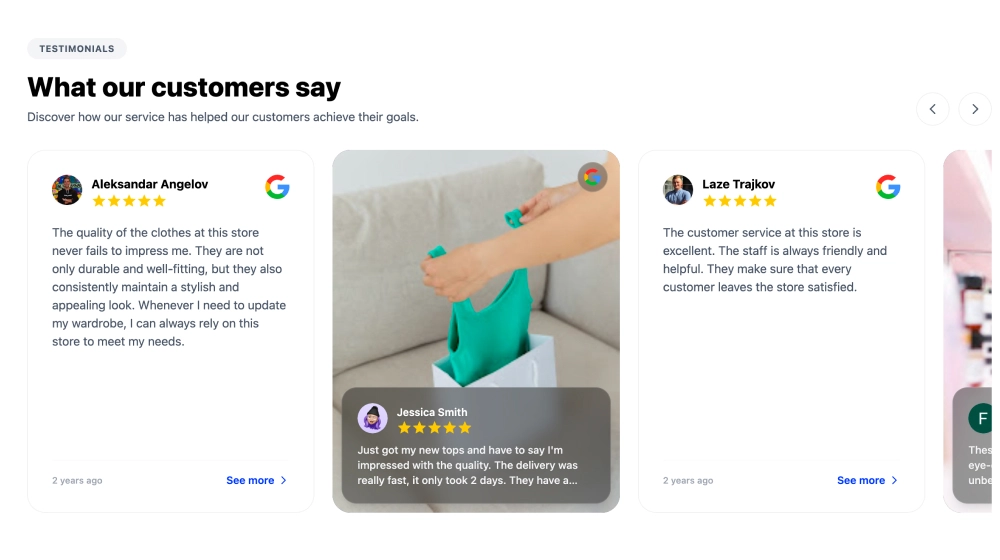
Where to use it: Product, travel, hospitality, and visual-commerce pages. How to use it: Match each review to a real customer or product image and keep the main quote short. Explore the template.
3. Video reels and stories
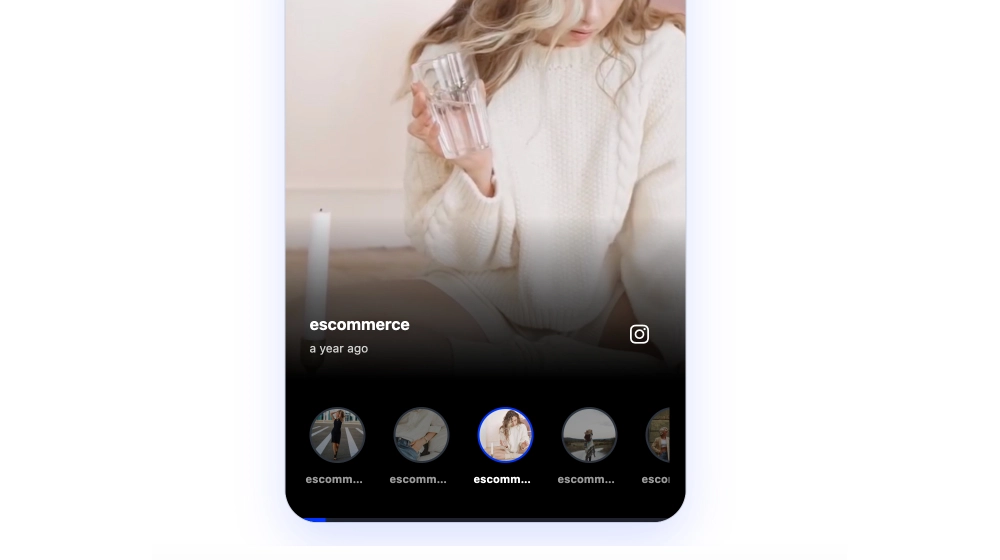
Where to use it: Brand, creator, and campaign pages with authentic customer clips. How to use it: Lead with the strongest five to 15 second moment and include a written summary. Explore the template.
4. Bento testimonial grid
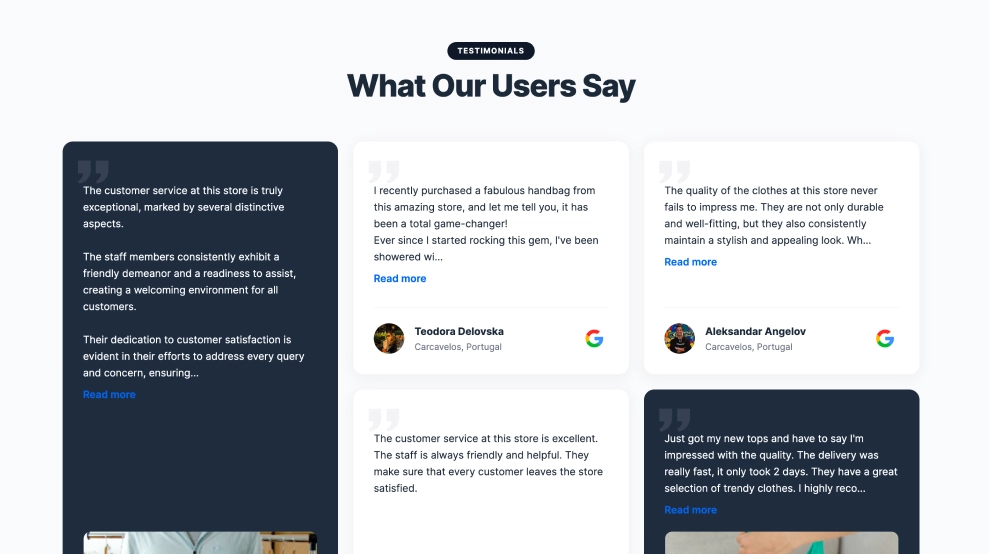
Where to use it: Premium SaaS, ecommerce, and modern brand landing pages. How to use it: Reserve the largest card for your most specific outcome and use smaller cards for supporting proof. Explore the template.
5. Featured review carousel
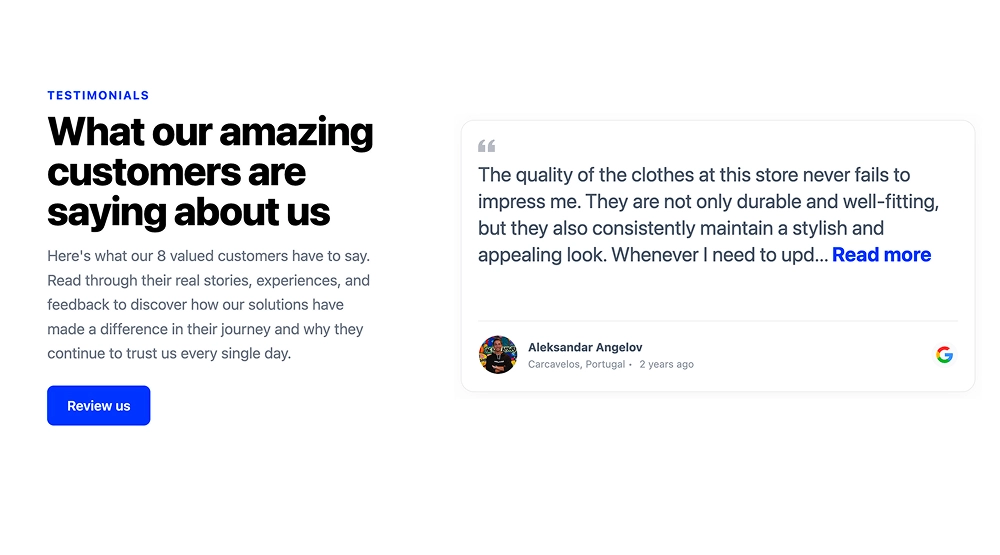
Where to use it: A product, pricing, or services page where one detailed review addresses hesitation. How to use it: Give the feature review room and keep supporting copy brief. Explore the template.
6. Photo-led customer story
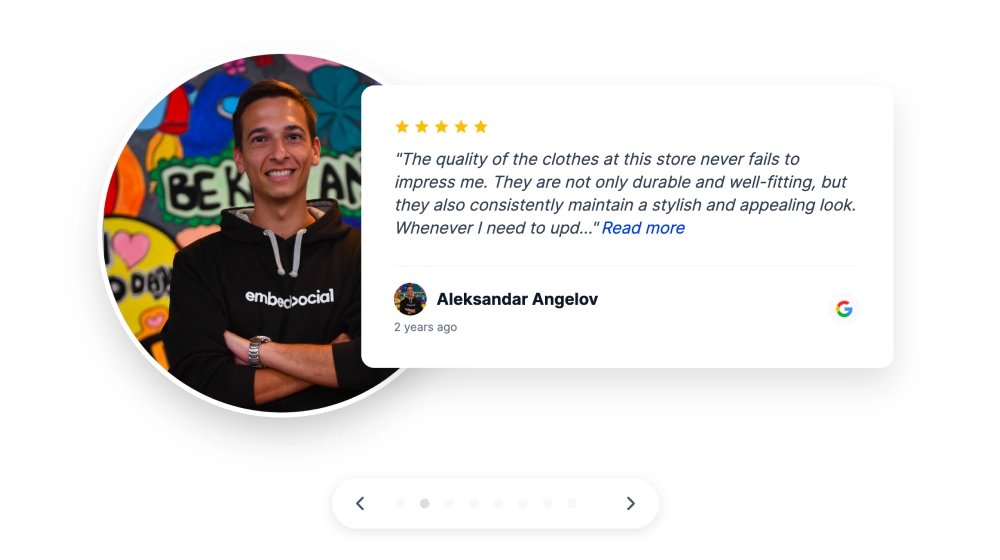
Where to use it: Agency, service, and B2B pages where the person behind the result matters. How to use it: Use a genuine reviewer image and put role, company, and source beside the quote. Explore the template.
7. Waterfall testimonials page
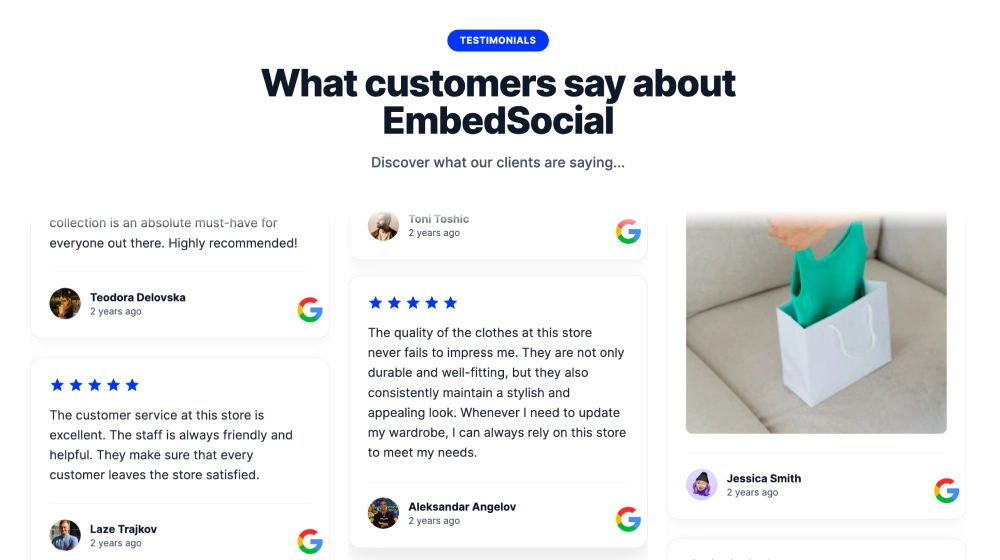
Where to use it: A dedicated reviews page, portfolio, or resource hub with substantial proof volume. How to use it: Let card heights vary naturally and add filters or a clear CTA. Explore the template.
8. Dark social proof section
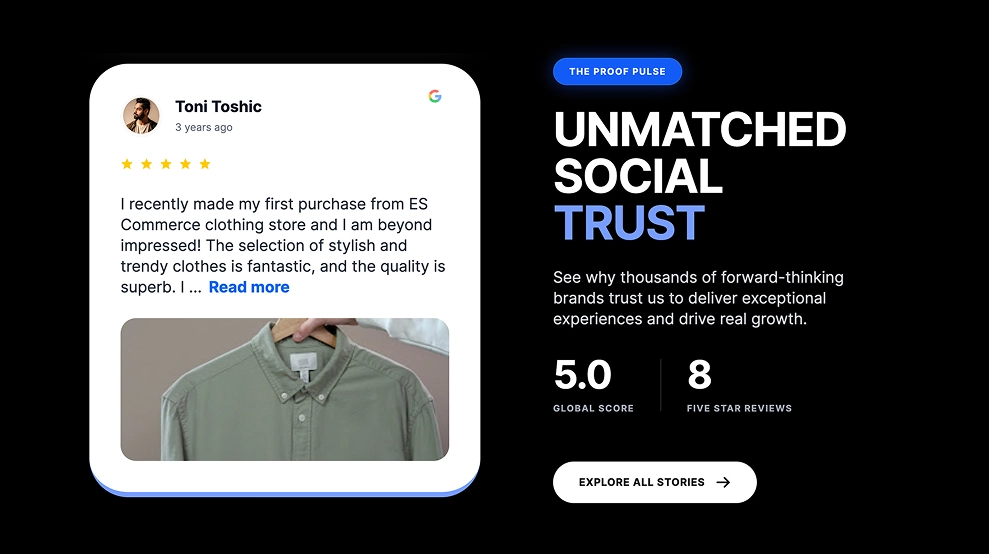
Where to use it: After pricing, plans, or a conversion-focused feature block. How to use it: Keep text, stars, and metrics readable at a glance. Explore the template.
9. All-purpose social proof
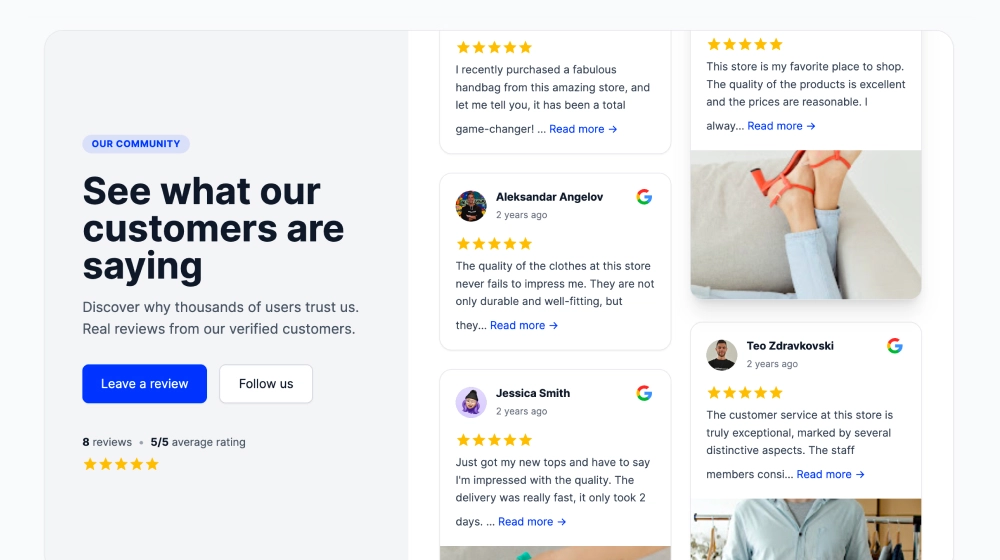
Where to use it: Between a benefit section and a form or purchase action. How to use it: Match the heading to the claim above it and select reviews that verify that benefit. Explore the template.
10. Avatar trust signal

Where to use it: Directly beside a trial, booking, or checkout CTA. How to use it: Treat it as a quick credibility cue and support it later with full reviews. Explore the template.
11. Review tabs

Where to use it: B2B, services, or multi-product pages where visitors need relevant proof. How to use it: Name tabs by use case, industry, or product. Explore the template.
12. Controlled reviews carousel
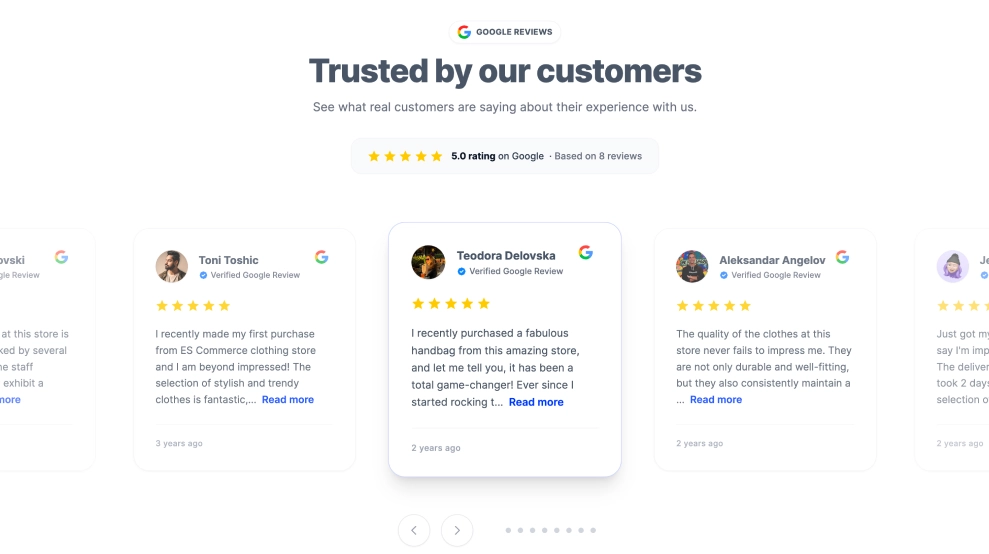
Where to use it: A compact homepage or landing-page band with limited vertical space. How to use it: Show manual controls, avoid aggressive autoplay, and put the strongest review first. Explore the template.
13. Google reviews ticker

Where to use it: A footer, hero transition, or page divider. How to use it: Keep the ticker slow, readable, and supplementary. Explore the template.
14. Google reviews trust badge
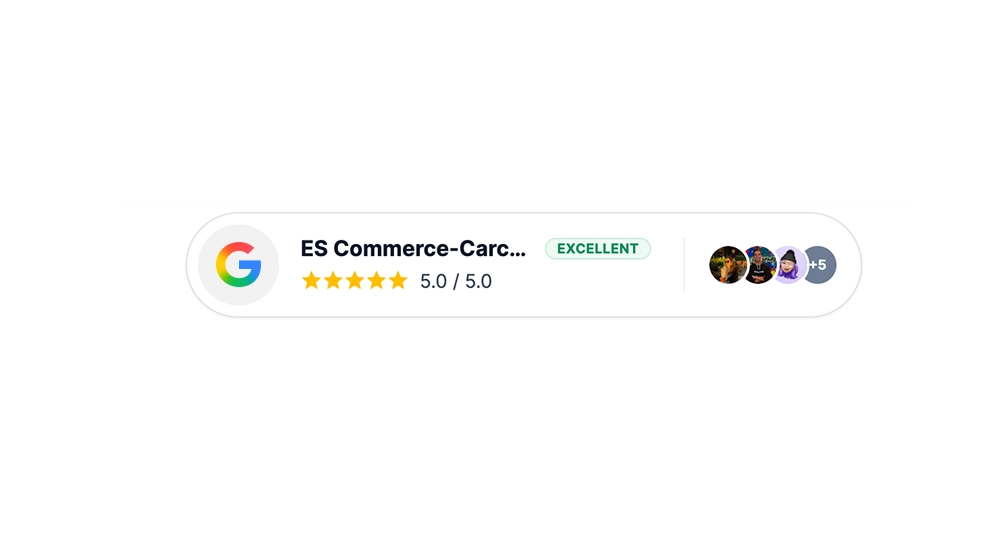
Where to use it: Beside a price, booking tool, or form submission button. How to use it: Keep it close to the action and pair it with a clear source and rating. Explore the template.
15. Review ticker banner
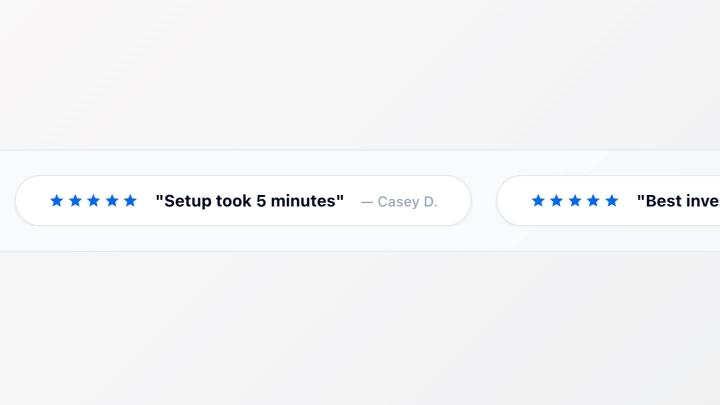
Where to use it: Directly below a hero or between long-form sections. How to use it: Limit each snippet to one useful sentence and follow it with complete reviews. Explore the template.
16. Modern review cards
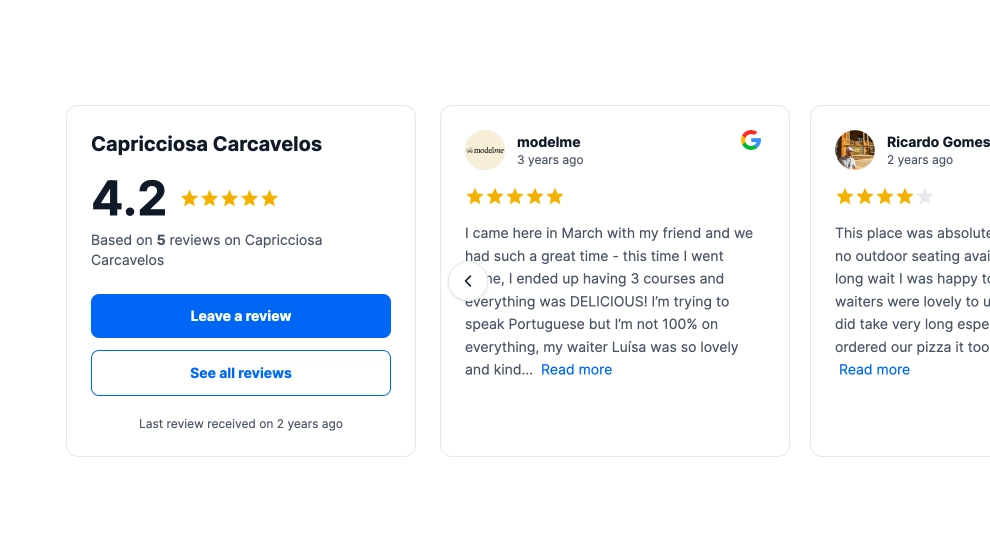
Where to use it: A clean SaaS, professional-services, or ecommerce landing page. How to use it: Preserve generous spacing and keep decoration lighter than the review. Explore the template.
17. Rotating review carousel
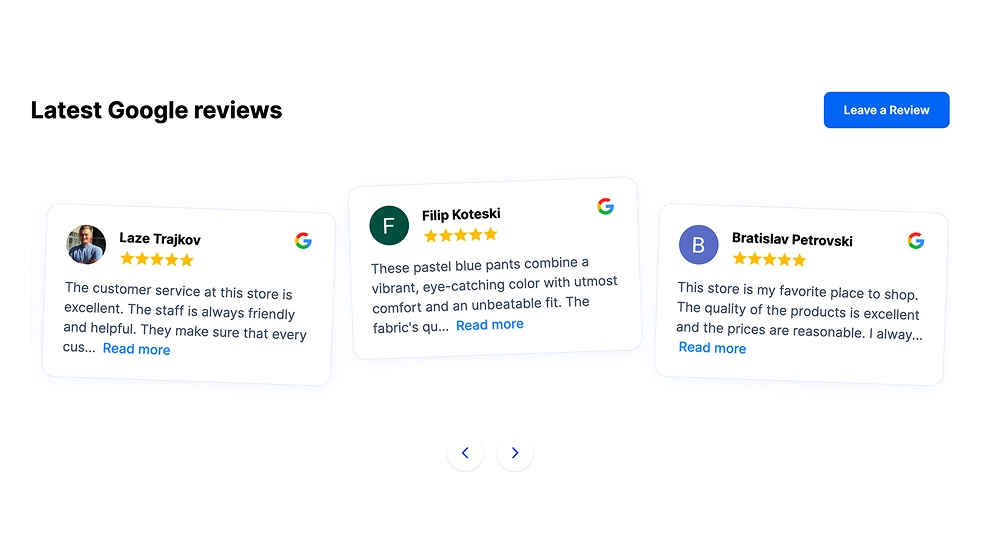
Where to use it: A narrow conversion section with short, consistently themed reviews. How to use it: Disable aggressive movement and let visitors control rotation. Explore the template.
18. Dedicated Google reviews page

Where to use it: A full proof hub linked from your homepage, navigation, or product pages. How to use it: Let visitors browse a larger set of real reviews without overwhelming a conversion page. Explore the template.
19. Real stories review rail
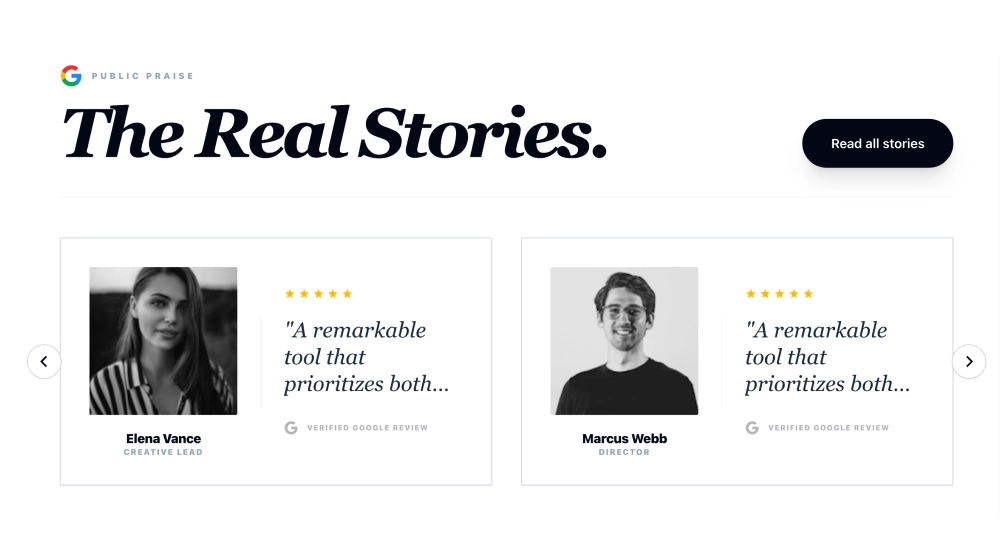
Where to use it: A solutions or services page where customers describe a before-and-after result. How to use it: Choose reviews with enough story detail to be meaningful and lead with the outcome. Explore the template.
20. Simple Google reviews slider
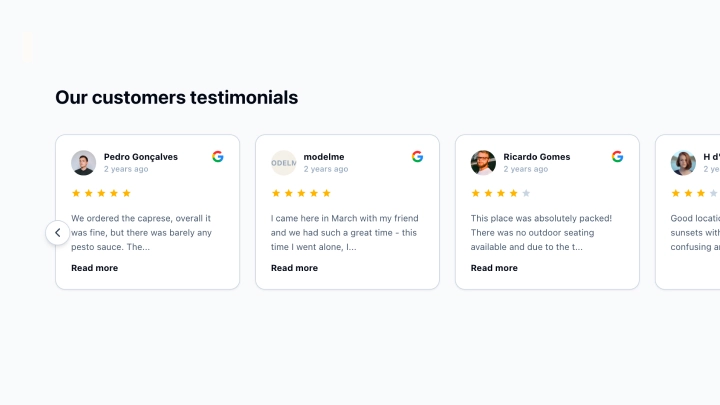
Where to use it: A first review section on a local-business or services website. How to use it: Start with real Google feedback, set a readable card size, and use a specific trust-building heading. Explore the template.
The five design rules that make any layout more credible
Keep each review intact
Do not split the quote, reviewer name, company, rating, and source into unrelated visual pieces. A customer should be identifiable enough for the testimonial to feel accountable.
Match the layout to proof volume
A carousel can be elegant with three to six short reviews. Use a wall of love or dedicated page when volume is part of the story, and follow how to build and embed one for the full setup.
Put proof near the relevant decision
Place a compact testimonial beside a sign-up or booking action. Place detailed reviews below the benefit or feature they validate.
Make the section part of the page system
Use the same typography, color logic, spacing, and image treatment as the page around it. Restrained layouts near decision points make the message easier to find.
Never use fake praise
Do not publish invented testimonials just to complete a layout. A WordPress community discussion recommended waiting for real feedback and giving every review credible attribution. If you have nothing to publish yet, ask for feedback first with a customer feedback form, then design the section around the reviews that come back.
How to create a testimonial section with EmbedSocial
- Start a free trial and create your account. Begin in EmbedSocial so you can connect real review or social proof instead of copying testimonials into a static block.
- Add your source. Go to Sources, click Add source, choose the review or social platform you are allowed to display, and complete the connection.
- Create a widget. Go to Widgets, select New widget or the AI creation path, and choose the source you connected.
- Pick a template and add your website URL. Start with one of the designs above, then use the website URL option to fetch your site colors and establish a custom starting point.
- Make the proof page-specific. Set the heading, visible reviews, review order, spacing, and call to action so the testimonial section supports the page where it will appear.
- Copy the embed code and publish it. Open the Embed tab, copy the generated code, and add it in your website’s supported custom-code area. The docs carry platform-specific paths for WordPress, Webflow, Wix, and Shopify.
Official tutorial: Create your first widget with the AI Widget Builder →