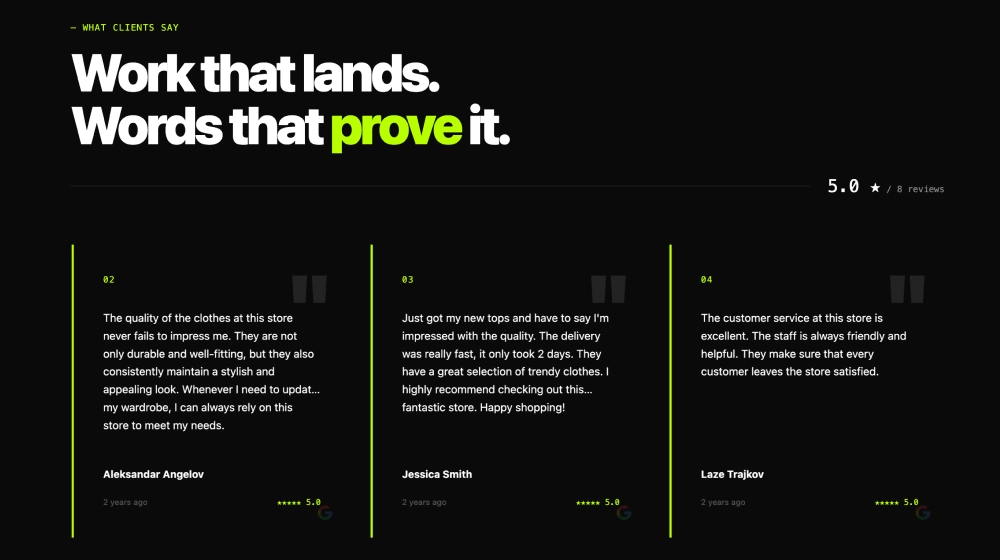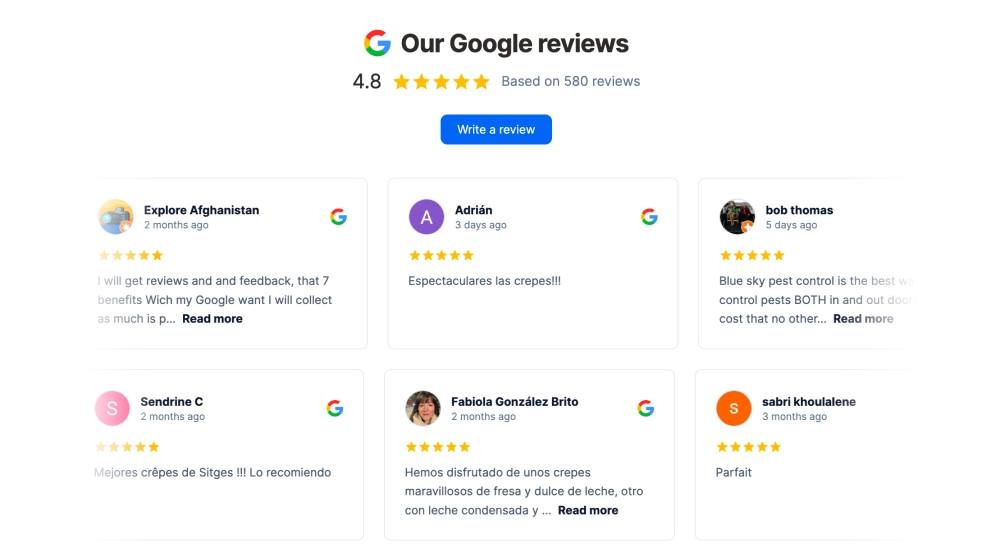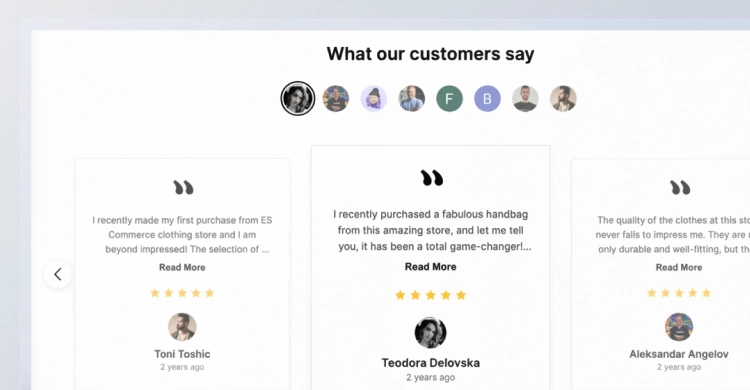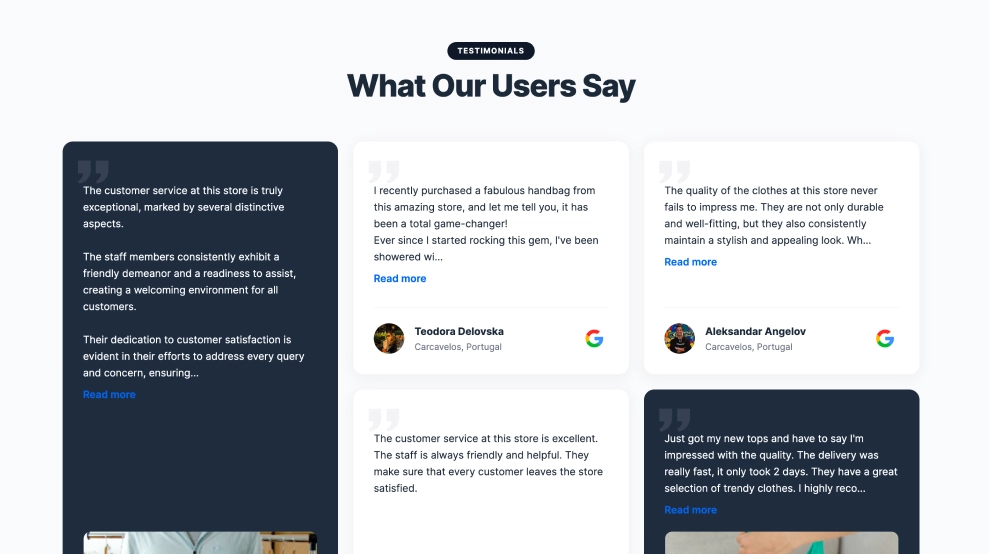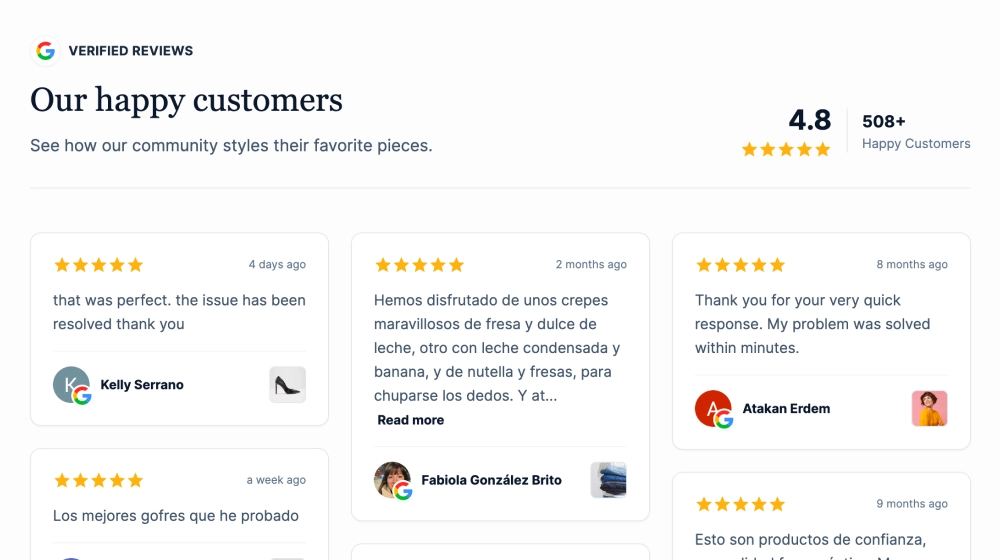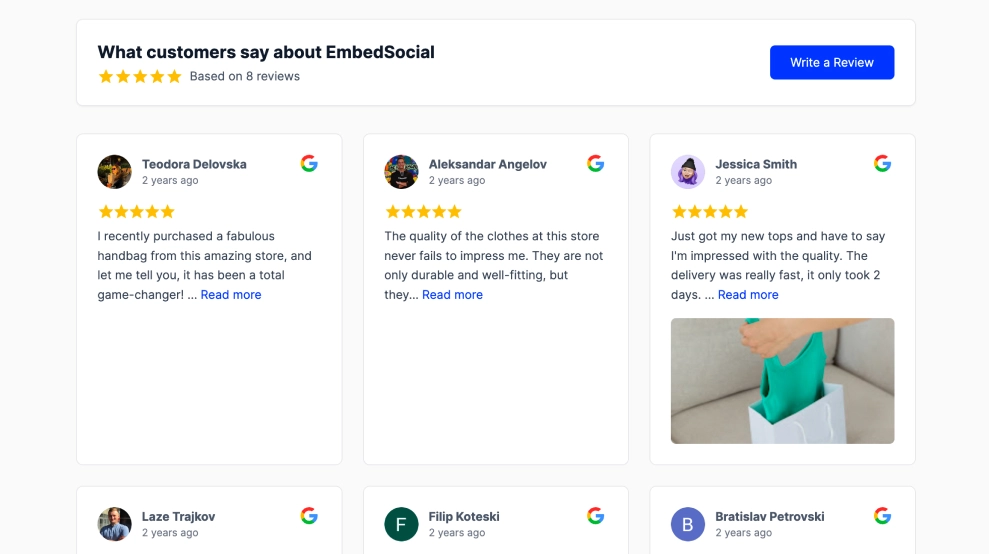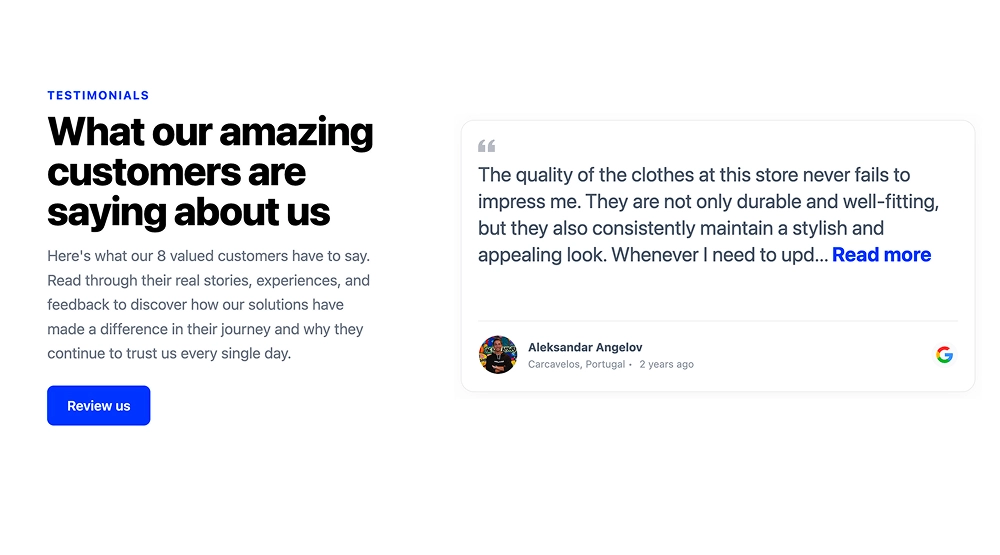
A testimonial carousel shows one customer review at a time in a large card, with arrows to slide to the next, so each testimonial gets room to be read. This template splits the section in two: your own intro on the left (a label, a headline, a short paragraph and a Review us button) and the review card on the right, with the reviewer’s photo, name, location, date and the Google icon.
What the carousel shows
- On the left: a small label, your headline, a short intro and a Review us button
- On the right: one large review card with a quote mark, the review text and a Read more link for long reviews
- Under the review: the reviewer’s photo, name, location and how long ago they wrote it, with the Google icon
- Arrows to slide to the next testimonial
It fits SaaS and startup sites, service landing pages, product pages with a trust section and homepage social proof: anywhere the testimonial should read like part of the page, not a wall of reviews.
How to add the testimonial carousel to your website
- Click Try this template to start your 7-day free trial on Pro.
- Click + Add source, then choose where the testimonials come from: Google to pull your Google reviews, or Custom to add testimonials yourself or import them from a CSV file.
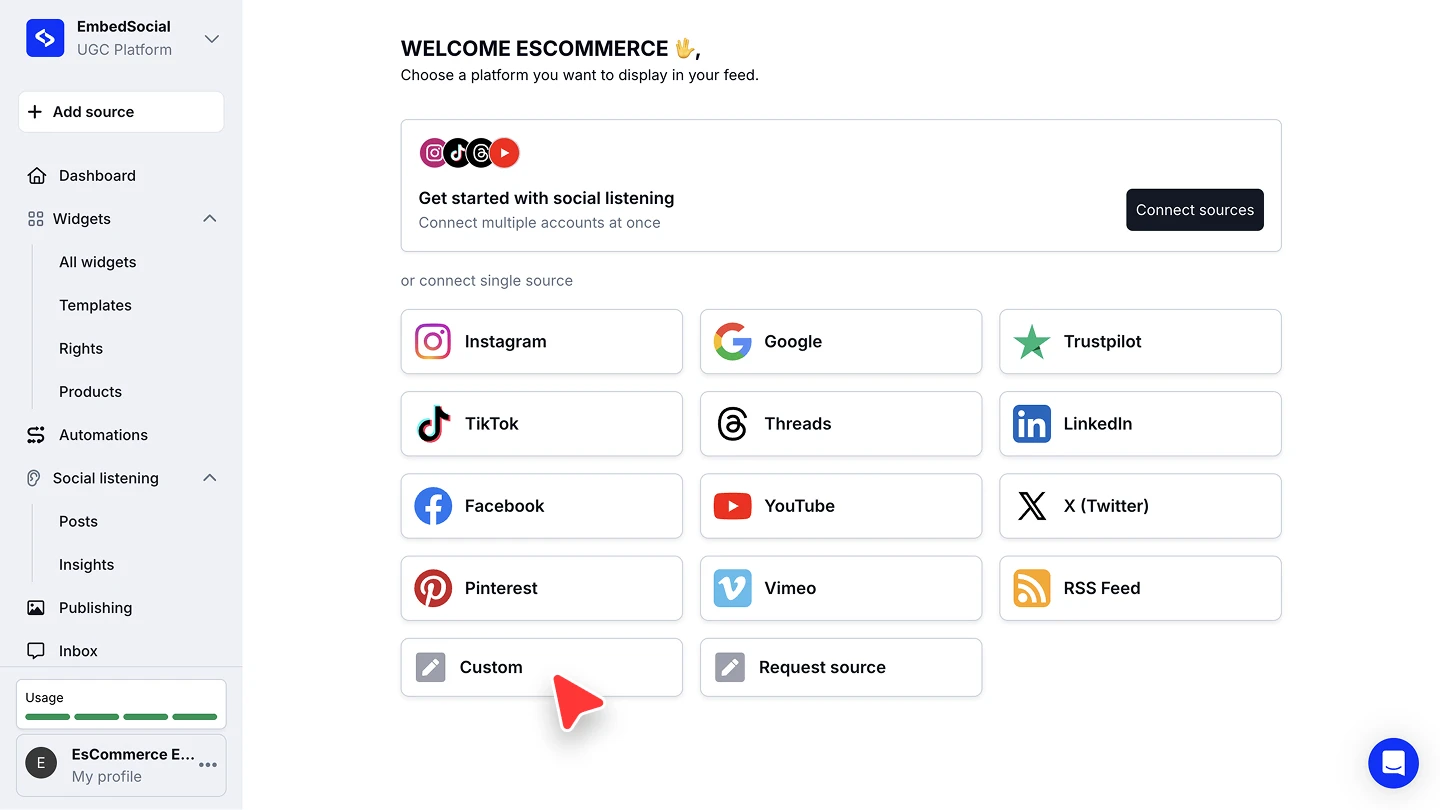
- For Google, select Reviews, sign in with the account that manages your business and pick your location. For Custom, name the source and click Add review for each testimonial (a rating and the customer’s name are required; text, photo and date are optional).
- When you’re asked to pick a widget template, choose Testimonial Carousel Widget, then edit the label, headline, intro and button on the left.
- In the widget editor, click Embed, then Copy code, and paste it into your website builder’s custom HTML or embed block.
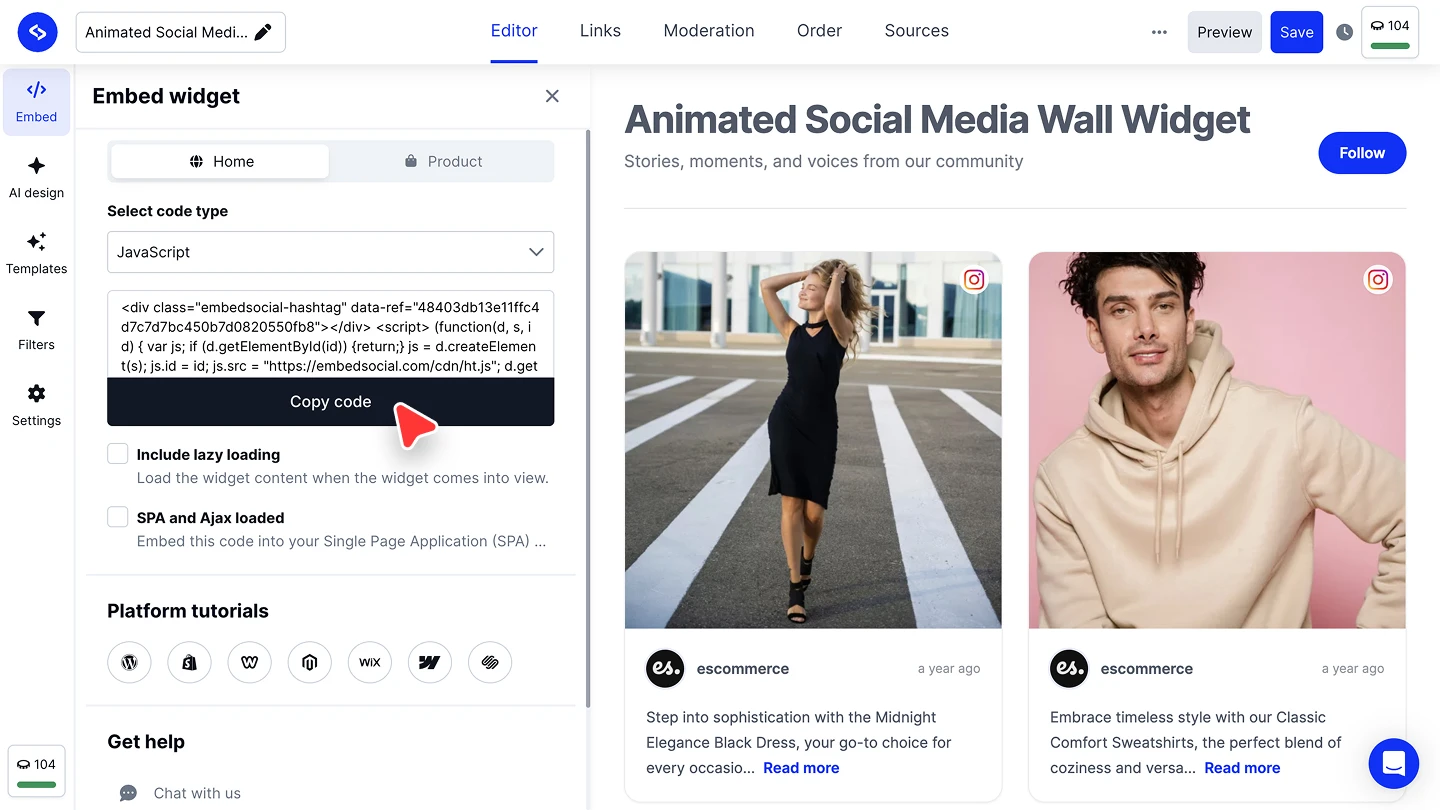


The full walkthroughs are in our Google source guide, Custom source guide and embed guide.
Carousel or a full testimonial section?
A carousel shows one testimonial at a time, which works when you have a few strong ones. If you want many at once, as a grid, a wall or a collect-and-display flow, start from the testimonial widget and its other layouts.