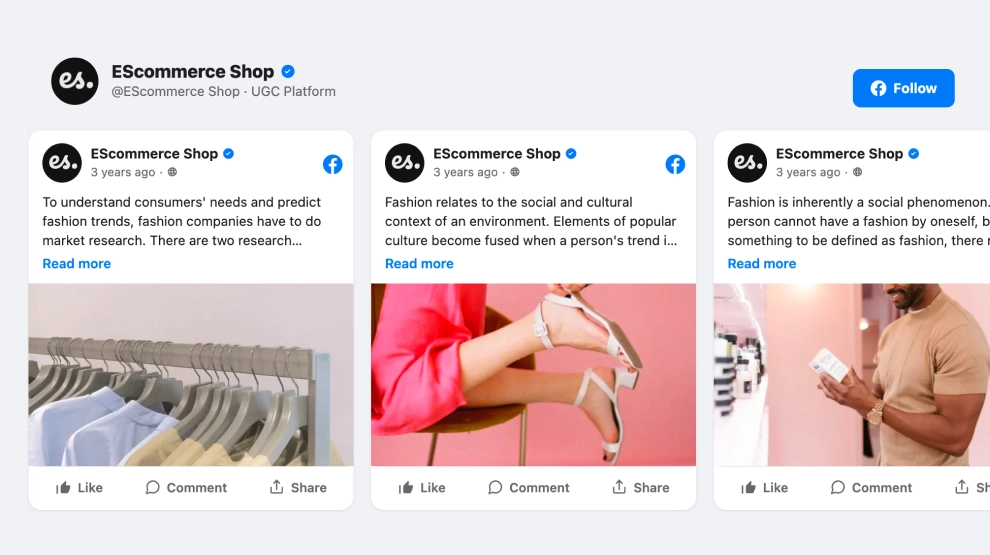
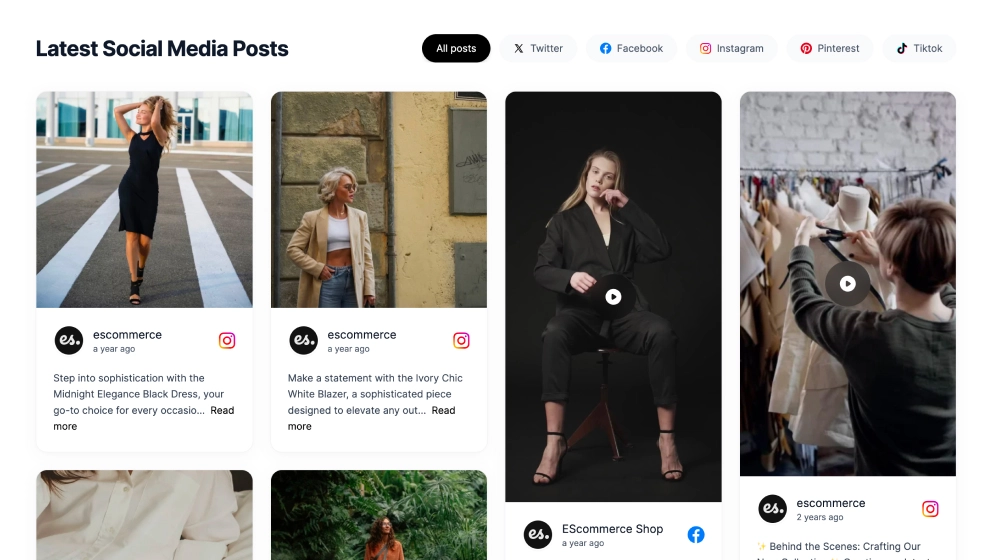
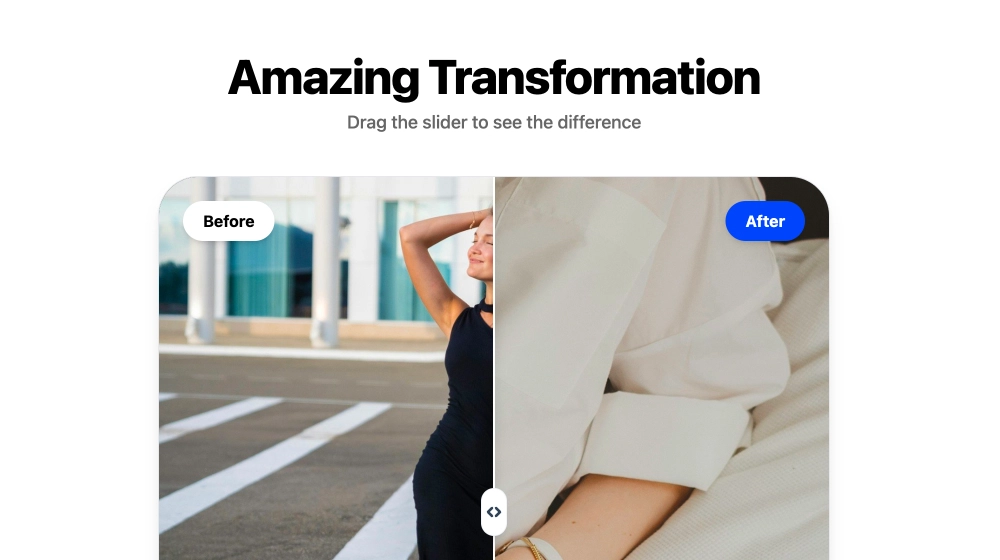
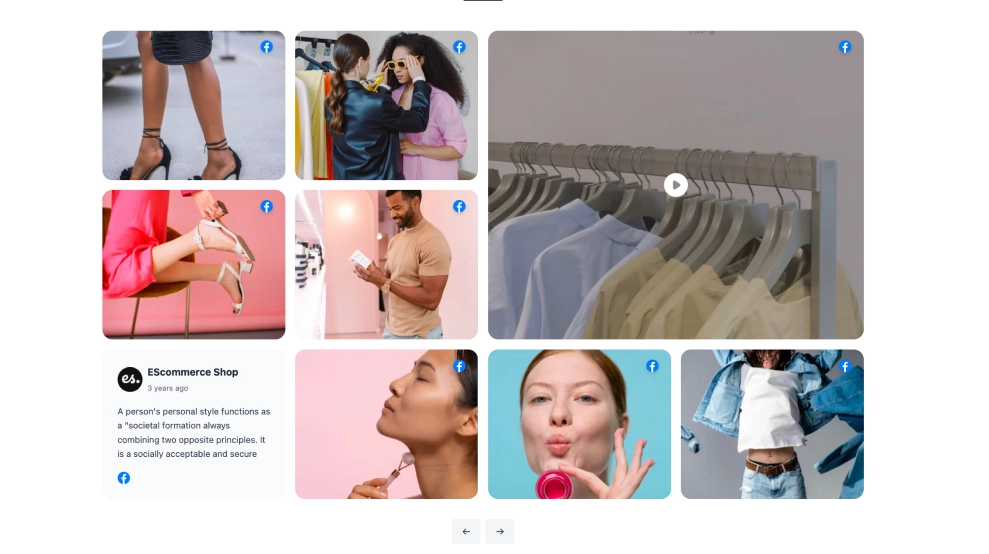
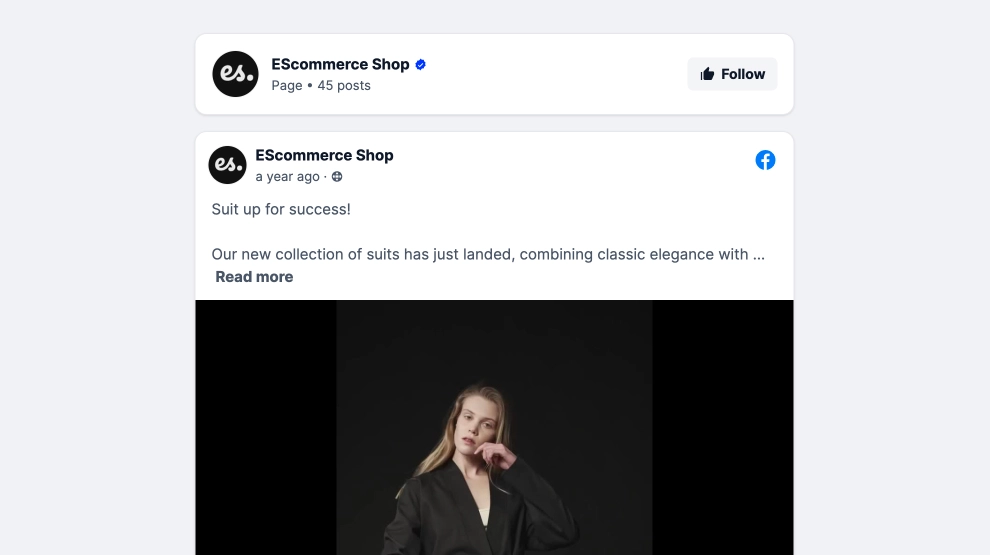
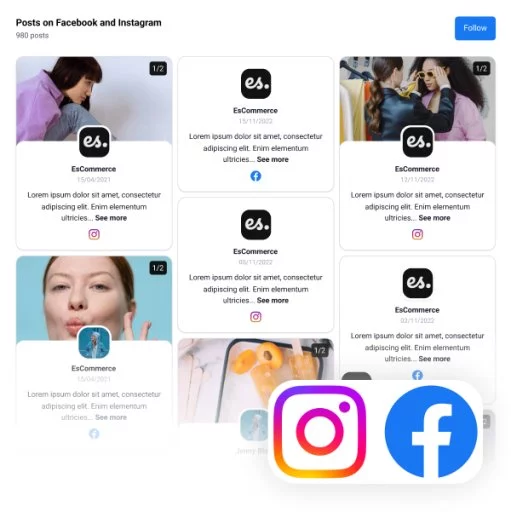
This Facebook Reels widget brings short-form video and visual updates onto your website in a structured slider that feels bold and easy to browse. With tall media cards, play-first previews, post details, and a visible Follow us CTA, it gives Facebook content a cleaner, more editorial presentation than a standard embedded feed.
What makes it work
-
Reel-style vertical cards: The tall format keeps the content aligned with the way short-form posts are naturally consumed.
-
Structured media slider: Multiple cards appear in a row, which helps visitors browse more content without scrolling through a long feed.
-
Play-first previews: Reels and video posts are instantly recognizable thanks to the centered play cues.
-
Facebook source clarity: Platform icons and post details make it easy to understand where the content comes from.
-
Visual-and-text balance: Each card pairs media with a short content preview, helping visitors get more context before clicking.
-
Editorial framing: The section title and strong borders make the widget feel more like a curated media strip than a raw social embed.
-
Follow CTA: The
Follow usbutton gives visitors a direct next step after engaging with the content.
Best fit for
-
Brand homepages
-
Ecommerce and lifestyle websites
-
Campaign landing pages
-
Creator and media pages
-
Businesses that want Facebook Reels content in a more polished website format
How to embed it
-
Connect your Facebook source in EmbedSocial.
-
Choose the Facebook Reels Slider template.
-
Customize the section title, visible post details, and follow CTA.
-
Set how many reels or posts should appear in the slider and how navigation should behave.
-
Copy the embed code.
-
Paste it into your website, landing page, or CMS and publish.
Show Facebook Reels in a slider that feels cleaner, more visual, and easier to explore on the page.