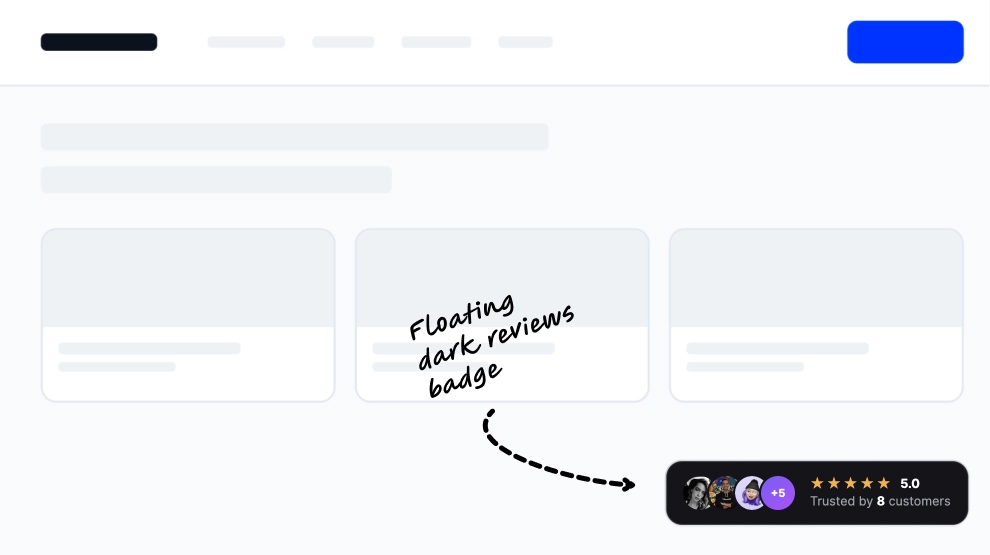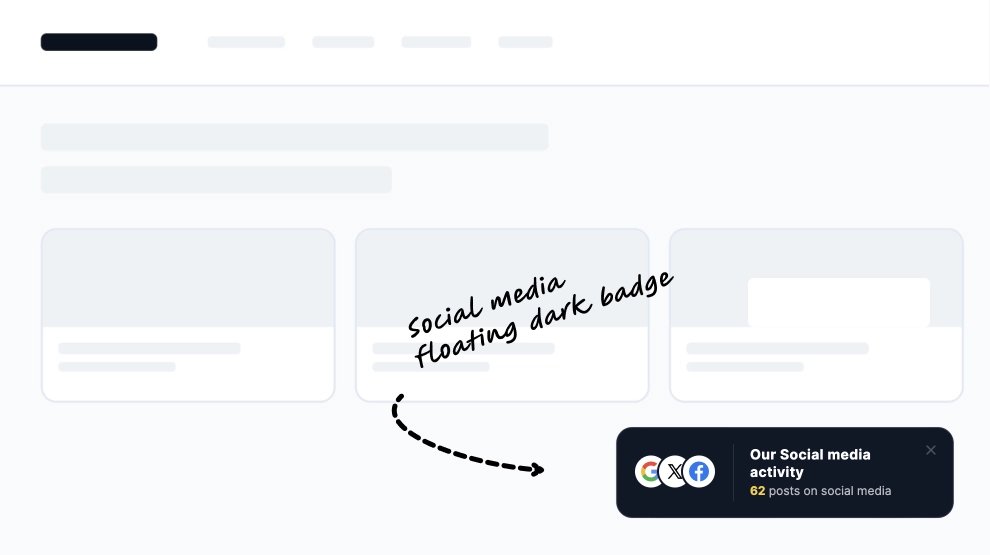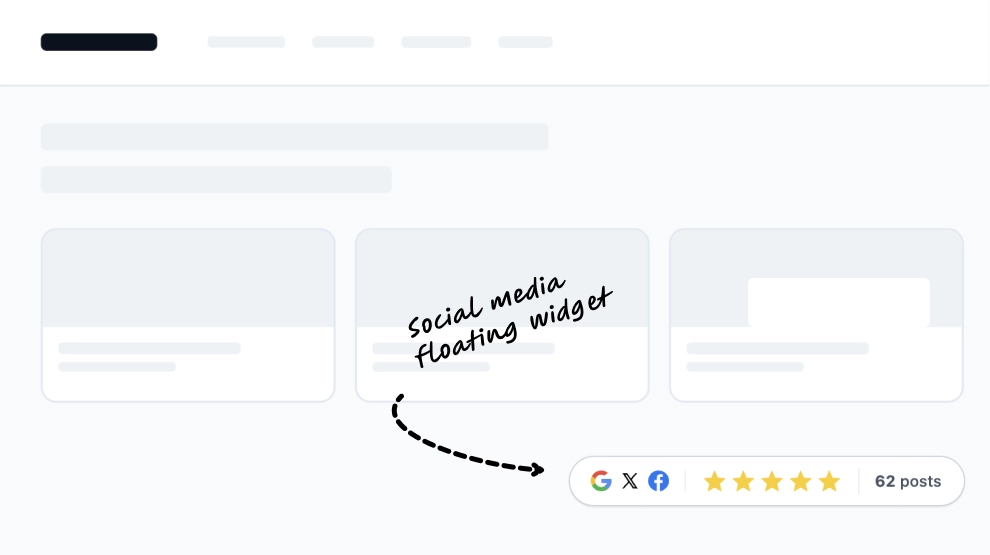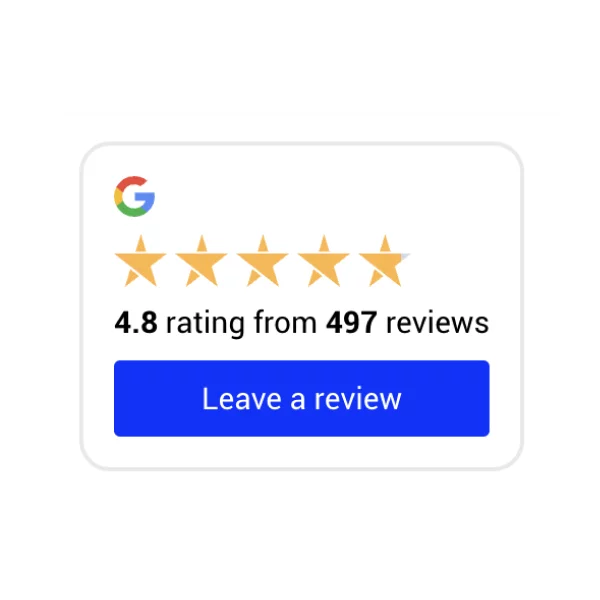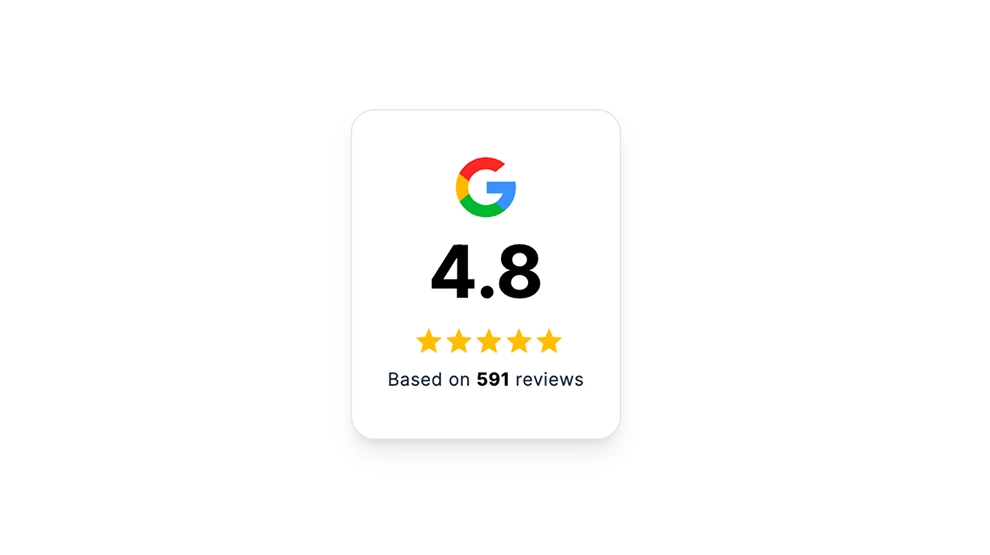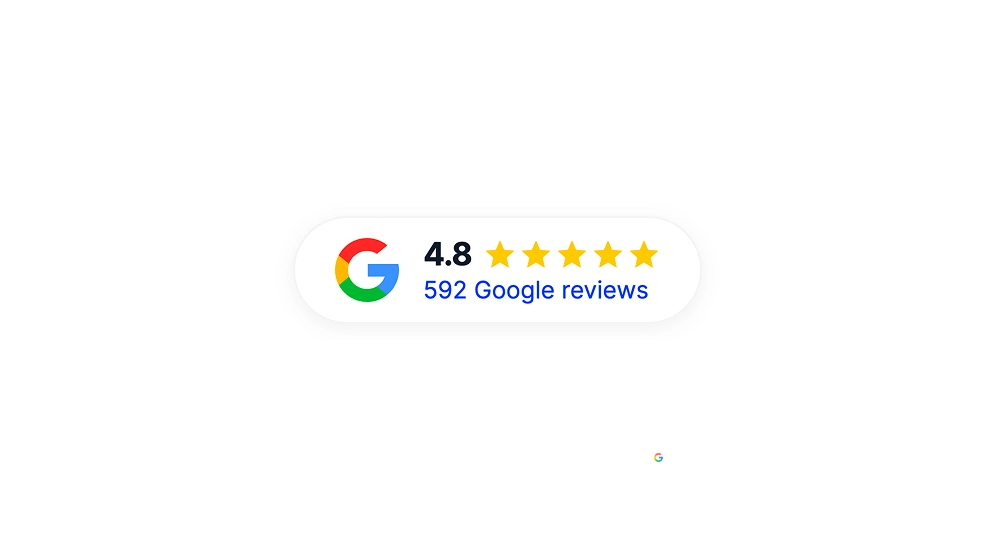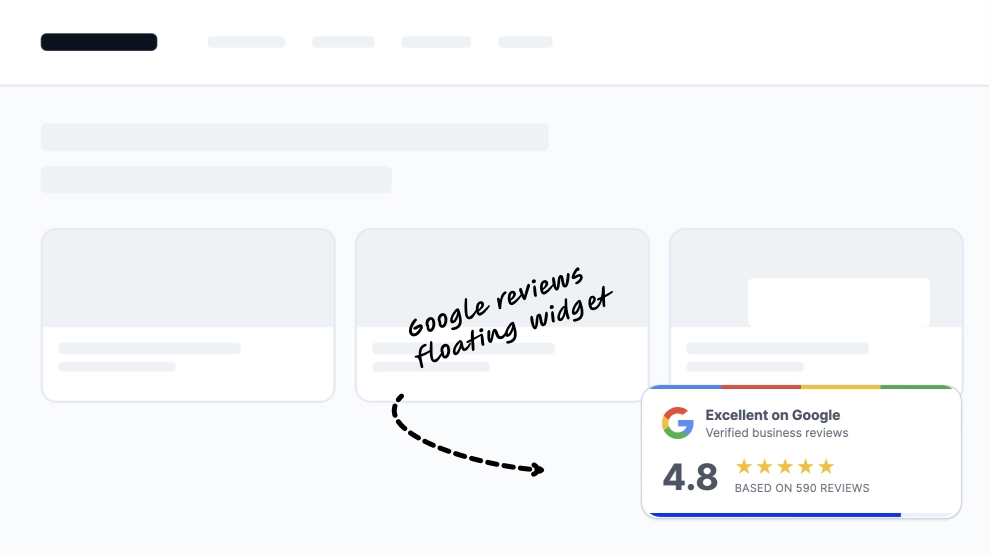
This Google reviews widget adds a compact floating trust badge directly onto the page, making your rating visible without needing a full testimonial section. It combines the Google logo, review score, star rating, and total review count into one small overlay that feels easy to place and quick to understand.
What makes it work
-
Floating trust format: The badge sits above the page content, so it adds credibility without taking over the layout.
-
Instant Google recognition: The Google logo makes the source of the reviews clear right away.
-
Clear quality signal: The
4.8score and star row give visitors an immediate sense of reputation. -
Review-volume support: The
Based on 590 reviewsline helps the rating feel established and trustworthy. -
Verification cue: The
Verified business reviewstext adds an extra layer of reassurance. -
Compact footprint: It works well in smaller spaces where a full reviews block would feel too heavy.
-
Flexible placement: The badge can sit near CTAs, hero sections, product pages, or pricing blocks.
Best fit for
-
Homepage trust areas
-
Landing pages
-
Product and service pages
-
Pricing and checkout sections
-
Any page that needs lightweight Google review visibility
How to embed it
-
Connect your Google reviews in EmbedSocial.
-
Choose the Floating Google Reviews Badge template.
-
Customize the visible score, stars, review count, and badge styling.
-
Set where the badge should appear on the page.
-
Copy the embed code.
-
Paste it into your website, landing page, or CMS and publish.
Add a lightweight Google reviews badge that keeps trust visible without adding a full reviews section.