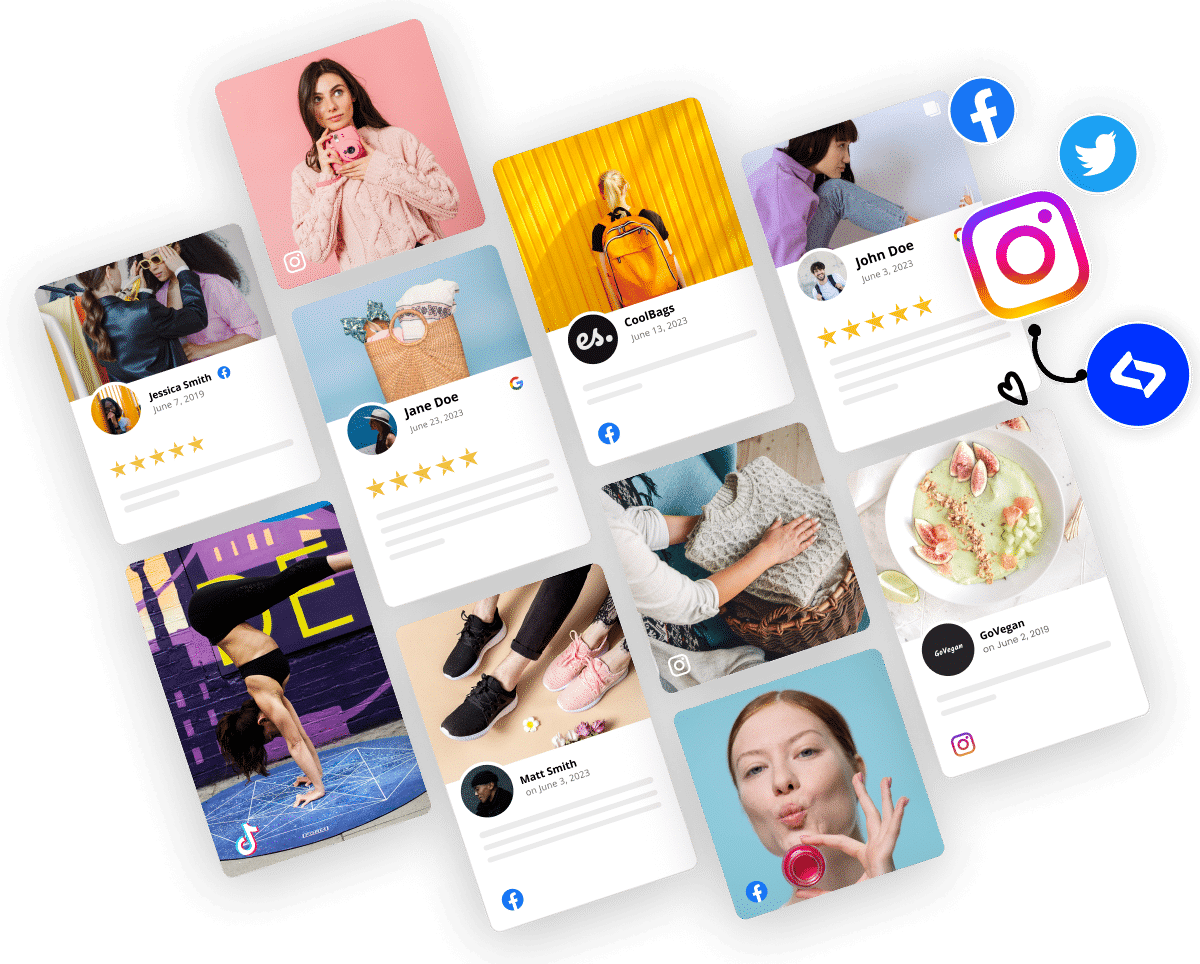
Vibe coding changes how websites are built by shifting the focus from layouts to outcomes. Instead of manually designing every element, you just describe simple website widgets.
When all is said and done, you get faster updates, fewer bottlenecks, and quicker iterations on your ideas. Plus, you won’t have to waste time and energy on rigid builders and custom code.
Vibe coding tools remove that friction, as they allow anyone to create, regardless of their level of coding knowledge. So marketers, founders, and product teams can easily build, adjust, and ship all kinds of website elements, including news sections, CTAs, hero sections, and more.
Keep on reading as I break down the best vibe coding tools to use and tell you how they actually work in real website environments. Plus, you’ll learn how to apply vibe coding to existing sites using flexible platforms like EmbedSocial. This is where speed, creativity, and control finally meet.
How has vibe coding changed website building?
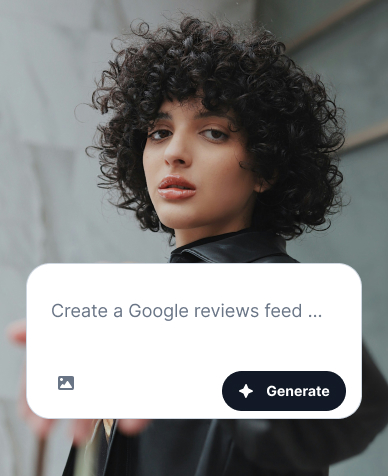
Vibe coding tools are reshaping how teams create websites in 2026, shifting the focus from manual build cycles to intent-driven, AI-assisted workflows that anyone can do.
In a website context, vibe coding means describing what you want a page to do (convert, build trust, feel modern) and letting tools handle the mechanics.
The result is less time spent on production and more time spent on messaging, testing, and growth.
What does vibe coding mean for modern website teams?
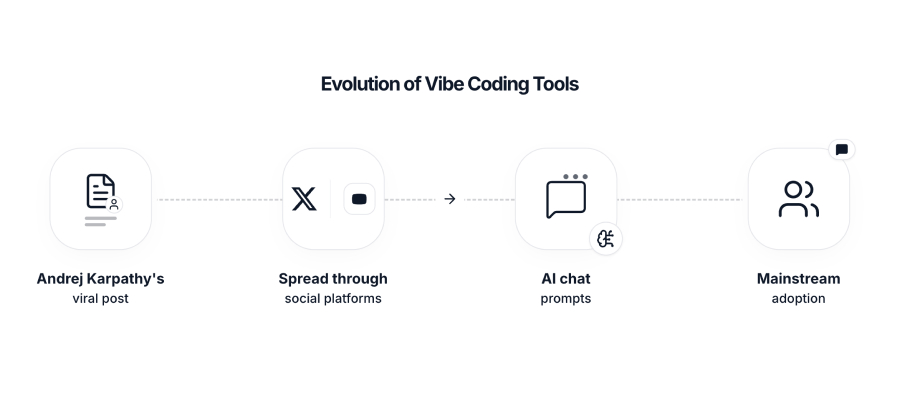
Vibe coding represents a shift from building websites by specification to building them by intent.
So, instead of planning every component or waiting on development cycles, teams describe outcomes in natural language and let tools generate layouts, sections, or site structures automatically.
The term gained momentum after Andrej Karpathy’s viral post on “vibe coding”, which reframed creation as a prompt-driven process rather than a syntax-heavy one.
It may have begun as a developer meme, but it quickly evolved into a broader movement focused on quickly building marketing websites, landing pages, and e-commerce experiences.
As adoption grew, a clear divide emerged. Most vibe coding tools excel at Day 0 creation—spinning up brand-new websites in hours. But marketers and growth teams live in a Day 1+ reality: improving existing websites, shipping updates, adding social proof, and keeping everything fresh easily.
You see, speed and iteration matter, and the pressure to publish has never been higher. However, the real challenge is improving what already drives traffic, leads, and revenue. So, that gap between “generate a site” and “operate a site” is where practical vibe coding shines or not.
Main types of vibe coding tools for websites
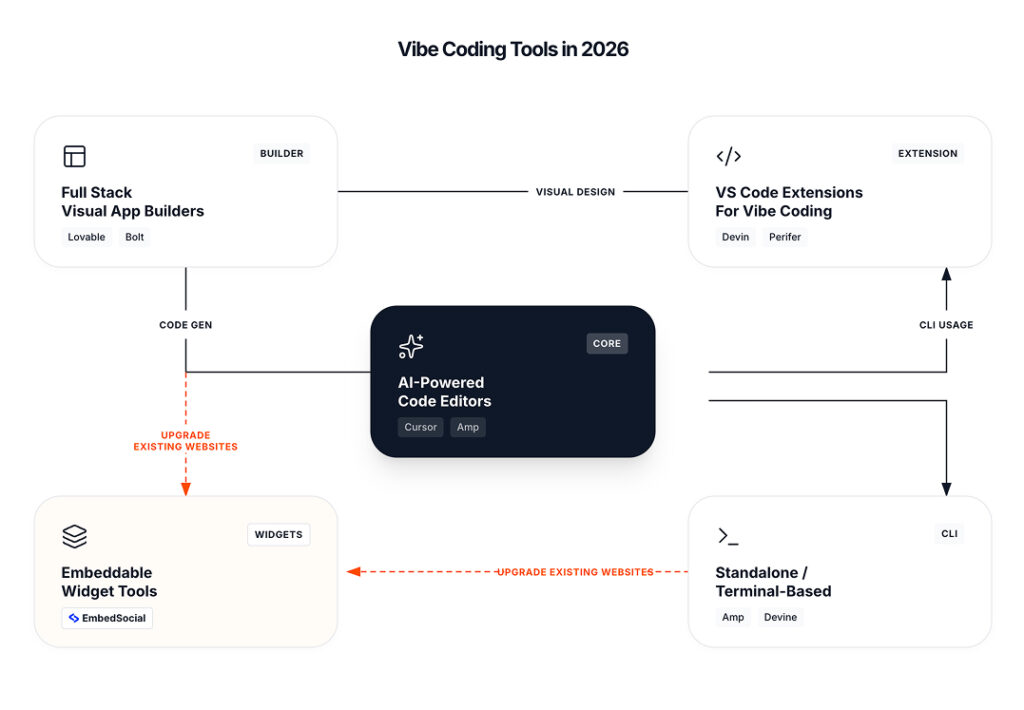
Let’s break down the core categories of vibe coding tools shaping this new era, their defining features, and where they excel or fall short when it comes to website building.
1. Tools for creating new websites from scratch
Full-stack visual builders are at the forefront of vibe coding in 2026.
For website teams, they function as powerful “new site” generators, as they can create complete experiences (front-end, backend, database, auth, payments) using visual editors or prompts.
Popular examples include Tempo Labs, Bolt.new, Lovable.dev, Replit, and Base44.
Features often include:
- Drag-and-drop visual editors
- AI-driven UI modifications
- Figma import capabilities
- Automated PRD/user flow generation
- One-click deployment
Integration is often strong, with connections to Supabase, Stripe, GitHub, and more.
But these tools are limited for marketers: they are optimized for building new websites, not upgrading existing ones. If you already have a CMS, SEO equity, established templates, and live traffic, rebuilding pages inside a new builder can create unnecessary risk and operational overhead.
2. Developer-led tools for rebuilding websites
AI-powered code editors and forks such as Cursor, Windsurf, and Trae help developers generate and refactor code faster. For websites, they can speed up development of a new theme, a new frontend, or a major redesign when engineering owns the web stack.
Key features include:
- Composer mode for structured generation
- Multi-agent workflows for planning and execution
- In-editor preview loops for rapid feedback
However, these tools are still developer-first. Marketers typically cannot ship changes without a dev workflow, and the value is strongest when the website is being built or rebuilt, not when you want to modernize specific sections quickly to support marketing campaigns.
3. Engineering tools that support website teams
VS Code extensions like Amp, Augment, Continue, Cline, and Sourcegraph bolt onto existing developer workflows. From a website standpoint, they are best seen as productivity layers for technical teams maintaining large repos.
Notable features include:
- Autonomous agents that generate and refactor code
- Team collaboration via shared threads
- Cross-repo search and indexing
- Batch automation for repetitive tasks
These are powerful for engineering-led website roadmaps, but they do not solve the most common marketing website needs: social proof, freshness, and added interactive content.
4. Advanced tools for complex website infrastructure
Standalone and terminal-based tools such as Devin, Aider, Fynix, and Pythagora cater to advanced users who want maximum control. In website projects, they can help automate refactors, migrations, and large-scale code evolution.
Distinct features:
- Conversational interfaces for planning and execution
- Direct CLI integration for automation
- Change tracking to monitor code evolution
For marketers, these tools are rarely practical. They are excellent for complex engineering work, but website teams looking for quick upgrades will find them too technical to use.
5 top vibe coding tools for building websites
Vibe coding tools fall into two clear camps: tools that generate new websites through prompts, and tools that help teams improve and operate existing websites through building blocks.
The tools below cover both sides of that spectrum, ranked by their usefulness:
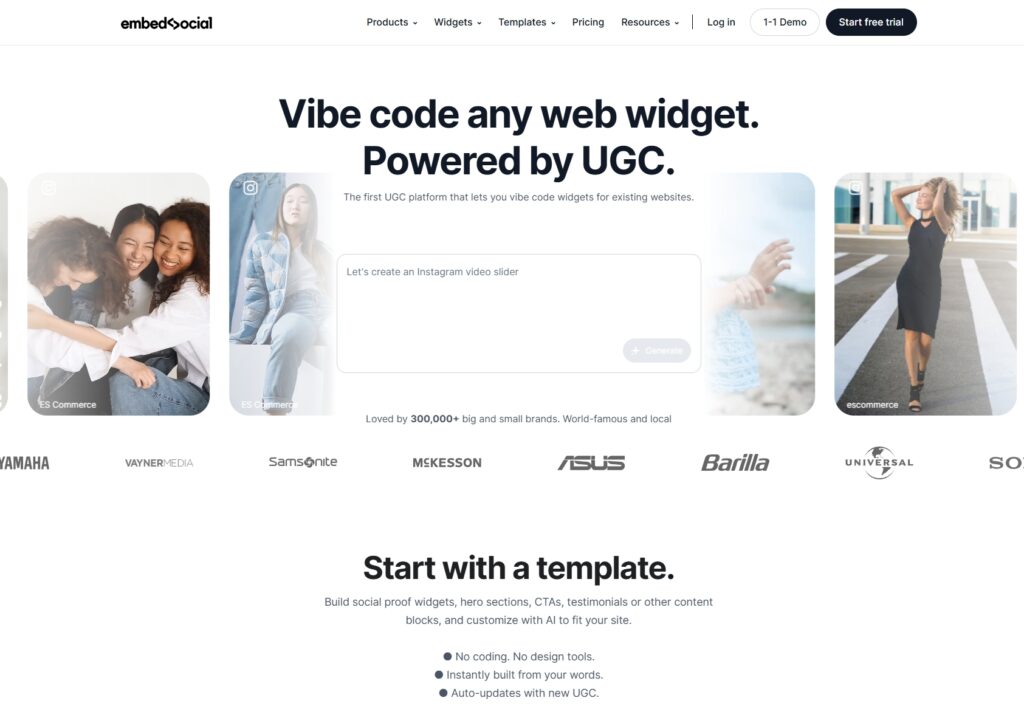
EmbedSocial — best for vibe coding on existing websites
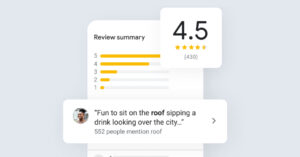
EmbedSocial is purpose-built for teams that already have a website and want to ship improvements without rebuilding pages from scratch. Instead of generating full sites, it lets you vibe code high-impact website sections—social proof, CTAs, UGC blocks, and much more.
Key features include:
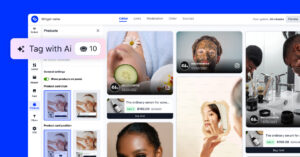
- AI-generated website sections—create social proof, testimonial, CTA, and content blocks;
- Works on any existing site—embed widgets into any CMS, builder, or custom website;
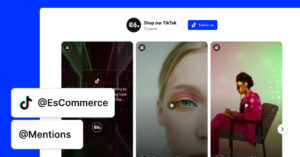
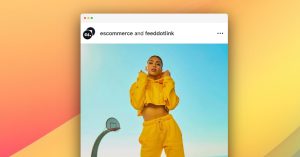
- Live content sources—pull reviews and UGC from Google, Instagram, TikTok, and more;
- Conversion-focused controls—optimize trust and engagement without developer cycles.
EmbedSocial offers tiered pricing based on features and scale, making it suitable for small businesses, agencies, and multi-location brands.
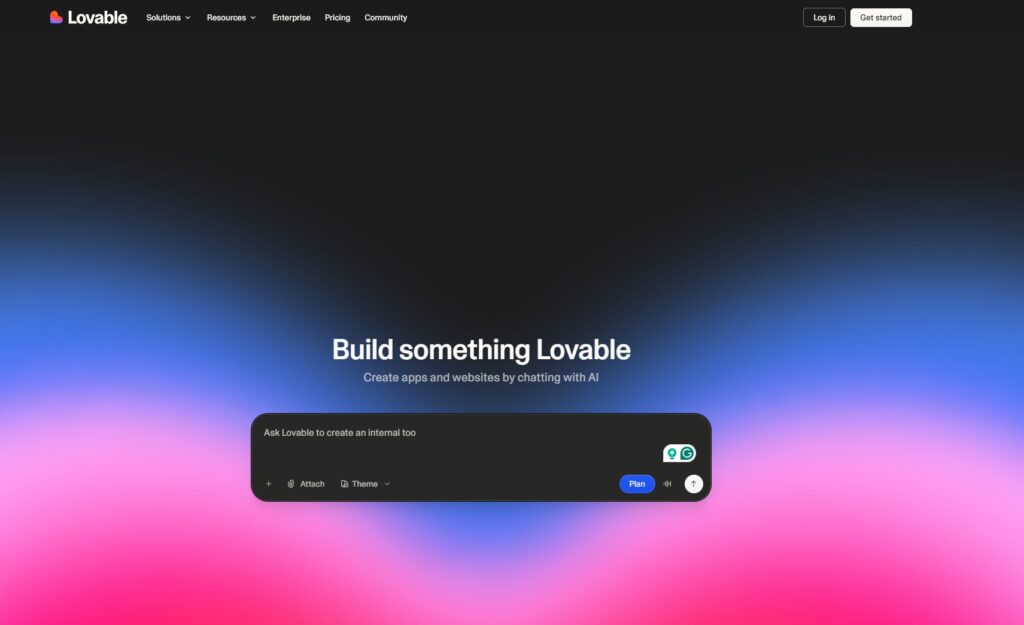
Lovable — best for prompt-based website and app generation
Lovable focuses on turning natural language prompts into complete web applications and websites. It’s designed for fast experimentation, making it easy to go from idea to working interface.
Key features include:
- Prompt-to-app generation—create full front-end experiences from text input;
- Visual iteration loop—refine layouts and flows conversationally;
- Modern UI defaults—clean, production-ready components;
- Rapid prototyping focus—ideal for testing ideas quickly.
Lovable uses usage-based and subscription pricing depending on project complexity and output.
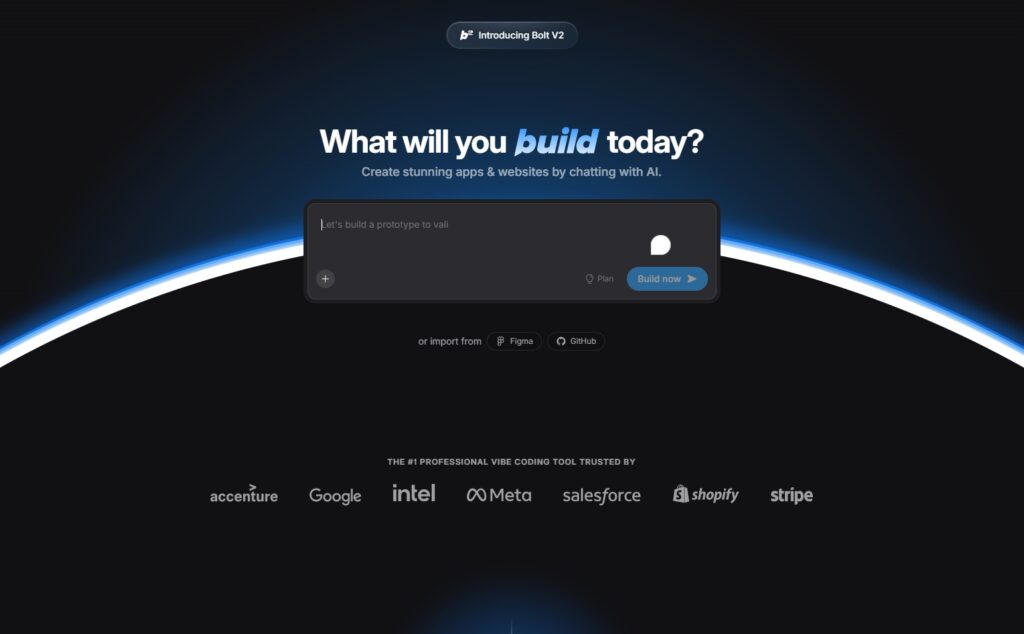
Bolt — best for full-stack vibe coding with AI agents
Bolt is built for teams that want to generate and iterate on full-stack applications using AI agents. It goes beyond static websites, making it useful for interactive products and custom web tools.
Key features include:
- Agent-driven development—AI plans and builds features end to end;
- Full-stack output—frontend and backend generated together;
- Prompt-based iteration—adjust functionality through natural language;
- Developer-friendly workflows—export and extend generated code.
Bolt pricing varies based on usage and compute needs, targeting developers and product teams.
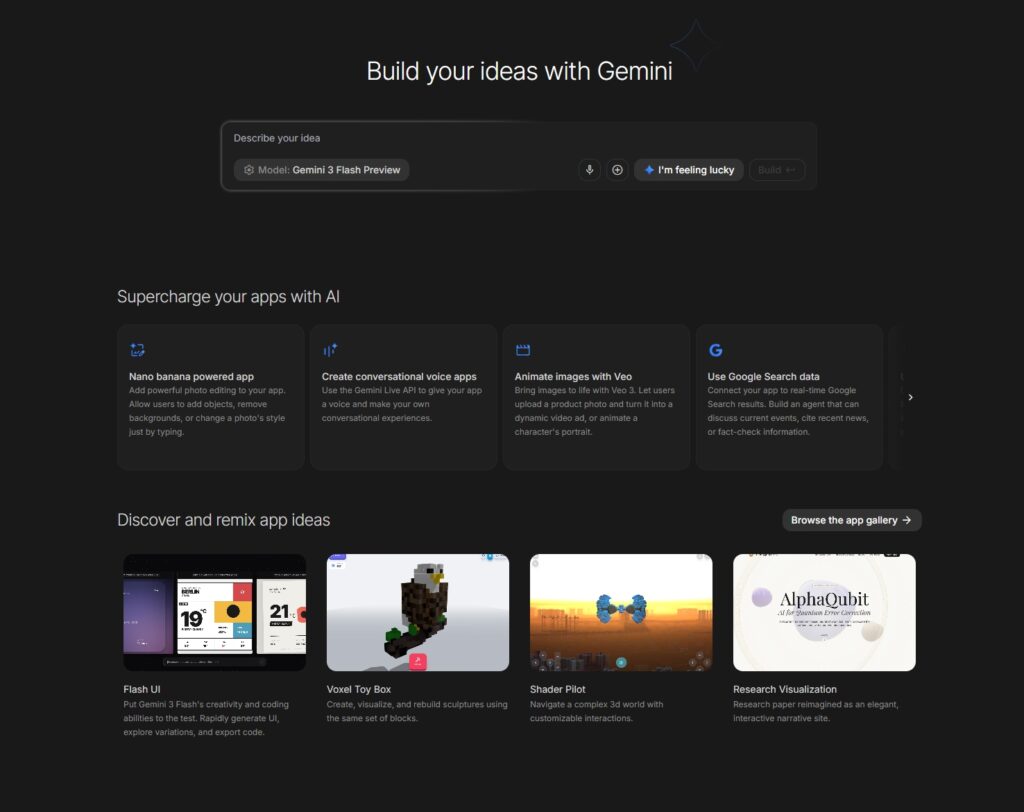
Google AI Studio — best for custom AI-powered website experiences
Google AI Studio is not a website builder, but it plays a key role in vibe coding workflows where AI logic drives the experience. It’s ideal for teams embedding AI-powered features into websites or tools.
Key features include:
- Access to Gemini models—build AI-driven interactions and logic;
- Prompt and API testing—experiment with outputs before deployment;
- Integration-ready—connect AI behavior to existing web applications;
- Fine-grained control—customize prompts and responses precisely.
Google AI Studio is free to start, with usage-based pricing tied to API consumption.
Replit — best for collaborative AI-assisted coding and deployment
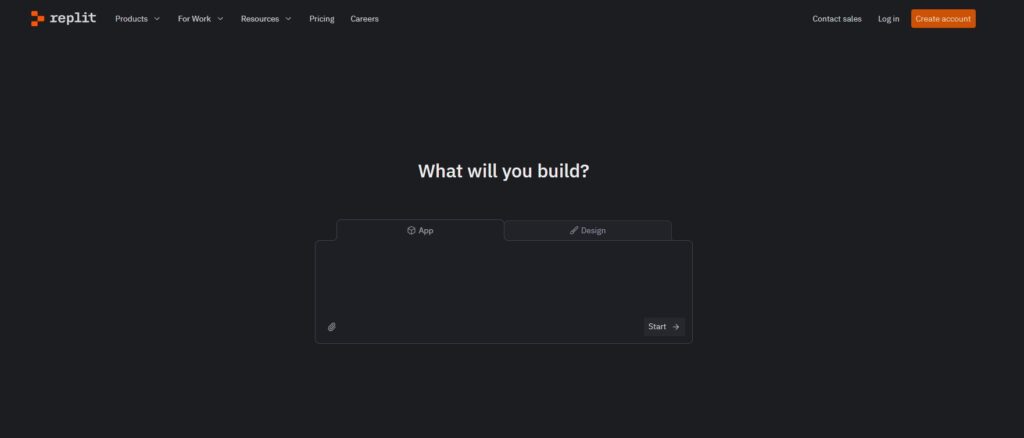
Replit combines AI-assisted coding with instant deployment, making it a practical environment for vibe coding custom website logic and tools. It’s especially useful for teams that want to move from prompt to live code quickly.
Key features include:
- AI coding assistant—generate and modify code conversationally;
- Instant environments—run and preview websites immediately;
- Built-in deployment—ship projects without external setup;
- Collaborative workflows—multiple contributors in one workspace.
Replit offers free plans with paid tiers for advanced AI features and production hosting.
How do these tools perform for real websites?
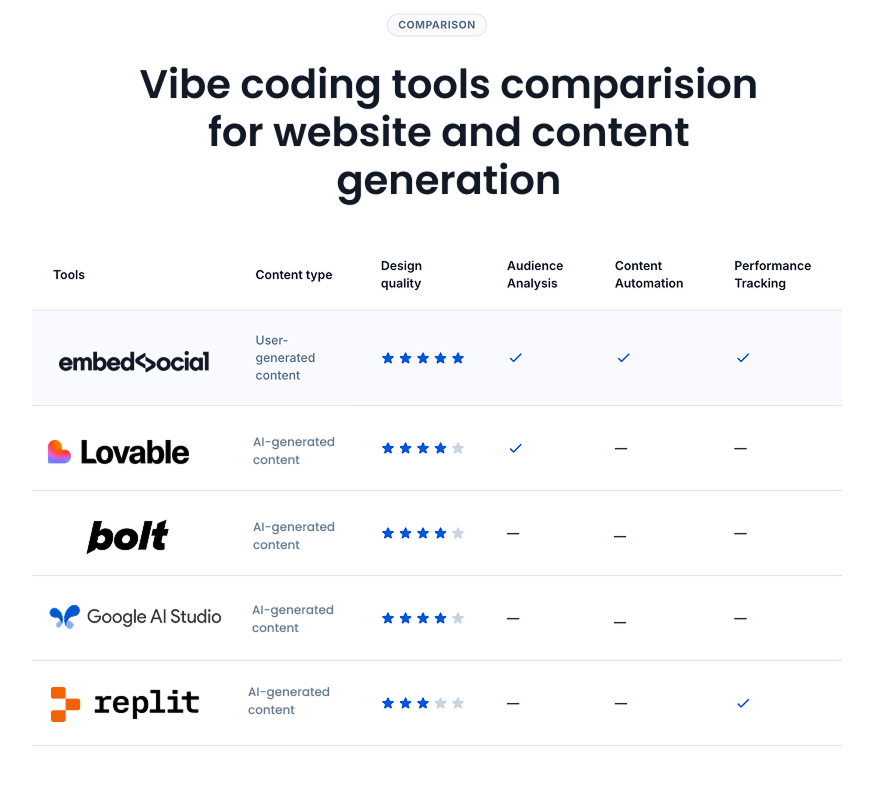
Website teams need to know if a tool improves conversion work, reduces time to launch, and supports long-term iteration. So, I compared all the above leading vibe coding tools based on what matters for building websites and maintaining them after launch:
Ease of use for marketers and website owners
Visual builders like Lovable and Bolt promise quick website creation, especially for new landing pages. But marketers often hit practical blockers when attempting to integrate with existing analytics, CMS structures, design systems, or paid tools.
Code-centric tools like Cursor and Trae can accelerate rebuilds, but they assume a developer workflow. For most marketing teams, usability is not only about interface. It is about whether the tool fits your current website process.
This is where EmbedSocial sits differently.
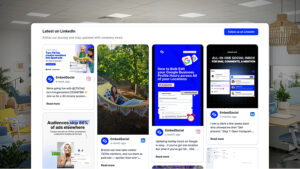
Instead of asking you to rebuild your website, EmbedSocial upgrades your existing pages by embedding dynamic, on-brand widgets powered by real content. That means marketers can ship website upgrades without learning a new builder or owning a deployment pipeline.
How good the websites actually look and perform
Many vibe coding tools generate clean-looking websites quickly, but the output can be generic and static. The fastest sites to generate are often the hardest to differentiate.
When the goal is website trust and conversion, content quality becomes the differentiator. AI-generated sections can look polished but lack authenticity. In contrast, live user-generated content helps websites feel credible and current.
EmbedSocial’s approach is not to generate a new website. It makes existing websites modern by adding live social feeds, reviews, and UGC widgets that continuously update. This shifts the website from “published” to “living,” without redesigning pages.
Here’s a website-focused comparison:
| Platform | Best for new websites | Best for existing websites | Website freshness |
|---|---|---|---|
| Replit | High | Low | Low |
| Base44 | Medium | Low | Low |
| Bolt | High (simple) | Low | Low |
| Lovable | Medium | Low | Low |
| EmbedSocial | Not the focus | High | High |
How easy it is to keep websites updated
Website teams need collaboration, but they also need continuity. New-site generators can be great for launch, but ongoing iteration often becomes fragmented across tools, repos, and processes.
Developer tools like Sourcegraph shine in complex engineering environments. But for marketers, “maintenance” often means keeping pages fresh every week and updating proof points.
EmbedSocial supports this style of maintenance by letting the website update itself through live content streams. Instead of scheduling redesigns, teams can keep pages current by continuously surfacing reviews, testimonials, and social content.
Key website-focused features to look for include:
- Easy placement on existing pages
- Compatibility with CMS and ecommerce platforms
- Minimal reliance on engineering deployments
- Ongoing content freshness without redesign
How clear these tools are about limitations and costs
Transparency matters even more for website teams because costs and constraints show up quickly in production. Many tools appear simple until you hit limitations like paywalled integrations, restricted exports, or complex setup.
Base44 is often cited as transparent about what is included. For marketers, another kind of honesty matters too: is the tool designed to build a new website, or to improve the one you already have?
EmbedSocial is clear in its scope: it is not trying to replace your website builder. It helps you modernize existing pages through UGC-powered widgets and live social content.
What real website teams are experiencing
The vibe coding ecosystem thrives on real-world feedback. Reviews and community examples frequently show a pattern: new-site generation is easy, but keeping a website “alive” is harder.
This is where user-generated content becomes strategically valuable for websites. Instead of refreshing pages manually or relying on synthetic content, teams can use real customer content to build trust and maintain relevance.
If you want practical inspiration for website use cases, check out User-generated content examples.
Key takeaways:
- Most tools optimize Day 0 (launch), not Day 30 (iteration)
- Authenticity is becoming a competitive advantage for websites
- Live UGC reduces the need for constant page redesigns
How to choose the right vibe coding tool for your website
Choosing from the explosion of vibe coding tools in 2026 can feel overwhelming. The simplest way to decide is to start with one question: are you building a new website, or upgrading an existing website?
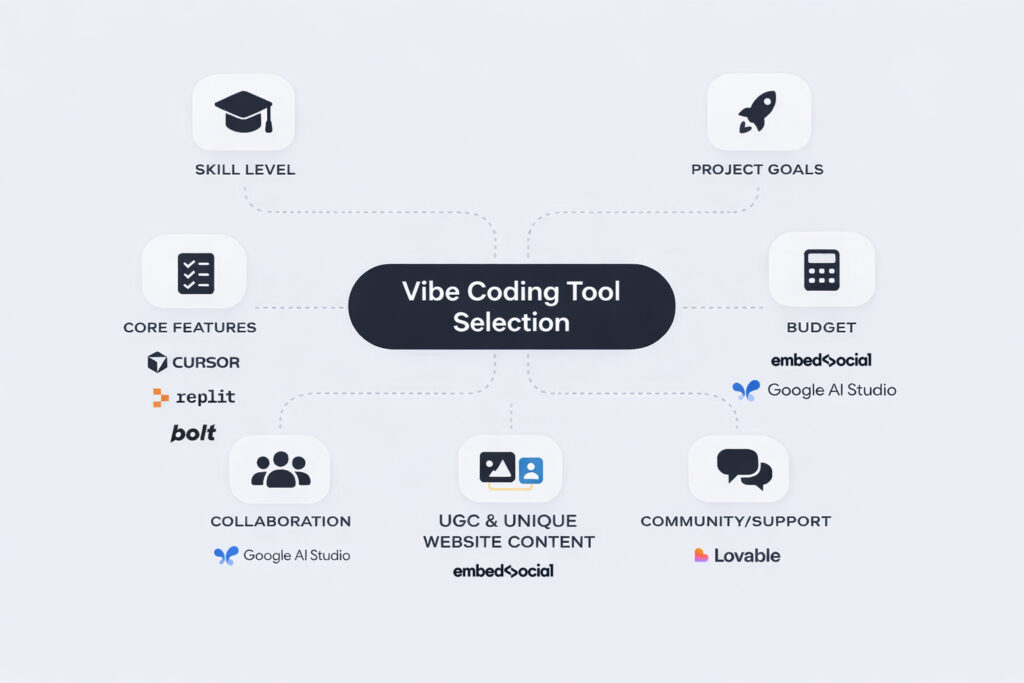
Step 1: Understand how technical your team is
If you have developer support and plan to rebuild, editors and code-based tools may fit. If you need marketing-led upgrades, prioritize tools that work on top of your existing website without a deployment pipeline.
Step 2: Decide if you are building or upgrading a website
If your goal is a new campaign site, visual builders can be effective. If your goal is modernizing key pages (homepage, product pages, landing pages) without rebuilding, tools like EmbedSocial will fit better because they enhance existing pages.
Step 3: Test what matters for your website visitors
Test what matters for your website: speed, responsiveness, CMS compatibility, and how quickly you can ship changes. Also test what makes your website feel modern: social proof, interactive content, and dynamic sections.
Step 4: Account for time, tools, and hidden costs
New-site tools can bring unexpected costs through integrations, API usage, and time spent recreating pages. Existing-site enhancement tools reduce these costs by keeping your current website and upgrading only what needs improvement.
Step 5: Check how easy ongoing website updates are
For marketers, maintenance usually means continuous iteration. Ask whether the tool helps you keep pages fresh after launch. EmbedSocial supports ongoing website freshness by embedding live UGC and social content that updates automatically.
Step 6: Learn from other website teams
Look for platforms with active communities and practical examples. If your focus is website trust and conversion, it is helpful to learn from social proof and UGC use cases. You can explore Best social proof tools overview for comparison and direction.
Conclusion: The future of website building is vibe coding!
The next era of website creation is unfolding, and vibe coding tools are at the center of it. The shift is that tools will separate into two lanes: new-site generation and existing-site enhancement.
Talking to website tools instead of designing everything
By 2026, AI-driven interfaces are becoming the default way teams interact with website creation tools. Natural language prompts help generate layouts, copy blocks, and sections faster. According to AI trends in software development for 2026, demand for faster workflows continues to accelerate.
Smarter tools that suggest website improvements
Agentic systems will increasingly plan and execute multi-step website changes: generating new landing pages, creating variants, and even suggesting improvements. But the gap will remain: these tools often generate new structures, while many businesses need to improve what already exists.
More power for marketers, not just developers
More marketers will be able to launch websites, but continuous learning will still matter. The winning teams will combine speed with credibility, and credibility will come from real customer content, not synthetic assets.
How larger website teams are adopting vibe coding
Enterprises will standardize around tools that reduce bottlenecks and preserve governance. Existing-site enhancement will become more valuable at scale because large websites cannot be rebuilt frequently without risk.
Why clarity matters when choosing website tools
Transparency will separate tools that overpromise from tools that fit real workflows. As Linus Torvalds noted in his perspective on ‘vibe coding’, realism builds trust. For website teams, the most important realism is whether the tool is made for building new websites or upgrading existing ones.
How brands are using vibe coding on real websites
In practice, we will see two dominant patterns. Startups will generate new sites quickly with builders. Established brands will focus on continuous improvement: adding trust elements, making pages interactive, and keeping content fresh. Tools that make existing websites modern without rebuilds will become a bigger part of the website stack.
FAQ: Vibe coding tools for websites in 2026
Curious about vibe coding tools and how they’re shaping website design? Here are the most common questions, answered.
What is vibe coding for websites?
Vibe coding for websites means describing the outcome you want (a landing page, a section, a layout, or a conversion improvement) and using tools to generate or implement it faster than traditional design and development workflows.
Which vibe coding tools are best for creating new websites?
Visual builders like Lovable, Bolt, Tempo Labs, Replit, and Base44 are strong options for generating new sites quickly, especially when you are starting from a blank canvas.
Which vibe coding tools are best for improving existing websites?
Most vibe coding tools focus on new site creation. EmbedSocial is designed specifically to modernize existing websites by adding UGC-powered widgets and live social media content without rebuilding pages.
What vibe coding features should marketers look for?
- Fast placement on existing pages
- Compatibility with your CMS and ecommerce stack
- Minimal reliance on engineering deployments
- Dynamic content and social proof for trust
Are there hidden costs or limitations in vibe coding tools?
Yes. New-site generators may include paywalls for integrations, usage-based pricing, and time costs from recreating pages. Existing-site enhancement tools reduce these risks by upgrading only what is needed.
Can these tools be used for production websites?
Yes, but the best option depends on your website state. Builders are best for new launches. For established websites, tools that enhance existing pages can deliver faster results with less operational risk.
If you’re ready to apply these insights to your website, consider what will move faster: rebuilding pages in a new tool, or upgrading the pages you already have. If your goal is modern, interactive pages powered by real customer content, you can explore EmbedSocial widgets and see how live UGC changes the website experience. Start here: Start free trial.