
Most guides on social media automation tools show you the same thing: a list of schedulers that post content while you sleep. Useful, but only half the job.
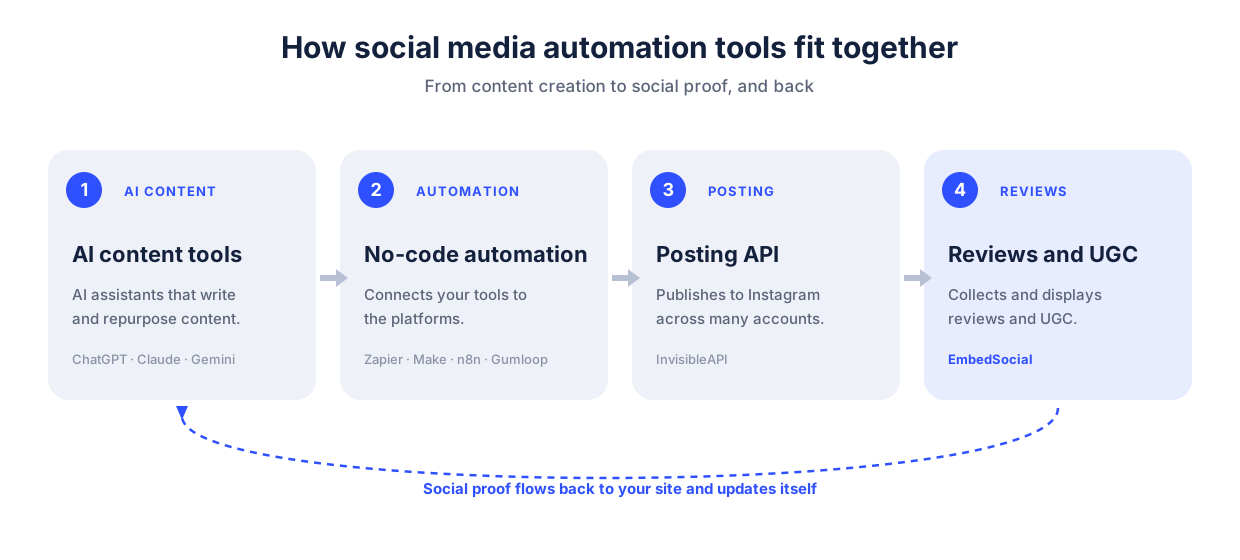
In 2026, automation is no longer one tool. It is a handful of tools across five categories that work together. AI writes the content. A no-code platform connects the steps. An API publishes the post. And the category almost every list forgets pulls the reactions, reviews, and user content back to your website, so your social proof updates itself. If you want your AI assistant to work with that content directly, that is what social media MCP servers are for.
This guide walks through all five categories with 15 tools, none of which are bloated all-in-one dashboards.
Think of them the way you already think about ChatGPT, Claude, or Zapier: focused, flexible, and built to work together. We will also cover what you should never automate, because the fastest way to lose an account is to automate the wrong thing.
The 15 tools, by category (tap to jump):
- AI content creation tools: ChatGPT, Claude, Gemini, Perplexity, Jasper
- AI agents for social media: Lindy, Manus, ChatGPT Agent
- No-code automation platforms: Zapier, Make, n8n, Gumloop, FeedHive
- Social media posting APIs: InvisibleAPI
- Review & UGC automation tools: EmbedSocial
Before moving onto the definition and the individual tools, let’s see a quick rundown:
| Tool | Category | Best for | AI / MCP | Starting price |
|---|---|---|---|---|
| ChatGPT | AI content | Captions, repurposing | Yes | Free / Plus ~$20/mo |
| Claude | AI content | On-brand long-form, MCP control | Yes, MCP | Free / Pro ~$20/mo |
| Gemini | AI content | Text plus graphics | Yes | Free / paid |
| Perplexity | AI content | Trend and topic research | Yes | Free / Pro ~$20/mo |
| Jasper | AI content | Brand-voice AI writing for marketing teams | Yes | From ~$39/mo |
| Lindy | AI agent | Custom agents in plain language | Yes | Free / paid |
| Manus | AI agent | Longer autonomous tasks | Yes | Paid |
| ChatGPT Agent | AI agent | Cross-site tasks inside ChatGPT | Yes | Included with paid ChatGPT |
| Zapier | No-code | Easiest, most integrations | Yes | Free / paid |
| Make | No-code | Complex visual workflows | Yes | Free / paid |
| n8n | No-code | Open-source, developer control | Yes | Free / self-host |
| Gumloop | No-code | AI-native workflow building | Yes | Free / paid |
| FeedHive | No-code | AI-driven posting workflows and recycling | Yes | Free / paid |
| InvisibleAPI | Posting API | Multi-account Instagram posting via API/MCP | Yes, MCP | $19/mo |
| EmbedSocial | Review & UGC | Auto-collecting and displaying social proof | Yes | 7-day free trial |
First, a quick definition, then the numbers that explain why this matters.
What is social media automation?
Social media automation is the use of software to handle repetitive social media tasks for you: scheduling and publishing posts, sorting messages, collecting reviews, and reporting on results. The goal is not to remove the human. It is to free the human from the busywork so they can focus on strategy and real conversations.
It helps to draw one line early. Automation is not the same as a social media management tool, which is the all-in-one dashboard you log into. Automation is the set of workflows that keep running whether or not anyone is logged in. If you want the textbook version, here is the full definition of social media automation.
Why social media automation is no longer optional
The shift to automated, AI-assisted social media is not a trend anymore. It is the default. The numbers tell the story:
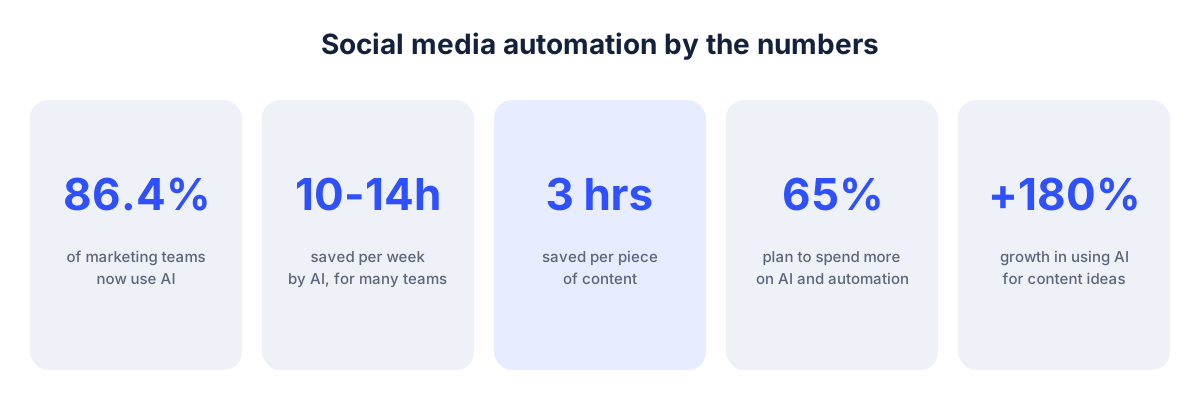
- 86.4% of marketing teams now say they use AI in at least a few areas of their work, and the share who do not use it and have no plans to is just 1.7%.
- About a third of marketers say AI saves their team 10 to 14 hours per week, and another third say it saves more than 15.
- For content specifically, generative AI saves roughly three hours per piece.
- 65% of marketing leaders plan to keep increasing their investment in AI and automation.
- 75% of those who have already invested in AI and automation say it delivered a positive return.
- Use of generative AI to come up with new content ideas grew 180% in a single year.
The takeaway is simple: if you are still doing this all by hand, you are competing against teams that are not.
Sources: HubSpot State of Marketing 2026, HubSpot State of AI, HubSpot State of Generative AI, and Hootsuite Social Trends.
So what should you actually automate?
What you can automate (and the half everyone forgets)
Social media automation falls into two directions, and a good toolkit covers both.
Outbound (pushing content out):
- Writing and repurposing captions, hooks, and threads
- Generating and resizing images for each platform
- Scheduling and publishing posts across accounts
- Routing comments and DMs, and drafting first-pass replies
- Reporting on what performed
Inbound (pulling social proof in):
- Collecting reviews automatically after a purchase or visit
- Aggregating mentions, tags, and user-generated content, the job of social listening tools
- Displaying that content in a website widget that refreshes itself
- Replying to reviews with AI review responses
- Moderating what shows up before it goes live
Almost every list of social media automation tools stops at the outbound half. But the inbound half is where social media turns into revenue, because a feed of real customer content on your site does the selling for you, around the clock, with no new posting required. We will give that category its own section.
What you should never automate
Automation has a line, and crossing it is how brands get burned or banned.
- Mass engagement. Auto-liking, auto-following, and bots that spam comments violate most platform terms of service and are a fast track to a suspended account. The thread “About Instagram Automation Tools” is full of people who learned this the hard way.
- Crisis responses. When something goes wrong, a human writes the reply. Always.
- Real conversations. A first-draft reply from AI is fine. Sending it without a human read on anything personal, emotional, or complaint-related is not.
- DMs that pretend to be you. Automated outreach that impersonates a real one-to-one message erodes trust the moment it is discovered.
The rule of thumb: automate the repetitive and the predictable. Keep a human on anything that carries judgment, emotion, or risk.
How we picked these tools
We focused on tools that are flexible and composable rather than closed all-in-one suites. Three things mattered:
- It does one job well and connects cleanly to the others.
- It is AI-native or AI-friendly, including support for newer standards like the Model Context Protocol (more on that below).
- It fits a real 2026 workflow, not a 2019 one.
EmbedSocial is included because it owns the review and UGC category, and this is our guide. We will be specific about what each tool is best for so you can build the toolkit that fits you.
The best social media automation tools, by category
Here is the full lineup, organized by category. Each one hands off to the next.
AI content creation tools
These are the general-purpose models that draft, ideate, and repurpose. They are not social media tools, which is exactly why they are so good at the writing part.
ChatGPT
ChatGPT is the default first-draft machine for fast ideation, captions, and turning one long post into ten short ones.
- Best for: speed and range, from hooks to hashtags to repurposing.
- Watch-out: output sounds generic until you feed it your voice and a few real examples.
- Pricing: free tier, with Plus around $20 per month for the strongest models.
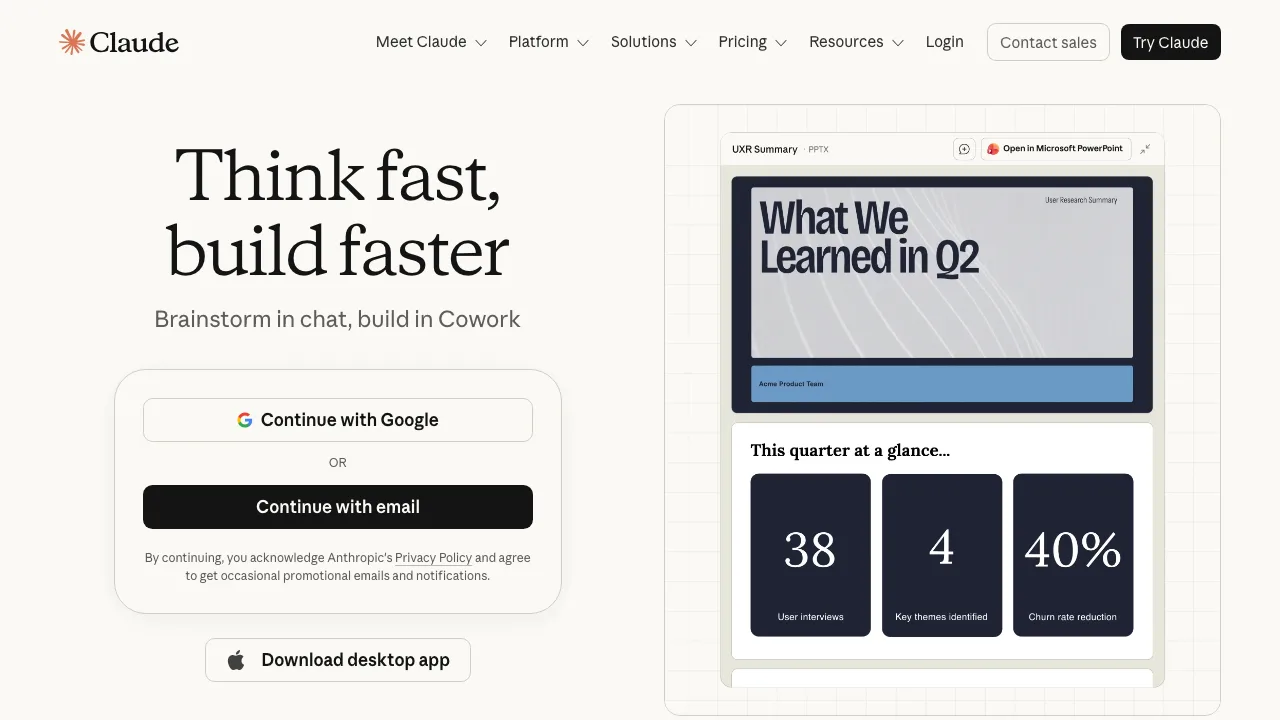
Claude
Claude shines on longer, on-brand writing and careful editing, and it can drive other tools directly through MCP, which we explain below.
- Best for: brand voice, long-form, and acting as the assistant that runs your automations.
- Watch-out: no native image generation, so pair it with Gemini for visuals.
- Pricing: free tier, with Pro around $20 per month.
Gemini
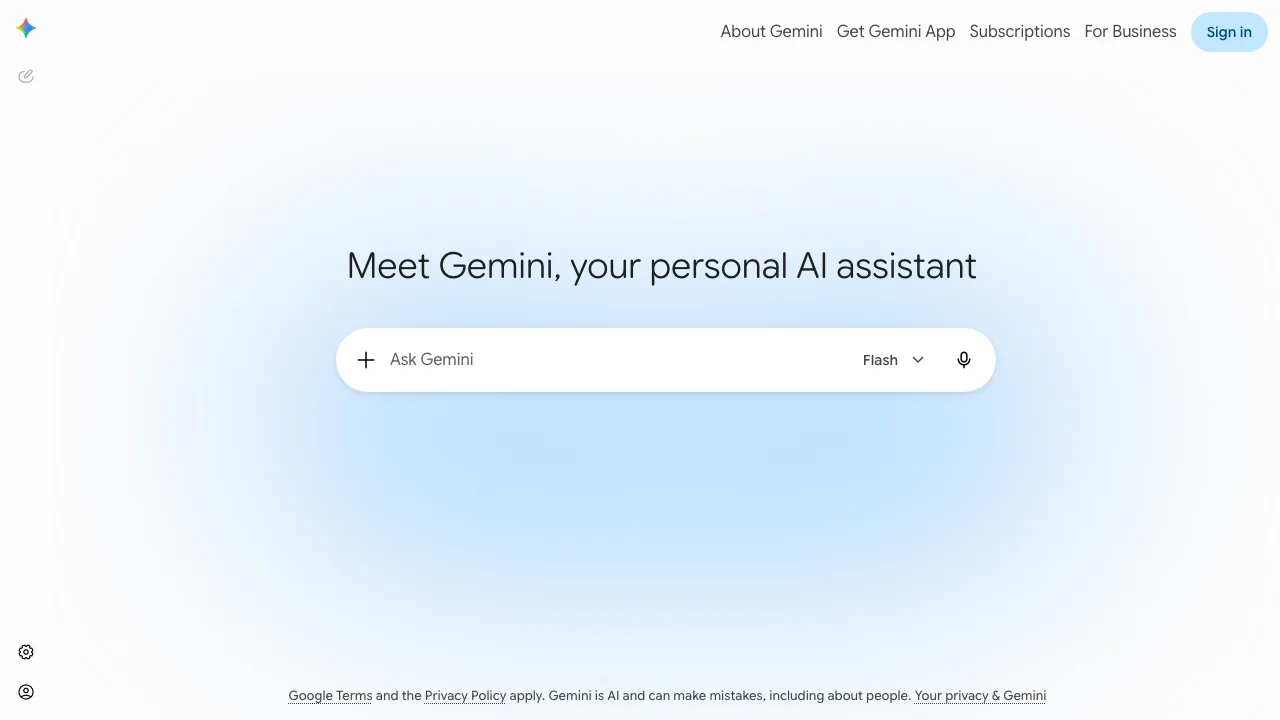
Gemini pairs text with on-brand image and graphic generation in one place, handy when you need a caption and a visual together.
- Best for: quick text-plus-image content without switching apps.
- Watch-out: image style can drift off-brand without clear prompts.
- Pricing: free tier, with paid access through Google’s AI plans.
Perplexity
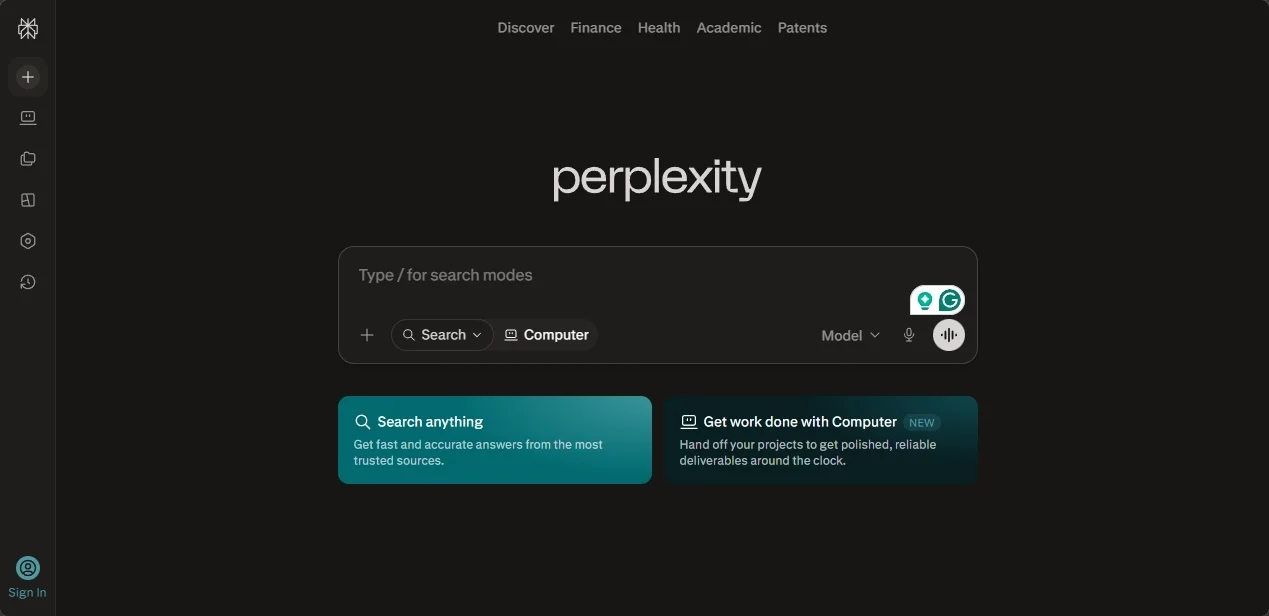
Perplexity is your research tool: trend checks, topic angles, and competitor scanning with sources before you write a word.
- Best for: fast, cited research and spotting what is gaining traction this week.
- Watch-out: it is for research, not publishing, so it sits at the start of the flow.
- Pricing: free tier, with Pro around $20 per month.
Jasper
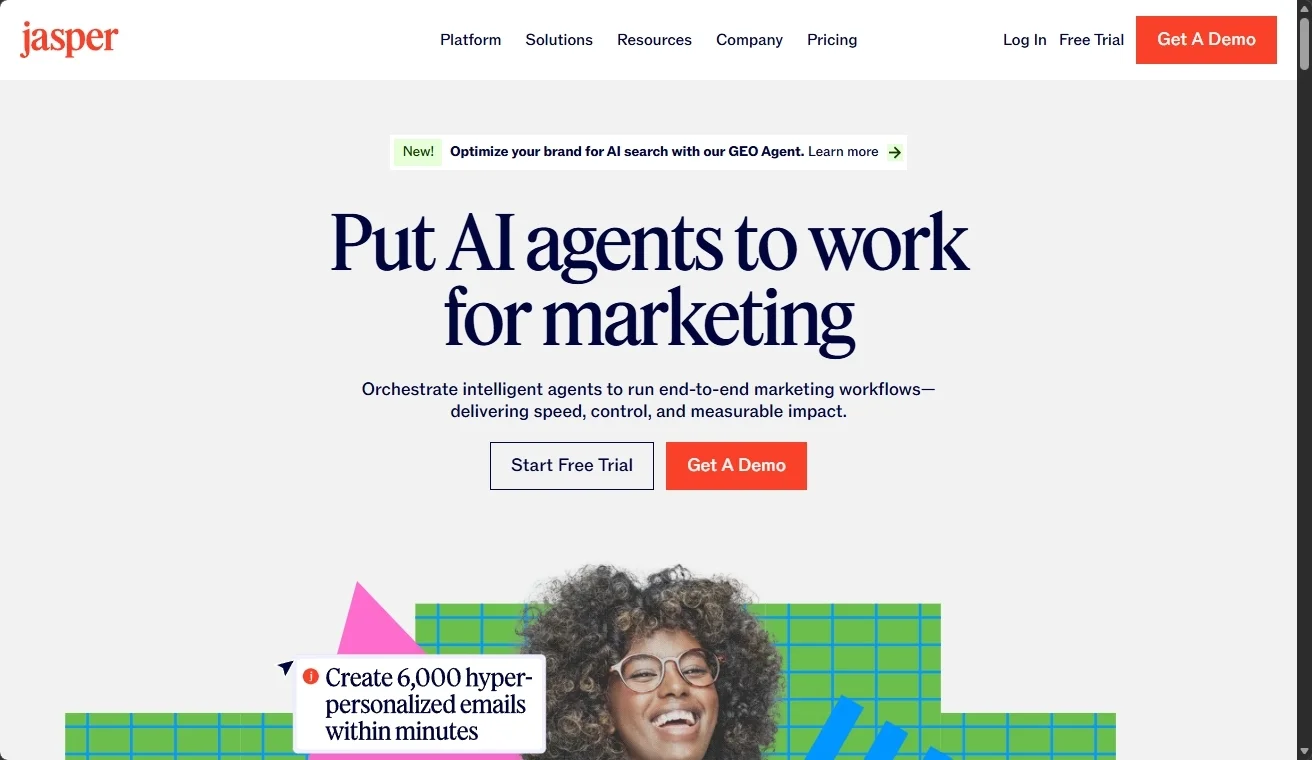
Jasper is a marketing-focused AI writer built around brand voice, campaign templates, and team collaboration, used by content teams that need to keep tone consistent across many channels.
- Best for: marketing teams that want AI writing wrapped in brand voice, templates, and approvals.
- Watch-out: the price premium over general models only pays off if you actually use the brand-voice and team features.
- Pricing: paid plans starting around $39 per month per seat, with a free trial.
Pair these with dedicated social media content creation tools when you need format-specific output.
AI agents for social media
Agents take a goal and carry out multi-step tasks on their own. In practice, they are the newest and most overhyped category, so calibrate your expectations.
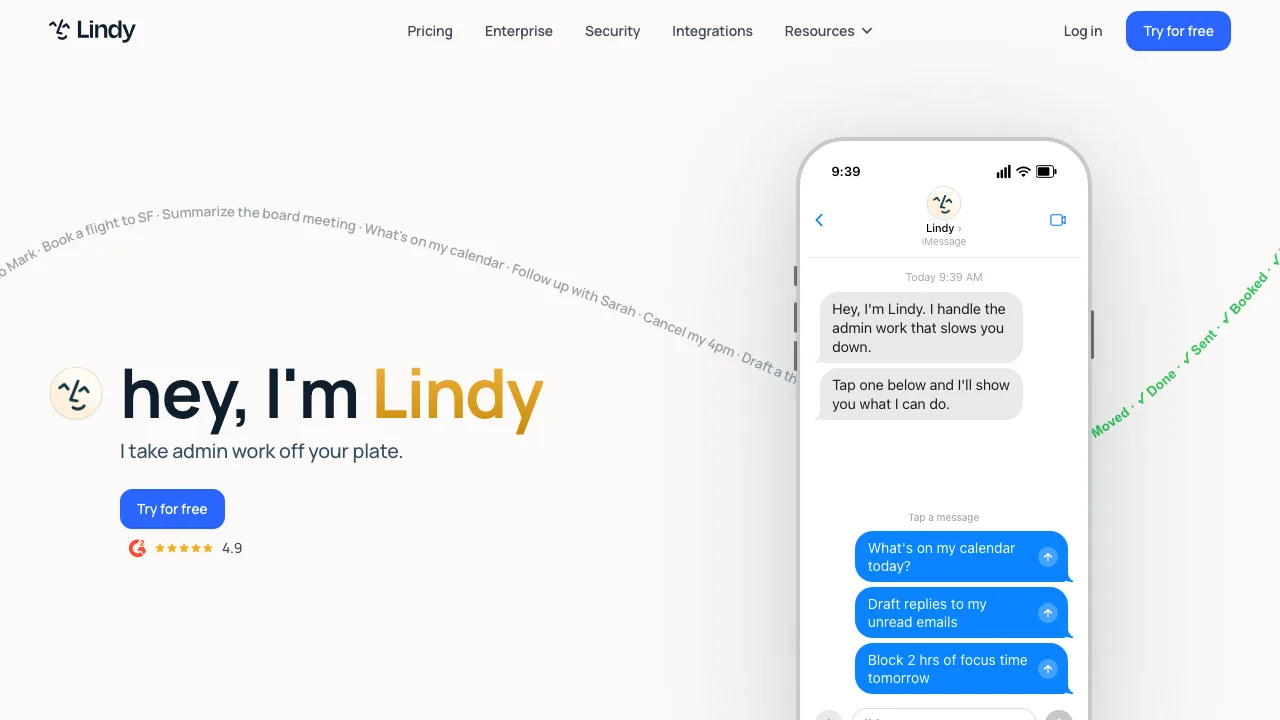
Lindy
Lindy lets you build a custom agent in plain language, for example: every time we publish a blog, draft three posts and queue them.
- Best for: marketers who want a custom agent without writing code.
- Watch-out: it works best with clear, narrow instructions, not vague goals.
- Pricing: free tier, with paid plans as your usage grows.
Manus
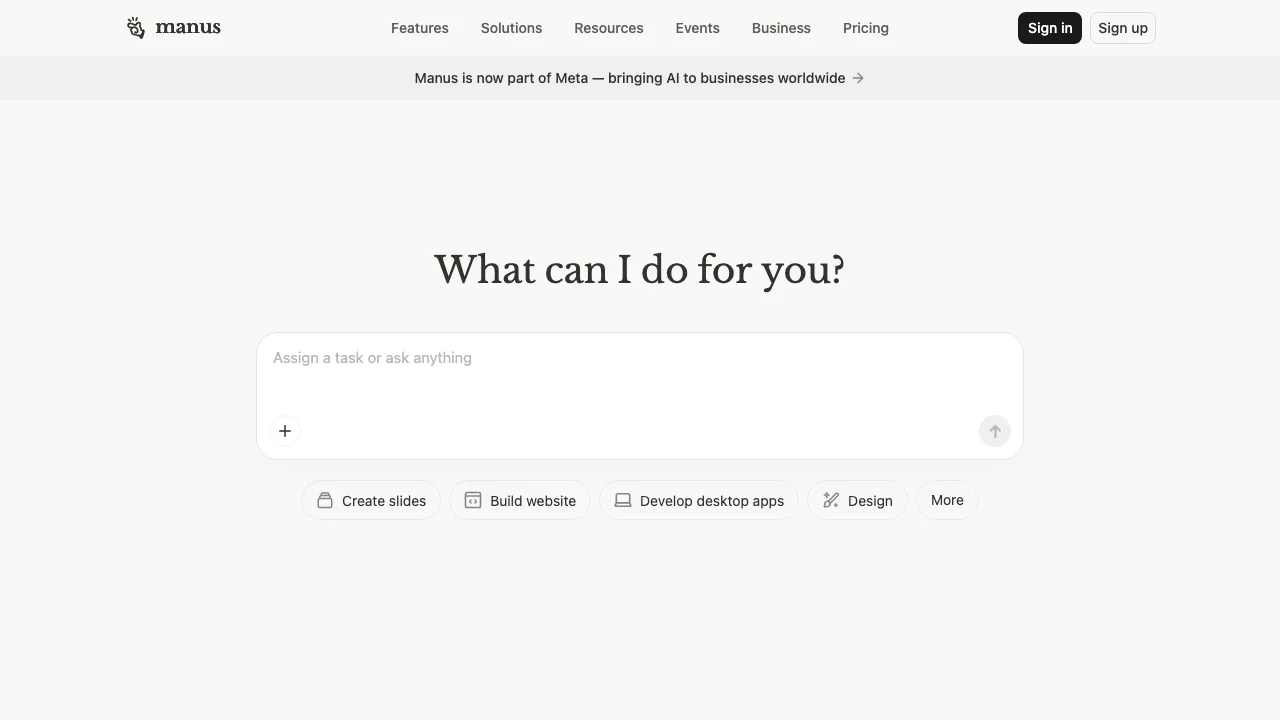
Manus runs longer, cross-platform tasks with less hand-holding, closer to a truly autonomous assistant.
- Best for: multi-step jobs you want to hand off and walk away from.
- Watch-out: more autonomy means more to review, so keep a checkpoint.
- Pricing: paid, on a credit-based model.
ChatGPT Agent
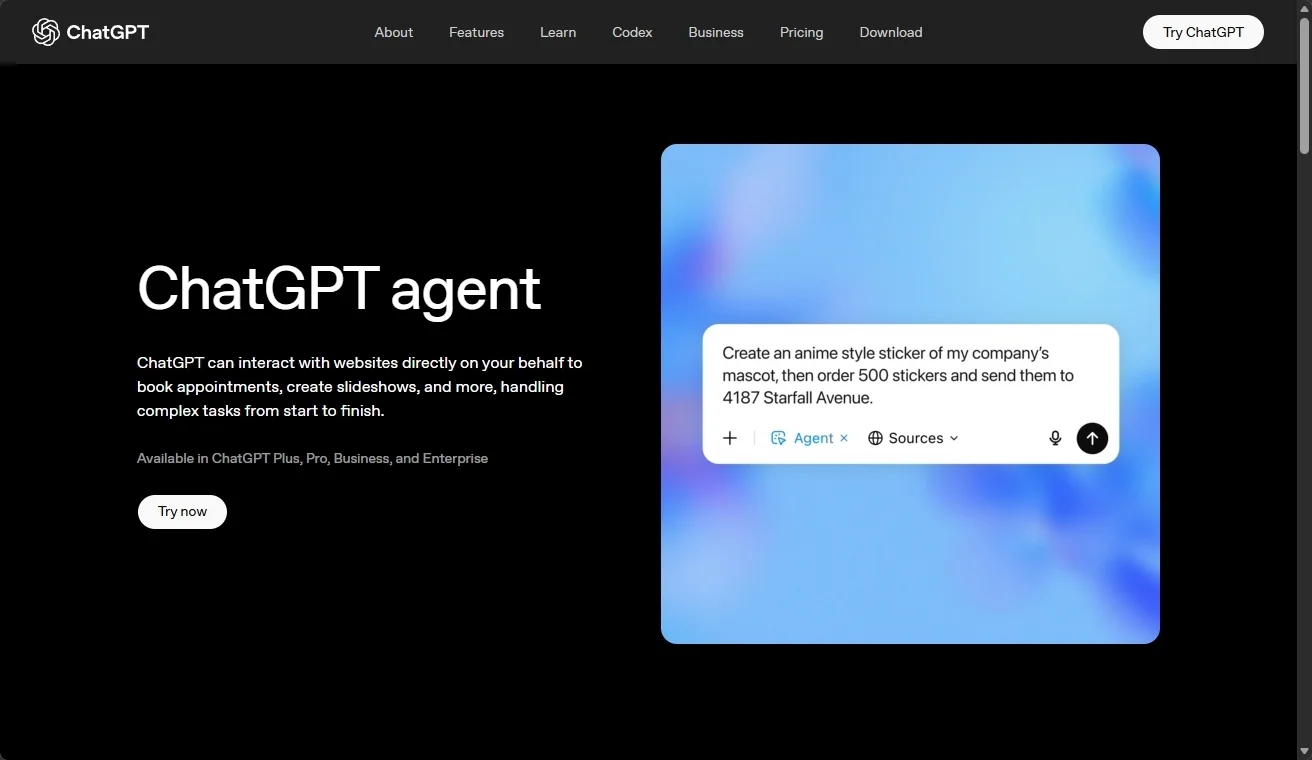
ChatGPT Agent browses and acts on your behalf inside the ChatGPT app, useful when a task spans several sites.
- Best for: one-off tasks inside an app you already pay for.
- Watch-out: it is general-purpose, not built for social, so expect to guide it.
- Pricing: included with paid ChatGPT plans.
One honest caveat: many tools that brand themselves as agents in 2026 are still AI-assisted schedulers that generate a caption when you press a button. A true agent decides and acts across steps. Test before you trust.
No-code automation platforms
This is the connective tissue that links your AI tools to the platforms. If ChatGPT writes the post, these tools move it to the right place at the right time.
Zapier
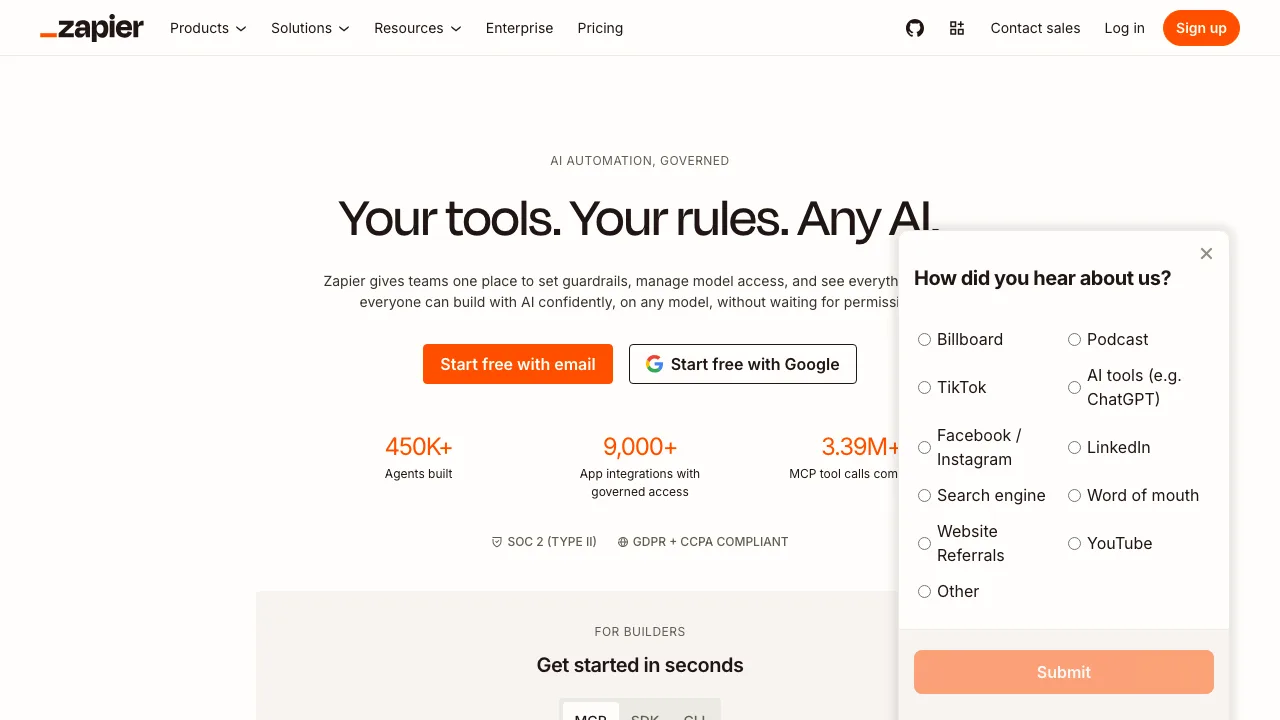
Zapier is the easiest entry point, with the largest library of app connections of any tool here.
- Best for: non-technical users who want to connect apps fast.
- Watch-out: costs climb as task volume grows, and complex logic is limited.
- Pricing: free tier, with paid plans for higher task volumes.
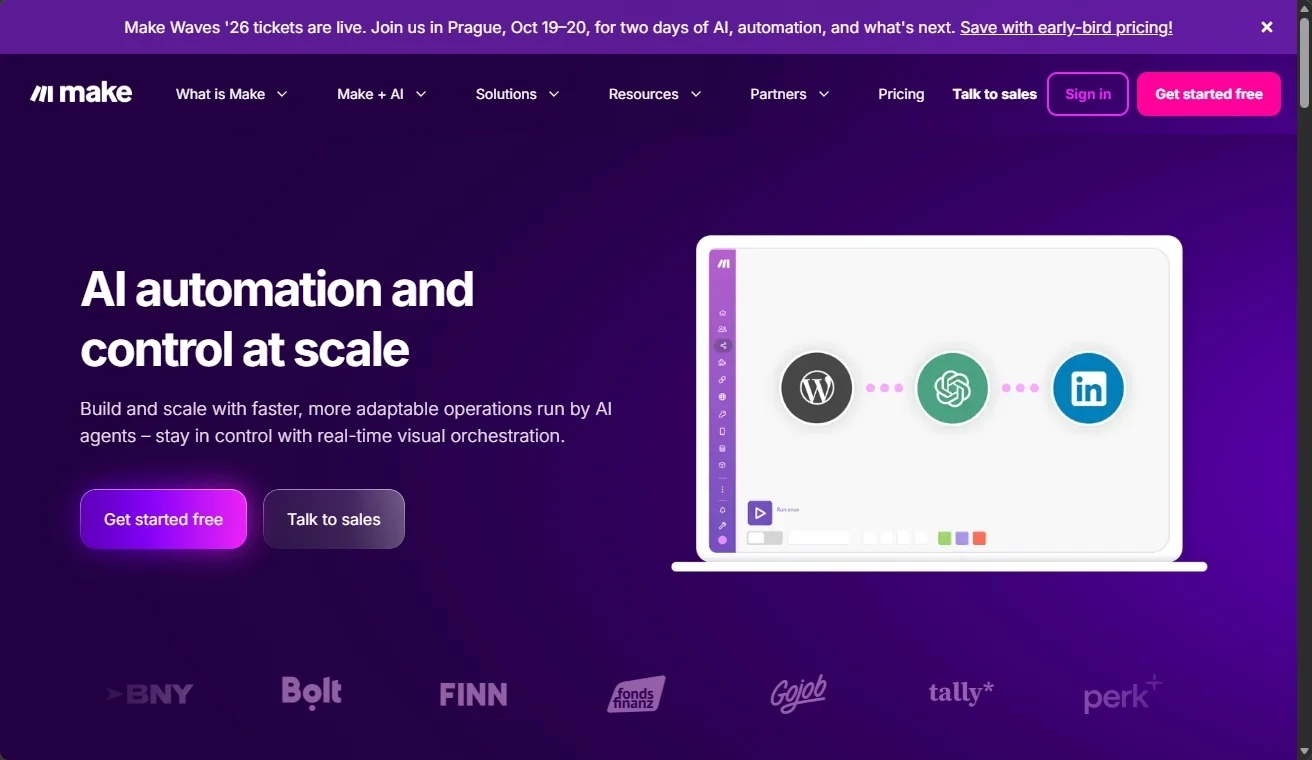
Make
Make gives you a visual canvas for more complex logic, branching, and error handling, usually at a friendlier price than Zapier.
- Best for: multi-step workflows with conditions and loops.
- Watch-out: the visual builder has a steeper learning curve.
- Pricing: a generous free tier, with affordable paid plans.
n8n
n8n is open-source and developer-friendly, with hundreds of ready-made social media workflow templates you can clone.
- Best for: technical teams who want full control and lower long-term cost.
- Watch-out: self-hosting puts setup and maintenance on you.
- Pricing: free to self-host, with paid cloud plans.
Gumloop
Gumloop is an AI-native workflow builder aimed at growth teams who want to experiment fast, and it ranks among the top results for this very query.
- Best for: AI-first automations built around models, not just triggers.
- Watch-out: newer and less battle-tested than Zapier or Make.
- Pricing: free tier, with paid plans for teams.
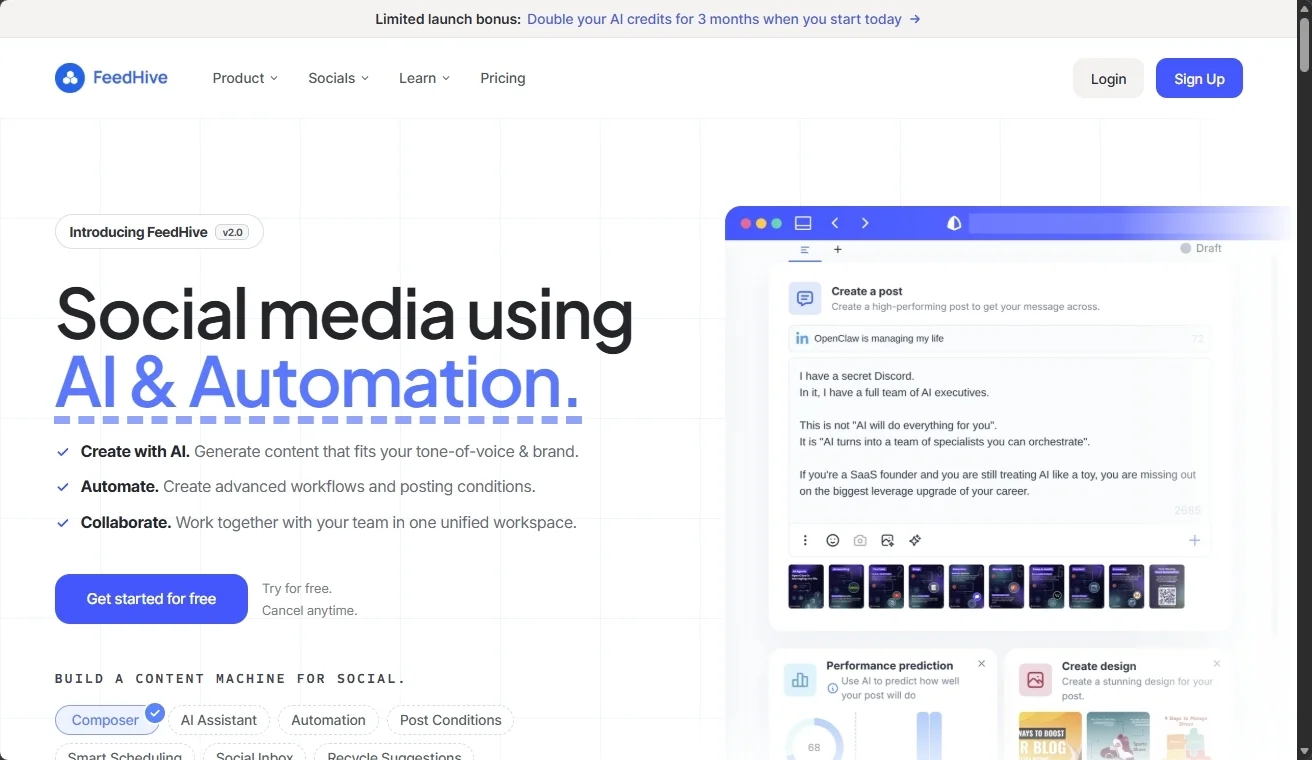
FeedHive
FeedHive is an AI-first social media workflow tool that handles content recycling, conditional posting, and AI-assisted writing in one place, useful when you want automation logic without standing up Zapier or n8n.
- Best for: solo creators and lean teams who want AI-driven posting workflows out of the box.
- Watch-out: it leans into social channels it supports natively, so it is less of a universal connector than Zapier or Make.
- Pricing: free tier, with paid plans starting around $19 per month.
Social media posting APIs
Here is where automation actually touches Instagram. Most no-code tools rely on whatever connectors they happen to support. A posting API gives you direct, reliable publishing that an AI assistant can drive.
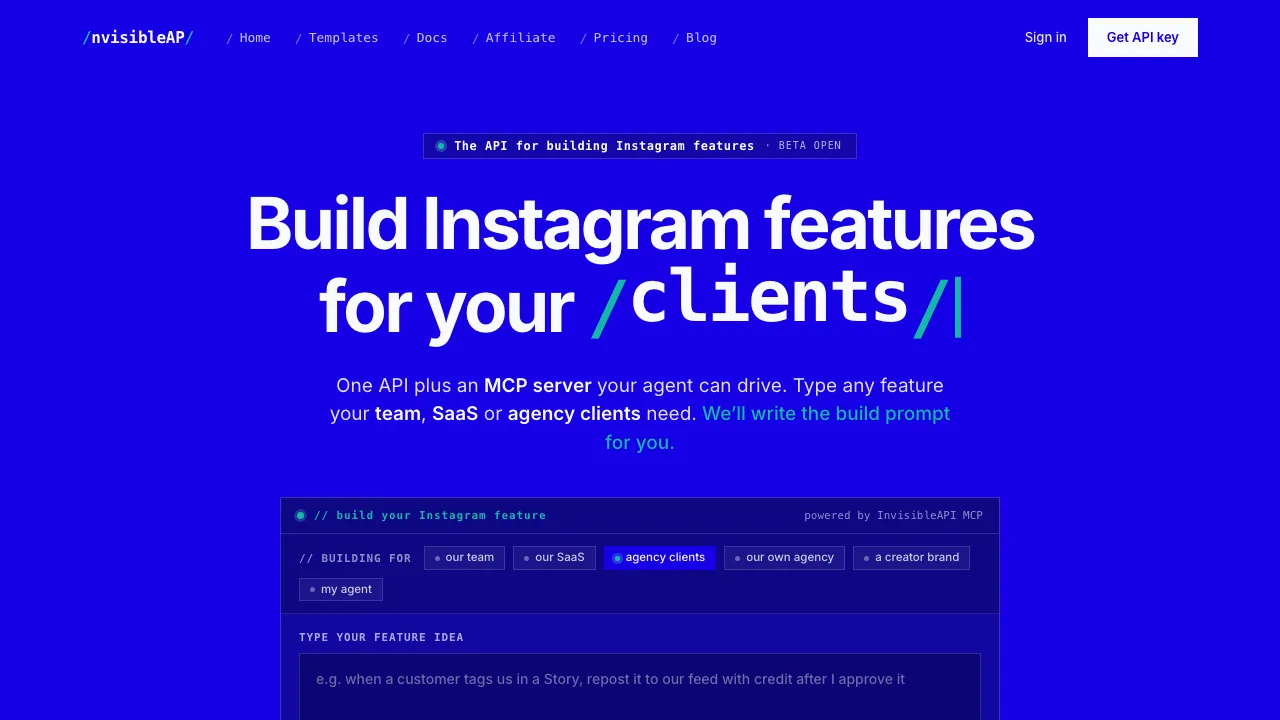
InvisibleAPI
InvisibleAPI is the one we recommend in this category. It is an API and MCP server built specifically for Instagram features, with the tagline “the API for building Instagram features.” It can:
- Schedule Reels, Stories, carousels, feed posts, and comments
- Post across multiple Instagram accounts, which is ideal for agencies and multi-location brands managing many profiles (a common headache, as in this thread on posting for a multi-location business with 50 location profiles)
- Be driven directly by Claude, ChatGPT, or Cursor through MCP, so an AI assistant can publish without a human clicking through a dashboard
It starts at $19 per month and offers a free tier for two accounts. Instagram is live today, with TikTok, X, and Google Business listed as coming next.
Review & UGC automation tools
This is the category the other guides skip, and it is where EmbedSocial lives. Pushing content out is only valuable if it brings something back. These tools automate collecting and displaying that something.
EmbedSocial
EmbedSocial automatically:
- Collects reviews after a customer interaction, so your review count grows without manual chasing
- Aggregates social posts, mentions, tags, and user-generated content from across platforms into one place
- Displays all of it in a website widget that refreshes itself as new content arrives, so the social proof on your site is never stale
- Helps you reply to reviews with AI, the same way you would automate Google review replies at scale
- Moderates incoming content so only what you approve goes live
The result is a feed of real, current customer content working on your highest-intent pages. Here is a live social media feed widget, the kind you can embed in minutes:
If your goal is to generate leads from social media, this is the category that converts attention into trust, and trust into action. You can also display it as a social proof widget anywhere on your site.
Where to start if you are on a budget
You do not need to pay for every category on day one. A capable starter setup costs very little:
- AI content: the free tier of ChatGPT or Claude handles most of your writing.
- Automation: Make’s free tier or a self-hosted n8n covers a lot of automation before you pay anything.
- Posting API: InvisibleAPI’s free tier covers two Instagram accounts, enough to test multi-account posting.
- Reviews & UGC: EmbedSocial’s 7-day free trial lets you collect and display social proof before you commit.
Start with the one category that removes your biggest time sink, prove it works, then add the next. A toolkit you actually use beats one you bought.
How to combine these social media automation tools
You do not need every tool. Here is one simple workflow that uses one tool per category:
- AI content. Claude drafts five Instagram captions from your latest blog post and matches your brand voice.
- Automation. Make picks up the approved captions from a Google Sheet and adds them to a queue.
- Posting API. InvisibleAPI publishes each post to your three location accounts at the best time, with retries if a post fails.
- Reviews & UGC. As followers comment and tag you, EmbedSocial collects that content and refreshes the user-generated content widget on your homepage automatically.
Content goes out on autopilot, and social proof comes back without anyone lifting a finger. That is the whole point: each category is simple, and together they cover the full loop.
AI agents and MCP: what they actually unlock
You will see MCP, the Model Context Protocol, mentioned more and more in 2026. In plain terms, MCP is a standard way for an AI assistant like Claude or ChatGPT to safely use an external tool. Instead of you clicking through a dashboard, the assistant calls the tool directly.
Why it matters for social media: when a posting tool like InvisibleAPI exposes its features through MCP, you can tell Claude “schedule this Reel to all three accounts for Tuesday at 9am” and it happens, because the assistant is driving the API for you. This is the difference between AI that suggests and AI that does.
It is still early, and most social tools do not support MCP yet. But it is the direction the whole space is heading, and choosing AI-friendly tools now means your setup will not feel dated in six months.
Conclusion: Own the automation category every other guide skips
Posting on autopilot is table stakes now. The advantage in 2026 comes from the review and UGC category: turning every review, mention, and tagged post into social proof that updates itself on your site.
That is what EmbedSocial does for more than 400,000 businesses. Collect your reviews and user-generated content automatically, display them in widgets that never go stale, and let your customers do the convincing.