
UGC video has quietly become the most important creative format online. What actually converts on product pages, ads, and email in 2027 is almost never a big brand shoot: it is a customer holding a phone.
This is not a hunch. Our UGC statistics show the same through-line each year, and Bazaarvoice’s Shopper Experience Index confirms it: customer content moves buying decisions, and the effect is stronger on video.
Ahead: what UGC video really is, the six formats that keep winning, seven brands nailing it right now, how to shoot one that sells, and the exact steps to collect UGC videos from social and put them on your site.
What is UGC video?
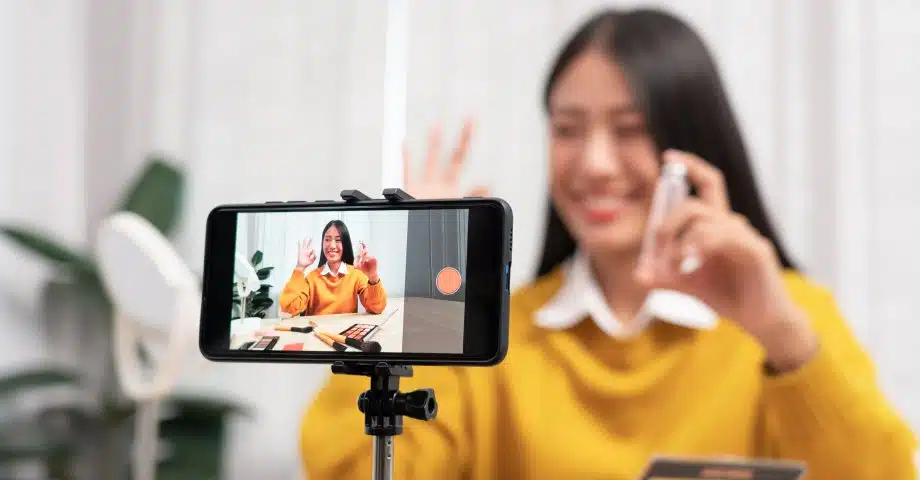
UGC video is a short-form video created by a real customer or fan, not by the brand, that shows a product or service in genuine use.
The point is authenticity. A UGC video is filmed on a phone, edited light, and voiced by a person who paid for the thing (or was invited to try it). It looks and sounds like a friend telling you about a product, because it usually is. If you want the wider frame, our post on what user-generated content is covers every UGC format, not just video.
There are two flavors worth naming. Organic UGC video is unprompted: a happy buyer posting a review because they felt like it. Paid UGC video is commissioned: a brand pays a creator to make a customer-style clip that the brand then owns and runs as an ad. Both are UGC video. Only one is free.
Why UGC video works (the data)
- Consumers trust it more than ads. Peer content beats brand content on credibility, and video amplifies that because the viewer can see the face, hear the voice, and read the room.
- It converts better on product pages. A UGC video answers the two questions a static image cannot, which are “does it actually work” and “does it work for someone like me.”
- It costs less than brand-produced video. A polished 30-second brand video is a project; a UGC clip is a permission slip and an upload, so you can commission ten variations for the price of one hero spot.
Types of UGC video (6 formats)
Product reviews
The workhorse. A customer talks to camera, holds the product, and gives an opinion. Ideal for skincare, supplements, tools, apps, and anything where trust is the barrier to purchase.
@theshoppingexpert insanely handy, low effort, & highly effective 👌 bugs dont stand a chance against us now 🔥🦟 #amazonfinds #summeressentials #gadgets #tiktokmademebuyit #summerhacks #productreview ♬ original sound - The Shopping Expert
Unboxing and haul
A first-touch experience: the box, the packaging, the reveal. Unboxing plays to curiosity and gift-giving instincts. Haul videos stack multiple products in one video and are strong for fashion, beauty, and home.
@kelsey.smitth in LOVE 🤎 #unboxingvideo #bag #everydaybag #songmont #purse @Songmont ♬ NO RUSH, JUST VIBES - alley vibe
Tutorials and how-to
A customer teaches other customers how to use the product. This format is gold for anything with a learning curve, from software to hair tools, because it doubles as onboarding and social proof.
@howtocookrd CREAMY PESTO PASTA en 15 minutos😮💨🍝 #fyp #howtocook #pasta #recetas ♬ LA VILLA - Ryan Castro & Kapo & Gangsta
Before and after
A visual transformation, condensed to seconds. Skincare, fitness, home organization, pet grooming, and cleaning products live here. Show the state at t=0, then the state at t=1, then let the product carry the credit.
@thehutsmoothie.juicebar Before & After Toronto location ✨ #transformation #transitions #beforeandafter #renovation #storeopening #fyp #newintown ♬ Original Sound - Unknown
Testimonial and story
A customer tells you why they bought and what changed. Longer than a review, softer than an ad. Testimonial UGC video is where B2B brands finally start to work on social.
@artisanagency_ Client testimonial @GOOD PILATES ALDGATE ✨📸 Empower your brand by leveraging social media channels effectively. At Artisan Agency we are passionate about effectively installing strategies and creative content to build your brand, deliver brand messaging and drive sales. #digital #strategy #digitalmarketingagency ♬ original sound - Artisan Agency
Reaction and challenge
A customer reacts to a product, joins a branded challenge, or riffs on a trend using your product. Reaction and challenge videos are how UGC video goes from useful to viral.
@real_madara_dusal Spider-Man challenge 😍
♬ original sound - Madara Dusal
7 UGC video examples from real brands
Here are seven brands whose UGC video approach is worth studying. I am describing the pattern, not fabricating numbers, so you can see the strategy underneath.
1. Five Guys
Five Guys almost never runs traditional creative. The feed is fan videos: order-your-way builds, milkshake tastings, and the classic “how many toppings can you actually pile on.” It is a masterclass in letting the customer script your ad.
View this post on Instagram
2. Ikea
Ikea’s UGC video is dominated by room tours, small-space hacks, and assembly-day reels. Customers show the before and after of a real apartment, which is far more persuasive for furniture than a staged catalog set. Ikea reposts the good ones and lets the algorithm do the rest.
View this post on Instagram
3. Ray-Ban
Ray-Ban leans on try-on and lifestyle UGC video across Instagram Reels. The clips are short, first-person, and heavy on outdoor light. Ray-Ban Meta smart glasses have added a native UGC layer: the customer literally films with the product.
View this post on Instagram
4. Skims
Skims uses fit-check UGC video across TikTok and Instagram, with real customers showing how the shapewear fits real bodies. The consistent format (mirror, phone, honest verdict) has trained the audience to expect a customer video, not a model shoot.
View this post on Instagram
5. CÉCRED
Beyoncé’s haircare brand CÉCRED launched with a wave of wash-day UGC video from real customers documenting their routine and results over several weeks. The multi-week arc is the smart move: it turns a one-shot review into a longitudinal story you can follow.
View this post on Instagram
6. Tumi
Tumi leans on real-traveler UGC video across Instagram Reels: airport check-ins, hotel unpacks, and pack-with-me clips shot on actual business trips. The setting sells the bag; a Tumi carry-on on a real luggage carousel is more persuasive than any studio product shot. Reels of frequent flyers walking through terminals do the merchandising for them.
View this post on Instagram
7. Glossier
Glossier built its brand on customer video before that was a strategy. Cloud Paint blush swatches, Balm Dotcom pocket shots, and honest first-week reviews still anchor the feed. The brand comments on and reposts customer clips, which is why customers keep making them.
View this post on Instagram
5 best practices to make a UGC video that converts
1. Hook in the first 3 seconds
The 3-second rule: if the viewer has not decided to keep watching by second three, they are gone. Put the payoff, the product, or the tension in the opening frame.
You have three seconds to earn the next thirty. That means no logo cards, no slow zoom-ins, and no “hi guys, welcome back to my channel.” Start on the visual moment or the sentence that makes someone stop scrolling.
2. Follow the 4-part script: hook, problem, solution, CTA
Every UGC video that sells follows the same skeleton. Open with a hook that stops the scroll (“I tried this so you don’t have to”). Name the problem the viewer feels (“my hair was breaking every wash”). Show the solution in use (“three washes with this, and here is the difference”). Close with a call to action (“link in bio, use my code”). Four beats, thirty seconds, done.
3. Match format and length to the platform
There are a few length norms worth knowing. TikTok recommends 21 to 34 seconds for in-feed ads (TikTok creative tips); organic tutorials can run longer. Short Reels and Shorts of 15 to 30 seconds are a common starting point. For paid social, the strongest UGC ad lengths sit between 15 and 45 seconds. All of it is vertical (9:16). Landscape UGC video is a red flag; it usually means the creator is repurposing a laptop-first clip.
4. Shoot vertical with natural light and clean audio
A recent phone in a well-lit room is enough. What matters is a clean lav mic (a $30 clip-on beats a MacBook a room away), decent front light (a window or a small key light), and stable framing. Nobody needs 4K for a TikTok. They need to hear the voice and see the face.
5. Add on-screen captions
I assume every UGC video will be watched on mute, because most of them are. Publishers reported that up to 85% of Facebook video views happened with the sound off (Digiday), so if the message only lives in the audio track, the viewer never gets it. Burn captions into the clip, keep them big enough to read on a phone, and treat them as the primary channel; the voiceover becomes the bonus.
How to collect UGC videos (7 methods)
1. Run a hashtag campaign
Publish a branded hashtag with a clear ask (“show us your setup with #MyDeskWith[Brand]”), then feature the best submissions. Hashtag campaigns are how brands generate the initial volume of clips they can then reuse.
2. Ask satisfied customers directly
The most underused move in UGC is the follow-up email that says, “We saw you loved it. Would you be up for a 30-second video of you using it?” People who just had a good experience are your highest-yield ask. See how to collect video reviews and testimonials.
3. Use a post-purchase upload widget
Add a review-with-video option to the confirmation page or the post-delivery email. When the customer can upload a clip in one tap, without leaving your flow, you get UGC video from buyers who would never post to social on their own.
4. Partner with micro-influencers and UGC creators
Not every UGC video has to be organic. Paid UGC from micro-influencers (5k to 100k followers) or dedicated UGC creators lets you commission a variation set: same product, five hooks, five endings. That is the ad-test-kit approach.
5. Offer an incentive
Gift cards, product credit, a chance at a prize, a repost with credit. Any of these will move volume, as long as the ask is specific (“30 seconds, vertical, hold the box up in the first second”) and the incentive is worth it.
6. Monitor mentions with a social listening tool
Not every fan tags you. A social listening layer catches every mention across TikTok, Instagram, YouTube, and X, whether the customer used your handle or not, so you never miss a piece of UGC video that already exists.
7. Capture usage rights at upload
The single biggest bottleneck in UGC video is legal. Ask for usage rights at the moment of upload, in plain language, on the same screen. If you wait to reach out later, half the creators go quiet, and you lose the clip.
How to collect UGC videos from social media and embed them on your website with EmbedSocial
This is the workflow EmbedSocial is built to run. If you already know the top UGC platforms at a high level, this section shows exactly what the steps look like from the operator’s chair.
1. Create your EmbedSocial account and log in
Start your 7-day free trial and create your account. Once you’re in, you land in the dashboard where every source and widget lives.
2. Connect your social sources
Connect the accounts you want to source UGC video from (Instagram, TikTok, YouTube, Facebook), and authorize EmbedSocial to read posts, hashtags, and mentions. This is a one-time setup per account, and it is how every downstream step gets its raw material.

3. Filter for UGC video content
Once the sources are live, filter by hashtag, mention, tag, or media type. Set media type to video and add a handful of your branded hashtags. That gives you a live feed of every UGC video that already exists about your brand, without you having to hunt for it manually.

4. Request usage rights from creators
Pick a clip and send a rights request in one click. The creator gets a message asking permission to reuse the video on your site or ads, with your terms attached. When they agree, the clip is legally cleared and marked as approved in your library.

5. Moderate and approve videos
The moderation queue is where you decide what represents your brand. You can approve, reject, or archive each video. For high-volume brands, moderation rules let you auto-approve videos that meet criteria (verified creator, positive sentiment, minimum length) and hold everything else for human review.

6. Design the video widget
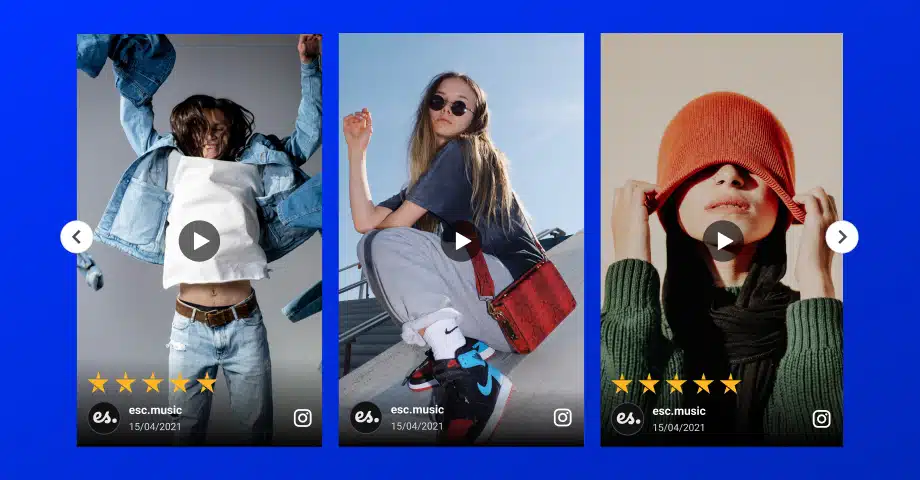
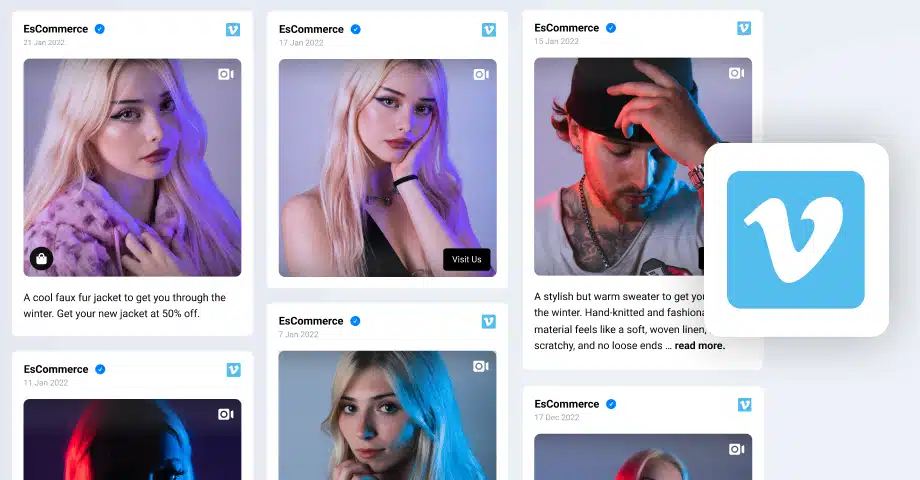
Choose a layout that fits the page: a carousel for a product page, a grid for a testimonials block, a full-width wall for a landing page, a stories-style bar for a hero. You control aspect ratio, autoplay behavior, captions, and sound.

7. Embed the widget on your site
Copy an embed snippet and paste it where you want the widget to appear. EmbedSocial has direct plugins for Shopify, WordPress, Wix, Squarespace, and Webflow, so most site builders do not need code at all. If Instagram is your main source, an Instagram feed widget puts those clips on any page. If you need a deeper walk-through of embedding one popular source, see our TikTok UGC widget guide.

8. Track performance
Watch views, clicks, and conversion-adjacent events per widget and per video. The clips that drive the most add-to-carts are the ones you promote in ads, feature on the homepage, and ask the creator for more of.

UGC video vs influencer video: what to buy
Both are people-on-camera talking about your product. The difference is intent and audience.
Influencer video is scripted around the influencer’s brand and served to the influencer’s audience. You are renting their reach. It is best when you need awareness, cultural relevance, or entry into a community you cannot enter alone.
UGC video is scripted around your product and served to your audience (through your ads, your site, your email). You are buying creative, not reach. It is best when you need volume for testing, credibility on the product page, or asset variety for paid social.
The pragmatic answer for most brands is both. Use UGC video as the always-on creative fuel; use influencer video for occasional pushes. If you want the deeper strategy, our UGC marketing playbook covers the full stack.
What UGC creators charge
Rates vary by market and experience. Billo’s 2026 guide puts beginners at $50 to $100 per video, mid-level creators at $150 to $500, and established creators at $500 and up before licensing (Billo).
Usage rights, whitelisting, and exclusivity are separate line items. A creator who charges $300 for a base video will typically charge another $200 to $500 to whitelist the clip for paid ads. That is normal. Budget for it up front so you are not renegotiating after the shoot.
Where to use UGC video (channels)
Meta and TikTok ads
Paid social is the highest-leverage home for UGC video. Feed and stories on Meta, in-feed on TikTok. Load ten variations, kill the losers weekly, promote the winners.
Product pages and landing pages
Add a video wall or carousel to product pages, and add a hero-adjacent video block to landing pages. This is where UGC video does its heaviest conversion work.
Drop a static thumbnail with a play button that deep-links to a hosted video (do not embed the file; email clients hate that). Post-purchase and abandoned-cart flows are the two highest-response moments.
Organic social
Repost, stitch, duet, and reply. Organic UGC video is your feed. It also feeds back into itself: customers who see other customers get featured are more likely to make videos.
UGC video platforms compared
| Platform | Best for | Collection method | Display formats | Free option | Starting price |
|---|---|---|---|---|---|
| Yotpo | E-commerce reviews with photo and video | Post-purchase requests, review widget | Product-page carousel, galleries | Free plan (50 orders/mo) | $15/mo |
| EmbedSocial | Aggregating UGC video from social and displaying it anywhere | Hashtag, mention, tag, direct upload | Grid, carousel, wall, stories, popup | Free plan (1 source) | $29/mo; hashtags from $49/mo |
| Bazaarvoice | Enterprise brands syndicating UGC to retailers | Sampling, review capture, syndication | Ratings, Q&A, visual galleries | None | Custom |
| Billo | Sourcing custom UGC video from vetted creators | Briefs, creator matching | Downloadable ad-ready videos | Free sign-up | Per video (no public price list) |
| CapCut | Editing raw UGC into short-form clips | Mobile and desktop editor | 9:16 video exports | Free version | Pro $19.99/mo |
Prices checked on vendor pages in October 2026.
Top platforms for collecting and displaying UGC video
Here’s the short list of tools worth naming once you get serious.
Disclosure: EmbedSocial publishes this guide and appears at #2. Read how we write and use AI.
1. Yotpo
Yotpo started in reviews and has grown into a full UGC and loyalty stack. Best fit is e-commerce brands that want reviews, referrals, SMS, and visual UGC in one place, though the pricing reflects the scope.
Best features:
- Reviews and ratings collection
- Visual UGC with photos and videos
- SMS marketing
- Loyalty and referral programs
- Shoppable galleries and Shopify integration
Pricing: Free plan for up to 50 orders per month. Starter costs $15/month ($144/year), with photo and video collection.
2. EmbedSocial
EmbedSocial is a UGC aggregator that pulls content from every major social platform, handles rights requests and moderation, and displays UGC video on your site through a widget builder. Native plugins ship for Shopify, WordPress, Wix, and Squarespace, so most site builders never touch code.
Best features:
- Social feed aggregation across every major network
- UGC rights management workflow
- Moderation queue for videos and images
- Embeddable widgets for websites and product pages
- Shoppable UGC and analytics dashboard
- UGC rights requests (Premium plan)
Pricing: Free plan for one source. Paid plans start at $29/month; hashtag collection starts on Pro Plus ($49/month) and UGC rights requests on Premium ($99/month). 7-day free trial.
3. Bazaarvoice
Bazaarvoice is the enterprise choice, with syndication across retailer sites (Target, Walmart, Amazon) and a mature ratings-and-reviews backbone. Best for brands whose UGC needs to appear on partner retailers, not just their own site.
Best features:
- Ratings and reviews platform
- Retailer syndication network
- Visual and social UGC
- Product sampling programs
- Enterprise analytics dashboards
Pricing: Custom pricing through sales.
4. Billo
Billo is a creator marketplace designed specifically for sourcing custom UGC video content from real creators. Instead of relying only on organic customer posts, brands create video briefs requesting specific hooks, product demonstrations, or testimonials, and vetted creators produce authentic short-form clips ready for social ads and web pages.
Best features:
- Marketplace of vetted UGC video creators
- Structured briefs for testimonials, unboxings, and how-to videos
- In-app product shipping and creator approval workflow
- Direct rights handover for organic and paid marketing
- Fast turnaround on customized video assets
Pricing: Free to sign up; you pay per video brief. No public price list.
5. CapCut
CapCut is an intuitive video editing tool built specifically for short-form, vertical video creation on TikTok, Instagram Reels, and YouTube Shorts. For marketing teams managing raw customer submissions or creator clips, it makes it simple to add auto-captions, sound effects, text overlays, and dynamic pacing that makes UGC videos perform better across web pages and paid campaigns.
Best features:
- Automatic speech-to-text subtitle and caption generator
- Vertical 9:16 aspect ratio templates optimized for mobile
- Extensive library of royalty-free music and sound effects
- Mobile and desktop editing workflows
- Easy export settings for websites and social ad managers
Pricing: Free version available. Pro costs $19.99/month.
How to pick the right UGC video platform
The right tool depends on where your UGC video comes from and where it needs to go. Check these points before you choose:
- Source of your videos: organic customer posts (EmbedSocial), post-purchase reviews (Yotpo), or commissioned creators (Billo).
- Where you’ll show them: product pages, your homepage, ads or retailer sites (Bazaarvoice syndicates to retailers).
- Rights management: a built-in way to get permission before you reuse a customer’s video.
- Shoppable video: whether viewers can buy straight from the clip. See shoppable UGC galleries.
- Editing needs: raw clips often need captions and trimming, which is where CapCut fits.
- Store platform: Shopify-only tools versus tools that work on any website.
- Budget: free plans and entry prices range from $0 to custom enterprise contracts.
Conclusion: turn every happy customer into your best marketer
If you take one thing from this guide, take this: the highest-leverage creative asset your brand can hold today is a library of short, honest customer videos. Not a hero spot, not a manifesto, not a mascot. A library of clips, tagged and rights-cleared, ready to drop into a product page, an ad, an email, or a hero block.
Build the library. Make it easy to submit. Make it easy to reuse. Then let the customers do what they were going to do anyway, which is tell each other whether your product is any good, and be the brand that shows up in that conversation. That is UGC video, and that is the whole strategy.